Yes. AI can write a Godot game: GDScript, scene trees, signals, input maps, tilemaps, export presets, the lot. Whether it writes a good one is a separate question with a more interesting answer, and both get tangled up in a third thing people keep confusing them with: Godot's June 2026 decision to stop accepting AI-written contributions to the engine itself.
Those are three different questions. Let's take them apart.
Did Godot ban AI-generated games?
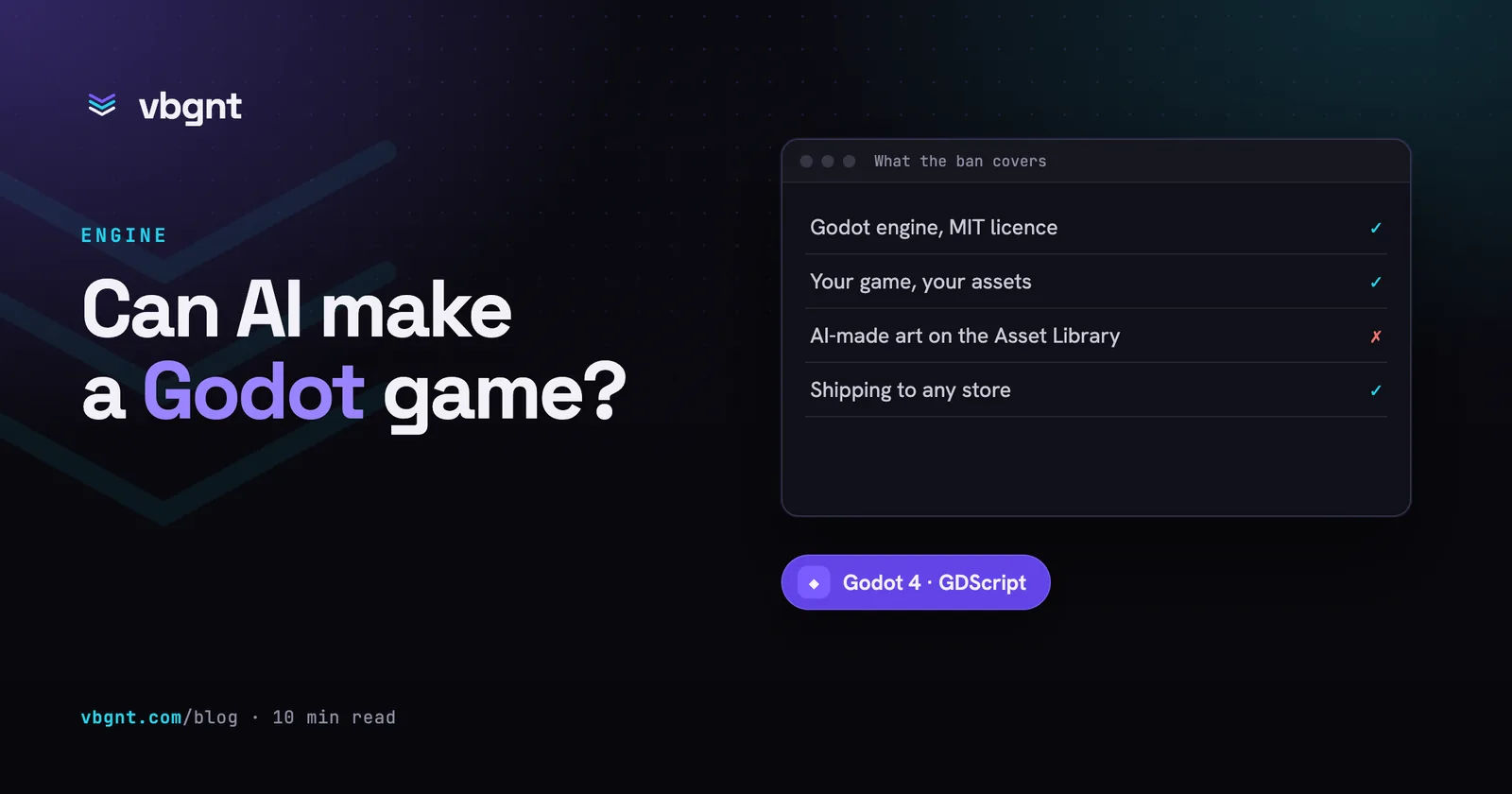
No. Godot banned AI-generated contributions to the engine's own codebase. On 30 June 2026 the Godot Foundation updated its contribution policy to require that all code merged into the engine be human-authored. The policy is specific about what it covers:
- No autonomous AI agent use or vibe coding. That already triggers an auto-ban from the GitHub repository.
- No use of AI to generate substantial pieces of code. All code must be human authored.
- AI assistance limited to menial things: code completion, regex, find and replace. Even that must be disclosed in the pull request discussion.
- No AI-generated text in human-to-human communication with maintainers. Machine translation of human-written text is still fine.
- New contributors, meaning three or fewer merged pull requests, need explicit permission before submitting new features or significant refactoring.
Nothing in that document says anything about the games you make with the engine. It cannot, and it would be a strange thing to attempt: Godot is MIT licensed, your project is yours, and the engine has no opinion about who or what typed your GDScript. The rule is about who maintains the engine, not about who uses it.
The reason is worth understanding rather than dismissing, because it tells you something real about where AI code is load-bearing and where it isn't. The Foundation's stated concern was a surge of low-quality pull requests that volunteer maintainers had to review, and the observation that people who lean heavily on AI often can't fix their own submission when it breaks. An engine is infrastructure: a subtle bug in the physics solver ships to every game built on it, and it will be someone else's job to find it, five years from now, with the original author long gone.
Your game is not that. If a generated inventory system is wrong, one game is wrong, you notice in ninety seconds of play, and the fix costs you a sentence. The asymmetry is the whole argument, and it cuts exactly one way.
What is AI actually good at in Godot?
Godot is unusually well-suited to code generation, for reasons that have nothing to do with any particular model:
- GDScript is small. Python-shaped syntax, a compact standard library, and one obvious way to do most things. There is less surface area to hallucinate across than in a C# project with three DI frameworks in it.
- Scenes are text. A
.tscnfile is a readable, diffable text format. An agent can construct a scene tree without driving a GUI, which is exactly the kind of thing that makes a task automatable at all. - The project is a directory. No proprietary binary blobs in the critical path, no license server, no per-seat activation. The whole game is files, and files are what code generation is made of.
- The engine runs from the command line. It imports assets and exports builds from a script, which means the loop from "write code" to "produce a running artifact" closes without a human at a keyboard.
In practice, generation is strongest on the parts of a game that are structural and well-precedented: a player controller with coyote time and jump buffering, a state machine for an enemy, a signal-driven UI, a save system, a tilemap-based level, a screen-shake juice pass. These are solved problems with thousands of correct implementations, and getting one of them written in seconds rather than an afternoon is the ordinary, unglamorous win.
Where does generated Godot code go wrong?
Predictably, and it helps to know the failure modes in advance:
| Failure | What it looks like |
|---|---|
| Version drift | Godot 3 idioms in a Godot 4 project. The 3→4 migration renamed a lot, and there is a decade of Godot 3 tutorials in every model's training data. |
| Node architecture by accretion | Every feature bolted onto the player node until it is a 600-line god object. Individually reasonable additions, collectively unmaintainable. |
| Invented API | A method that sounds exactly like it should exist on
CharacterBody2D and doesn't. Caught instantly by running
the game, invisible if you only read the diff. |
| Feel, not correctness | The jump works and is joyless. Nothing is broken; the numbers were never tuned by anyone who played it. |
Three of those four are caught by the same thing: running the game. Which is why the interesting question isn't which model writes the best GDScript.
Editor assistant, or the whole toolchain?
There are two shapes on offer, and they solve different problems.
An editor assistant (a Godot plugin, an MCP server, a coding agent pointed at your project folder) puts generation next to you while you work. You keep the engine open, you keep your judgement in the loop, and you review each change as it lands. This is the right shape when you already know Godot, already have a project, and want the typing to go faster.
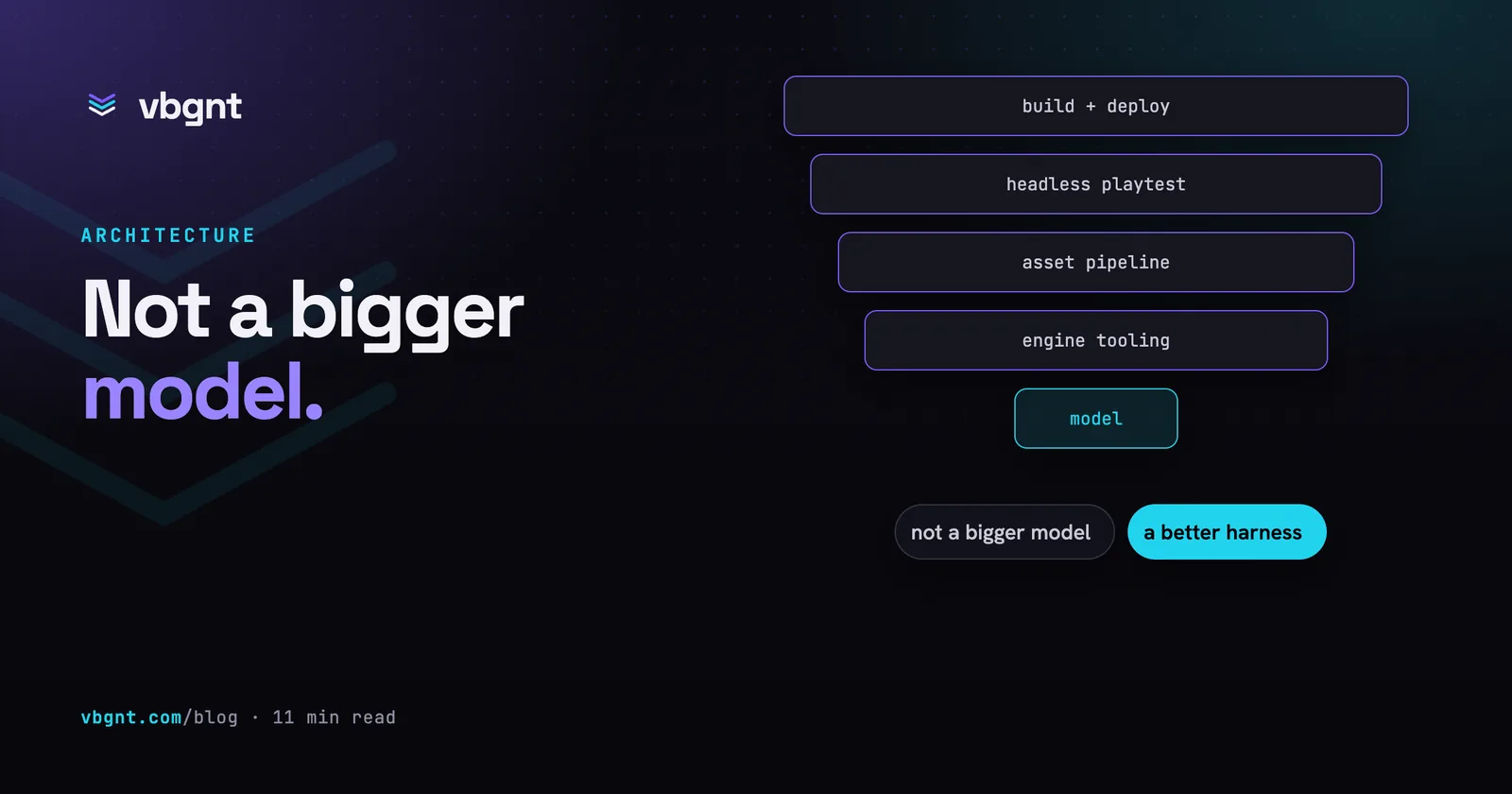
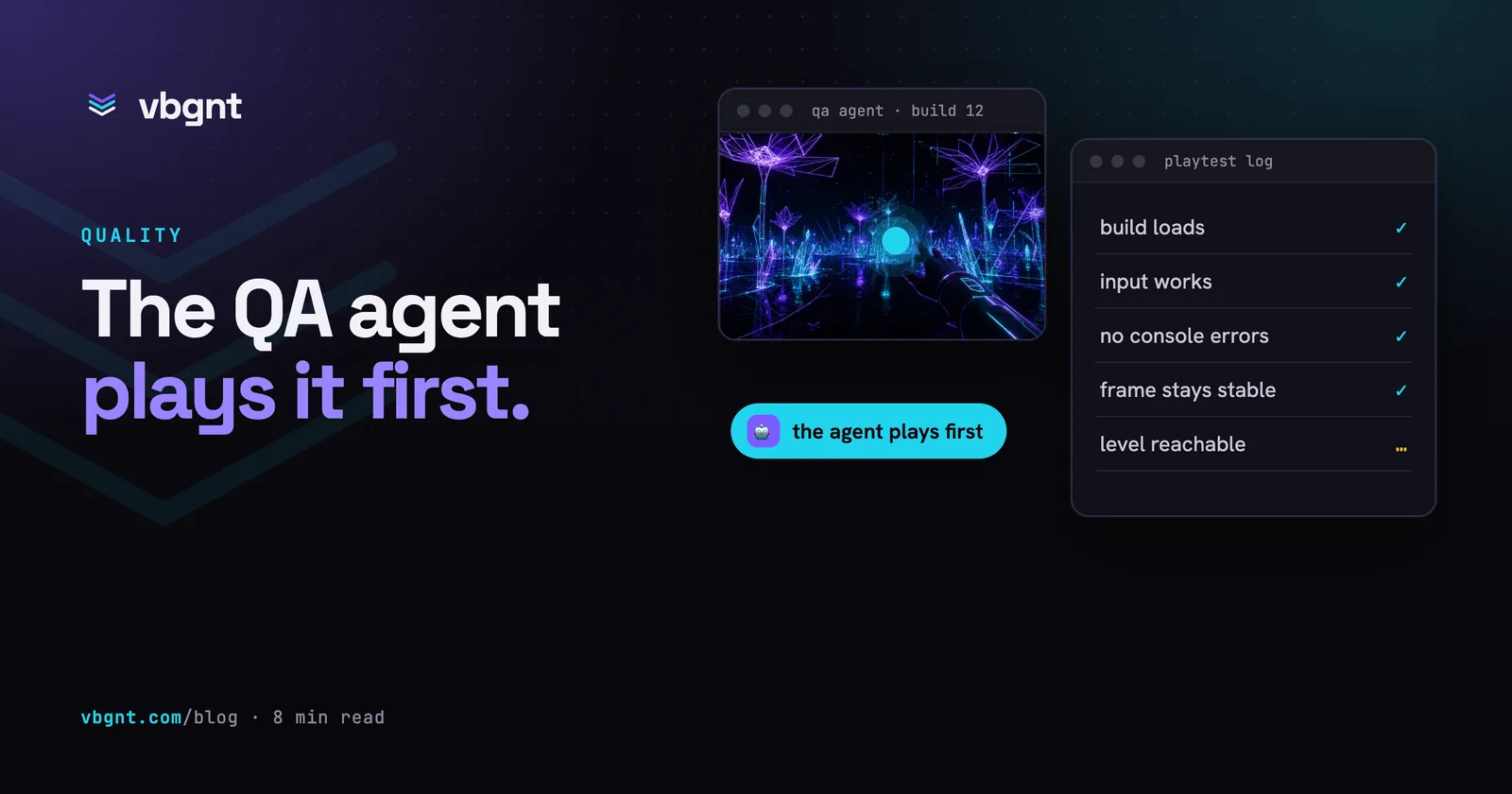
A studio is the other shape: a machine that owns the whole pipeline, from brief to published build. Code generation is maybe a third of it. The rest is a real engine installed on a real machine, an asset pipeline that produces the sprites and the audio, an export step that actually runs, a QA agent that playtests the finished build, and somewhere to put the result. This is the right shape when what you want is a playable game rather than a faster keyboard.
The distinction matters because the hard part of "AI makes a Godot game" was never the GDScript. It is that a game is not source code. It is source code plus a hundred imported assets plus an export preset plus a build that boots on a stranger's phone. A model that writes flawless code and hands you a folder has done a third of the job and left you the two-thirds you were trying to avoid.
How do you check a generated Godot project?
Whatever produced it, the same checklist applies, in this order:
- Does it boot? Open the project and press play. A
surprising share of generated projects fail at import, on a missing
resource path or a malformed
.tscn. - Is the console clean? Godot's output panel is talkative. Errors and warnings during play are where the invented APIs surface.
- Does the exported build boot? Running in the editor and running an export are different things, especially for web builds. Export, serve it, load it.
- Does it hold framerate? Not on your desktop, but on the weakest device you expect anyone to use.
- Is it Godot 4 throughout? Skim for Godot 3 idioms; they tend to arrive in clusters.
- Does the core verb feel right? The only step a machine cannot do for you, and the one that decides whether the game is worth anything.
Steps one through four are mechanical, which means they can be automated, and a studio worth using does automate them before it hands you anything. Step six is yours. That is not a limitation of the tooling; it is the part that was always the job.
So: can AI make a Godot game?
It can make a playable draft, quickly, and it can do the mechanical work around the draft (assets, export, boot testing) well enough that what you receive is a running game rather than a folder of plausible files. It cannot decide whether the game is good, and the engine's maintainers have made a reasonable, narrowly-scoped decision that it also shouldn't be writing the physics solver everyone else depends on.
Both of those things are true at once, and neither one is about your project.
Frequently asked questions
Did Godot ban AI-generated games?
No. Godot banned AI-generated contributions to the engine's own codebase. The June 2026 contribution policy requires all merged code to be human authored, bans autonomous agents and vibe coding from the repository, and limits AI assistance to menial tasks that must be disclosed in the pull request. It says nothing about the games you build with Godot, and the engine's MIT licence means your project is yours regardless of what typed it.
Can AI write GDScript?
Yes, and Godot is unusually suited to it. GDScript is small and Python-shaped with one obvious way to do most things, scene files are readable text rather than binary blobs, and the engine runs from the command line, so an agent can export and test a build without opening an editor. Generation is strongest on well-precedented structures: player controllers, state machines, signal-driven UI, save systems and tilemap levels.
What is the best AI for Godot?
The choice that matters more than the model is the shape of the tool. An editor assistant or MCP server generates code next to you while you keep the engine open, which suits an existing project you know well. A studio owns the whole pipeline (engine, asset generation, export, testing, publishing), which suits wanting a playable game rather than a faster keyboard. Code generation is only about a third of making a game.
How do I check an AI-generated Godot project?
In order: does the project boot in the editor, is the output console clean during play, does the exported build boot, does it hold framerate on the weakest device you expect anyone to use, and is it Godot 4 idioms throughout. Those five are mechanical and can be automated. The sixth, whether the core verb feels right, is the one only you can do, and it is the one that decides whether the game is worth anything.