What this is
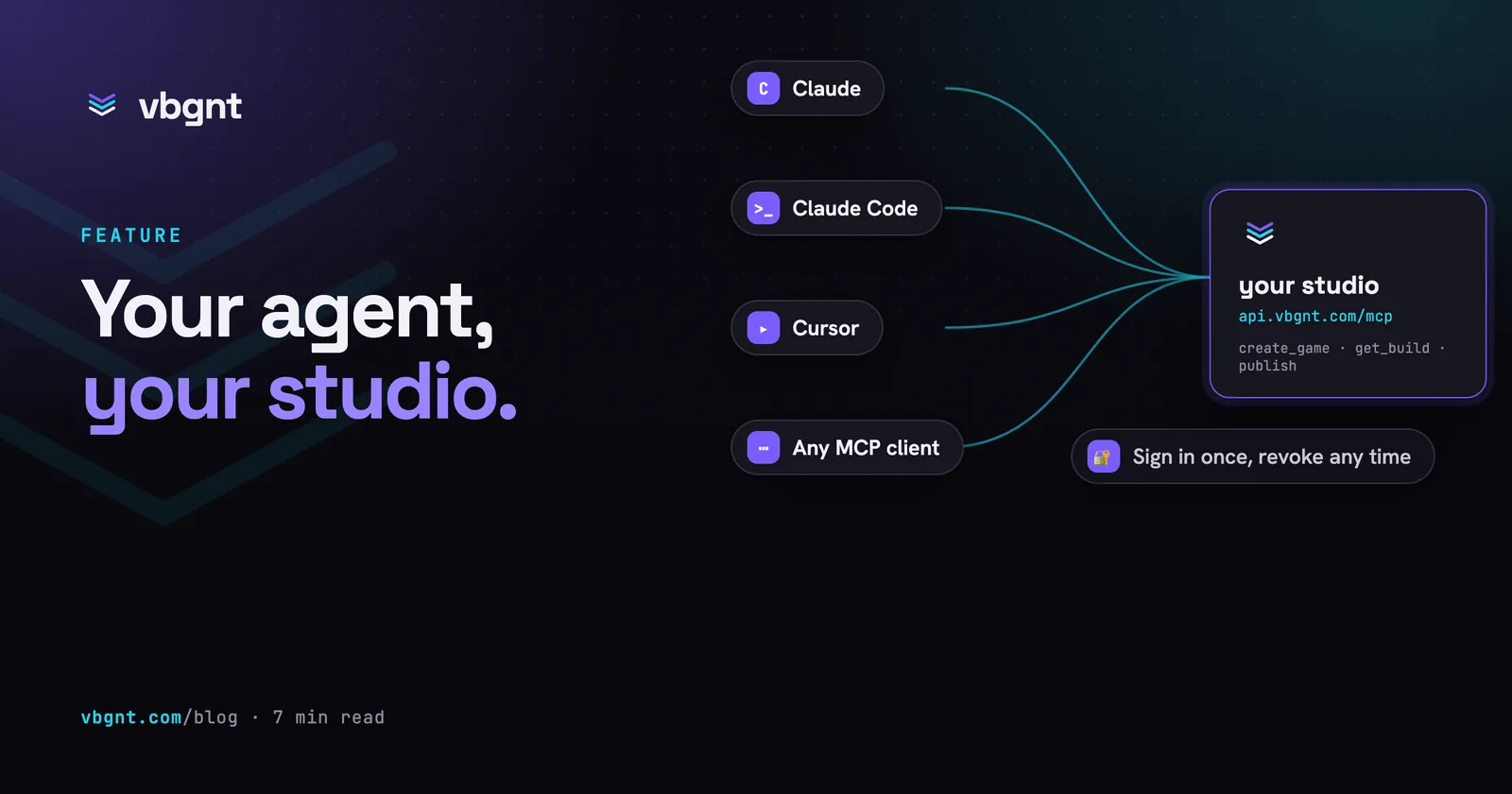
vbgnt is a game studio you talk to: describe a game, and an agent on a cloud machine writes it, draws it, tests it and publishes it to your arcade. The MCP server puts that studio inside whichever assistant you already use. Connect it once, and Codex, Cursor, ChatGPT or any other client that speaks the Model Context Protocol can create games on your account, send changes, follow the builds, manage your arcade and export the results, all from the conversation you are already having.
Everything a connected agent does runs on your account and your keys, exactly as if you had typed it into the studio. The agent brings the context (the story you wrote together, the lesson plan, the release schedule); the studio brings the engine, the art pipeline and the test harness.
Before you start
- A vbgnt account. The studio is invite-only. If you do not have one, request an invite first; the server cannot create accounts.
- A way to build. Games build with your own model subscription sign-in or API key, set once in the studio's Settings. An agent can tell you which one is missing but cannot add it.
- Optional: an arcade name and an itch.io key. The
agent can claim
yourname.vbgnt.comfor you. Publishing to itch.io needs your itch key in Settings.
Set it up
The server address is the same everywhere. Add it, and the client opens a vbgnt page in your browser where you sign in and press Allow. No API key exists for this server: the sign-in page is the only way in.
Claude.ai and the Claude desktop app
Settings, Connectors, Add custom connector. Name it "vbgnt", paste the address, and press Add. Then Connect: the sign-in page opens, and the connector turns on for every chat and project.
https://api.vbgnt.com/mcpClaude Code
One command, then /mcp inside a session to sign in the
first time. Add --scope user to make it available in every
project.
claude mcp add --transport http vbgnt https://api.vbgnt.com/mcpCodex CLI
Register the server, then log in. Codex keeps the tokens in its own store and refreshes them.
codex mcp add vbgnt --url https://api.vbgnt.com/mcp
codex mcp login vbgnt
Or in ~/.codex/config.toml:
[mcp_servers.vbgnt]
url = "https://api.vbgnt.com/mcp"
Cursor
Add to .cursor/mcp.json in a project or
~/.cursor/mcp.json for everywhere, then open Settings,
MCP and press Login next to vbgnt.
{ "mcpServers": {
    "vbgnt": { "url": "https://api.vbgnt.com/mcp" } } }
VS Code (Copilot agent mode)
Run MCP: Add Server from the command palette and
pick HTTP, or write .vscode/mcp.json. VS Code asks to sign
in the first time the server is started.
{ "servers": {
    "vbgnt": { "type": "http", "url": "https://api.vbgnt.com/mcp" } } }
Gemini CLI
Add to ~/.gemini/settings.json, then run
/mcp auth vbgnt in a session.
{ "mcpServers": {
    "vbgnt": { "httpUrl": "https://api.vbgnt.com/mcp" } } }
OpenCode
Add to opencode.json. OpenCode runs the sign-in the first
time a tool is called.
{ "mcp": {
    "vbgnt": { "type": "remote", "url": "https://api.vbgnt.com/mcp" } } }
ChatGPT
Custom connectors live behind Developer mode: Settings, Apps and Connectors, Advanced, turn it on, then Create with the address and OAuth as the authentication. The menu names move around between releases; the address does not.
https://api.vbgnt.com/mcpAnything else
Any client that implements the MCP authorization flow (discovery, dynamic registration, PKCE) works unchanged. Point it at the address; the server advertises everything else.
https://api.vbgnt.com/mcpWhat happens when you connect
Your browser opens app.vbgnt.com. If you are not signed in,
you sign in. Then one page shows which agent is asking, the account it will
act as, and the permissions it wants. Allow sends the agent
back with a token that lasts an hour and refreshes for as long as the agent
stays connected. Deny sends it back with nothing. You can
disconnect from the agent's side at any time; the token dies within the
hour.
Example phrases
Talk to your agent the way you would talk to the studio. Each line below is a complete request; the small print says what the agent will do with it.
A first game
- Make me a top-down tank duel for two players, 90s shareware look, first to five wins. Call it whatever fits. create_game with a brief, then get_game_activity until it is live
- Turn the bedtime story we wrote last week into a small 2D pixel-art game for a five-year-old. Touch controls, no reading required. create_game, using the story from your conversation as the brief
- Build a 3D endless runner set in a flooded city, third person, chunky low-poly style. Check on it every minute and tell me when I can play. create_game with style 3d, then polling
- Here is the concept art for my robot gardener. Build a cozy 2D farming game around this character and keep the colors. create_game with the image in reference_images
- Start a game called "Harbour Watch" but do not build anything yet. I will describe it after lunch. create_game without a brief, a draft; prompt_game starts it later
Changing a game
- The jump feels floaty and the second level is too hard. Fix both. prompt_game on the game you were last talking about
- Add a boss at the end of level three: big, slow, three hit points, and telegraph its attacks. prompt_game
- Make this one playable online with a friend. Two players, one hosts. prompt_game; the studio adds the lobby, room code and invite link
- Swap the art for hand-painted 2D, warmer palette, keep the gameplay. prompt_game
- The title screen should look like this mockup. And here is a screenshot of the health bar clipping off the edge, fix that too. prompt_game with both images in reference_images
- Stop the current build, I changed my mind. stop_game
Following along
- Is the racing game done yet? What is it doing right now? get_game_activity: status, progress lines, the transcript tail
- List my games and tell me which ones are still drafts. list_games
- Show me the player script from the platformer and explain the jump code. list_game_files, read_game_file
- Give me a zip of the whole project so I can open it in Godot. download_game_source
Your arcade
- Is "nightowl" free as an arcade name? If so, claim it. check_arcade_handle, then claim_arcade_handle after you confirm
- Put the tank game at the top of my arcade and hide the two drafts. reorder_arcade, update_game with featured and hidden
- Write a one-line blurb for each of my games and set it. update_game with a description, per game
- How did my arcade do this month? Which game got played most, and on what? get_arcade_stats over 30 days
Exports and publishing
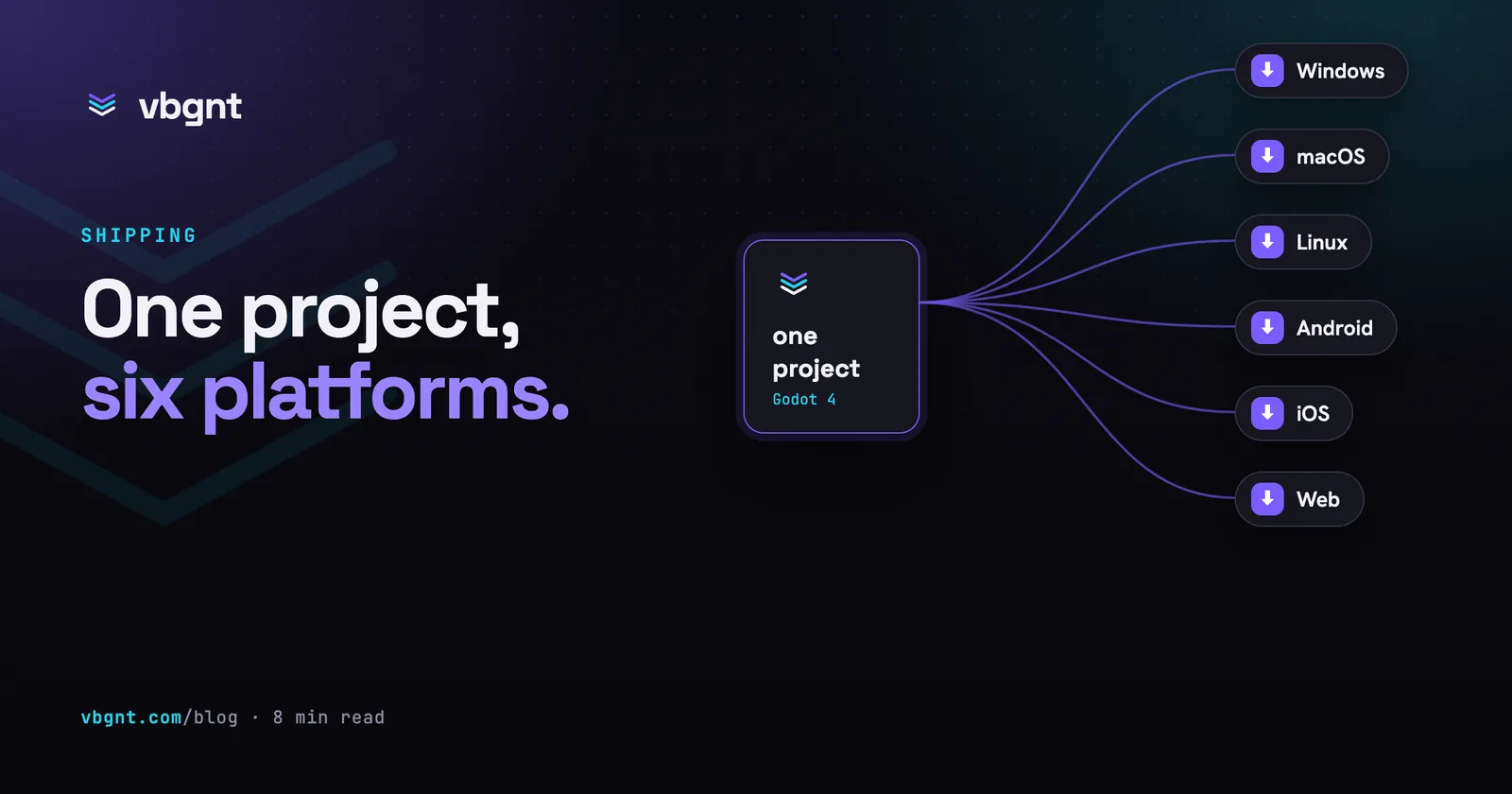
- Export the runner for Windows and Mac and give me the download links when they are ready. start_export, then get_export until done
- Build an Android version of the kids' game for the tablet. start_export with android
- Push the web build of the tank game to itch.io at myname/tank-duel. start_export with itch_push and a target; needs your itch key in Settings
- Cancel that export, I want to fix the title screen first. cancel_export
- Make the store page kit for the kart game for Steam and mobile, and send me the zip when it is done. generate_marketing_kit, then get_marketing_kit until it succeeds, then download_marketing_kit
- Now cut the trailer from that kit. make_marketing_trailer on the finished kit; the MP4s show up in get_marketing_kit
- Put up the game's page with the Android build available for download. generate_marketing_kit with site, then publish_game_page with downloads android
Promoting a game
- Plan a two-week launch campaign for the potion game on TikTok, Reels, Shorts and Reddit, with a voice-over. start_promote_campaign, then get_promote_campaign until it is done
- Make the hook on the second video punchier and drop the Reddit post on day three. revise_promote_campaign with the video and post it is about
- Too much goes out tomorrow. Move half of it to Thursday. move_promote_posts; posts already booked move in your scheduler too
- Schedule the TikTok and Shorts posts. Ask me which accounts first. list_social_accounts, then schedule_promote_posts: a preview first, and only after you say yes, the real thing
Account
- Which account am I connected as, and which models can it build with? whoami, list_models
- Do I have an itch.io key set up? whoami reports whether each key is set, never the key itself
Bigger jobs
- Make three tiny games from this lesson plan, one per section, hidden from the arcade until I have played each one. create_game three times, update_game hidden, polling all three
- Every Monday: read my arcade stats, export the most played game for every platform, push it to itch.io and send me a summary. a scheduled agent using get_arcade_stats, start_export, get_export
- Fork the racing game, call the fork "Winter Cup", and ask the studio for ice tracks and snow. fork_game, then prompt_game on the fork
Writing a brief the studio can build
The agent passes your words to the studio, so the rules for a good brief are the same as in the studio itself. Name one mechanic, a camera and an art direction; say the player count if it is more than one; keep the first version small and add to it in later turns. Original ideas only: the studio steers away from reproducing existing franchises so the game can live on a public arcade. How to prompt a game into existence goes deeper, and the workflow post shows the order of prompts that worked across dozens of games.
Permissions
An agent asks for some or all of five permissions. The sign-in page lists them, and a connection only ever gets the tools in the groups it was granted.
| Scope | What it unlocks |
|---|---|
games | Create, prompt, follow, stop, fork, rename, describe, feature or hide games; browse, read and edit project files; download the project; rebuild. |
arcade | Check and claim an arcade name, reorder the shelf, read views, players, plays and playtime. |
exports | Start, follow, fetch, cancel and delete platform exports; push to itch.io; generate marketing kits and trailers. |
account | Who is signed in, which arcade they own, which models and keys are available. |
promote | Plan, revise and reschedule social campaigns for a game or a collection; see your connected social accounts; schedule posts you approved into the accounts you choose. |
Three things are true of every connection. It acts on your account only: there is no way to list other people's games or read other arcades. It cannot set or read your keys: model, art, audio and itch.io keys are entered in the studio's Settings and nowhere else. And deleting a game requires the agent to confirm explicitly, so a stray sentence cannot erase one. Scheduling posts to your social accounts works the same way, one step stricter: the agent has to ask you which accounts to use, show you a preview of every post, time and account, and only schedule after you approve it.
Tools reference
| Tool | Does |
|---|---|
whoami | Account email, arcade, model access, which keys are set, this connection's scopes |
list_models | Models the account can build with |
list_games, get_game | Your games with status, play URL and cover |
create_game | Name, style (2d, 2d-hd, 3d), brief, optional reference images; starts the first build |
prompt_game | The next build instruction for a game, with optional reference images |
create_reference_upload | An upload link for a reference image that is a file on your machine, not a URL |
get_game_activity | Running turns and progress, queued prompts, new replies, transcript tail |
stop_game | Cancel the running turn and drop queued prompts |
fork_game | Clone a project into a new draft game |
update_game | Name, description, featured, hidden |
set_monetization | Rewarded ads and in-app purchases for the Android and iOS builds |
delete_game | Permanent; needs an explicit confirm |
rebuild_game | Republish from current sources, no agent turn |
list_game_files, read_game_file, write_game_file | Browse, read and edit project files |
get_game_file_url, download_game_source | Download one file, or the whole project as a zip |
get_arcade, check_arcade_handle, claim_arcade_handle | Your arcade, name availability, claim |
reorder_arcade, get_arcade_stats | Shelf order; views, players, plays and playtime |
list_exports, start_export, get_export | Platform exports and itch.io publishing |
cancel_export, delete_export | Stop a job, or remove a finished one and its files |
generate_marketing_kit, get_marketing_kit, list_marketing_kits | Store screenshots, artwork and listing copy for mobile, itch.io and Steam, made from the deployed game |
make_marketing_trailer, download_marketing_kit | Render the trailer on a finished kit; zip the whole kit |
cancel_marketing_kit, delete_marketing_kit | Stop a running kit or trailer; remove a kit and its files |
publish_game_page, unpublish_game_page | Put the game's own page on games.vbgnt.com (trailer, screenshots, how to play, play in browser, downloads), or take it down |
start_promote_campaign, get_promote_campaign, list_promote_campaigns | Social campaigns for a game or a collection: shorts cut from real gameplay, Reddit and X posts, researched subreddits and a day-by-day schedule |
revise_promote_campaign, move_promote_posts, mark_promote_post | Feedback on the whole campaign or one post or video; move posts to new dates; tick off what you posted |
list_social_accounts, schedule_promote_posts | Your connected TikTok, Instagram and YouTube accounts; schedule approved posts into the accounts you pick, after a preview you confirm |
cancel_promote_campaign, delete_promote_campaign, download_promote_campaign | Stop a running campaign; remove one (needs an explicit confirm); zip everything |
Troubleshooting
The agent says it is not authorized or gets a 401
The connection was never approved, or it was disconnected. Run the
sign-in again from your client's connector or MCP settings, for
example codex mcp login vbgnt in Codex or
Login in Cursor's MCP settings. The setup section
above lists the command for each client.
A tool answers "this connection was not granted the ... scope"
The agent asked for fewer permissions than the job needs. Disconnect and reconnect, and approve the missing group on the sign-in page.
The build seems stuck
A first playable takes minutes, and a game with a lot of generated art takes longer. Ask the agent for the game's activity: it shows the live progress lines. If a turn really is going nowhere, "stop the build" cancels it and keeps what was done so far; the next prompt continues from there.
An export was refused
Two rules: one export per game at a time, and not while a build turn
is running, because the export needs the finished sources. Publishing to
itch.io also needs your itch key in the studio's Settings and a target
of the form username/game-slug.
The agent asks me for an API key
Do not paste one. The server cannot accept keys, and anything typed into an agent conversation ends up in a transcript. Add the key in the studio's Settings, then ask the agent to try again.
I want to disconnect an agent
Remove the connector on the agent's side (its connector settings,
codex mcp remove vbgnt in Codex, the JSON file for
the others). Its token expires within
the hour and cannot be refreshed once the client stops asking.