You can make a real, finished, publishable game without writing code. People have been doing it for thirty years. What has changed in the last two is that there are now three genuinely different ways to do it, and picking the wrong one for your project is the most common reason people give up in week two.
Here are the three routes, what each is actually good at, and how to tell which one is yours.
What does "without coding" actually mean?
It means three different things depending on who is saying it, and the ambiguity is why the advice online contradicts itself:
- Without typing code. You still build the logic yourself, by dragging blocks or wiring nodes instead of typing. You are programming; the syntax is visual.
- Without building logic at all. A tool already knows what genre you are making and you fill in the content: maps, rooms, text, stats.
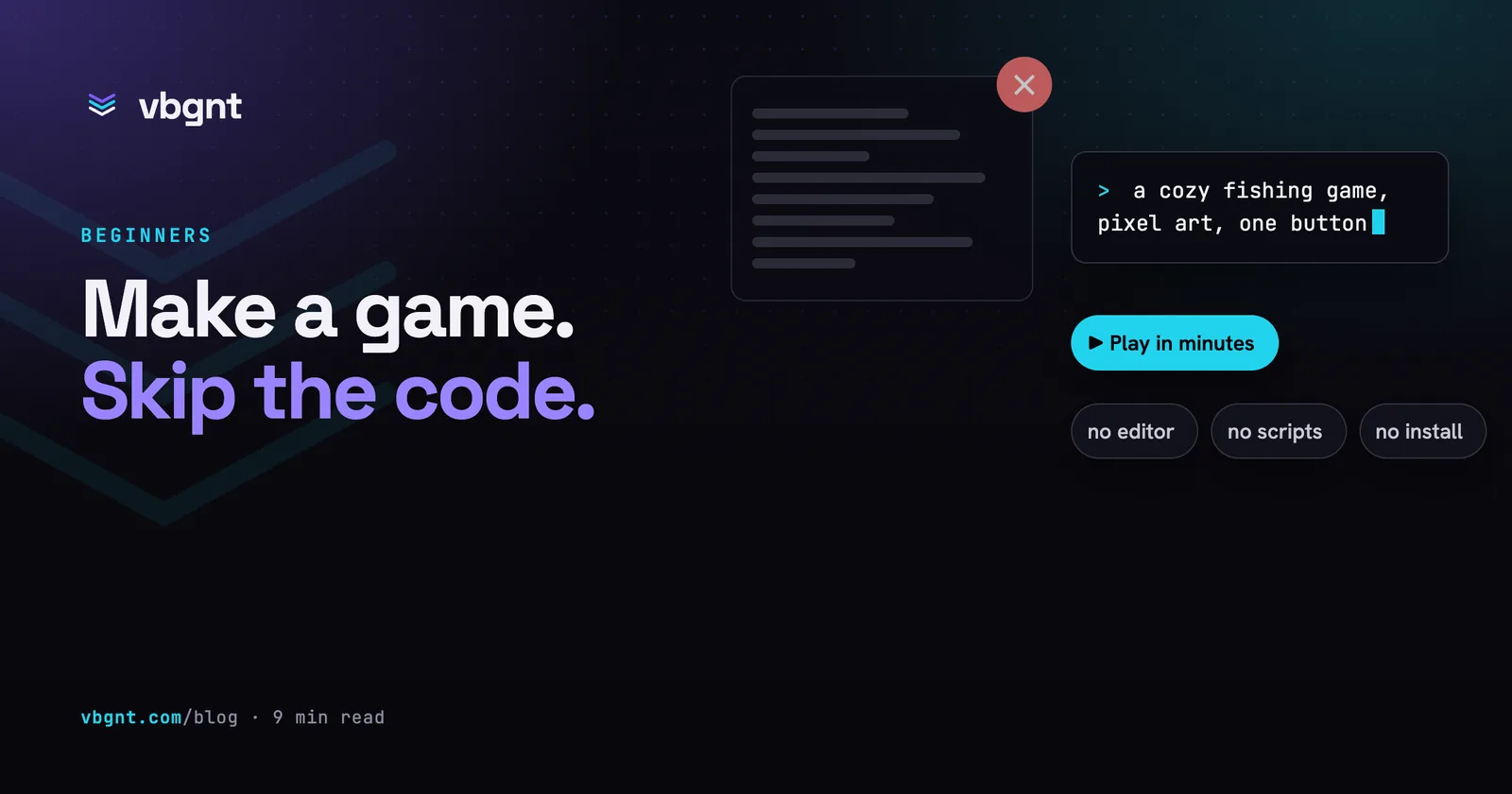
- Without doing the construction. You describe what you want and something else builds it, code included.
All three ship real games. They demand completely different things from you.
Route 1: no-code engines with visual logic
What it is. A full game engine where the programming is done in an event sheet or a node graph. GDevelop and Construct 3 are the mature choices for 2D; GameMaker has a drag-and-drop mode alongside its scripting language; Flowlab runs entirely in a browser; Scratch is where a great many working developers actually started.
What it's good at. Anything, eventually. These are real engines with real export pipelines, and the ceiling is far higher than the "no-code" label suggests, and commercially successful games have shipped on all of them.
What it costs you. Time, and a specific kind of thinking. "When this collides with that, if this variable is above zero, do this" is programming with a different notation. The concepts (state, conditionals, variable scope, event ordering) arrive in full, and they are the actual difficulty of programming. What you skip is syntax errors, which was never the hard part.
Pick this if you want to build games as an ongoing thing, you enjoy systems, and you have weeks rather than an evening.
Route 2: genre-specific makers
What it is. A tool that has already decided what kind of game you are making. RPG Maker for JRPGs. Twine for branching interactive fiction. Bitsy for tiny explorable spaces. Ren'Py for visual novels. Roblox Studio and Fortnite's UEFN for games that live inside those platforms.
What it's good at. Getting you to a finished thing, fast, because every structural decision was made for you. The best games made this way are the ones that lean into the constraint rather than fight it, and an enormous number of beloved indie games are Twine or RPG Maker projects whose authors never wrote a line.
What it costs you. The genre. You are making the kind of game the tool makes. Push far outside it and you end up scripting after all, against a system that was designed to prevent exactly that.
Pick this if your idea already matches one of these shapes, especially if the thing you actually want to make is a story.
Route 3: describe it and have it built
What it is. You write what you want in plain language and an AI system produces the game: code, art, audio, and a build you can play. This is the newest route and the one whose quality varies most between tools, so it is worth being precise about what separates a working one from a toy.
What it's good at. Speed to a playable draft, and range. It is not restricted to a genre, and the loop from idea to something you can hold is minutes rather than a fortnight. That changes what you can afford to try: when a prototype costs an evening, you defend it; when it costs ten minutes, you throw it away and make a better one.
What it costs you. Direct control of the internals, and it requires a skill people underestimate: describing a game precisely. The difference between a generated game worth playing and a generated shell is almost entirely in how the brief was written. Name one mechanic, one camera, one art direction and one constraint, and you get something with a point of view. Say "a fun platformer" and you get the average of every platformer.
Pick this if you have ideas faster than you have evenings, or you want to find out whether an idea is any good before committing a month to it.
Comparing the three
| No-code engine | Genre maker | Describe it | |
|---|---|---|---|
| First playable | Days to weeks | Hours to days | Minutes |
| You must learn | Programming concepts, visually | One tool, deeply | How to write a brief |
| Genre range | Anything | One | Anything |
| Where the art comes from | You find or make it | Built-in packs, mostly | Generated with the game |
| Control over internals | Total | Bounded by the tool | Through description, then editing |
| Best for | Becoming a developer | Finishing one specific game | Trying twenty ideas |
Can you make a game without coding for free?
Yes, on all three routes, with the usual asterisks. GDevelop, Godot, Twine, Bitsy and Scratch are free outright, and Godot and GDevelop are open source, with no revenue share and nothing to sign. Construct and GameMaker have free tiers with export restrictions and paid licences to lift them. Platform tools like Roblox Studio are free to use and take a cut of what you earn inside their platform. AI generation tools are the ones to read carefully: free tiers usually cap how much you can generate, and the question worth asking before you invest an evening is whether you can export and own the project afterwards, or whether your game only exists inside someone's website.
That last question matters more than the price. A game you cannot export is a game you are renting.
The part no route removes
None of this makes design go away, and it is worth being blunt about that, because it is where people actually stall.
Deciding what the player does with their hands. Noticing that the jump feels floaty. Realising the second level teaches nothing the first didn't. Cutting the feature you liked because it was making the game worse. That is the job, it is the same job in every tool, and no amount of automation touches it. It just arrives sooner, which is the actual benefit. A route that gets you to a playable draft in minutes means you spend your evening on the thing that decides whether the game is good, rather than on getting a collision box to behave.
So which one?
If you want to become a game developer: a no-code engine, and expect to be writing code within a year because you will want to. If you have one specific story-shaped game in you: a genre maker, and finish it. If you have a folder of ideas and no way to tell which are worth pursuing: describe them, play them, and let the ones that survive contact with your own hands tell you which to build.
Most people who "can't make games" have never actually been stopped by code. They have been stopped by the six weeks between an idea and finding out whether it was fun. Any of these three routes shortens that. One of them shortens it to an afternoon.
Frequently asked questions
Can you really make a game without coding?
Yes, and people have shipped commercially successful games this way for thirty years. There are three routes: a no-code engine where you build logic visually in event sheets, a genre-specific maker that has already decided what kind of game you are making, and AI generation where you describe the game and something else constructs it. All three produce real, publishable games.
What is the easiest way to make a game without coding?
A genre-specific maker, if your idea already fits one of its shapes. Twine for branching fiction, Ren'Py for visual novels, RPG Maker for JRPGs and Bitsy for small explorable spaces all get you to a finished game fastest, because every structural decision has been made for you. If your idea does not fit a genre maker, describing it to an AI studio is the fastest route to something playable.
Can you make a game without coding for free?
Yes. GDevelop, Godot, Twine, Bitsy and Scratch are free outright, with GDevelop and Godot being open source with no revenue share. Construct and GameMaker have free tiers with export restrictions. Platform tools like Roblox Studio are free but take a cut of in-platform earnings, and AI tools usually cap free generations. The question worth asking of any free tier is whether you can export and own the result.
Do I still need to learn game design?
Yes, and no route removes it. Deciding what the player does with their hands, noticing that the jump feels floaty, and cutting a feature that was making the game worse is the actual job in every tool. What faster routes change is when that work starts: a playable draft in minutes means you spend the evening on the decisions that make a game good rather than on getting a collision box to behave.