Google Play has the cheapest entry fee of any real store and the most surprising obstacle. The fee is $25, once, forever. The obstacle is that a new personal developer account cannot ship to production until it has run a closed test with at least 12 testers, opted in continuously for 14 days.
That rule catches almost everyone, because it is invisible until you have already built the thing and gone looking for the publish button. Plan for it first and the rest of this is straightforward.
The testing requirement, in detail
It applies to personal Play Console accounts created after 13 November 2023. Organization accounts, registered against a real legal entity, are exempt. The requirement was 20 testers when it launched and was reduced to 12 in December 2024, so older guides you find will disagree with this one.
The requirement is 12 testers who have opted into your closed test and stayed opted in for 14 continuous days. Not 12 installs, not 12 people who tried it once. If someone opts out on day nine, your count drops and the clock is affected. Only after you meet the bar can you apply for production access, and that application is itself reviewed.
Two practical consequences:
- Recruit before you build. Twelve people who will actually tap a link and leave it installed for two weeks is a bigger ask than it sounds. Line them up first.
- If you will ship more than one game, get an organization account. It costs more effort up front and skips this entirely, every time, forever.
This is also a good argument for shipping to itch.io the same week you make the game and treating Play as the slow track.
Step 1: the project
Download the project zip from the studio's Files tab and open it in Godot 4. As with iOS, the input work is already done: vbgnt games ship multitouch on-screen controls that appear only when a touchscreen is present, plus full gamepad support that works with a Bluetooth controller paired to a phone.
What needs your attention is the sheer range of Android hardware. Test on the oldest device you can find rather than the newest, because that is where a generated 3D scene will show you its true framerate.
Step 2: the Android export toolchain
You can skip the toolchain entirely. In the studio's
Publish pane, tick Android and then
Google Play builds. The export produces three files: a
debug-signed APK for sideloading onto your own phone, a release-signed APK,
and the release-signed .aab that Play Console wants. The
release builds go through Godot's Gradle pipeline on the build machine,
with the Android SDK, JDK and build template already installed there, and
target the API level Play currently requires.
Before that first Play build, fill in the Android package
field the pane shows once Android is ticked. This is the application id,
in the shape com.yourstudio.yourgame, and Play treats it as
the app's identity: a changed id is a different app, forever. Leave it
blank and the studio derives one from the game's name, which is fine for
sideloading and wrong for a store listing. The pane remembers it per game
from then on, and every export bumps the version code that Play uses to
tell one upload from the next.
If you would rather export from your own machine, Godot needs three things installed before it will export Android for the store: the Android SDK, a JDK, and Godot's own Android build template. Point Godot at the SDK path in Editor Settings, then install the build template into the project.
Either way, you need a keystore. This is the file that signs your app, and it matters more than any other file in this process: lose it and you cannot update your own game. The studio generates one for the game on the first Google Play build and keeps it encrypted; the Signing key row in the Publish pane lets you download the keystore with both passwords, upload your own instead, or remove it. Download it the first time you see it and back it up somewhere that is not your laptop. Then use Play App Signing so Google holds the release key while this one stays the upload key.
Step 3: target the right API level
Play enforces a minimum target API level and it moves every year. From 31 August 2026, new apps and updates must target Android 16, API level 36, or they are rejected at upload. Existing apps had to reach at least API level 35 by the same date. Play moves this floor every year, so confirm the current one before building.
Godot sets the target level in the export preset, so check it matches before you build. If your Godot version predates API 36 support, updating Godot is the fix, and it is easier to do that before you have a released app than after.
Step 4: export an App Bundle, not an APK
Play requires the Android App Bundle format (.aab) for new
apps, signed with your upload key. With Google Play builds
ticked, the studio's Publish pane gives you exactly that file, already
signed, next to the two APKs. Exporting from your own Godot instead, the
Android export preset has a checkbox for the bundle format. The debug APK
is still the thing to put on your own device, the release APK is the right
upload for itch.io, and the bundle is what goes to Play.
Install the APK on a real phone and play it properly before uploading anything. Check the touch controls sit where thumbs actually are, that the game handles a back gesture without quitting to the home screen unexpectedly, and that audio resumes correctly after you switch apps and come back.
Step 5: the store listing and the forms
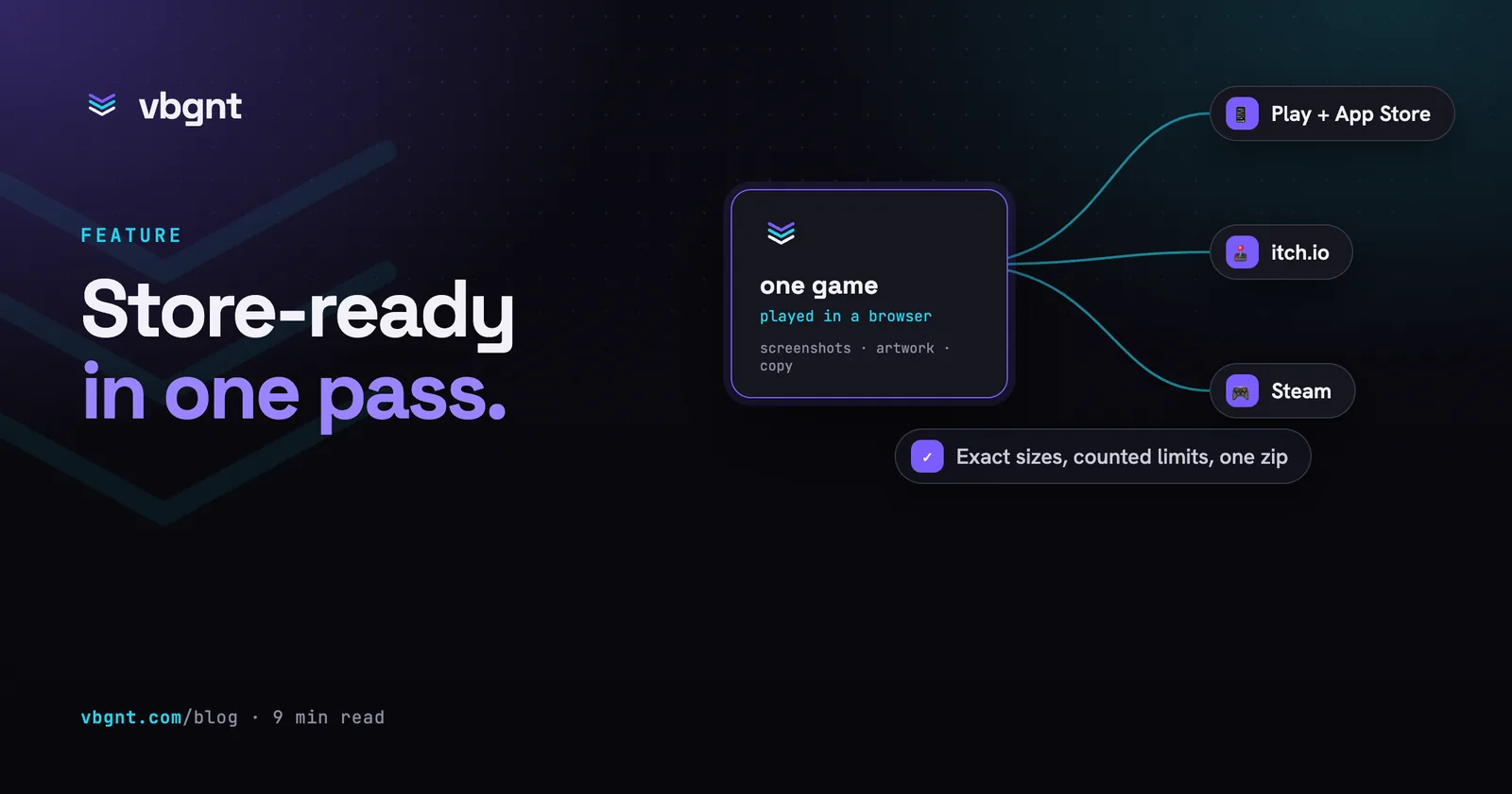
Play wants a specific set of assets and two questionnaires that are more consequential than they look. The studio's marketing kit makes the assets and drafts the questionnaire answers: scroll down the Publish pane to Marketing kit, tick Mobile and press Generate kit. The agent plays the deployed game as a phone and a tablet, with touch controls on so the on-screen controls show, and comes back with the 512x512 icon, the adaptive icon foreground and background, the 1024x500 feature graphic, framed and captioned phone screenshots at 1080x1920 in upload order, the seven and ten inch tablet sets, and a listing file with the 30-character name, the 80-character short description, the full description, release notes, category and tags, each with its character count written beside it. The App Store fields sit in the same file, so one kit serves both phone stores. Here is the list it is filling in:
- App icon at 512x512, and a feature graphic at 1024x500.
- Screenshots, at minimum for phone, ideally for tablet too.
- A short description and a full description.
- A privacy policy URL, required whether or not you collect anything.
- The Data safety form, declaring what you collect and share. Answer it accurately. Play actively checks declarations against app behaviour, and a wrong answer here is an enforcement problem rather than a paperwork one. The kit's listing file drafts this one honestly: studio builds ship the play-stats addon that sends anonymous play events, so it declares app interactions as collected and not shared, with no account and no personal data. Change the answer only if you change the build.
- The content rating questionnaire, which generates your IARC ratings. The kit summarises the honest answers for this game too.
The privacy policy URL is the one thing on that list the kit will not make up; its README says so. The icon it composes is also what the export bakes into the APK: run the kit before the export you plan to ship and the launcher icon and the store icon match.
A page for the game, and a download for your testers
Tick vbgnt page in the same kit and, once it finishes,
press Publish page. The game gets a page at
games.vbgnt.com/p/ followed by its id: hero art, trailer,
screenshots, how to play, controls, a play-in-browser button, and a
Downloads section that can offer the Android APK from
your latest export. When the export made a release-signed APK, that is the
one the page offers, which is the same code as the bundle you are sending
to Play. It gives your twelve testers something to try before the closed
test opens, gives players outside Play a way in, and gives the Play
listing a real website to point at. Paste the Play Store URL into the
page's store links after launch and the page grows a Google Play
button.
Step 6: the release tracks
Play gives you internal, closed, open and production tracks. Internal testing is instant and takes up to 100 testers, which is where you should live while you are fixing things.
Closed testing is the track that satisfies the 12-tester requirement, so that is where the 14-day clock runs. Open testing is optional. Production is what you unlock at the end.
Use internal testing hard before you start the closed test. The 14 days only count while the test is running, and you do not want to be pushing bug fixes into the run that is meant to be proving your app is stable.
The honest read
Google Play is the best-value store on paper. Twenty-five dollars once, no Mac required, a review process that is far less adversarial than Apple's, and an install base larger than anything else here.
The catch is entirely front-loaded. Two weeks of a closed test with a dozen real humans is not a technical problem you can solve on a Saturday, and it is a strange amount of ceremony for a game that took an afternoon to make.
So the sensible order is the same as everywhere else in this series. Ship it to your arcade, where it already is. Put it on itch, which takes minutes. And if it turns out to be the game that deserves a store listing, start the Play testing clock early, because it is the part you cannot rush.
Frequently asked questions
Why can't I publish my Android game straight to production?
Because personal Play Console accounts created after 13 November 2023 must first run a closed test with at least 12 testers who have been opted in continuously for 14 days, then apply for production access. It is 12 sustained testers rather than 12 installs, so someone opting out mid-run affects your count. Organization accounts registered against a legal business entity are exempt from the requirement entirely.
How much does it cost to publish on Google Play?
A one-time $25 registration fee for the Play Console, with no per-app charge and no annual renewal. That makes it the cheapest of the real stores by a wide margin: Steam charges $100 per game and the Apple Developer Program is $99 every year.
What target API level does Google Play require?
From 31 August 2026, new apps and app updates must target Android 16, API level 36, or they are rejected at upload. Existing apps must target at least Android 15, API level 35, by the same date. Godot sets the target level in the Android export preset, so verify it matches before building, and update Godot if your version predates support for it.
How do I make the Play Store listing assets?
Generate a Mobile marketing kit from the studio's Publish pane. The agent plays the deployed game as a phone and a tablet with touch controls on, then delivers the 512x512 icon, the adaptive icon layers, the 1024x500 feature graphic, captioned phone screenshots at 1080x1920 in upload order, tablet sets, and a listing file with the 30-character name, 80-character short description, full description, release notes, category, tags, and drafted content rating and data safety answers, each field with its character count. The privacy policy URL is the one thing it leaves to you.