A finished game isn't a finished store page. Between the build and the button that says Publish, you run into a second project. You need screenshots at the exact sizes each store demands, an icon, a feature graphic, capsules for Steam in five shapes, and a page of copy that has to fit inside limits nobody remembers. The studio's Publish pane now handles that project too. Tick the stores you want, press Generate, and the agent plays your game, takes real screenshots, composes the artwork and writes the listings. You get a folder you can browse in the studio and download as one zip.
This post covers what a marketing kit is, what the agent actually does to make one, three kits it produced on its first night for three very different games, the list of things it refuses to fake, and the newest thing a kit can turn into, which is the game's own page on games.vbgnt.com, published with one button.
What is a marketing kit?
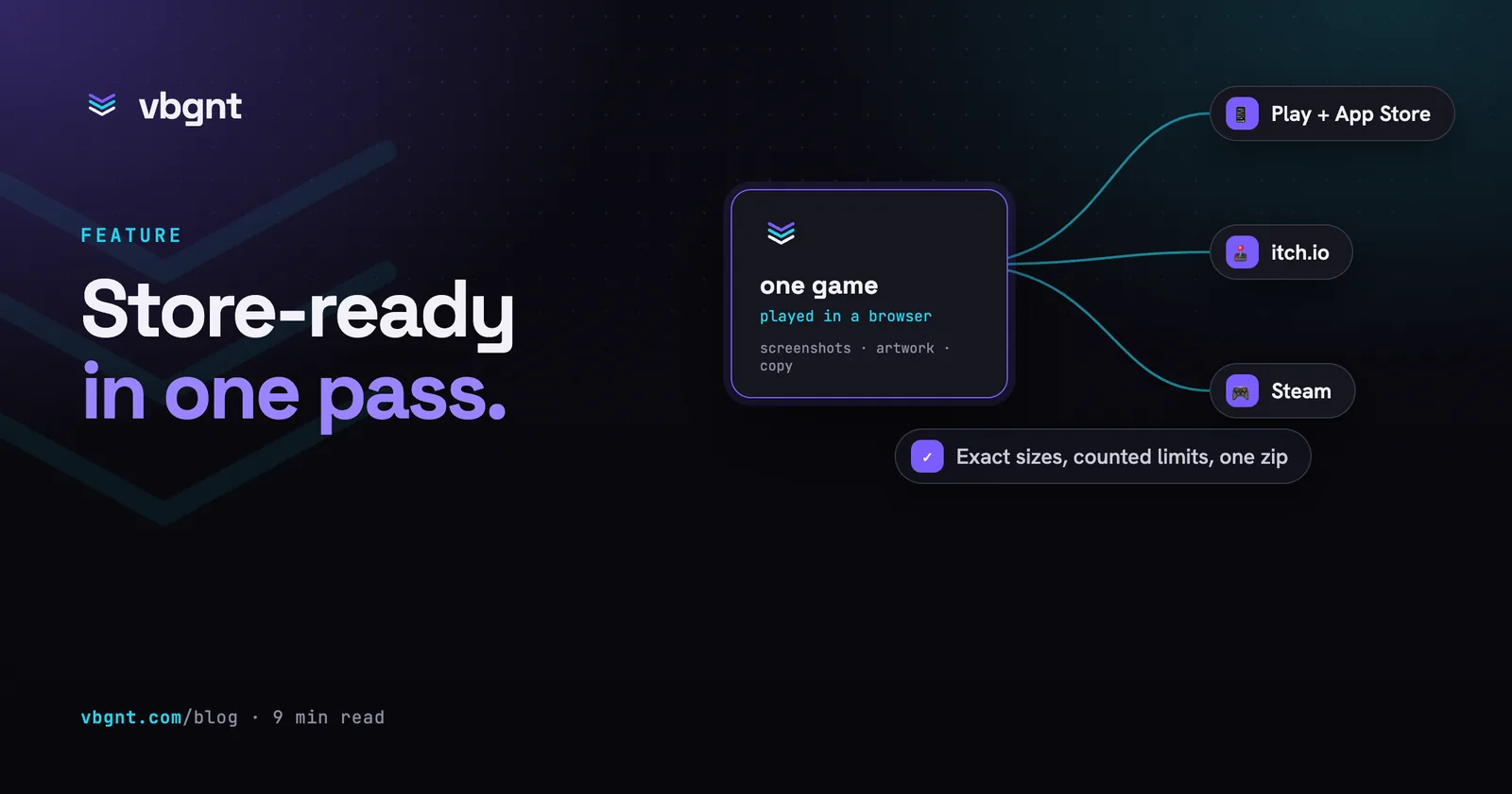
A marketing kit is everything a store's submission form asks for, except the build itself. For the mobile stores that means an icon, a feature graphic, framed phone and tablet screenshots and two listings (Google Play and the App Store have different fields and different character limits). For itch.io it means a cover, a banner, a page background, a set of screenshots, the page copy and the exact settings for the edit form. For Steam it means the header, small, main and vertical capsules, the library capsule, hero and logo, at least five raw gameplay screenshots, the store text, and an editing brief for the trailer. And for the game's own page on vbgnt it means the hero art, an optional logo, a link-preview image, a gallery of screenshots and a structured description of the page covering the tagline, summary, how to play, controls, features and a colour theme. The kit lays these out in one folder per store, with a README that says which file goes into which field and what you still have to supply yourself.
The kit is generated by the same agent that built the game, in the game's own workspace, on the same cloud machine. It has the project, the art, the fonts and a browser. What it doesn't have is permission to change anything. The game is read-only for the whole turn, and the only place it can write is the kit folder.
What the agent does
- Learns the game. It reads the project, the scripts, the metadata and the description, and writes itself a fact sheet covering genre, mechanics, controls, modes, progression, touch or gamepad support, and whether it is multiplayer. Every sentence of copy has to trace back to that sheet.
- Plays it. It builds the web export if the current one is stale, then plays it at every size the stores care about: 1920x1080 for desktop, 1080x1920 as a phone, and 2064x2752 as an iPad. On the phone sizes it plays with touch controls, so a game with on-screen controls shows them and a responsive layout switches to its portrait form. It plays through the game and reviews every frame it captured, throwing away loading screens, splash screens, menus-only sets and anything with debug text.
- Composes the artwork. Framed store screenshots with a headline and a subline, icons cut from the key art, feature graphics, and capsules with the title set in the game's own fonts and palette, each at its exact pixel size, with no alpha channel where the store forbids one. It reads each composed image back before moving on.
- Writes the copy. Name, subtitle, short and long descriptions, keywords, release notes, tags, category, the content rating answers, and the data safety answers. It counts the characters and writes the count next to each field.
- Checks its own work and writes the README. Every image is re-measured against the store's size table, the counts are recounted, the Steam screenshots are verified byte-identical to the raw captures they came from, and the README records it along with the honest caveats. It notes if a game is landscape-only so the portrait shots are framed, that Steam still needs a trailer, and that Play needs a privacy policy URL from you.
The specs it works from are a skill document, not memory. The sizes, limits, formats and rules for each store are written down and read at the start of every kit, so when a store changes its numbers we change one file.
Three games, three kits
Everything below is straight out of the kit folders the studio produced, unedited. The three games are an idle game, a kart racer and a merge puzzle, which between them cover most of the ways a store page can go wrong.
A pixel-art idle game for the phone stores
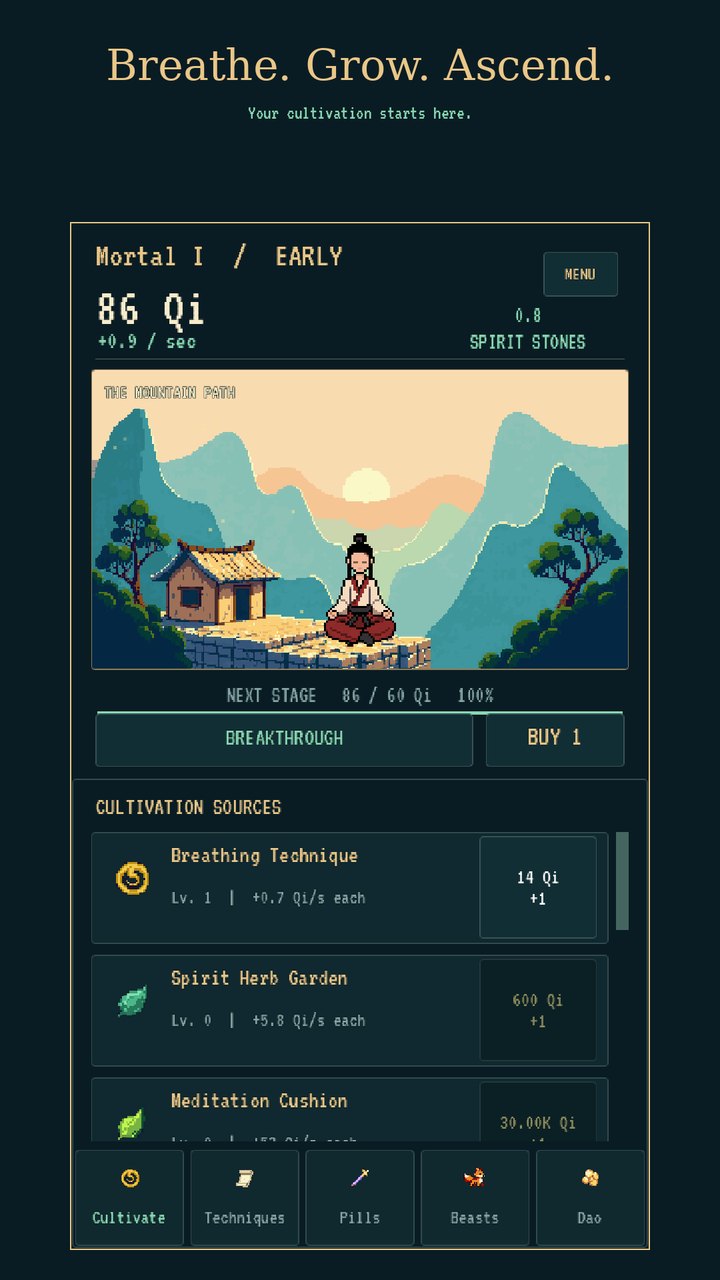
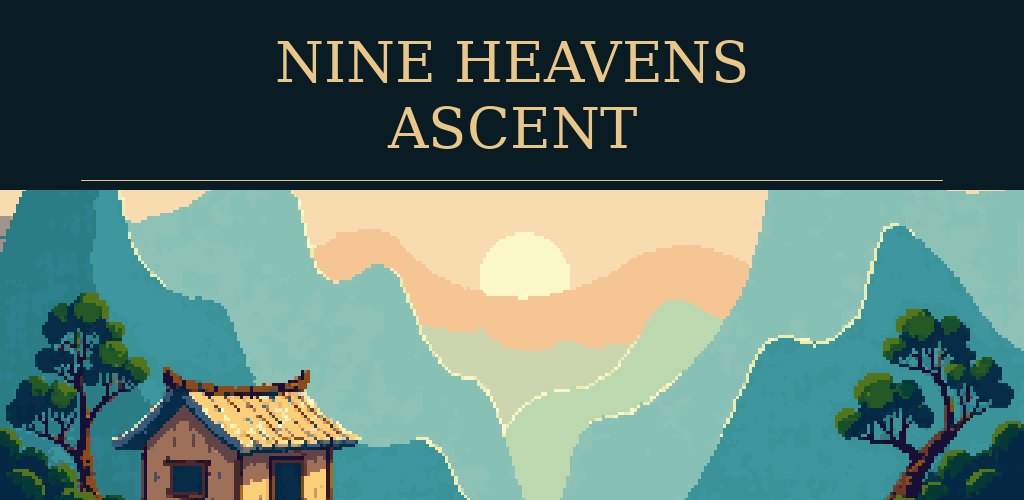
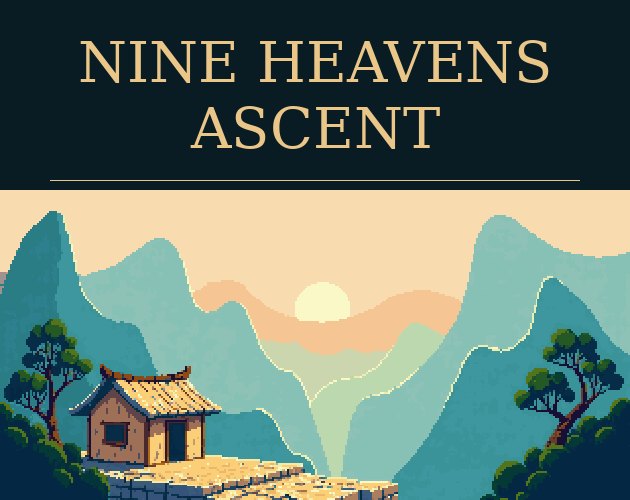
Nine Heavens Ascent is an 8-bit cultivation idle game with a one-thumb portrait layout, which makes it the easy case. The phone captures are the game as it is. The kit's mobile folder holds eight captioned phone screenshots in upload order, the same eight moments at the App Store's 6.9-inch and iPad sizes and at Play's two tablet sizes, the 512 and 1024 icons, an adaptive icon set for Android, a 1024x500 feature graphic and one listing file with the Play and App Store fields side by side, each with its character count. One hundred and twenty files, ten minutes.
A 3D kart racer for Steam
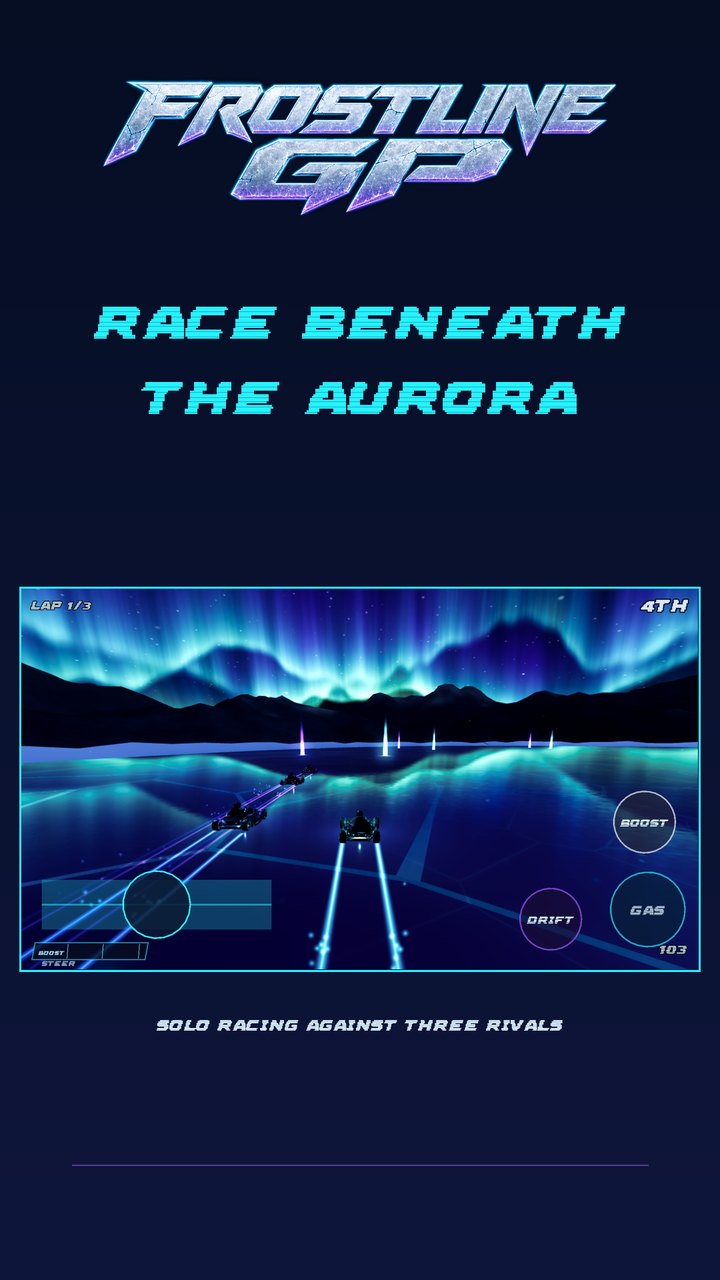
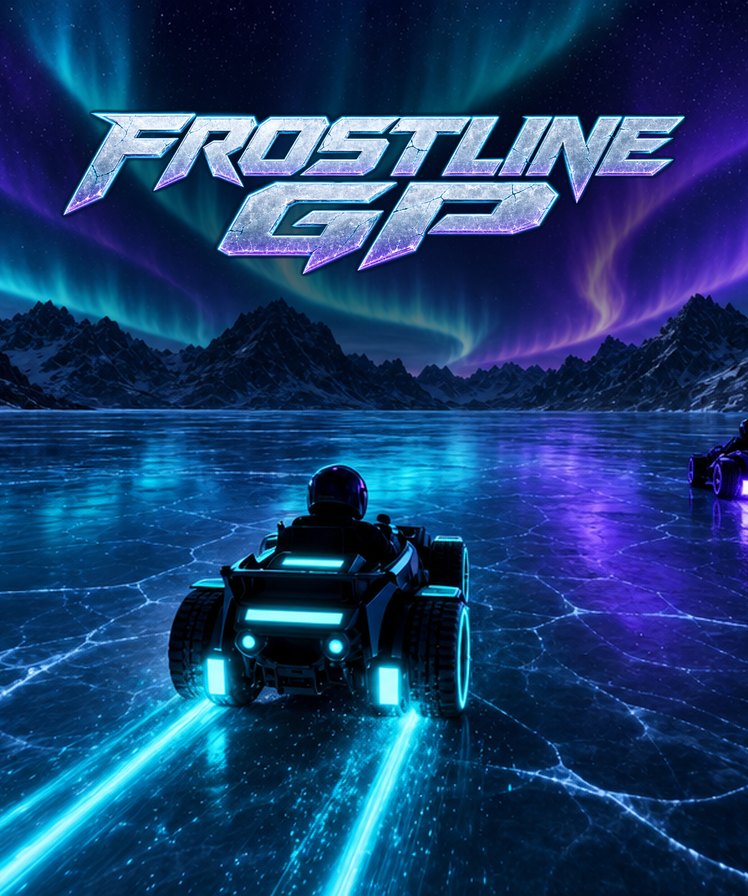
Frostline GP is split-screen kart racing on a frozen lake, landscape only. Steam is the strictest of the four stores. Capsules may show only the artwork and the name, screenshots must be the game in play with no captions or frames, and every asset has a fixed size the upload form rejects otherwise. The kit found the chrome logo the game already shipped with and used it everywhere: the header capsule at 920x430, the small capsule at 462x174 with the logo still readable when Steam shrinks it by half, the vertical capsule at 748x896, the library capsule, hero and transparent logo, and eight raw 1920x1080 screenshots from an actual race.

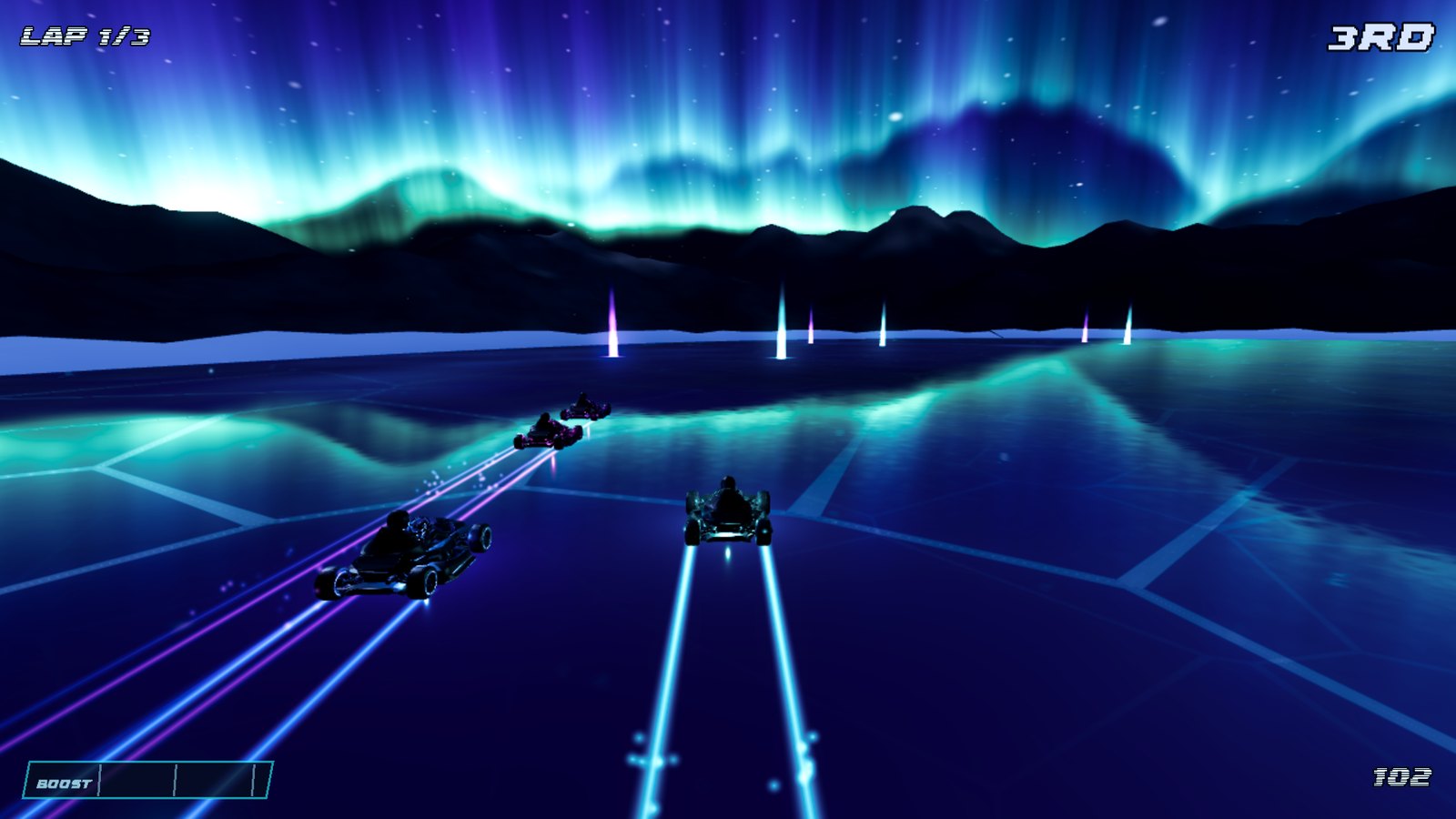
The mobile folder for the same game shows the honest version of a hard case. Frostline GP has no portrait layout, so the kit frames a landscape capture, with the on-screen steering and boost controls visible, on a phone-shaped canvas with the logo above it. Its README explains why the portrait browser test was rejected. The layout crowded the steering label against the boost meter and never left the countdown. The alternative would have been a screenshot of a layout the game doesn't have.
A cozy merge puzzle with a real portrait layout
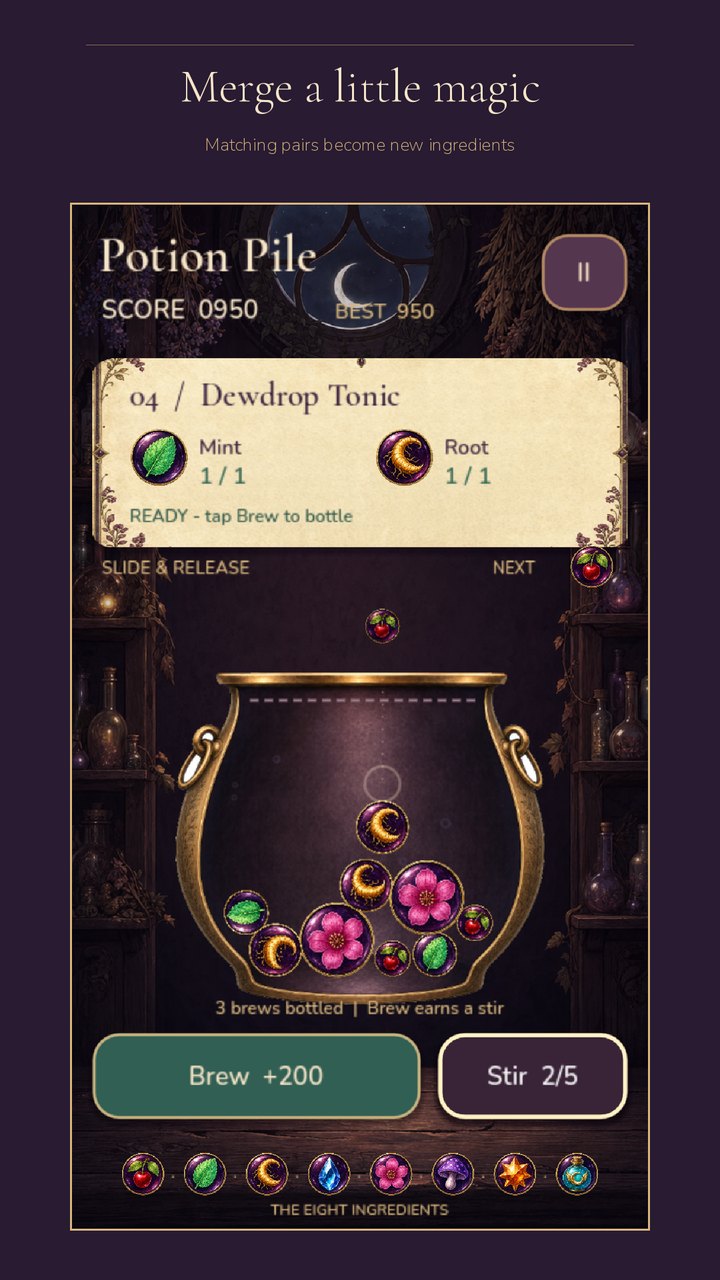
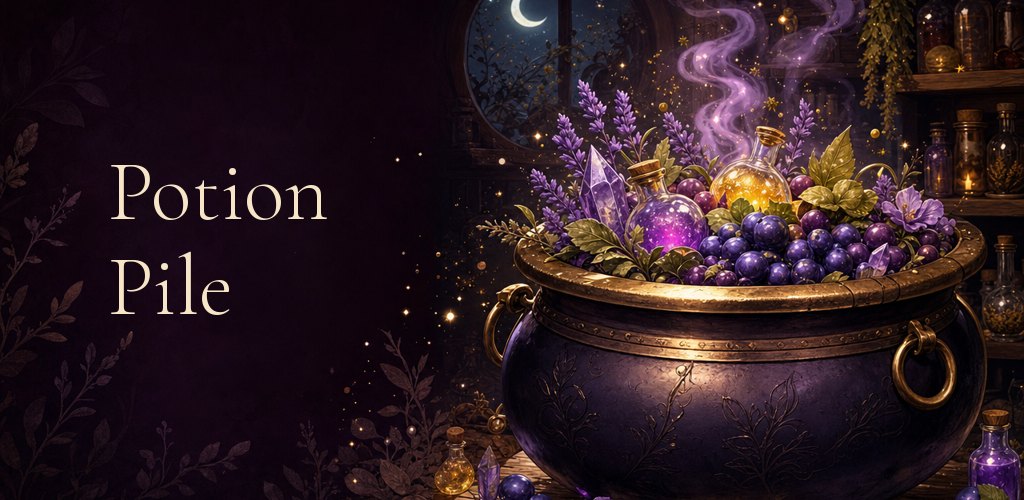
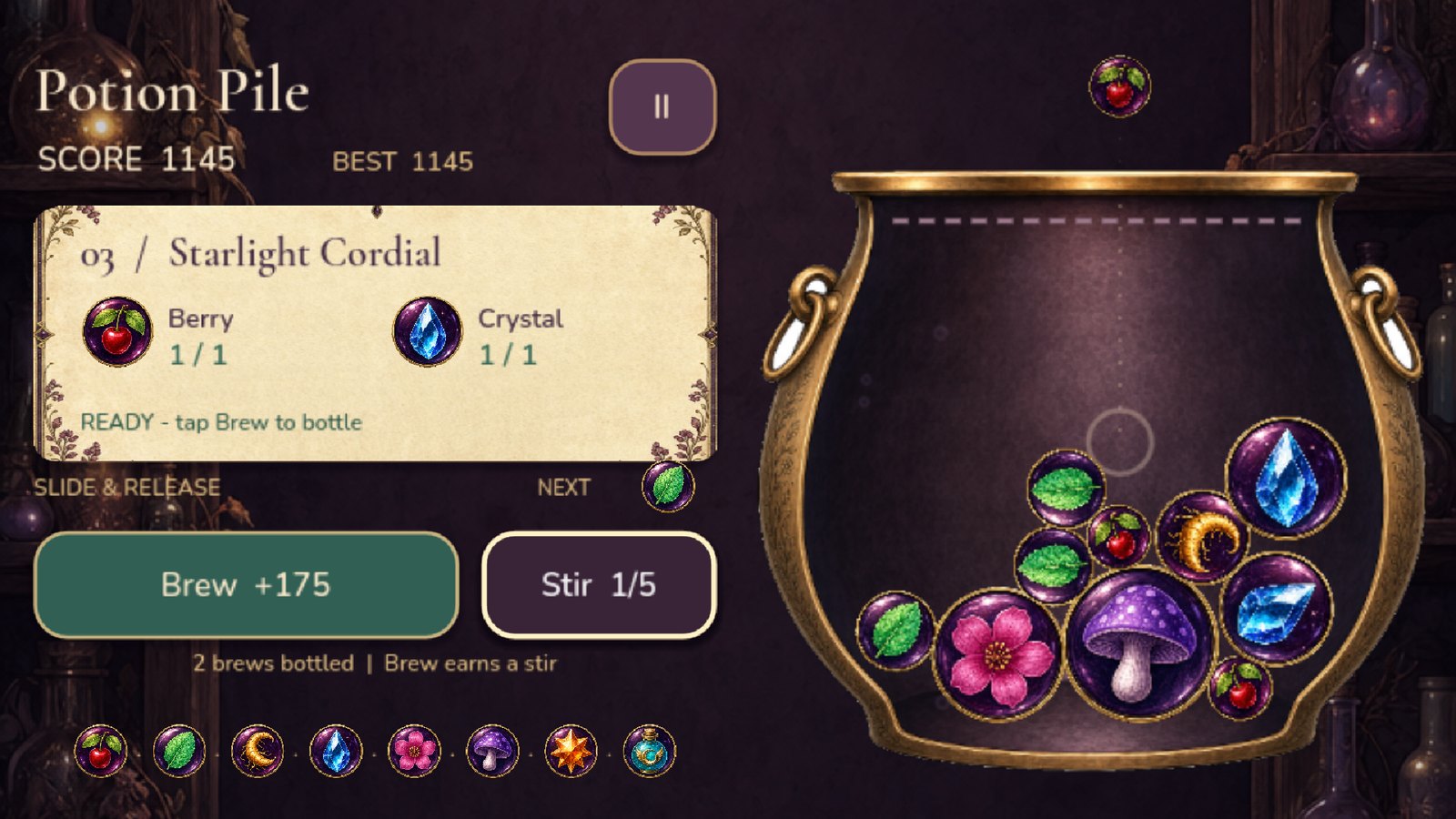
Potion Pile is a physics merge puzzle in a moonlit apothecary, built with touch controls and a layout that stacks into portrait on a phone. This is where the touchscreen emulation earns its place. The same build that shows a side-by-side cauldron and recipe card on a desktop rearranges itself into a tall phone screen when the browser reports a touchscreen. The kit captures that layout, not a squeezed version of the desktop one. The phone screenshots come out of a real session, three brews bottled, a recipe ready, ingredients settling in the cauldron.
What it refuses to fake
- No invented screenshots. Every frame comes from the playable build in a browser. Concept art is never passed off as gameplay, and a layout the game doesn't have is never shown.
- No invented features. The copy says "gamepad support" only if the input map binds a gamepad, "touch controls" only if they exist, "online" only if the game has it. The Frostline GP kit goes as far as warning that the decorative ice pattern on lap one must not be captioned as damage.
- No review quotes, award badges, platform logos or prices baked into images. Stores reject them and readers distrust them.
- No overrun. Thirty characters for a Play title, eighty for its short description, one hundred for App Store keywords, three hundred for a Steam short description. Counted, recounted, and written beside each field.
- No silent gaps. A trailer, a privacy policy, a release keystore, a Team ID, measured system requirements. Whatever the store still needs from you is listed in the README rather than left for the submission form to discover. The kits deliberately don't invent minimum PC specs.
The trailer
Every Steam kit ends with a file called trailer-plan.md, a 45-second beat list with timings, the exact inputs that produce each shot, the caption for every shot, the copy cards that go between sections, the closing splash, and which of the game's own music tracks to use where. It is written as instructions to an editor who has the project but none of the agent's context. A finished kit then gets a second button, Make trailer, and that editor is the agent again.
The footage is not a screen recording. The trailer stage copies the project to a scratch folder, adds an input script that plays the game frame by frame, and renders each shot with the engine's own movie-maker mode. It captures every frame at a fixed 30 frames per second, with the game's real audio, however slow the machine is. Late-game shots are reached by playing. The Nine Heavens Ascent trailer needed a lightning trial at Mortal IX and a reincarnation at Nascent Soul, both of which the plan had marked as "still needs recording". The agent got there through the normal economy and said so in the trailer's README, along with a check that the project's 106 source files were untouched.
The cut follows a fixed shape. It opens on gameplay, because Steam insists, with a large caption over it. Every gameplay shot carries a caption in the game's title font, faded in and out over a gradient band. Between every two or three shots there is a full-frame copy card, a headline and a line drawn from the kit's own listing copy, on blurred key art. It closes on a splash showing the key art, the logo or title, the tagline, and the music resolving. The game's own tracks are mixed under the game's own sounds, ducked where the plan says so. Out come a 45-second 1920x1080 file for Steam, itch.io and YouTube, and when the game has a real portrait layout, a 15-to-30-second App Store preview at 886x1920 recorded in that layout, plus every card as a PNG and a README with the beat list and what couldn't be recorded.
The game's own page
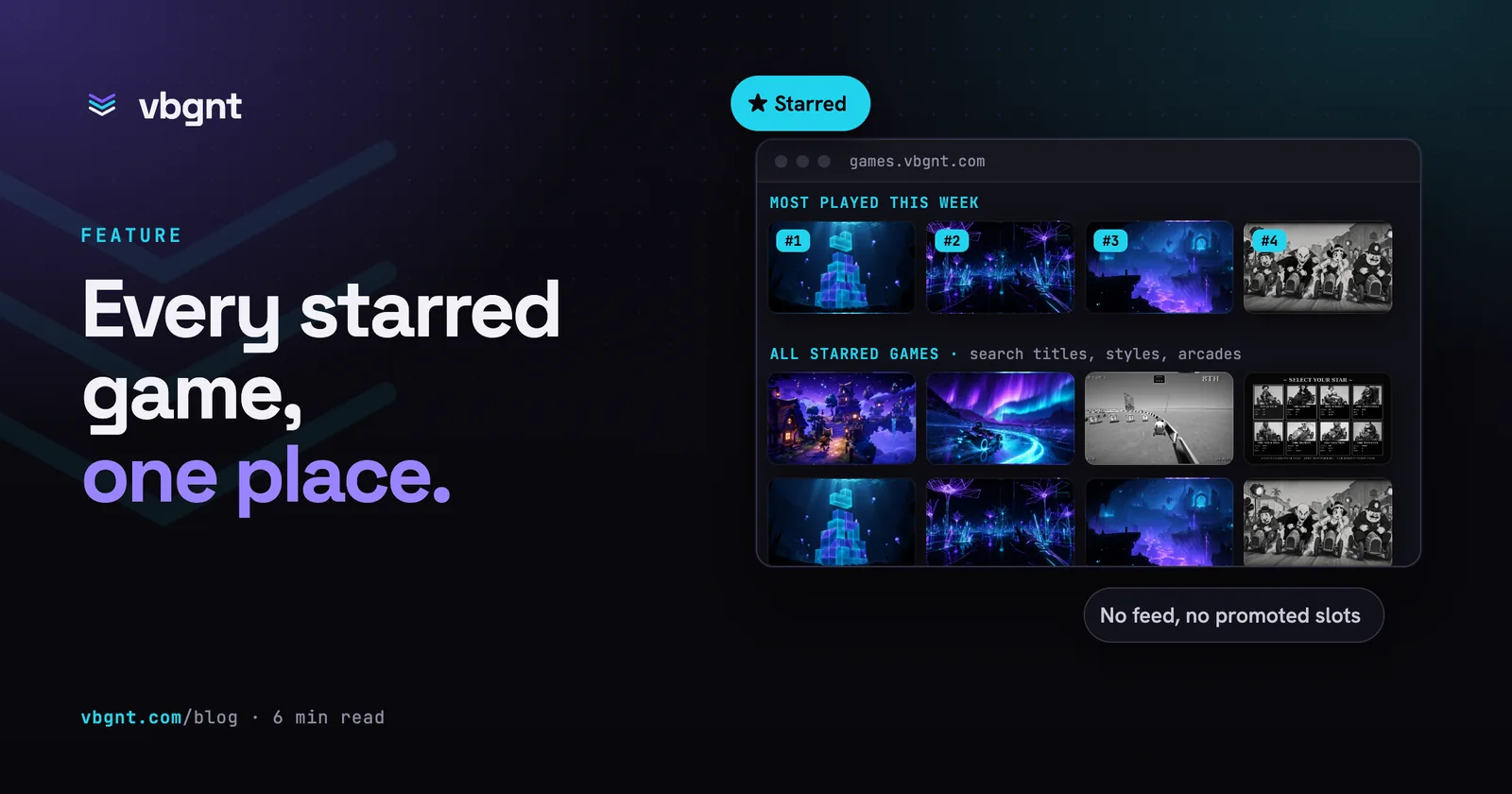
Every store above is somebody else's page. The fourth option in the kit, vbgnt page, is yours. It provides a page per game at games.vbgnt.com/p/ followed by the game's id, halfway between a Steam store page and an itch.io project page. It carries the hero art with the title or logo over it, the tagline, the trailer when the kit has one, a screenshot gallery with captions, the summary, how to play, controls and features sections, tags, the credits and the AI disclosure, a Play in your browser button that runs the web build in place, and a downloads section fed from your exports.
The agent doesn't write HTML for it. It writes a page description in the kit's site folder, a hero at 1920x1080 with no text on it, an optional transparent logo, a 1200x630 link-preview image with the title, and four to eight screenshots. The platform then renders the page from one fixed template. Every game page shares a design, the text limits are checked when it's published, and anything the agent names that isn't in the kit is dropped and reported rather than left as a broken image. The copy comes from the same fact sheet the store listings used, so the page and the store pages agree about what the game is.
Once the kit finishes, the row gains a Publish page button. Its panel asks four things:
- Which builds to offer. It checks your finished exports and lists the Android APK and the Linux binary when one exists, with the export's version. Android uses the release-signed APK when the export made one and the debug APK otherwise. The files are copied onto the page, so unlike the hour-long links in the export pane these don't expire. Windows and macOS aren't offered, because an unsigned Windows download and an un-notarized Mac app both greet the player with a warning; itch.io is the better home for those.
- Whether to keep the play button. On by default. Turn it off when the game is for sale somewhere and the free browser version would compete with it. The first store link becomes the primary button and the in-page player goes away.
- Which media to show. The page's stills come from this kit, but a picker reaches into your other kits too, so the framed phone screenshots from a Mobile kit or the capsules from a Steam kit can join the gallery. Drag rows to order them, hide any you don't want, and give the borrowed ones a caption. Trailers always lead.
- Store links. Paste the Steam, Google Play or App Store URL as each listing goes live; itch.io fills itself in from the itch target the export pane already knows. The page grows an "Also on" row, and its structured data tells search engines the listings are the same game.
Press Publish and the page is live within a minute. From then on, visitors who find the game on the games directory land on the page instead of straight into the game. Republish from a newer kit and the page is replaced; unpublish it and the directory goes back to starting the game directly. A trailer made after the page was published lands on it the next time you republish.
How to run it
Open a deployed game, switch the right-hand pane to Publish, and scroll past the exports to Marketing kit. Tick Mobile, itch.io, Steam, vbgnt page or any mix; add notes if there is something the copy should say or avoid, and pick the model if you want one other than the game's own. Press Generate. The kit runs in the background like a build turn, with the same live feed, and lands in the pane ten to forty minutes later as a browsable folder with image grids per store, listing files rendered in place, a download link per file and a Download zip button for the lot. Once a kit is done, Make trailer starts the video stage on top of it; the finished MP4 plays in the same browser and lands in the zip. A kit with the vbgnt page ticked gets the Publish page button described above. Kits are kept per game, so you can generate a fresh one after a big change and compare.
Two rules apply. One kit runs per game at a time, and the game has to be deployed first, because the screenshots come from the playable build. The kit never modifies the game.
Where it hands off
The kit gets you to a filled-in store form, not through review. The export pipeline produces the builds the stores want (how exports work), and the guides cover the rest of each road: itch.io, which the studio can finish for you; Google Play; the App Store; and Steam. The kit is the part of those guides that used to say "now make eight screenshots and write four hundred words", done. The page is the part none of them could offer, giving you a place of your own to send people while the stores take their time.
Frequently asked questions
What is in a vbgnt marketing kit?
One folder per store you ticked. Mobile: a 512 and a 1024 icon, an Android adaptive icon set, a 1024x500 feature graphic, captioned phone screenshots at 1080x1920 and the App Store's 1320x2868, and one listing file with the Google Play and App Store fields side by side. itch.io: a 630x500 cover, a banner, 1920x1080 screenshots, the page copy, the embed settings and theme colours. Steam: header, small, main and vertical capsules, library capsule, hero and logo, at least five raw 1920x1080 gameplay screenshots, and the store text with tags. vbgnt page: the hero, logo, link-preview image, screenshots and a structured page description the platform renders. Plus raw uncaptioned captures and a README that says which file goes where.
Where do the screenshots come from?
From the game itself. The agent builds the web export if the current one is stale, plays it at each size the stores want, with touch controls on the phone and tablet sizes so on-screen controls and portrait layouts appear, and reviews every captured frame, discarding loading screens, menus-only sets and anything with debug text. Nothing is drawn from concept art.
How long does a kit take, and does it change my game?
A kit runs as a background turn in the game's own workspace, usually ten to forty minutes depending on how many stores you ticked and whether a fresh web build is needed (the first night's kits ran from ten minutes for one store to forty-five for three). The game is read-only for the whole turn: the only place the agent can write is the kit folder, so nothing in the project, the arcade or the exports changes.
Can I run a kit on a game that is not deployed yet?
No. The screenshots are captured from the playable web build, so the game has to be deployed first. One kit runs per game at a time; earlier kits are kept, so you can generate a new one after a big change and compare.
Can vbgnt make the trailer too?
Yes, as a second step on a finished kit. Press Make trailer and the agent follows the trailer plan the kit wrote: it renders each shot with Godot's movie-maker mode on a scratch copy of the project (fixed 30 frames per second, the game's real audio, late-game moments reached by playing), builds copy cards and large captions from the kit's listing copy in the game's own fonts, mixes the game's music under its sounds, and delivers a 45-second 1920x1080 MP4 for Steam, itch.io and YouTube, plus an 886x1920 App Store preview when the game has a portrait layout. The README lists the beat sheet and anything the plan asked for that could not be recorded.
Does the kit submit anything to the stores?
No. It fills in what the submission forms ask for and leaves the forms to you. The export pipeline makes the builds, the store guides on this blog cover signing, fees and review, and the kit's README lists what each store still needs from you, such as a trailer for Steam or a privacy policy URL for Google Play.
What is the vbgnt page and how do I publish it?
A page per game at games.vbgnt.com/p/ followed by the game's id, rendered by the platform from the kit's site folder: hero art, tagline, trailer, screenshot gallery, summary, how to play, controls, features, credits and AI disclosure, a play-in-browser button and a downloads section. Generate a kit with vbgnt page ticked, then press Publish page on the finished kit. The panel lets you offer the Android APK and Linux binary from your finished exports, keep or drop the play button, add images and trailers from your other kits in any order, and paste store links for Steam, Google Play and the App Store; itch.io fills in from your itch target. Visitors from the games directory land on the page instead of starting the game, and unpublishing reverses that.