AI coding agents can make real games: not just the single-file canvas demos that go round on social media, but projects with scenes, imported art, audio, touch controls and a build that runs in a browser. We use coding agents for game development every day, because a coding agent builds every game in the vbgnt studio: more than fifty of them since July, 2D and 3D, most of them from a paragraph of description.
It is also the thing we have watched fail in the most specific ways. This is what we have learned about pointing a coding agent at game development: what it makes well, which engine to give it, how to set it up, and the failures that only show up once you have run it a few hundred times.
What kind of games can an AI coding agent make?
Small, complete games with one strong idea. Across the studio's gallery that means arcade games, platformers, puzzle games, kart racers, top-down shooters, cozy 3D exploration, card and board games, and online multiplayer for two to eight players. A first build from a good brief typically has one mechanic, a coherent art direction, controls for keyboard, gamepad and touch, menus, sound, and an exported build that boots.
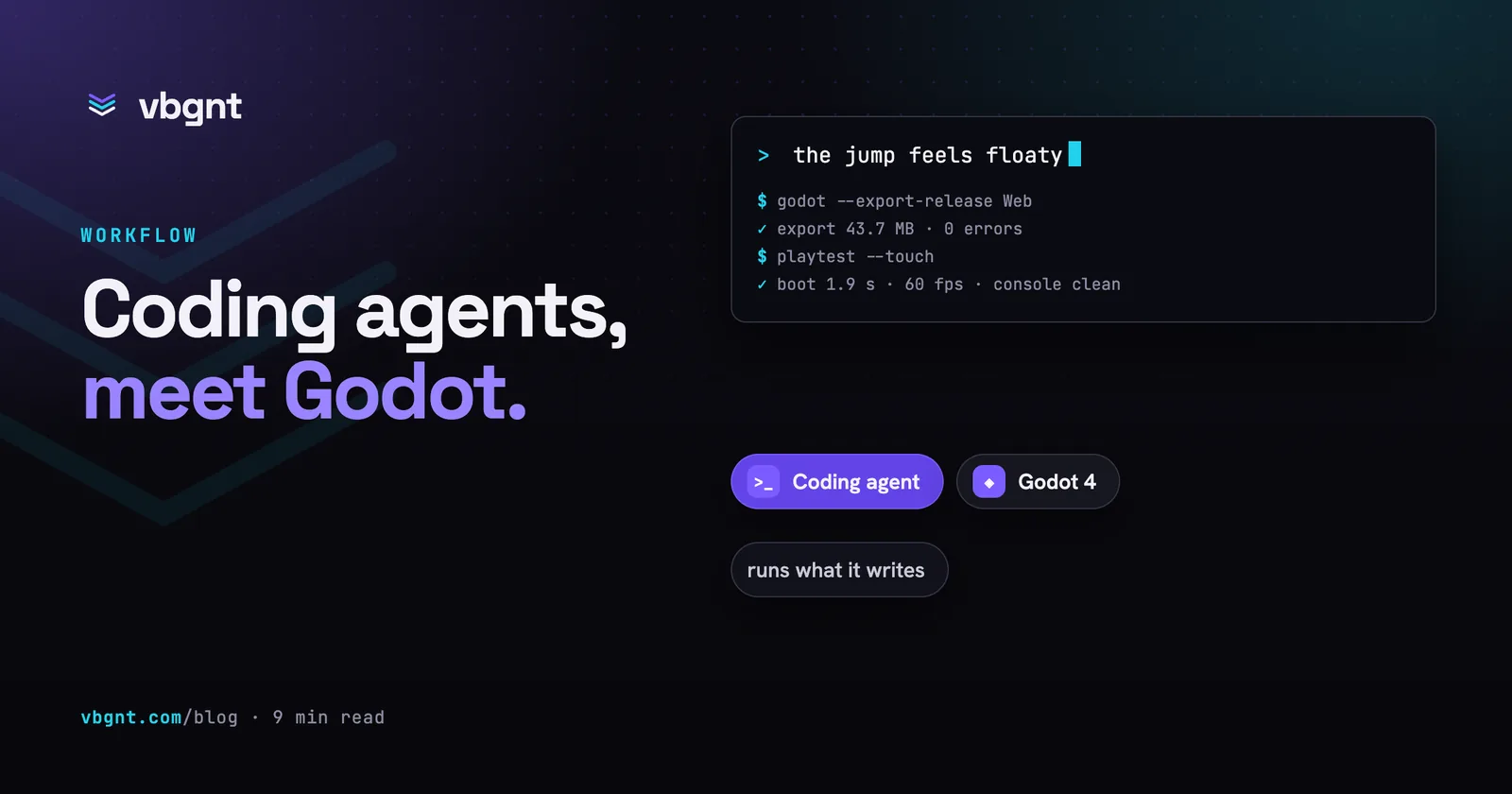
Where it struggles is the same place every generator struggles: large amounts of authored content, systems whose parts interact in ways nobody wrote down, and feel. A coding agent can make a jump. It cannot tell that the jump is floaty, because it has never held a controller. That judgement is still yours, and the loop that works is short: play for ninety seconds, describe what felt wrong, let it change the code, play again.
It also does noticeably better at genre pastiche than at inventions from nothing. A 16-bit mascot platformer or a top-down twin-stick shooter comes with a dense, coherent set of conventions it already knows. A game with no precedent needs a brief that spells out what the player does with their hands, which is covered in how to prompt a game into existence.
Which game engine is best for an AI coding agent?
Godot 4, for most people, and the reasons are structural rather than a matter of taste. A coding agent works by reading files, writing files and running commands. An engine suits it to the degree that everything important is a text file and everything useful is a command.
| Engine | What suits a coding agent | What gets in the way |
|---|---|---|
| Godot 4 | Scenes and resources are readable text; GDScript is small; the editor runs from the command line to import, export and run the game; MIT licence | Training data mixes Godot 3 and 4 idioms; the web export has its own rules |
| Phaser or Three.js | Plain JavaScript, fastest route to a first frame, runs in any browser with no export step | No editor, no scene format, no asset import: you are writing the engine's missing half yourself |
| Unity | C# is well represented in training data; large asset ecosystem | Scenes and prefabs are large YAML files full of IDs; the editor is heavy to run from the command line; needs an MCP bridge to see anything |
| Unreal | Top-end rendering | Blueprints are binary; builds are slow and large; the least agent-friendly of the four |
The decisive feature is that the engine runs without a window. A single command-line call produces a web build, and the same binary can run the game and print its errors. That closes the loop: the agent writes a scene, exports it, reads what went wrong, and fixes it before you ever see it. With an engine that needs a person clicking in an editor, the loop runs through you.
If you only want to try a mechanic tonight, a single HTML file with Phaser is quicker and entirely reasonable. The difference shows up on the second day, when you want art that imports at the right size and a build you can send to someone.
How do you set up a coding agent for Godot?
Five things, roughly in order of how much they matter.
- Put the Godot binary on the PATH, at one version. Tell the agent which version in its instructions file at the project root (
AGENTS.mdor your agent's equivalent), and tell it to check the API against the engine rather than memory. A model's training data is a blend of several engine versions, and an agent that can run the engine finds a mismatch in a second. - Give it a way to run the game and read the result. A script that exports the build, runs it, and prints boot time, frame rate and errors turns "I think this works" into a checked claim. In our studio that check grew into a whole QA pipeline with its own agent, covered in the QA agent plays your game before you do.
- Give it eyes. Screenshots of the running game, and of generated 3D models from several labelled angles, let it catch the problems code review never will: a character facing backwards, a camera inside a wall, text off the edge of a phone screen.
- Write down your conventions as skills. Most coding agents now load skills (folders with a
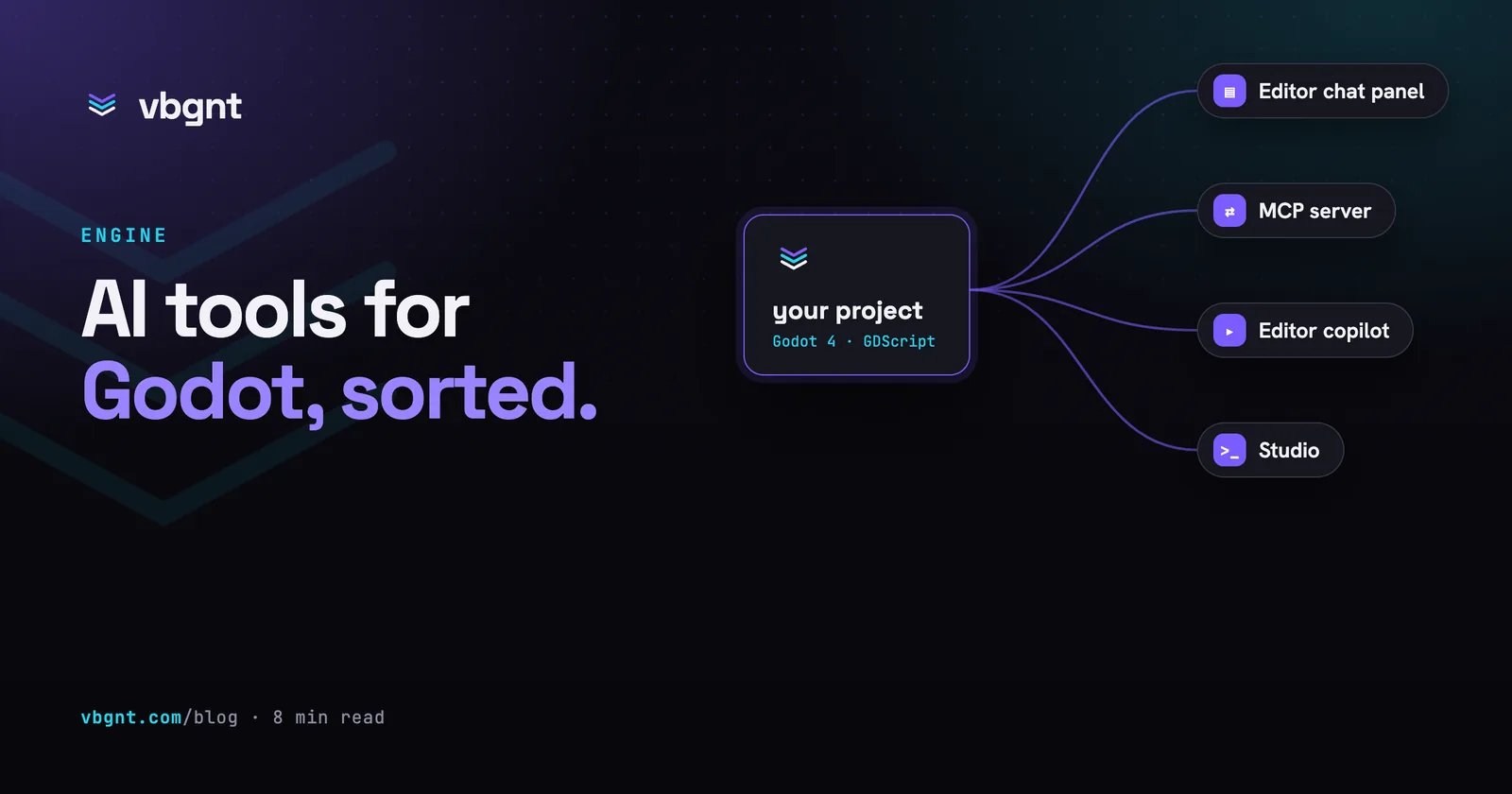
SKILL.mdand reference files) when the task matches. Ours cover 3D asset generation, 2D pixel art, Blender clean-up, online multiplayer, store marketing and inspecting 3D models. Every rule in them is a bug we hit once and did not want to hit again. - Add an MCP server if you work in the editor. If you keep the Godot editor open and want the agent to see the scene tree or run the game from it, a Godot MCP server bridges the two. We compared the options in AI tools for Godot, sorted.
What goes wrong when a coding agent builds a game?
The failures below are all ones we have seen in production, several of them more than once. None of them is visible by reading the code, which is the general lesson: generated games fail on load, not in review.
It writes Godot 3 into a Godot 4 project
The most common failure, and the most boring. KinematicBody2D instead of CharacterBody2D, yield instead of await, export var instead of @export. The parse error tells the agent immediately, provided something parses it. This is the cheapest reason to give the agent the engine rather than just a folder.
It kills its own process
This one took us a while. A game preview hangs, the agent decides to clean up, and it runs something like pkill -f godot or a loop over /proc/*/cmdline killing anything that mentions Godot. The agent framework we use had passed the whole system prompt to the agent's CLI as a command-line argument, and our system prompt mentions Godot. So the agent's own process matched, and the turn died with exit code -9, which looks exactly like running out of memory. We now pass the system prompt as a file and tell the agent to kill by process ID. If you script a coding agent yourself, check what is in its command line.
It waits on a render longer than the CLI will
Rendering 3D on a cloud machine without a GPU is slow: we measured 1.6 seconds per frame for a heavy scene under software rendering, so a routine preview can run past ten minutes. In non-interactive mode the agent's CLI stops waiting on background tasks after ten minutes by default and ends the turn with whatever interim message it had, while the orphaned render carries on eating CPU under the next turn. The fix was not more patience. It was skipping the renderer on every frame nobody was going to look at, which took the same preview from about thirteen minutes to 41 seconds.
It ships a game with no sound on the web
Godot's web export plays audio differently from desktop. Adding an audio bus at runtime, putting effects on a bus, or fading a playing sound's volume up from silence all work on desktop and quietly fail in a browser, sometimes muting the whole game. Our coding agent followed a recipe of ours that did exactly those things and produced a batch of silent games. That was not a model problem: a different model hit it too. The recipe was the problem, and the fix was a short list of web audio rules in the skill.
Touch controls whip the camera
On phones, Godot turns the first finger into mouse events so that menus work. A game whose camera reads mouse motion then jumps several hundred pixels when a second finger lands, because the engine's web build computes the drag from the wrong touch. A coding agent writes perfectly reasonable camera code that fails only on a real phone with two thumbs down. The test that caught it was playing on a phone; the rule that prevents it is now in the skill.
Generated 3D models face the wrong way
Rigged models from 3D generators follow glTF's convention and face +Z, while a Godot character controller conventionally moves along -Z. A coding agent will confidently assume one or the other. The fix is to render the model from labelled angles and measure its facing, then rotate it in the scene, rather than trusting what any model "usually" does.
Is a coding agent enough on its own?
For a programmer who is happy to own the pipeline, yes. Everything above is solvable with a Godot install, a test script, some skills and a few weeks of finding the bugs. That is roughly what we did.
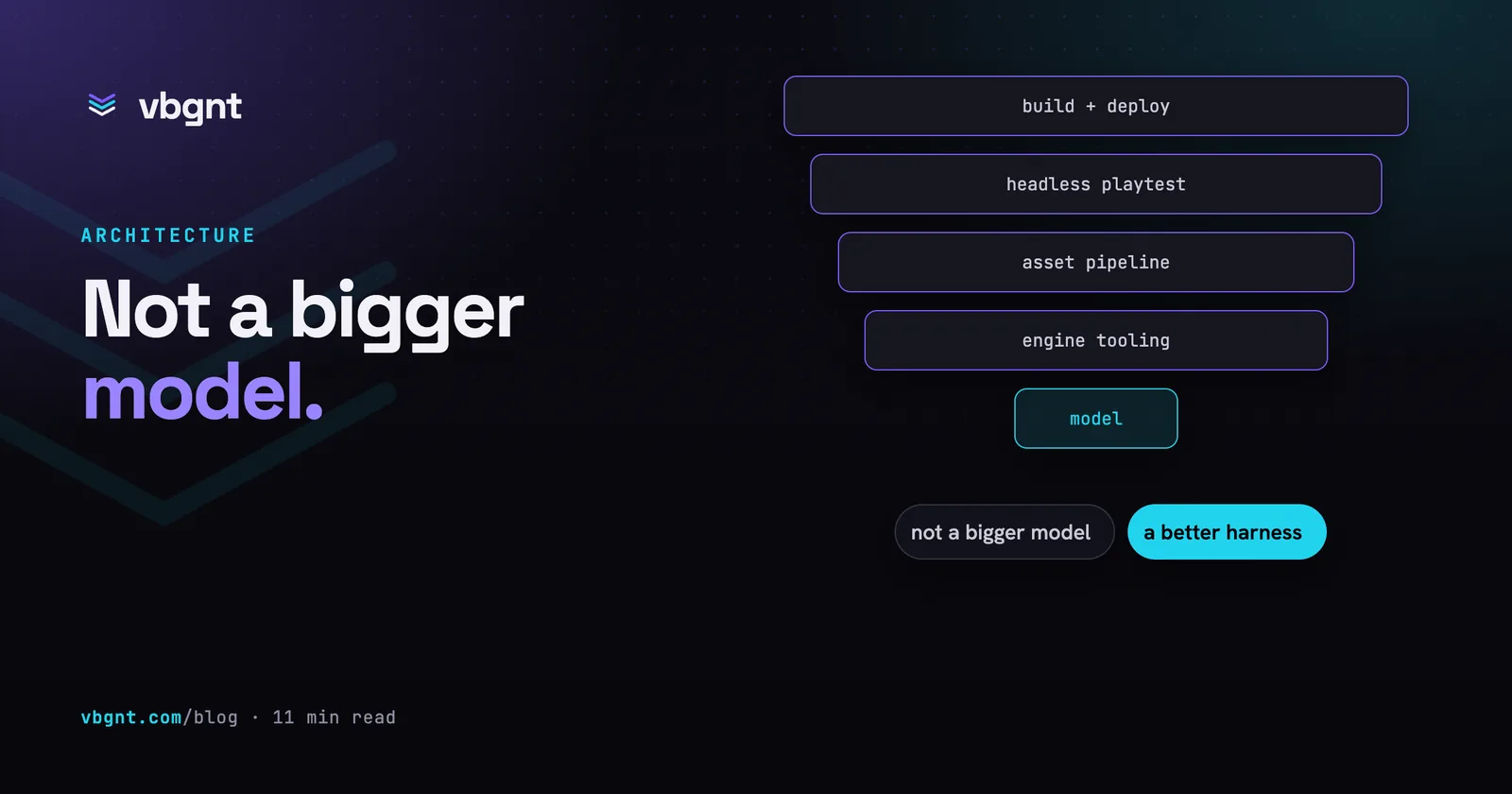
If you would rather describe a game than maintain the harness around the agent, that harness is what vbgnt is: a cloud game development workstation with design, development, QA and marketing pipelines, each run by its own specialist AI agent: the development agent builds the game, the QA agent playtests every build, and the engine, the asset generators and the web audio rules are already in place, publishing to your own arcade and exporting to Windows, macOS, Linux, Android and iOS. The pieces are described in what an AI game agent actually needs.
The two also combine. The studio is an MCP server, so a coding agent on your own machine can create a game, pull down the Godot project, edit files where a prompt is too blunt, and push the change live. It works with any assistant that supports MCP, and setup is on the MCP page.
Frequently asked questions
What kind of games can an AI coding agent make?
Small, complete games with one strong idea: arcade games, platformers, puzzle games, kart racers, top-down shooters, cozy 3D exploration, card games and online multiplayer for a handful of players. A first build from a good brief has one mechanic, an art direction, controls, menus, sound and a build that boots. It struggles with large authored content and with feel, which needs a person to play the game.
Which game engine is best for an AI coding agent?
Godot 4 for most projects. Its scenes and resources are readable text, GDScript is small, and the engine runs from the command line without a window, so a coding agent can export the game, run it and read the errors itself. Phaser or Three.js is quicker for a one-evening prototype. Unity and Unreal work through MCP bridges but their scene and blueprint formats are much harder for an agent to read and edit.
Can an AI coding agent make a 3D game?
Yes. Most of the games built in the vbgnt studio are 3D. The hard parts are not the code: generated models need their facing, scale and pivots measured and corrected, and previews in a machine without a GPU are slow enough to need care. Given the engine, a way to screenshot the running game and an asset pipeline, a coding agent handles 3D scenes, cameras and character controllers well.
Do I need to know how to code to make a game with an AI coding agent?
Not to get a first playable build, but running a coding agent yourself means owning the setup: installing the engine, writing the test script, fixing the environment when a build fails. If you would rather describe the game than maintain that, a studio such as vbgnt does the setup for you.
Can an AI coding agent publish my game?
Only if you give it a way to. A coding agent can run the engine's export from the command line, but uploading to a store or host needs credentials and tooling. The vbgnt studio publishes every build to your own arcade automatically and exports for Windows, macOS, Linux, Android and iOS, and a coding agent on your own machine can drive it through the vbgnt MCP server.