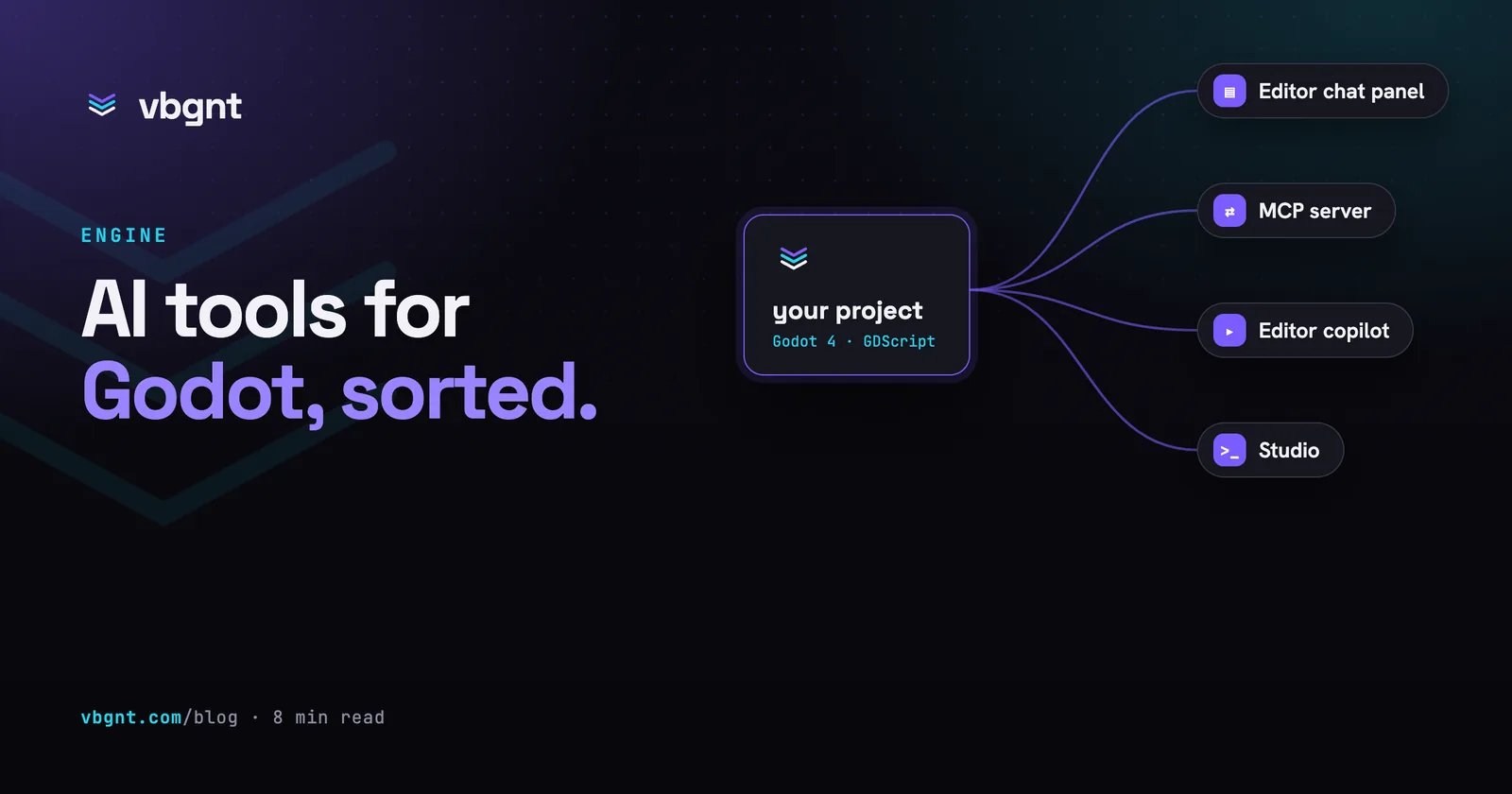
Godot has no AI assistant of its own, and after the project's June 2026 contribution policy it is not going to write one. What it has instead is a crowded shelf of third-party tools: MCP servers that let Claude Code or Cursor drive the editor, plugins that put a chat panel inside it, older inline copilots, and studios that run Godot themselves and hand you the game.
They look similar in a list and behave very differently in use. Here is what each kind actually does, the ones worth knowing about as of September 2026, and a short test for telling a useful one from a chatbot in a dock.
Does Godot have a built-in AI assistant?
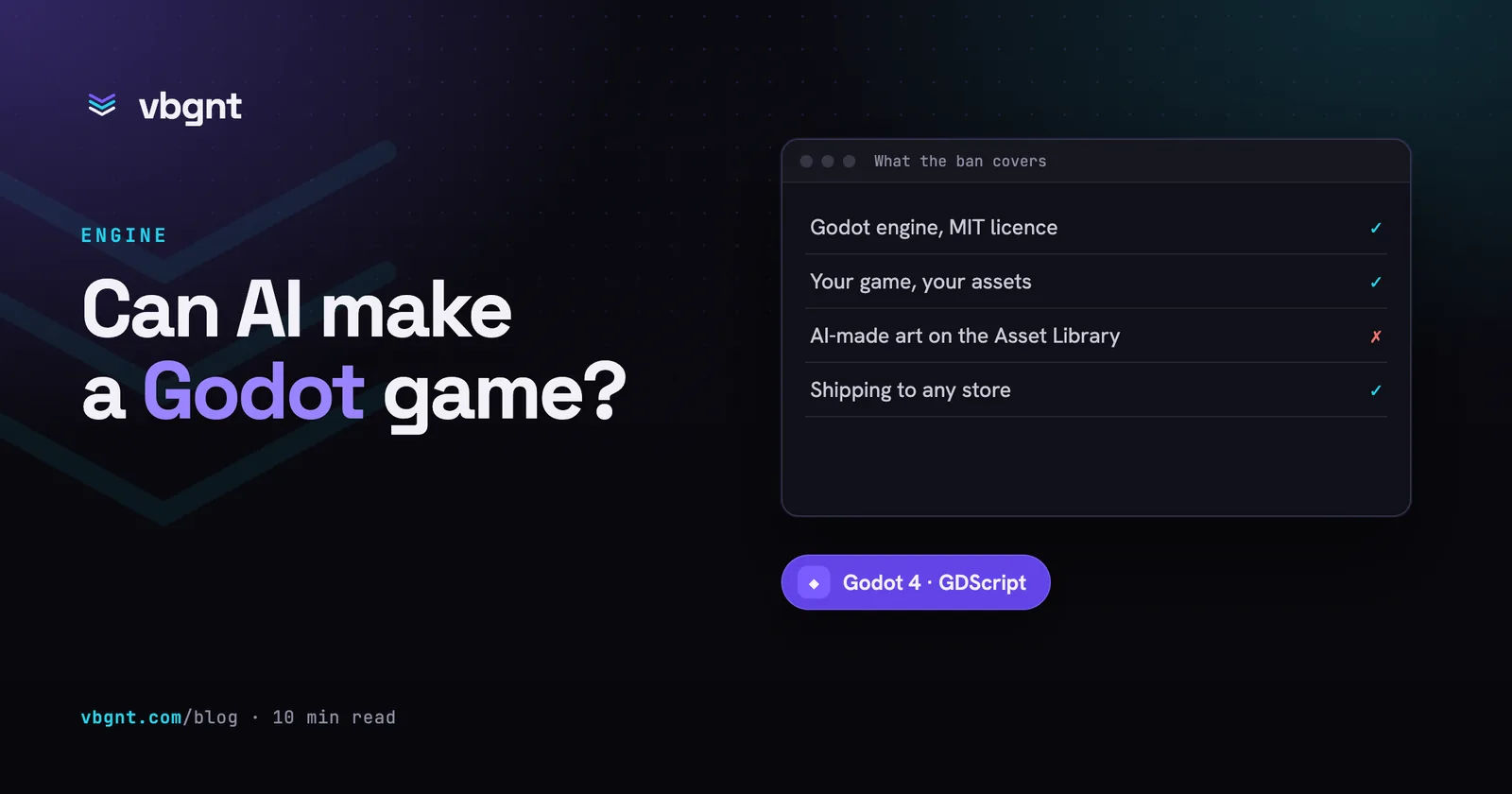
No. The Godot editor ships without any AI features, and every assistant you find is a plugin or an external tool. The engine's position on AI is about its own codebase: since 30 June 2026 its contribution policy bans AI-authored code and autonomous agents from pull requests to the engine. It says nothing about the games you make with Godot, which is covered in can AI make a Godot game.
What kinds of AI tools work with Godot?
| Kind | What it does | Suits |
|---|---|---|
| MCP server | Exposes the editor or project as tools, so an agent you already use (Claude Code, Cursor, Codex) can create scenes, run the game and read errors | People who already work with a coding agent |
| Editor chat plugin | A chat panel docked in the editor, sometimes able to edit scripts and scenes directly | People who want help without leaving the editor |
| Inline copilot | Autocompletes code at the cursor | Programmers who want faster typing, not an agent |
| Studio | Runs Godot itself, generates assets, tests and publishes, and hands you the game and the project | People who want a game rather than a faster editor |
What is a Godot MCP server?
MCP, the Model Context Protocol, is the standard AI agents use to call outside tools. A Godot MCP server describes things like "create a node", "run the project" or "take a screenshot" in a form the agent understands, then carries them out against your project or a running editor. You install the server, add it to your agent's configuration, and the agent can then do those things in the middle of an ordinary conversation.
The quality range is wide. PulseMCP lists 34 Godot MCP servers, and the gap between the best and the median is the gap between an agent that can see its game run and one that edits files and hopes.
Which Godot MCP server should you use?
The four that come up most, compared on the things that decide whether they help.
| Server | Price and licence | Runs the game and reads errors | Screenshots | Godot version |
|---|---|---|---|---|
| godot-mcp (Coding-Solo) | Free, MIT | Yes, debug output | No | 4.x |
| Godot AI (hi-godot) | Free, MIT | Yes, plus GDScript validation and tests | Yes | 4.5+ |
| GDAI MCP | Paid, one-time licence | Yes, debugger output and script errors | Yes | 4.1+ |
| Godot MCP Pro | $15 one-time | Yes, runtime inspection and input simulation | Yes | 4.4+ |
- godot-mcp by Coding-Solo is the widely used open-source starting point. It launches the editor, runs the project in debug mode and captures console output, and can create scenes, add nodes and load sprites. It is file-level and hackable, and has no eyes.
- Godot AI is the most complete free option: a plugin plus server with dozens of tools, screenshots, test running and one-click setup for eighteen MCP clients including Claude Code, Codex and Cursor. It sends telemetry by default, which you can turn off.
- GDAI MCP is a paid editor plugin that edits the scene tree, reads the debugger and takes screenshots automatically. The licence allows commercial game use; the source is not open.
- Godot MCP Pro is the broadest: runtime inspection of a running game, simulated input for automated play-testing, and every editor change routed through Godot's undo system, so Ctrl+Z still works after the agent has been at it.
Which editor plugins put AI inside Godot?
- AI Assistant Hub (free, MIT) docks a chat in the editor that can read and write code in the script editor and, with tools switched on, create and edit scenes and resources, each tool set to allow, ask or hide. It is built around local and open models (Ollama, llama.cpp, OpenRouter and others), which makes it the private option.
- Ziva is a commercial agent inside the editor that edits scenes, scripts and signals, generates sprites and textures, reads editor output and, on its paid tiers, runs a play-testing agent. There is a free Hobby tier with $3 of usage a month and paid plans at $20, $50 and $200 a month. It can also use your own Claude Code or Codex subscription.
- Fuku (free, MIT) is a chat panel for asking questions of Ollama, OpenAI, Claude or Gemini without leaving the editor. It does not edit the project.
- GameDev Assistant from Zenva reads the whole project and generates scripts and fixes, with a free plan and a paid Pro tier.
- Godot Copilot and its newer look-alikes autocomplete code at the cursor. Useful if you are writing GDScript yourself; not an agent.
What is Claude in Godot?
There is no official Anthropic plugin for Godot. "Claude in Godot" means one of two setups. Either Claude Code runs in your project folder with the Godot binary on the path, writing files and running the engine headless to export and test; or Claude (the desktop app or Claude Code) connects to one of the MCP servers above and works through the open editor. The first is better for building from scratch, the second for working inside a project you already know. Our notes from running the first at scale are in Claude Code for game development.
How do you tell a useful Godot AI tool from a chatbot?
Five questions, in order of how much they matter.
- Can it run the game and read what went wrong? Most Godot bugs only exist at runtime. A tool that cannot press play is guessing.
- Can it see? Screenshots catch what logs cannot: a camera inside a wall, a character facing backwards, a menu off the edge of a phone.
- Does it edit scenes, or only scripts? A Godot game is as much
.tscnfiles and node trees as it is GDScript. - Can you undo it? Changes routed through the editor's undo history, or at least a clean git diff, are the difference between trying something and gambling.
- Does it know which Godot it is talking to? Godot 3 idioms in a Godot 4 project are the most common failure of every model; a tool that validates against the running engine catches them in a second.
Is there a Godot AI game maker?
Yes. A studio is the fourth kind of tool in the table: it runs Godot itself rather than plugging into your copy. Tesana is one; vbgnt, which publishes this blog, is another. You describe the game, an agent writes the Godot 4 project, generates the art and audio, tests the web build in a headless browser, and publishes it to your arcade, and you can download the whole project and open it in your own editor at any point.
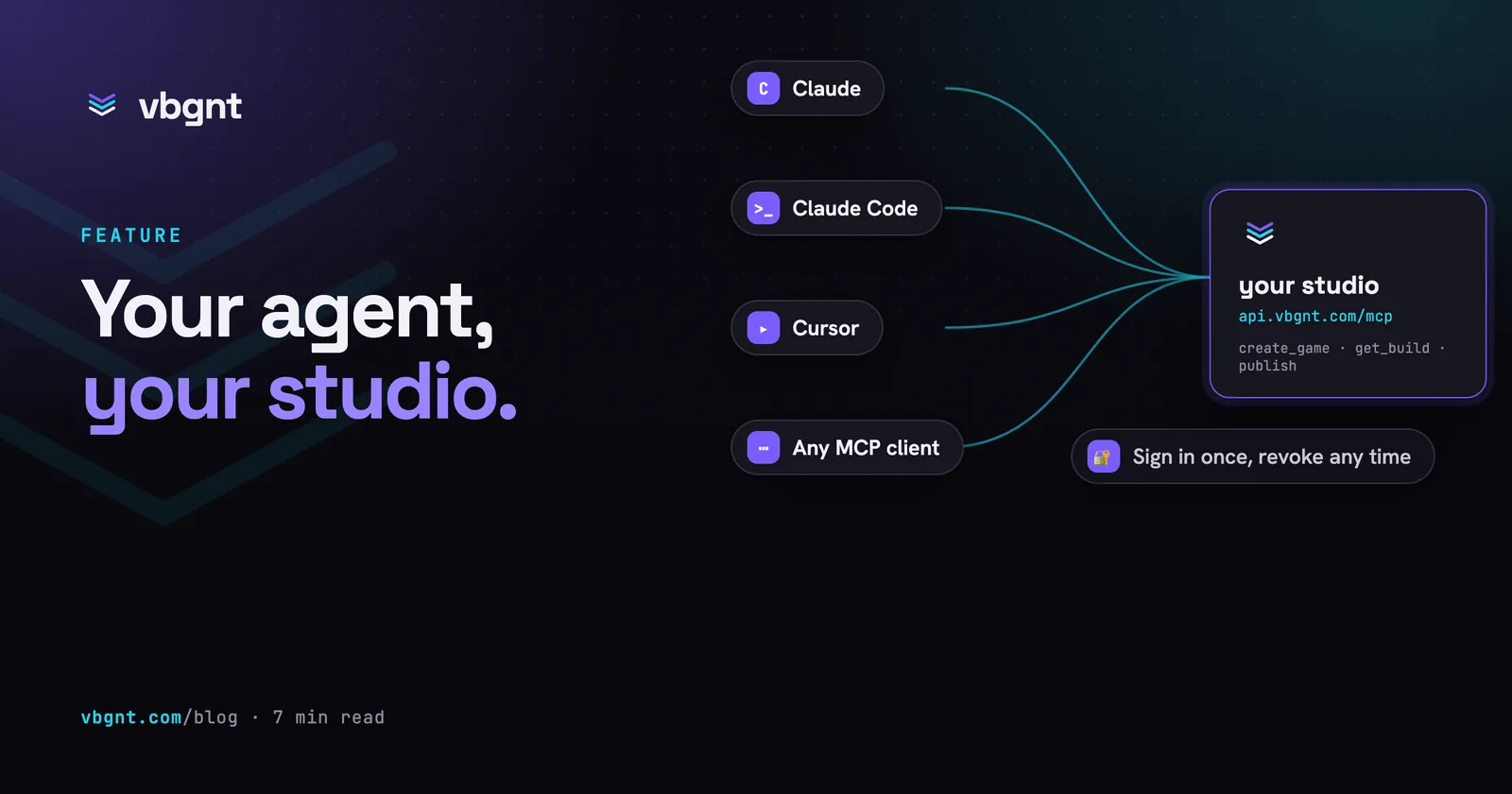
The studio is also an MCP server, but a different kind from the ones above: it exposes a whole studio rather than an editor, so an agent like Claude Code can ask for a game and get back a published build. Setup is on the MCP page.
Which should you pick?
- You already use Claude Code, Codex or Cursor and have a Godot project: Godot AI if you want free and thorough, Godot MCP Pro if you want runtime play-testing and undo for $15.
- You want help inside the editor and prefer local models: AI Assistant Hub.
- You want an agent inside the editor and are happy to pay monthly: Ziva.
- You want the game, not the editor: a studio.
Frequently asked questions
Does Godot have a built-in AI assistant?
No. The Godot editor ships with no AI features, and every AI assistant for Godot is a third-party plugin, MCP server or external tool. Godot's June 2026 contribution policy bans AI-authored code from the engine's own repository, but says nothing about using AI to make games with Godot.
What is the best Godot MCP server?
It depends on what you need. Godot AI is the most complete free option, with screenshots, test running and setup for eighteen MCP clients. Godot MCP Pro, at $15 once, adds runtime inspection, simulated input for play-testing and undo for every change. godot-mcp by Coding-Solo is the simple open-source starting point that runs the project and captures debug output.
Is there a Godot AI game maker?
Yes. Studios such as vbgnt run Godot themselves: you describe a game, an agent writes the Godot 4 project, generates the art and audio, tests the build and publishes it, and you can download the full project to open in your own editor. Tesana is another Godot-based AI game maker.
What is Claude in Godot?
There is no official Anthropic plugin for Godot. Claude works with Godot in two ways: Claude Code running in the project folder with the Godot binary installed, writing files and running the engine headless to export and test; or Claude connected to a Godot MCP server that lets it work through the open editor.
Can I use a local model with Godot?
Yes. AI Assistant Hub is built around local and open models through Ollama and llama.cpp, Fuku supports Ollama, and Ziva can run against Ollama or LM Studio. Local models are weaker at multi-file game changes than the largest hosted ones, so they suit questions and small edits better than building a game from scratch.