When we launched Pro mode, the agent checked desktop graphics the slow way. Its cloud machine had no graphics card, so every frame of Godot's desktop renderer was drawn in software, at about two and a half seconds per 1080p frame. It took a few careful screenshots per turn, and a one-minute gameplay clip took well over an hour.
That machine now has GPUs to call on. The studio has a pool of cloud GPU machines, and three things in Pro games run on it: the agent's own checks, gameplay videos, and something new, playing the full desktop build of your game in a browser and sharing it with a link.
What changed for the agent?
When the agent checks a Pro game, it runs the game on the desktop renderer with a short script of inputs and looks at the frames. Those runs now go to a GPU machine. The same 1080p frame that took two and a half seconds in software takes about five hundredths of a second there, so a check that used to be three screenshots can be a whole fight, a whole level, or every graphics preset.
You see the difference in the replies. In the Pro turns we've run since, the agent reports checking its new work on the desktop renderer in the game's own demo modes, rather than listing what it couldn't look at. If no GPU machine is free, the check falls back to software and the turn carries on.
The first time a turn needs a GPU, it can wait two or three minutes for a machine to start. Runs after that start straight away.
Gameplay videos on demand
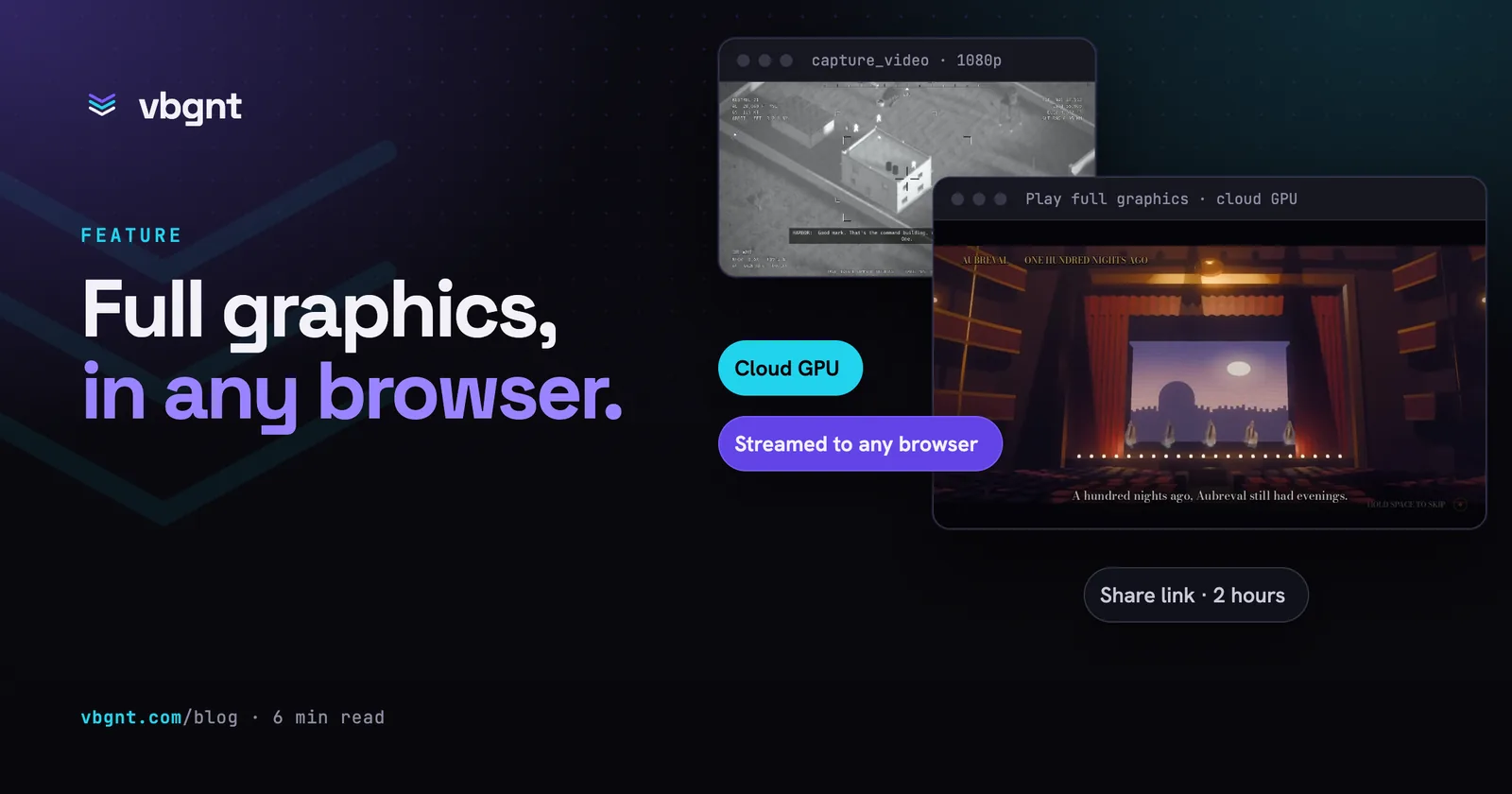
The same machines record video. Over MCP, the new capture_video tool records any of your games and hands back a finished MP4 with the game's own sound, a contact sheet and a poster frame. You choose the shape (1080p, 720p, 4K, portrait or square), up to two minutes of footage, how much of the start to skip, and either the game's own demo mode or a list of inputs to play.
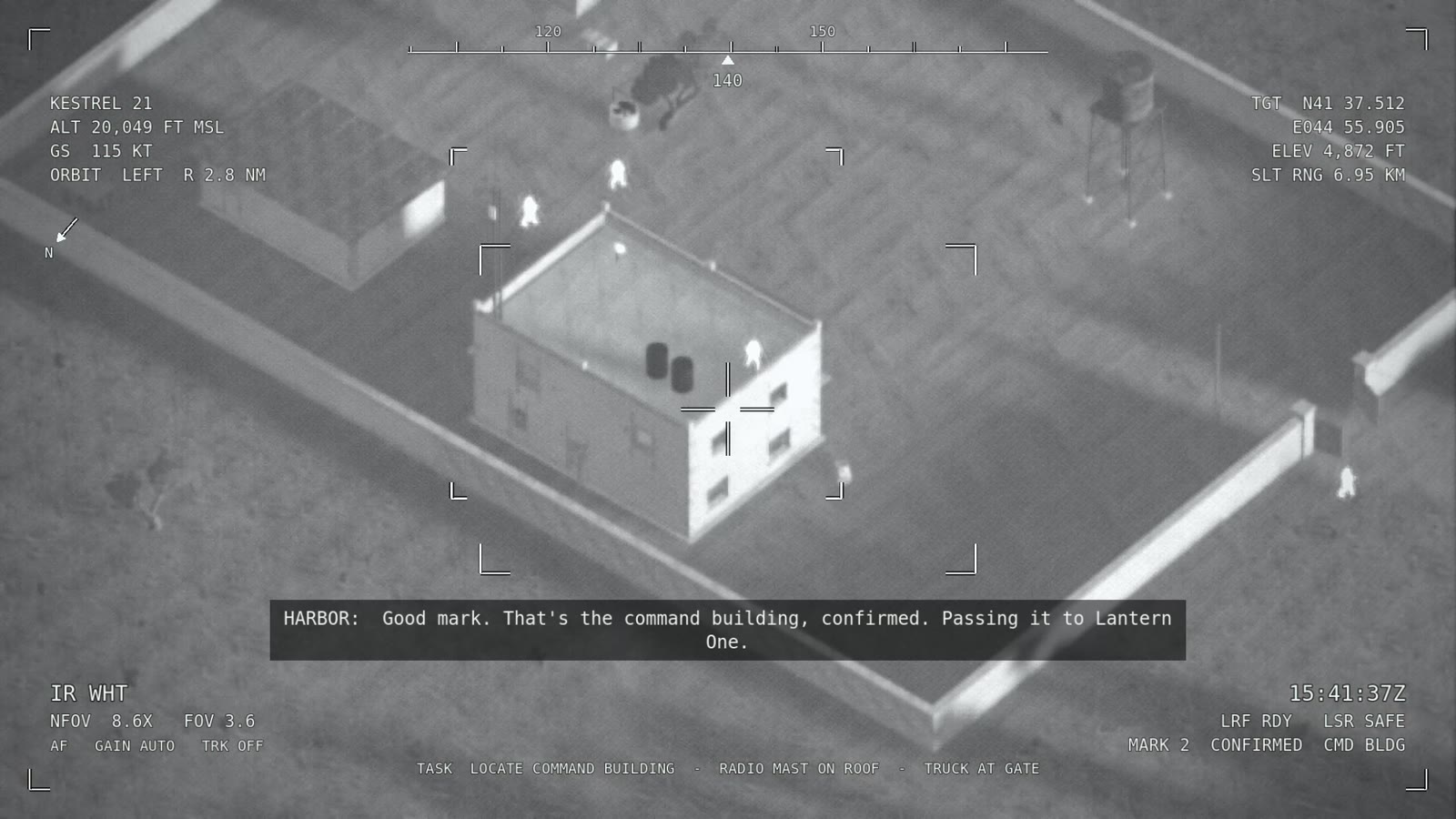
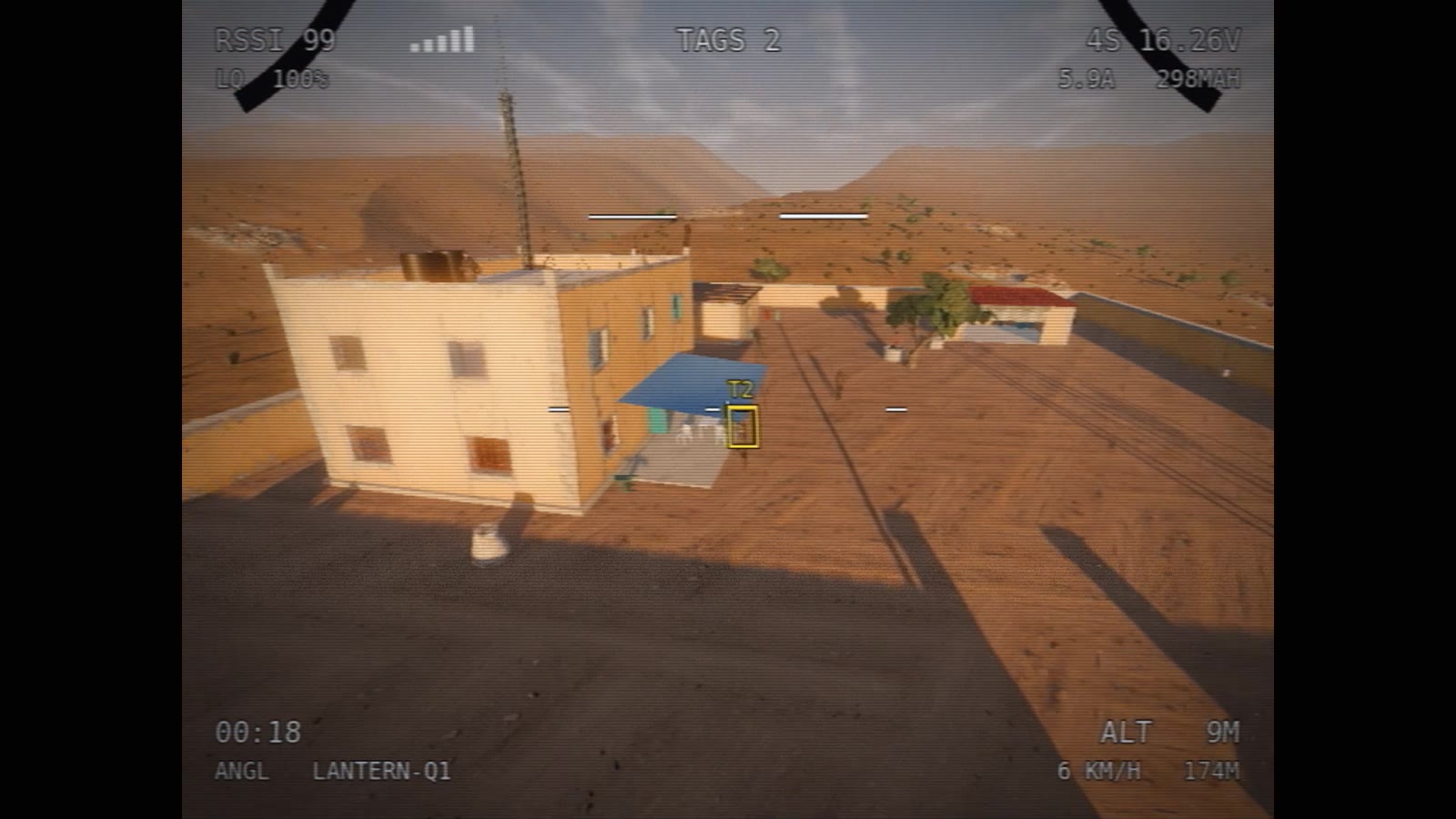
Recording is quick enough to stop thinking about. In our runs a 75-second 1080p clip came back in three to four and a half minutes, start to finish, and a 30-second 4K clip in under three and a half. Every Pro game shot in our next YouTube video came from this tool, where the desktop shots in the two before it had to be rendered on a Mac.
Marketing kit trailers for Pro games use the same pool. Each shot is recorded on a GPU and arrives ready to cut, and a Pro trailer can now be mastered in native 4K instead of being scaled up from a smaller recording.
Play the full graphics in a browser
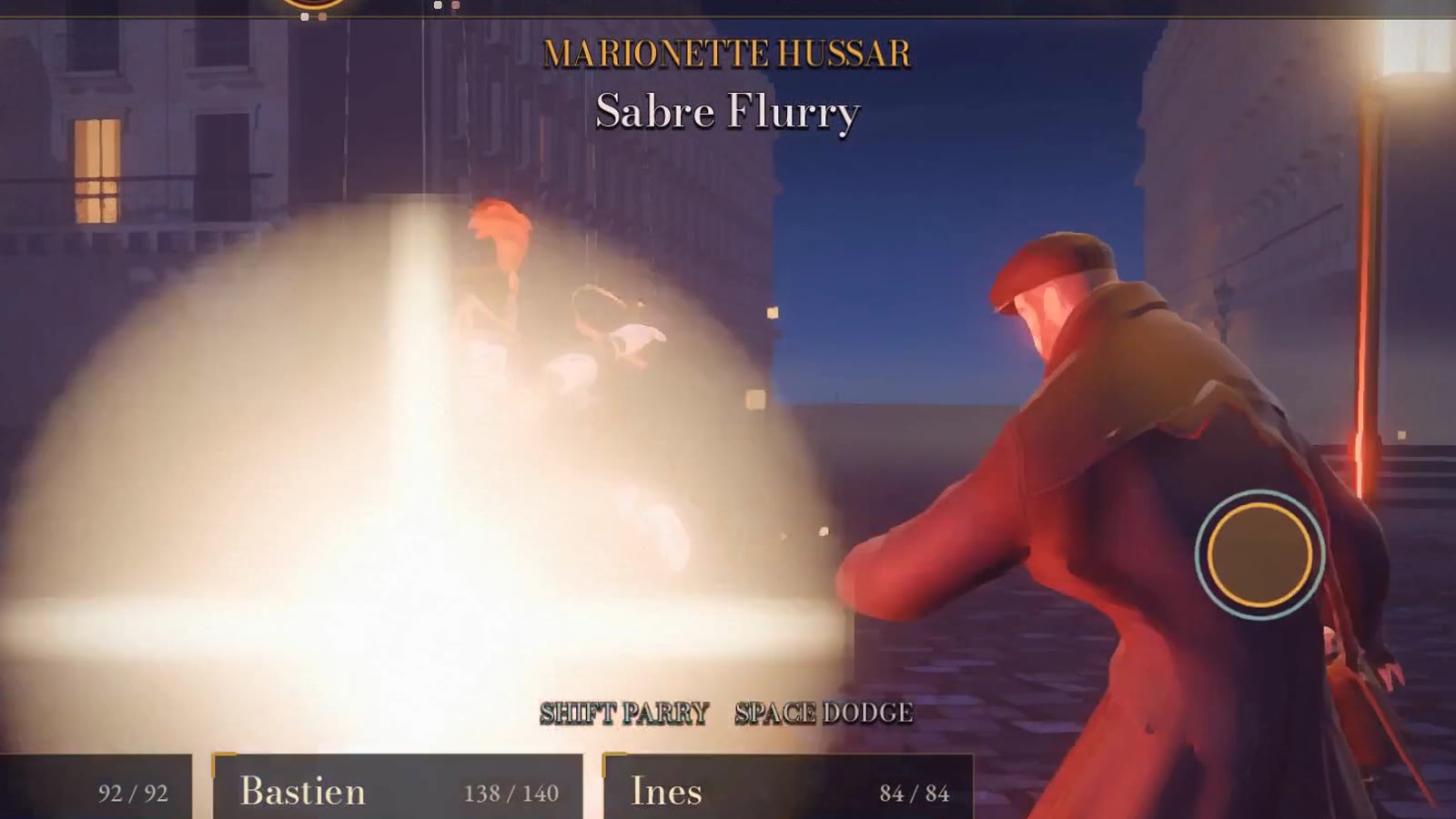
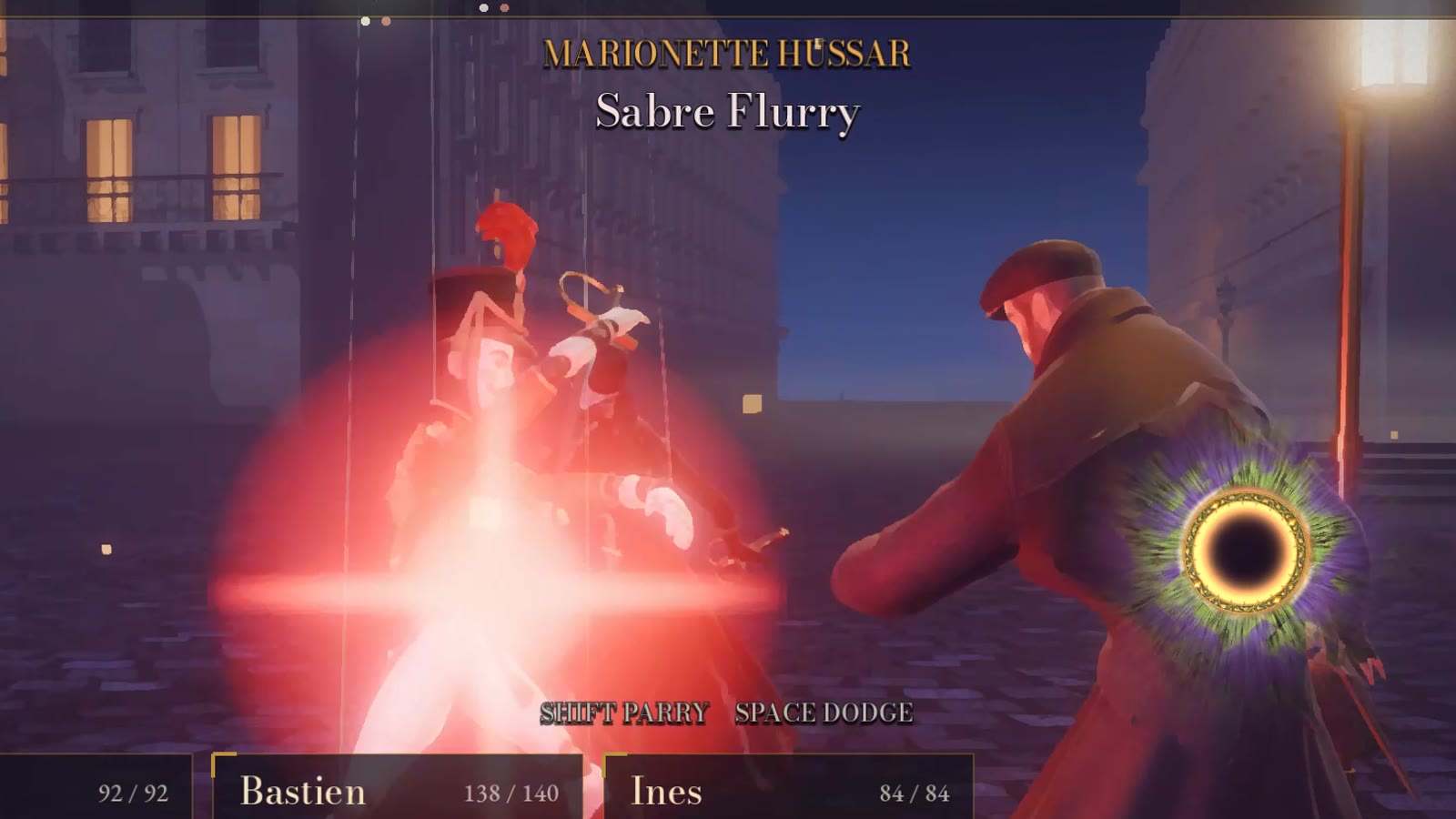
A Pro game's web build is a preview. It plays the same, but Godot's browser renderer leaves out the global illumination, the fog and the reflections that make the desktop build worth having. Until now, seeing the real thing meant downloading it.
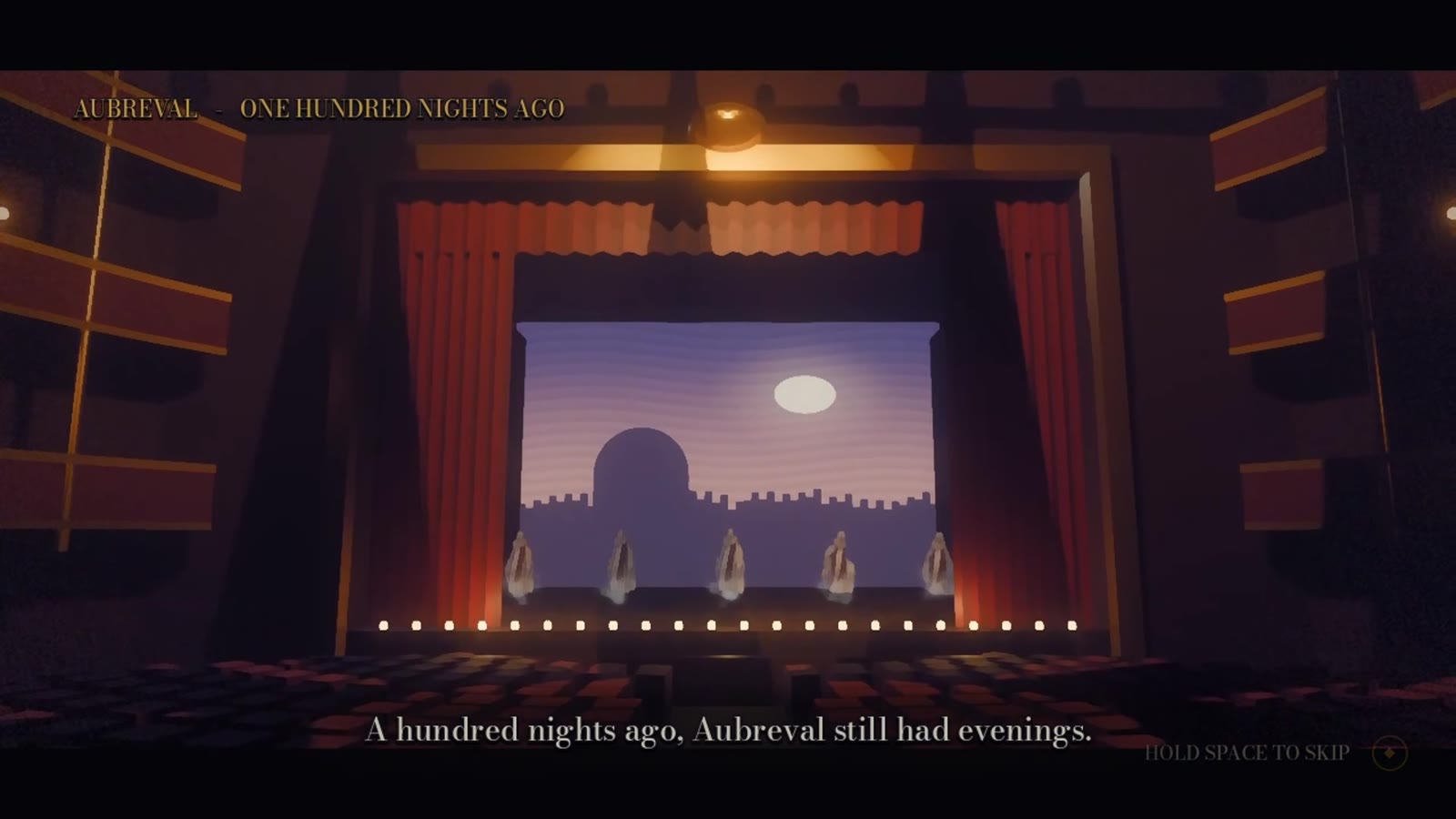
Pro games now have Prepare streaming in the Game pane, next to Play on my computer. It builds the game for streaming once, which takes a few minutes and shows in the Publish pane like any export. After that the button reads Play full graphics. Press it and the studio starts your desktop build on a cloud GPU and streams it into a window on the page, with your keyboard, mouse and gamepad going back to the game. It can go fullscreen, and closing the window stops the stream.
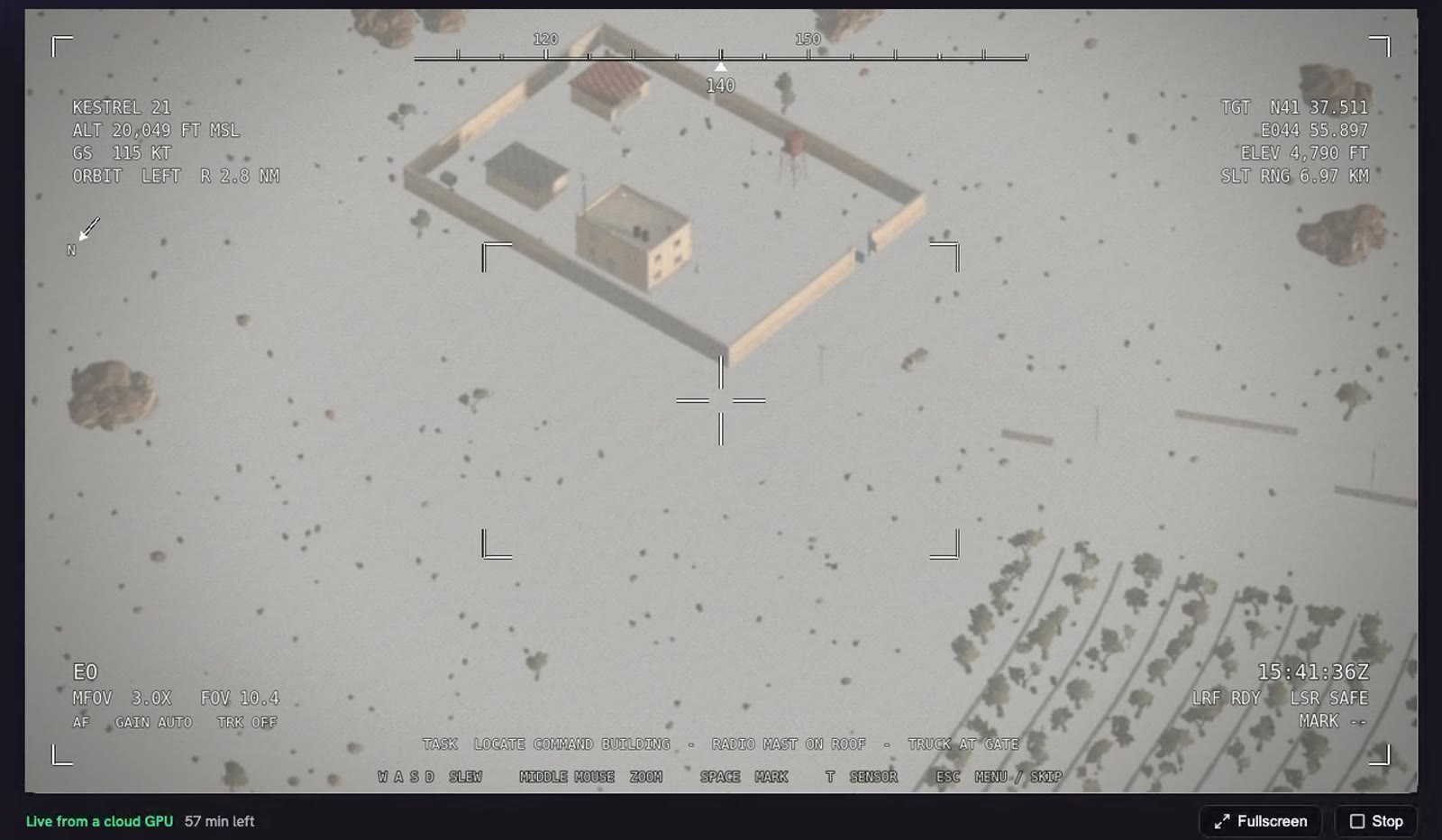
When you change the game, an Update stream build button appears, so what you stream always matches what you just built.
Share it with a link
Next to Play full graphics is Share. It makes a link that works for 30 minutes, an hour or two hours, for one to ten plays, with a private note so you remember who it was for. Whoever opens it sees your game's cover and a Play button, and plays the full desktop build in their own browser. They don't need an account, a download or a graphics card.
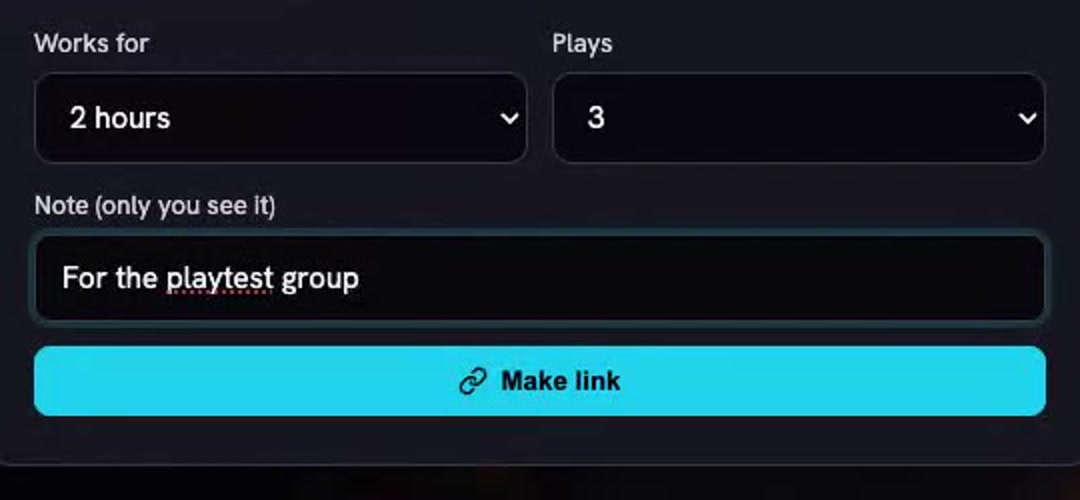
The link is shown once; we keep only a fingerprint of it. One person plays at a time per link, its plays and time left are listed in the dialog, and Turn off ends it, including a session that is running.
What are the limits?
- Starting takes a moment. A stream can take a couple of minutes to begin while a GPU machine starts and your game loads. In our tests the wait from the click to the main menu ran from under a minute to about two and a half.
- Streaming time is capped. A session lasts up to an hour, and each game owner has three hours of streaming a day. Plays on your share links count towards your time, not the player's.
- Godot 4.8 games only. Older Pro games can stream after an upgrade fork to the newer engine.
- Machines are limited. If every streaming machine is busy you'll be asked to try again in a few minutes.
- Online multiplayer is untested. We haven't streamed a multiplayer game yet, so treat that as unsupported for now.
- The web build is still the preview. The arcade and the games directory play the browser version. Streaming is how you show someone the real thing.
Why it matters
Pro mode made the desktop build the real game, and then made it the hardest one to look at. Your players had to download it, the agent could barely see it, and gameplay footage meant a long wait. Rendering and streaming from cloud GPUs closes that gap: the agent checks what you'll actually ship, footage comes back in minutes, and "try my game" is a link again.
Frequently asked questions
Can I play a vbgnt Pro game's full graphics in a browser?
Yes. In the Game pane, press Prepare streaming once (a few minutes), then Play full graphics. The studio runs the desktop build on a cloud GPU and streams it into the page, with your keyboard, mouse and gamepad sent back to the game. The web build in the arcade stays the reduced-graphics preview.
How do share links work?
Share makes a link that works for 30 minutes, an hour or two hours, for one to ten plays. Anyone with it plays the full desktop build in their browser, one person at a time, with no account. The link is shown once, and Turn off ends it, including a session in progress. Plays count against the owner's streaming time.
How long does a stream take to start?
Usually under a minute to a couple of minutes: a GPU machine has to start and the game has to load. In our tests the wait from pressing Play full graphics to the game's main menu ran from under a minute to about two and a half minutes.
How much can I stream?
A session lasts up to an hour, and each game owner has three hours of streaming a day, including plays on their share links. Streaming needs a Pro game on Godot 4.8; older games can be upgraded with a fork.
What is capture_video?
A tool on vbgnt's MCP server that records gameplay of one of your games on a cloud GPU and returns an MP4 with the game's sound, a contact sheet and a poster frame. You pick the shape (1080p, 720p, 4K, portrait or square), the length (up to two minutes), how much of the start to skip, and the game's demo mode or a list of inputs.
Does the agent still check Pro graphics in software?
Only as a fallback. Its desktop renders now go to a GPU machine, which is about fifty times faster per frame, so it can check whole scenes and graphics presets. If no GPU machine is available, the same check runs in software as before.