Until now, the only way to make a game on vbgnt was to open the studio and type. As of this week, your own AI agent can do it for you. The studio is now an MCP server. Connect it to any assistant that supports MCP, sign in once, and that agent can create games on your account. It tracks builds, organises your arcade, and exports the finished games without leaving your chat.
Here is what an MCP server is, what yours can do on vbgnt, how the permission screen works, what it handles well, and what it deliberately cannot do.
What is an MCP server?
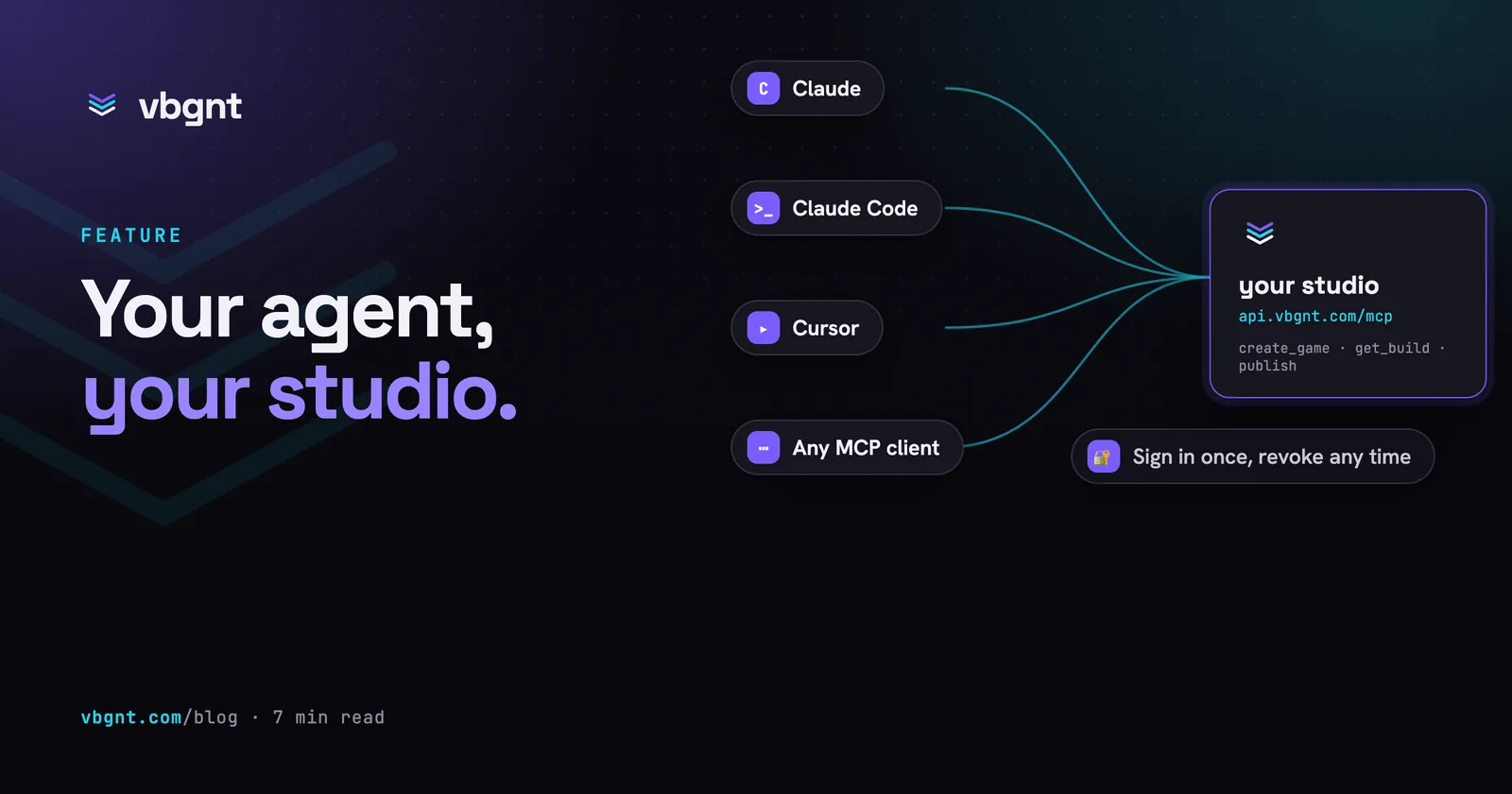
The Model Context Protocol is the open standard AI assistants use to reach outside tools. An MCP server is a web address that describes a set of tools (like "create a game" or "list my exports") in a format an agent understands, then runs them when asked. You can point ChatGPT or most coding agents straight at one. The agent reads the tool definitions, you approve the connection, and the agent calls those tools in your normal conversation.
vbgnt's server lives at https://api.vbgnt.com/mcp. It exposes 34 tools across four groups. Every single tool acts only on the account of the person who approved the connection, never on anyone else's.
What your agent can do
- Games. Create a game from a prompt, name, and art style, just like you would in the studio. Send follow-up instructions to an existing game. Watch a build finish, inspect the transcript, cancel a turn, fork a project, rename it, write blurbs, or toggle whether it is featured or hidden. You can also inspect and edit files, download the full project zip, or rebuild the web player after a code change.
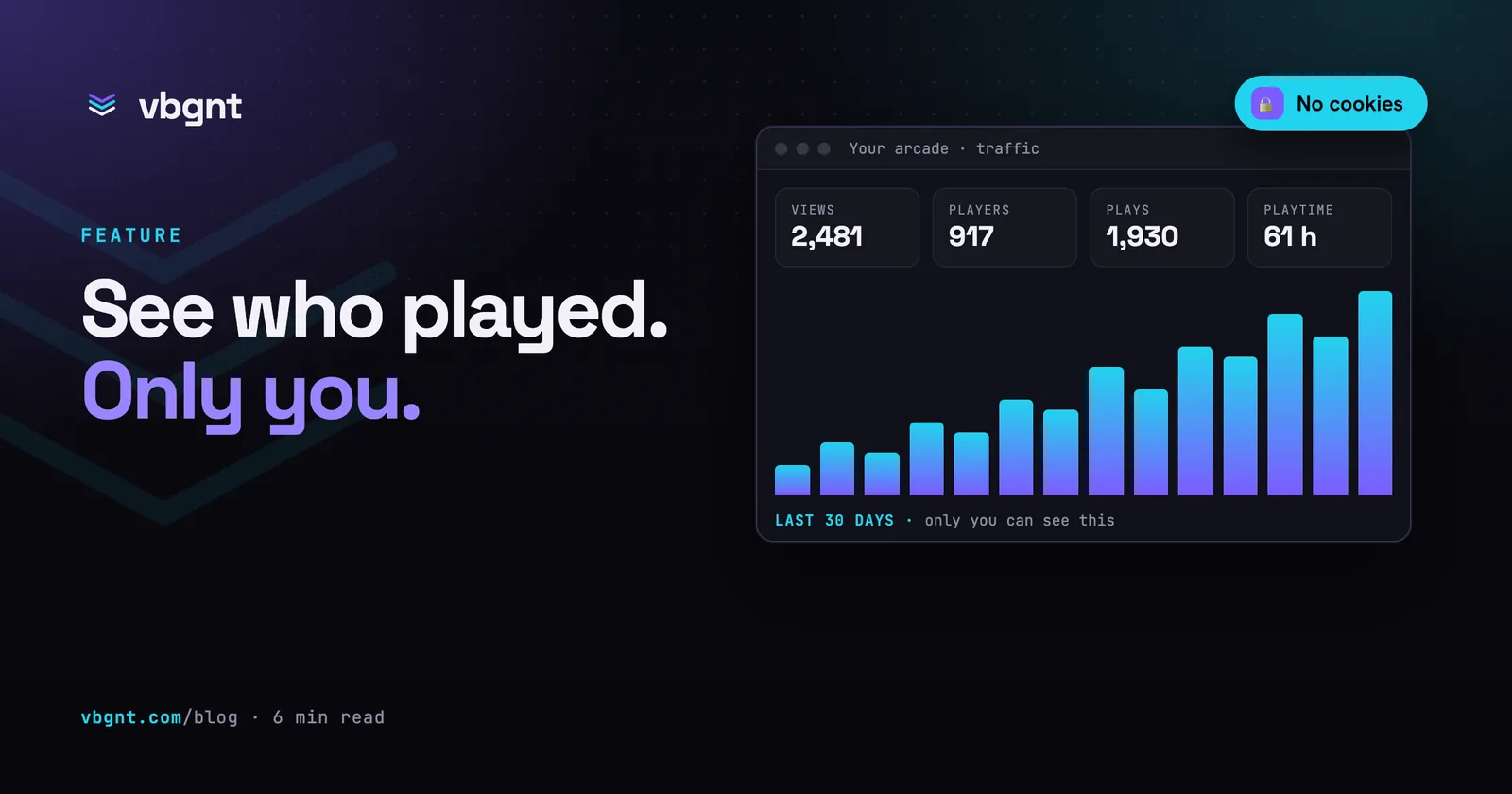
- Arcade. Check if an arcade name is available and claim it. Read your traffic: views, players, plays, and playtime, broken down by game and platform. Reorder games on your shelf.
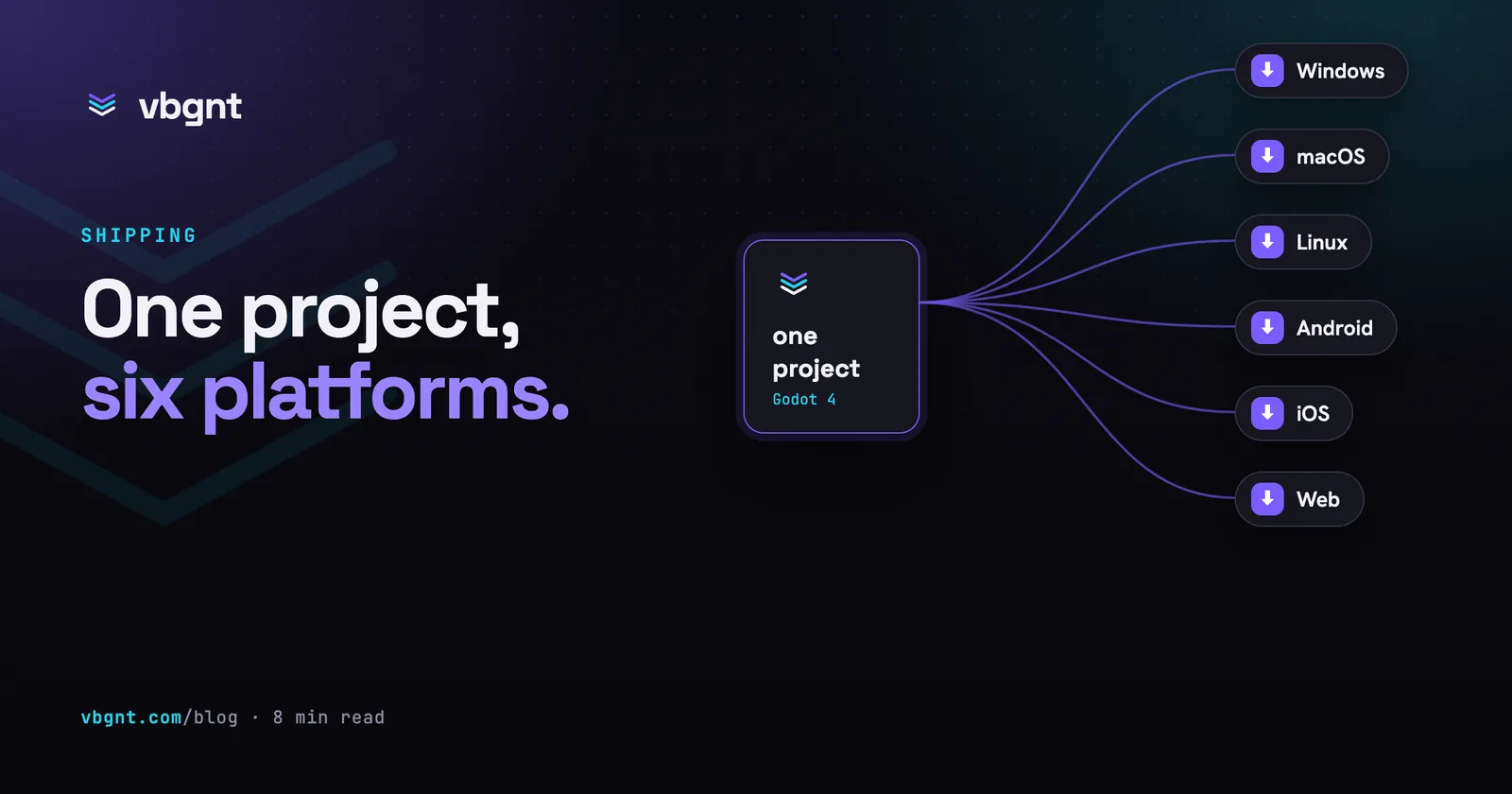
- Exports. Start an export for Windows, macOS, Linux, Android, iOS, or web, track the job, fetch download links, and push builds to itch.io if your account has an itch key. Generate a marketing kit for mobile, itch.io, or Steam, follow the build, grab the zip, and render the trailer.
- Account. Check who is signed in, which arcade belongs to the account, which models you can build with, and which keys are configured.
These tools call the exact same functions behind the studio's buttons. When an agent creates a game over MCP, it gets the same cloud runner, the same generated art, the same automated playtesting, and the same live publish to yourname.vbgnt.com as a human typing in the studio.
How to connect
You need a vbgnt account, which still requires an invite. Once you have an account, add the server to your agent. The setup page covers exact steps and prompt examples for the assistants that support it. Here is the short version:
- Your AI chat app. Add a custom connector and paste the server address (in ChatGPT, custom connectors live under developer mode). The app opens a vbgnt verification page in your browser. Sign in, click Allow, and the connector is live.
- Coding agents. Most add an MCP server with one terminal command or one line of config. Point it at the address above, then approve the prompt on the sign-in page.
- Anything else. Any client that supports the protocol's authorisation flow works the same way. You never paste an API key. The web sign-in page is the only door.
Once you are connected, ask for a game just like you would in the studio. "Make a two-player online tank duel, top-down, 90s shareware look" is plenty. The agent calls create_game, the build starts on a cloud machine, and the agent polls until the game goes live, then hands you the URL.
What the permission screen shows
Giving an agent access to your build quota and your public URL deserves proper security. We used the same pattern banks and brokerages use for agent integrations. The server acts as its own OAuth authorisation server, agents register themselves, and every token binds directly to the approving browser with a one-time proof.
In practice, you only see a single screen. It names the requesting agent, shows the target account, and lists four permission scopes: games, arcade, exports, and account. An agent can ask for a smaller set, and it only gets tools in the groups you approve. Deny turns the agent away with nothing. Allow issues a token that expires after an hour and refreshes quietly in the background while the agent stays connected. Disconnect the agent on your side and refreshes stop, so the connection expires on its own.
We built in one hard rule: an agent can never set your keys. Your model sign-ins, image and audio keys, and itch.io key are saved in the studio's Settings pane and nowhere else. An agent can check whether a key exists, but it cannot read it or add one. Anything pasted into an agent chat ends up saved in a transcript, so credentials stay out.
What it is good for
The most compelling setups treat game generation as one step in a wider project, not the entire job.
- A story that becomes a game. A family writes a bedtime story with an assistant over a week, then asks it to "make this a small game she can play on the tablet". The agent already understands the characters, the lore, and the rules of the world. It writes a far better brief than someone starting cold.
- A teacher's assistant. Build ten mini-games inside one conversation, each designed around a specific lesson plan, keeping each game hidden from your public arcade until the day of class.
- A release manager. A scheduled agent checks arcade traffic every Monday, exports the most popular game for every platform, uploads the builds to itch.io, and reports back. You never have to open the studio.
- A coding agent with taste. A coding agent pulls down the project over the connection, edits files directly where a text prompt is too blunt, and calls
rebuild_gameto push the update live.
In each case, your agent handles coordination while the studio handles the build. That division of labour makes sense. The studio has the engine, the asset pipelines, a QA agent that playtests every build, and packaging. Your agent has the context: what you have discussed, what you meant, and what came before.
The honest limits
- Builds take minutes. A playable build takes minutes rather than seconds, so your agent has to poll for results. The server explains this in its tool instructions. A well-behaved agent checks roughly once a minute and stays quiet in between.
- One account, your account. An agent cannot list games from other creators, check another arcade's numbers, or do anything you cannot do in the studio yourself.
- No keys over the wire. As noted above, if an agent complains that an API key is missing, you must add it in the studio.
- One export at a time per game, and never while a build turn is running, because exports need current source files.
- Still invite-only. The server cannot create accounts. The waitlist remains the only way in while build capacity stays limited.
Try it
If you have an account, connect your agent to https://api.vbgnt.com/mcp and ask it to make something small. If you do not, leave your email and chosen arcade name on the waitlist, and let us know which agent you want to connect first.
Frequently asked questions
Can my AI agent make games on vbgnt?
Yes. The studio is an MCP server at https://api.vbgnt.com/mcp. Connect it from any assistant that supports MCP and its authorization flow, such as ChatGPT or a coding agent, by adding that address as a custom connector or server. After you sign in and approve the connection, the agent can create games, send build instructions, follow progress, manage your arcade and run exports on your account.
What can a connected agent do, exactly?
Four groups of tools. Games: create, prompt, follow, stop, fork, rename, describe, feature or hide a game, browse and edit its files, download the project and rebuild. Arcade: check and claim an arcade name, read traffic, reorder the shelf. Exports: start, follow, fetch and cancel platform exports, push to itch.io, generate store marketing kits and render trailers. Account: who is signed in, which arcade they own, which models and keys are available. A connection only gets the groups it was granted on the permission screen.
How does the permission screen work?
The server is its own OAuth authorization server, the scheme brokerages use for their agent connectors. The agent registers itself, opens a vbgnt page in your browser, and you see the agent's name, the account it will act as, and the permissions it asks for. Allow issues a short-lived token bound to that approval; Deny sends the agent away. Tokens expire after an hour and refresh while the agent stays connected, so disconnecting the agent ends the connection.
Can an agent add my API keys or sign me in to my AI accounts?
No, by design. Keys and sign-ins are entered only in the studio's Settings. An agent can see whether a key is set so it can tell you what is missing, but it cannot read or add one, because anything pasted into an agent conversation lands in a transcript.
Does the MCP server give agents access to other people's games?
No. Every tool acts on the account of the person who approved the connection and nothing else. There is no way to list other arcades, read their numbers, or create accounts: the studio is still invite-only and the waitlist is the way in.