Your arcade plays the web build, and for most games that's the whole story. A link opens on a phone or a laptop. But at some point a game earns a download button or a Steam page, running directly on hardware without a browser tab. Every game in the studio has a Publish pane for that moment. Here's what it gives you for each platform and where it hands off to you.
What the Publish pane does
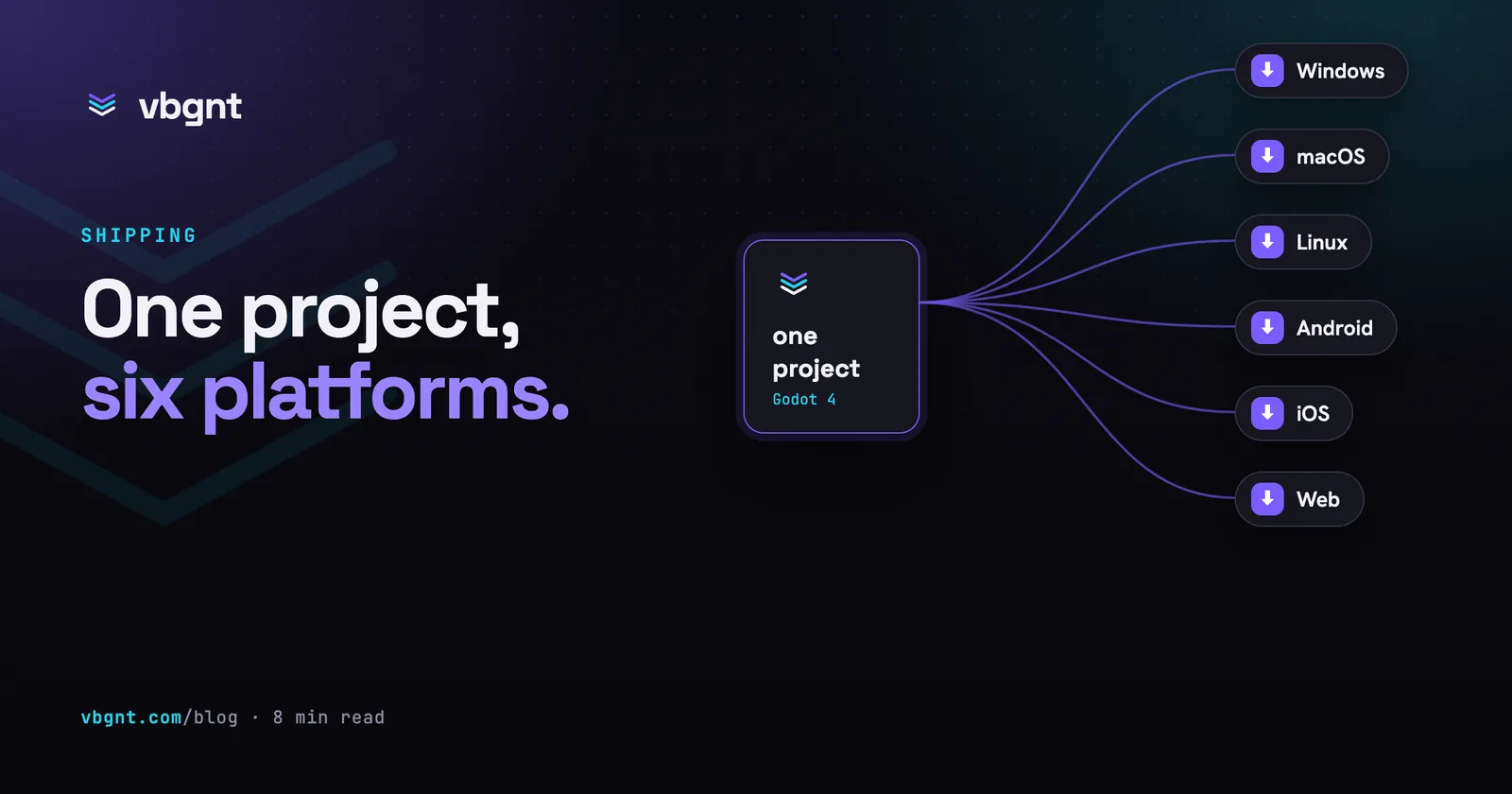
Open a game, and the right-hand side of the studio displays three panes: Game for the live preview, Files for the project tree, and Publish. That third pane is an export queue. Tick the platforms you want, click Export, and a dedicated build machine spins up with the Godot editor and export templates installed. It mirrors your project files from the latest save, runs each export in turn, packages the builds, and uploads them. The pane shows the status of each platform as it builds, followed by a download link for each package and the log underneath.
The build machine is separate from the server running your chat. An export won't block the agent, and the agent won't block an export. The only rule is that the pane refuses to start while a build turn is running. Otherwise, the export would miss whatever that turn was changing. Wait for the arcade to update, then export.
Step by step
- Open the game and switch the pane to Publish.
- Tick your platforms. Web, Windows, macOS, and Linux are selected by default. Add Android or iOS whenever you want them.
- If iOS is ticked, an Apple Team ID field appears. Fill it in if you have one. Leave it blank to get a project you can finish configuring in Xcode.
- With Android, iOS, or macOS ticked, the pane asks for the Android package and Apple bundle ID. A blank field uses a placeholder derived from the game's title. Set them before your first store upload. Every store treats a changed identifier as a completely new app. The studio remembers them per game after that.
- To publish to itch.io in the same run, tick Push to itch.io and enter the project as
yourname/your-game. This requires an itch.io API key saved in the studio settings and a project page that already exists on itch.io. - Press Export. A typical game with all six platforms selected finishes in ten to fifteen minutes. A single desktop platform takes three or four.
- Download what you need from the job's rows. Links stay valid for an hour. Reopening the job generates fresh ones. You can delete old jobs from the same list.
Each export gets a version number that increments per game. That same number is written into the Windows file properties, the macOS bundle, the Android version code, and the itch.io push. When someone reports a bug, the version tells you which build they ran.
What each platform gives you
Web
The same single-threaded WebAssembly build your arcade serves, zipped with index.html at the root. It exists here for two reasons. First, itch.io expects this exact structure. Second, people often want a standalone copy to host on their own web space.
Windows
One .exe for 64-bit Windows with the game data embedded inside, so there is no extra .pck file to track. It isn't code-signed. Steam doesn't care. A direct download will show a SmartScreen warning until enough people have run it. That happens with every small, unsigned game on the internet, and a build server can't fix it without your signing certificate.
macOS
A universal .app that runs natively on Apple Silicon and Intel, packaged as a zip. It is ad-hoc signed, which matters. An unsigned binary won't launch on Apple Silicon at all, while an ad-hoc signed app opens after the unidentified-developer prompt (right-click, Open, on first run). It is not notarised. Notarisation requires an Apple Developer account alongside Apple's own command-line tools, and that's the step that removes the warning prompt entirely.
Linux
One 64-bit executable with embedded data. Mark it executable if your archive tool drops the file permissions, and it runs. This is also most of what you need for Steam Deck.
Android
An APK for arm64 phones and tablets, covering hardware sold across the last several years. It is signed with a debug key. That works for sideloading onto your own device or hosting on itch.io, but Google Play will reject it outright.
Tick Google Play builds under the Android option, and the export produces two extra files: a release-signed APK and the signed .aab that Play Console requires. These run through Godot's Gradle pipeline on the build machine and target the current Play API level, so you don't have to install an SDK, JDK, or Gradle locally. They are signed with an upload key that belongs to the game. The studio generates this key on the first Google Play build and stores it encrypted. The Signing key row in the pane lets you download the keystore with both passwords, replace it with your own keystore, or remove it. Download it the first time you see it. If you lose the key once the game is live on Play, recovering access requires Play App Signing and a support ticket to Google. Turn on Play App Signing on your very first upload. The Google Play guide covers the Console setup.
iOS
An Xcode project, zipped, with the bundle identifier and Team ID filled in if you provided one. It isn't a runnable app yet. Only Xcode on a Mac can sign and archive an iOS build, and no Linux machine can do that for you. This is the one platform the pane exports but never pushes directly, since itch.io doesn't distribute iOS apps either. The App Store guide picks up from the unzipped folder.
The itch.io push
With Push to itch.io ticked, finished builds pass to butler, itch.io's upload tool. It pushes them to channels named after the platform: html5, windows, mac, linux, and android. itch.io identifies the platform from the channel name and creates the right download buttons on your page automatically. The Mac build uploads as an unpacked .app, which the itch.io desktop app requires.
Two steps remain on your side. The project page must exist before the first push: create it on itch.io, set the project type to HTML if you want the web build playable in place, and note the URL slug. After the first push, open the page settings and tick This file will be played in the browser on the html5 upload. Both are one-time steps. The itch.io guide walks through the complete setup.
When an export fails
One platform can fail without cancelling the others. The job marks itself as "partly done", the failed row shows the trailing lines of the Godot export log, and the full log appears below the job. Build failures usually stem from standard Godot issues. A script might only compile in browser targets, an asset might fail under mobile texture compression, or a plugin might lack native binaries for that architecture. Paste the error into the chat, let the agent fix the project files, and export again.
App icons come from the game's marketing kit when one exists. The kit builds an icon set out of your game art, and the export applies those icons across the Android launcher, the iOS project, macOS, and the web page. Without a kit, the export relies on the default project icon or crops one from your cover image. Run a marketing kit before your release export, and the icons handle themselves.
Exports pull directly from the Files pane. Any file you edit or upload there goes straight into the next build without needing another chat prompt. That works both ways. If you changed code by hand and the build looks stale, check that you saved the file.
The page that offers the downloads
A download link that expires after an hour works for testing, but it's useless for players. The other half of the Publish pane, the Marketing kit, turns builds into a permanent landing page. Tick vbgnt page when generating a kit. Once it finishes, click Publish page. That gives your game an address at games.vbgnt.com/p/ followed by its ID. The page displays your hero art, any generated trailer, a screenshot gallery, controls, a browser play button, and a Downloads section fed by your exports. The publish panel lists which builds are ready to offer: the Android APK (using the release-signed build if available, debug otherwise) and the Linux binary. Because these files copy over to the page directly, the download links never expire, and they carry the build version number. Windows and macOS aren't offered directly on this page. An unsigned Windows binary and an un-notarised Mac app both trigger security warnings when downloaded from the web. itch.io handles both targets much better through its desktop client.
The same panel accepts store links for Steam, itch.io, Google Play, and the App Store. As your game arrives on each store, the page adds the matching button. Republishing from a newer kit updates the page content. If you unpublish it, your arcade directory launches the game directly again. The marketing kit post details everything else a kit produces.
The honest read
The pane takes each platform right up to the boundary where your personal credentials take over. That means an Apple account with Xcode, a Play Console login, or an active store page. The only secret our server stores is the Android upload key, and we do that on purpose. Keystores get lost all the time. An encrypted key on a server, accessible only to you, is safer than a loose file on a laptop you might replace next year. It is also the safest credential to store. As long as you enable Play App Signing, Google can reset an upload key if anything happens. Google holds the actual app signing key. Meanwhile, Apple certificates remain on your Mac, which is where Xcode needs them anyway.
Publishing to itch.io takes one click. Google Play takes one download and some Console setup. If you want strangers playing a generated game quickly, itch.io is the fastest route. Everything else comes down to downloading files from this pane and following the review steps for your chosen store. The store assets (capsules, screenshots, and listing text) come from the marketing kit in this same pane. Our guides for itch.io, Steam, Google Play, and the App Store show where every asset belongs.
Frequently asked questions
How do I export a vbgnt game for Windows or Mac?
Open the game in the studio, switch the right-hand pane from Game to Publish, tick the platforms you want and press Export. A dedicated build machine mirrors the project files as last saved, runs the Godot export for each platform, packages the results and lists them with download links in the same pane a few minutes later. Windows and Linux come out as single-file binaries with the game data embedded; macOS is a universal .app in a zip.
Does the export sign the builds?
Partly. The macOS app is ad-hoc signed, which is what lets it launch on Apple Silicon at all, but it is not notarized, so a downloaded copy still shows the unidentified-developer prompt until the player opens it through System Settings once. The default Android APK is signed with a debug key, fine for sideloading and itch.io but not what Google Play accepts; ticking Google Play builds adds a release-signed APK and .aab signed with the game's own upload key. Windows and Linux binaries are unsigned. Apple submissions need your own certificates, which the App Store guide covers.
Where does the Android signing key come from, and can I use my own?
The first Google Play build generates a PKCS12 upload keystore for that game with keytool and stores it in AWS Secrets Manager, encrypted, readable only by the build task and by you through the studio. The Signing key row in the Publish pane downloads the keystore file with both passwords so you keep your own copy, accepts an upload of your existing JKS or PKCS12 keystore with its alias and passwords if you already have one, and removes the key if you want to start over. Passwords are passed to Godot through environment variables during the build and are scrubbed from the build log.
Can the export build an iOS app?
It produces the Xcode project, with your Apple Team ID and bundle identifier filled in when you provide them, zipped for download. Turning that into an .ipa needs Xcode on a Mac: open the project, sign it with your developer account and archive it. No Linux build machine can do that step, which is why iOS is the one platform the pane exports but never pushes anywhere.
How does the itch.io push work?
Save an itch.io API key in the studio settings once, create the project page on itch.io, then tick Push to itch.io in the Publish pane and enter the page's slug as username/game-name. After each platform exports, butler pushes it to the matching channel: html5 for the web build, windows, mac, linux and android for the rest, with the version number the studio assigns. After the first push, open the page on itch.io and mark the html5 upload as playable in the browser.
How do players download the build without a store?
Publish the game's own page. Generate a marketing kit with vbgnt page ticked, then press Publish page: the game gets a page at games.vbgnt.com/p/ followed by its id with the hero art, trailer, screenshots, how to play, a play-in-browser button and a Downloads section. The publish panel offers the Android APK, release-signed when the export made one, and the Linux binary from your finished exports, copied onto the page so the links do not expire. Windows and macOS are not offered there because unsigned and un-notarized downloads warn the player; push those to itch.io instead.