Make a game with AI. Sell it on Steam.
vbgnt is an AI game maker for Steam. Describe your game and its agent builds it in Godot 4, tests it, exports the Windows, macOS and Linux builds Steam takes, and makes the capsules, screenshots, trailer and store text for your page.
Done. The kit's README maps every file to its Steamworks field.


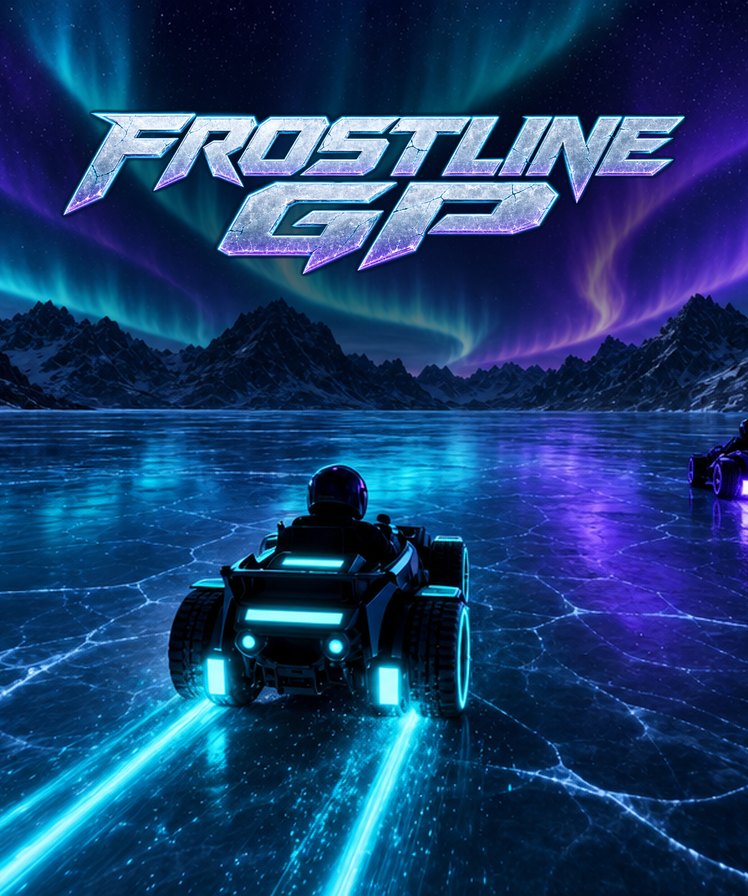
Built by an agent. Tested before you play it.
You describe the game in a sentence or a page. The development agent writes a real Godot 4 project, with the code, art, music and sound, and a QA agent plays every build on desktop and at phone size before you see it. Failures go back to the developer, not to you.
Then you play it in the browser, say what to change, and play it again a few minutes later. When it is the game you want, it is already a project Godot can export for desktop.

The desktop builds Steam accepts.
Steam does not take a browser game. It wants native executables, so the Publish pane exports them: a single-file Windows executable, a Linux build, and a universal macOS app. Every export gets a version number baked in, so a bug report tells you which build the player has.
Ship the Linux build and most of Steam Deck compatibility comes free, because every vbgnt game has gamepad support wired in. For a 3D game that should look its best on a proper screen, Pro mode builds it on Godot's desktop renderer with real-time global illumination, volumetric fog and reflections.
Every Steam asset, at its exact size.
Steam is the strictest store about artwork, and the marketing kit was built around it. Tick Steam, press Generate kit, and the agent plays your deployed game and delivers the whole Steamworks set, with a README that maps each file to the field it goes in.
| Asset | Size | Notes |
|---|---|---|
| Header capsule | 920x430 | Art and the name only, as Steam's rules require |
| Small capsule | 462x174 | Logo checked to survive Steam halving it |
| Main capsule | 1232x706 | The front-page and sale slot |
| Vertical capsule | 748x896 | For Steam's vertical layouts |
| Library capsule | 600x900 | Plus the 3840x1240 hero, logo and header |
| Page background | no text | Behind your store page |
| Icons | community, client | Both sources included |
| Screenshots | 1920x1080 | Five to eight, raw, from a real session |
| Listing text | 300 chars | Short description, About This Game, up to 20 tags |
| Trailer | 1920x1080 | 45 seconds, opens on gameplay; 4K for Pro games |
What the kit leaves to you, and says so in its README: the release date, the support email, the developer name on the legal line, and the system requirements, which it will not invent. The full walkthrough is in the marketing kit.
A trailer, because Steam will not publish without one.
Every Steam kit ends with a trailer plan: a 45-second beat list with the inputs that produce each shot and the caption over it. Make trailer hands the plan back to the agent, which records each shot with the engine's own movie-maker mode at a fixed 30 frames per second with the game's real audio, then cuts it with copy cards and the game's music.
Out comes a 1920x1080 MP4 that opens on gameplay, as Steam asks. Pro games record on cloud GPUs and can be mastered in native 4K.
A page for wishlists while Steam makes you wait.
Steam makes you wait 30 days after you pay before you can release, and your store page needs Valve's review before anyone sees it. Tick vbgnt page in the same kit and your game gets its own page on games.vbgnt.com: hero art, the trailer, screenshots, how to play and the controls.
Paste your Steam store link and the page grows a Steam button, with structured data telling search engines the two listings are the same game. Untick play-in-browser and the Steam link becomes the main button, so a free version never competes with the one you are selling.
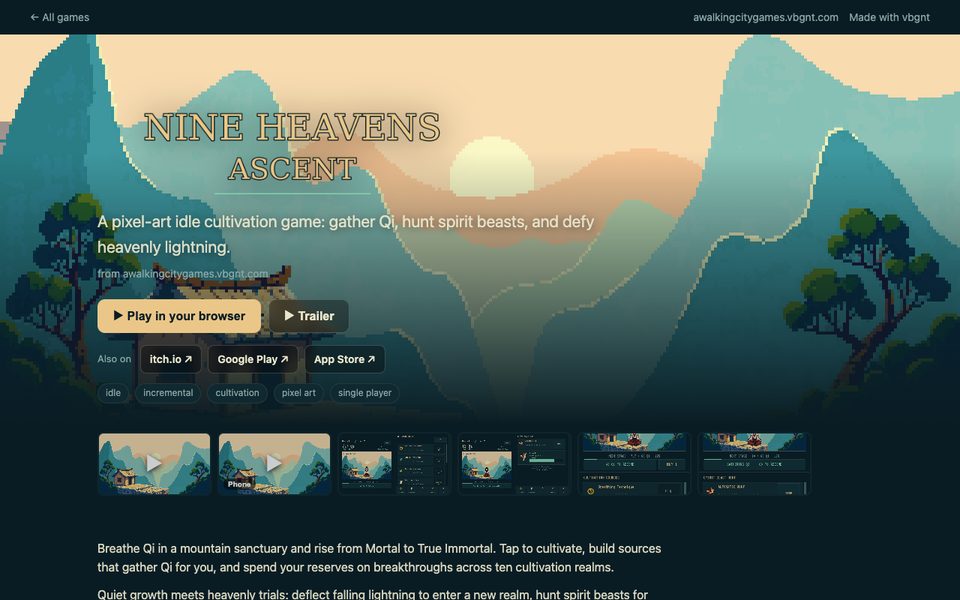
Then tell people it exists.
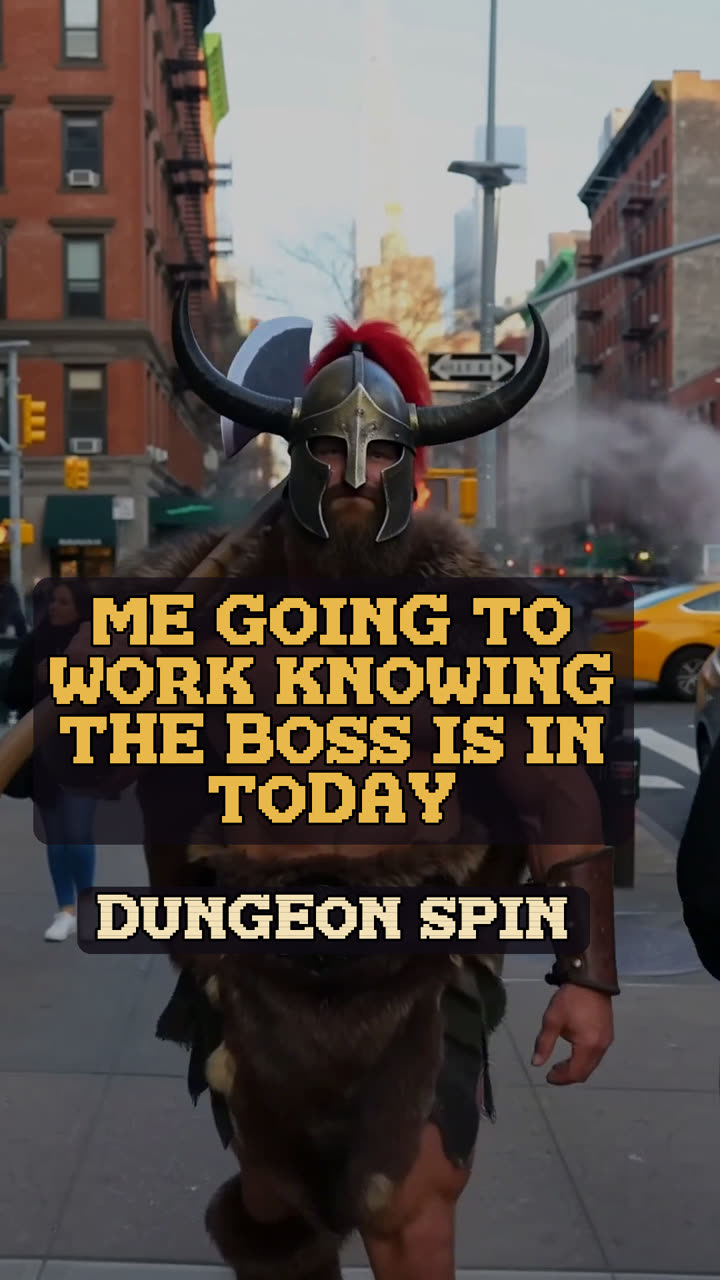
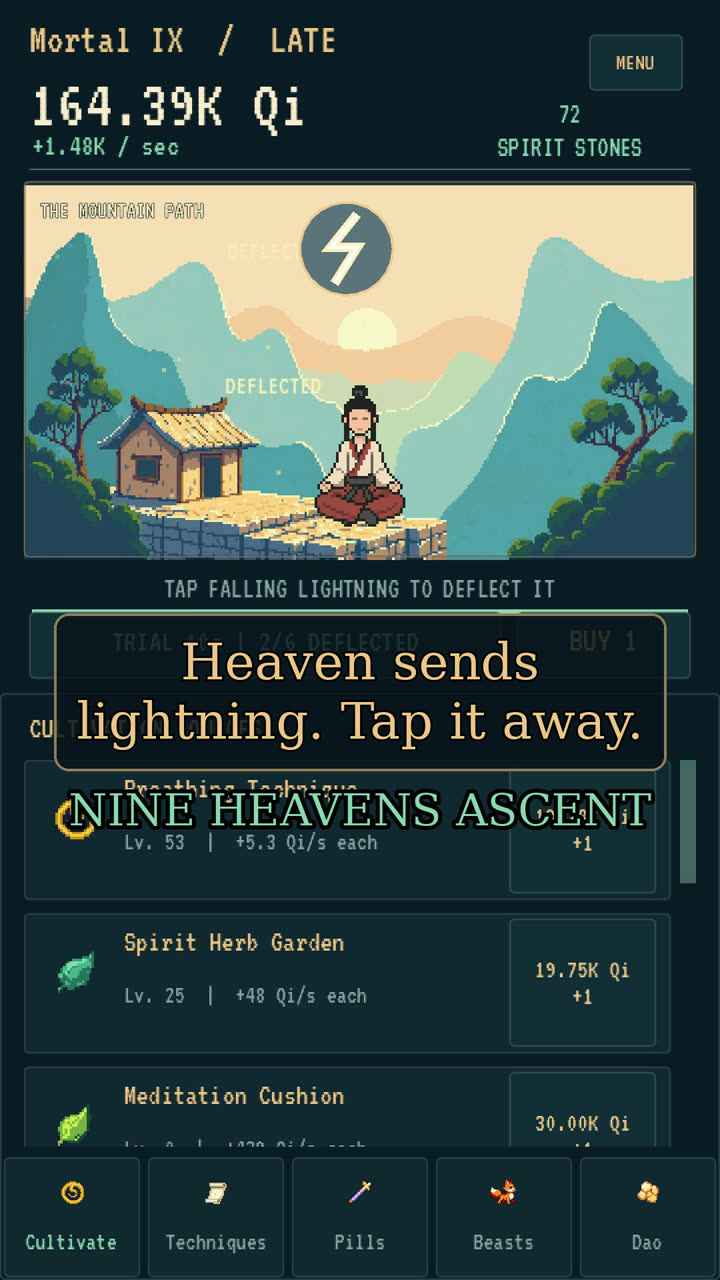
A Steam page with no wishlists on launch day stays that way. The Promote tab turns your game into a campaign: vertical shorts for TikTok, Reels and YouTube Shorts cut from real gameplay, an optional YouTube video, Reddit and X posts written in full, and a posting schedule.
Subreddits are picked by reading their rules, so communities that ban self-promotion or AI-made games are left out. Nothing goes out until you approve it.

What Steam asks of you.
Steam lists games made with AI. It asks you to say what was generated, charges per game, and makes you wait. Four things to know before you start, each with the full story in our guides.
Disclose generated art and audio
Steam's Content Survey asks what AI made, and a summary shows on your store page. Generated art, music and voice count; nothing in a vbgnt game is generated while people play. Can you sell an AI-generated game on Steam?
Code written by an agent is not the focus
Since January 2026, Steam's disclosure covers content players consume, and sets aside coding assistants and other developer tools. itch.io asks about code as well.
$100 per game
The Steam Direct fee is charged per product and credited back once that game earns $1,000. What publishing a game costs on every store.
About five weeks
After you pay, Steam makes you wait 30 days before release while it checks who you are. Start the paperwork first. How to publish a Godot game on Steam.
From an idea to a Steam page.
Who does what, plainly. vbgnt makes the game, the builds and the store assets. Valve's paperwork and the upload are yours, because they have to be.
- vbgnt
Describe it and play it
A sentence or a page. Play each build in the browser and say what to change.
- vbgnt
Make it a desktop game
Quit menu, windowing, fullscreen and gamepad. Pro mode if it should have desktop graphics.
- vbgnt
Export and make the kit
Windows, Linux and macOS builds, every capsule, screenshots, listing text and the trailer.
- You
Join Steamworks
Identity, tax and banking forms, the $100 fee and the Content Survey. The 30 days start here.
- You
Fill in the store page
Upload the kit, following the README's field map. Point your vbgnt page's Steam button at it.
- You
Upload and release
Push the builds with SteamPipe, play them through the Steam client, and pick a date.
The long answers.
Our guides to each step, kept up to date as Steam changes its rules.
 Can you sell an AI-generated game on Steam?The disclosure rules, the 2026 code exemption, and the cost of skipping it.
 How to publish a Godot game on SteamDesktop exports, Steamworks, SteamPipe, and whether you need the SDK.
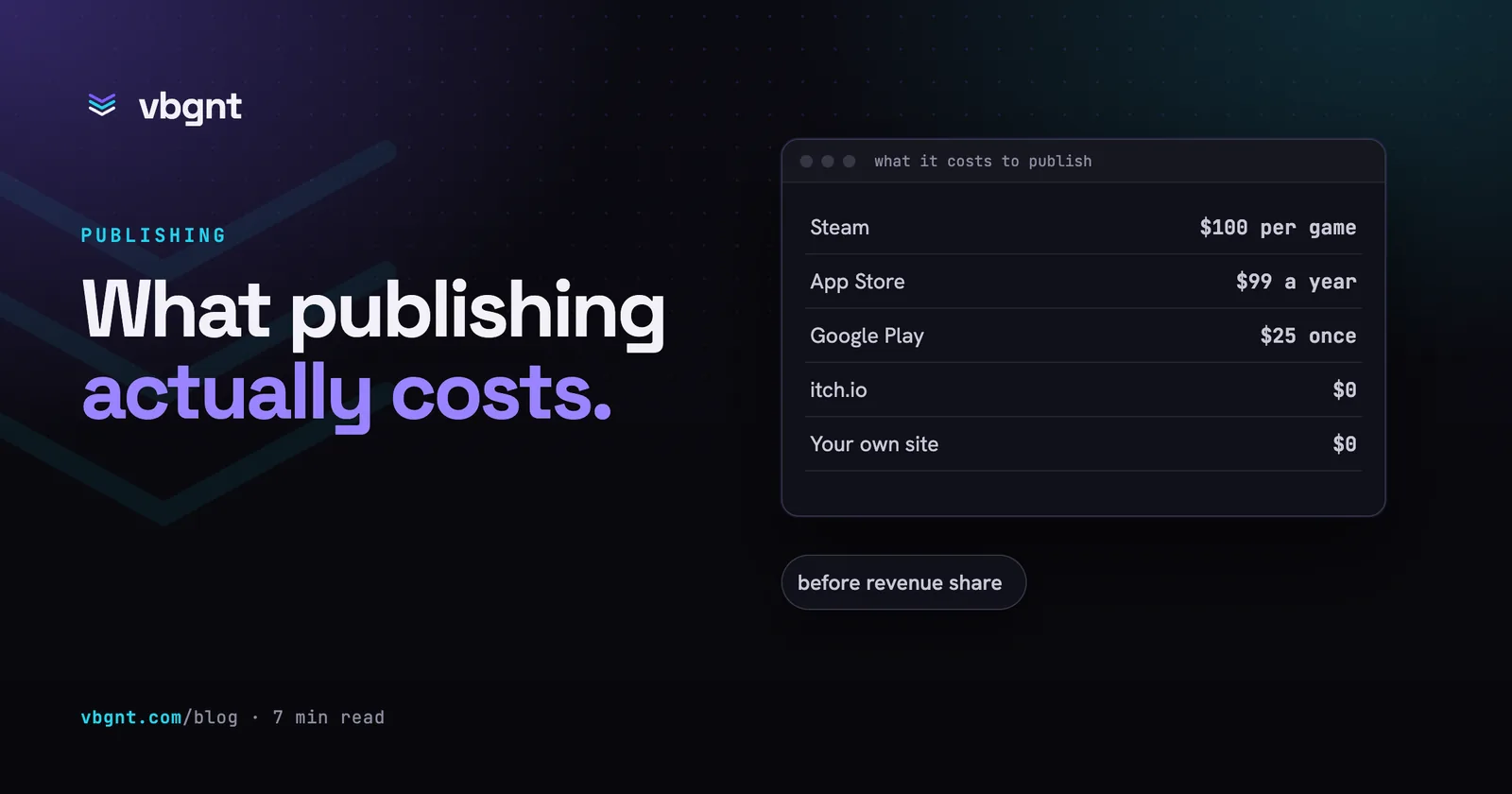 How much does it cost to publish a game?Steam, the App Store, Google Play and itch.io, fee by fee.
Frequently asked questions.
What does vbgnt make for a Steam release?
The game itself as a Godot 4 project, Windows, Linux and macOS builds from the Publish pane, and a Steam marketing kit: every capsule and library image at Steam's sizes, five to eight raw 1920x1080 gameplay screenshots, the short description, About This Game text and tags, and a 45-second 1920x1080 trailer. It can also publish a game page on games.vbgnt.com to collect interest before your Steam page is live.
Can vbgnt upload my game to Steam for me?
No. Valve requires you to register as a Steamworks partner, complete the identity, tax and banking forms, pay the $100 Steam Direct fee and answer the Content Survey yourself, and you upload the builds with SteamPipe. vbgnt makes the builds and the store assets, and the kit's README maps every file to its Steamworks field.
Do I need to know how to code?
No. You describe the game and each change in plain language, and play every build in the browser. If you or a developer you work with want to edit it directly, the whole Godot project downloads from the Files pane and opens in the Godot editor.
Will my game run on the Steam Deck?
Usually, with the Linux build. Every vbgnt game has gamepad support wired in, which is most of what Deck compatibility asks for. Before you submit for Verified, check that text reads well at 1280x800 and that nothing essential needs a mouse.
Can I make a 3D game with high-end graphics for Steam?
Yes, with Pro mode. It builds the game on Godot's Forward+ desktop renderer with real-time global illumination, volumetric fog and reflections, plus a graphics settings menu, for Windows, macOS and Linux. The browser version stays as a quick preview for testing gameplay.
Should I put the game on itch.io first?
It is a cheap test. itch.io is free and takes minutes, and the Publish pane can push your builds there with butler. If a game finds players on itch.io, Steam's $100 fee and 30-day wait are much easier to justify.
How much does vbgnt cost?
vbgnt is invite-only while we build it, and there is no public price list yet. Steam's own costs are separate: $100 per game for Steam Direct, credited back once the game earns $1,000.
Your game, on Steam.
Request an invite, describe the game, and have the builds and the store page ready while Valve's 30 days run.