AI game development for professional teams.
An AI game development platform for studios and professional developers. Its agent writes real Godot 4 projects you own, with desktop graphics on Godot's full renderer, checked on cloud GPUs, streamed to playtesters by link, exported to every platform, and scriptable from your own agents.
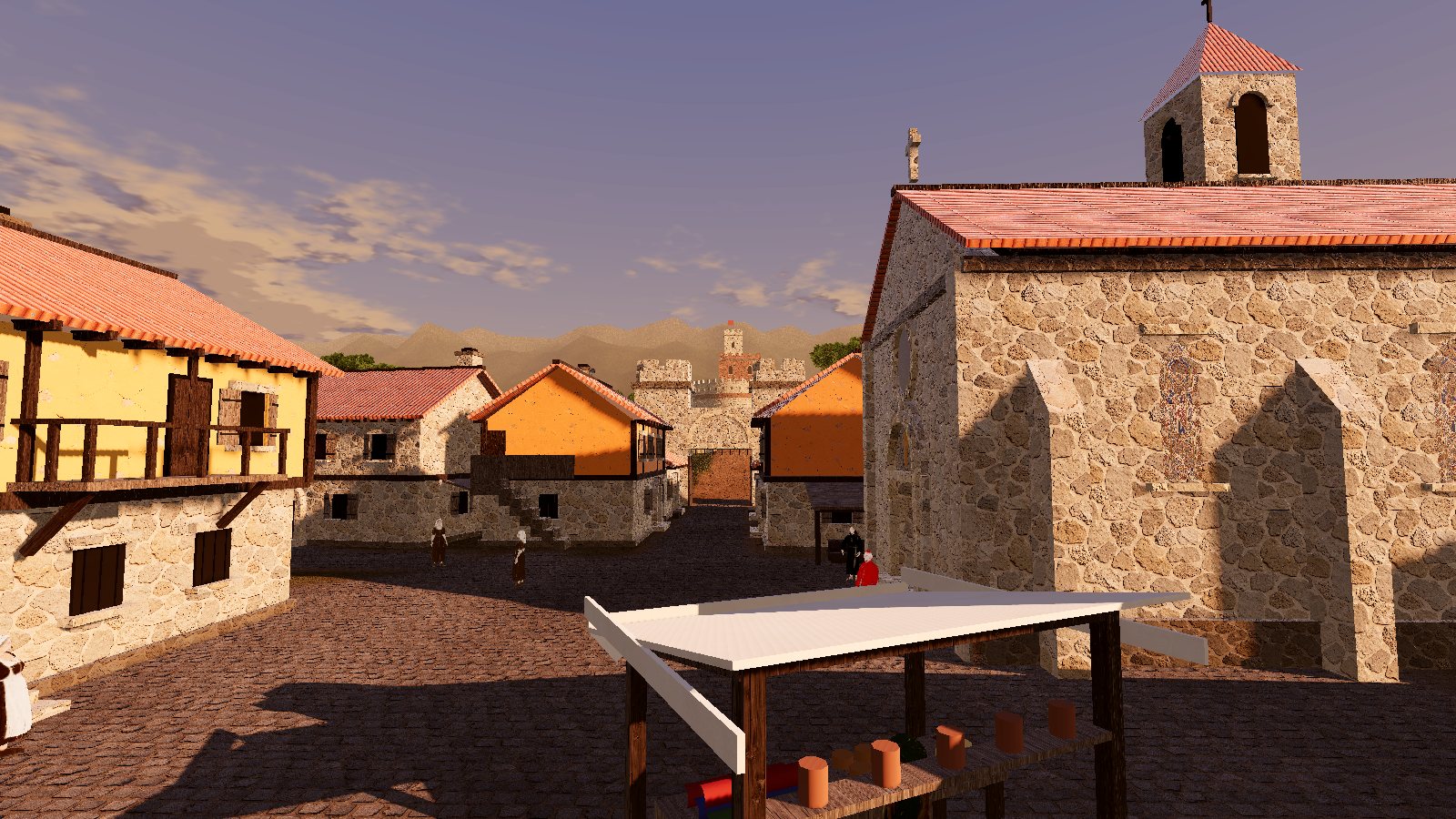
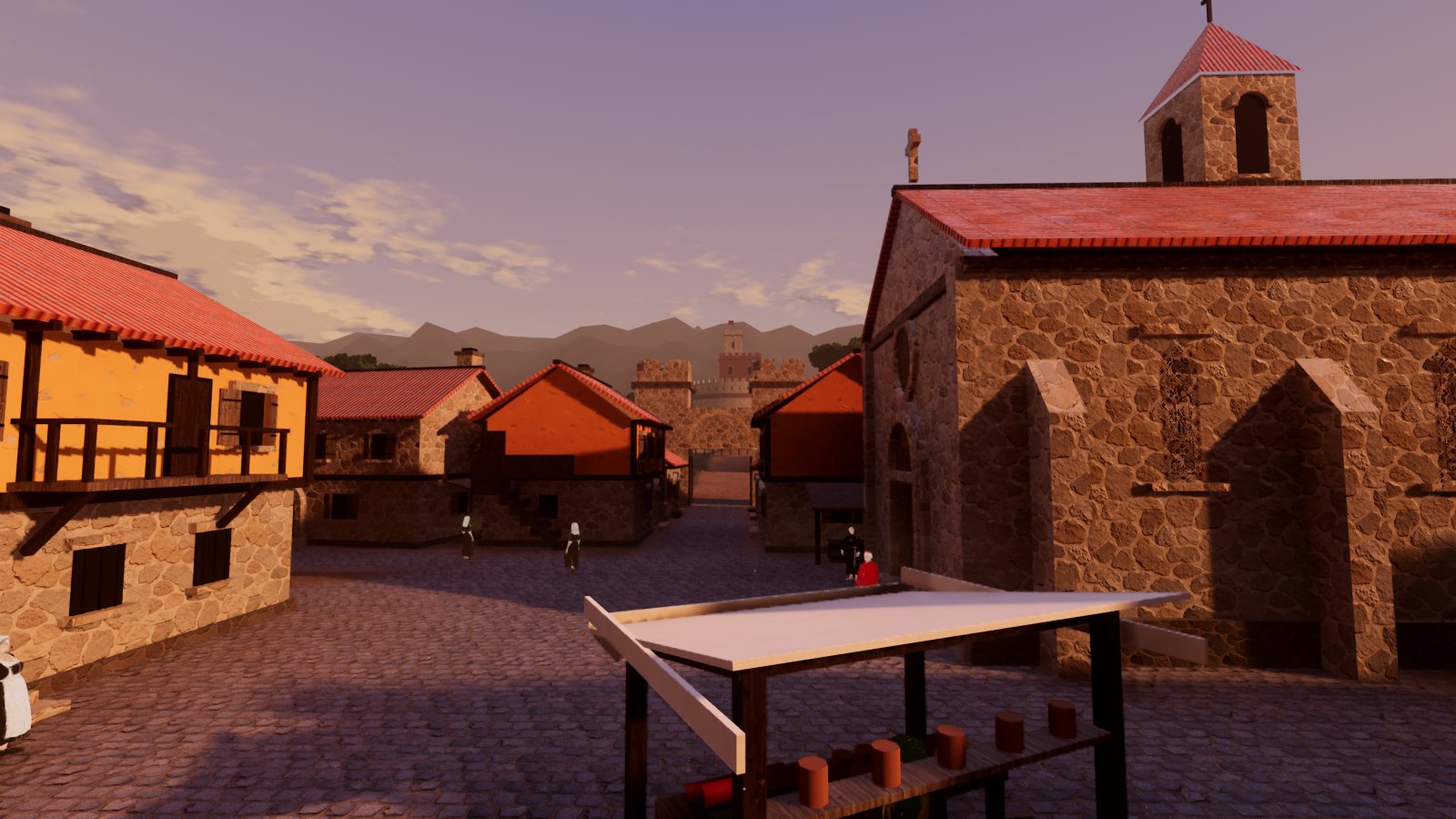 Web previewDesktop build
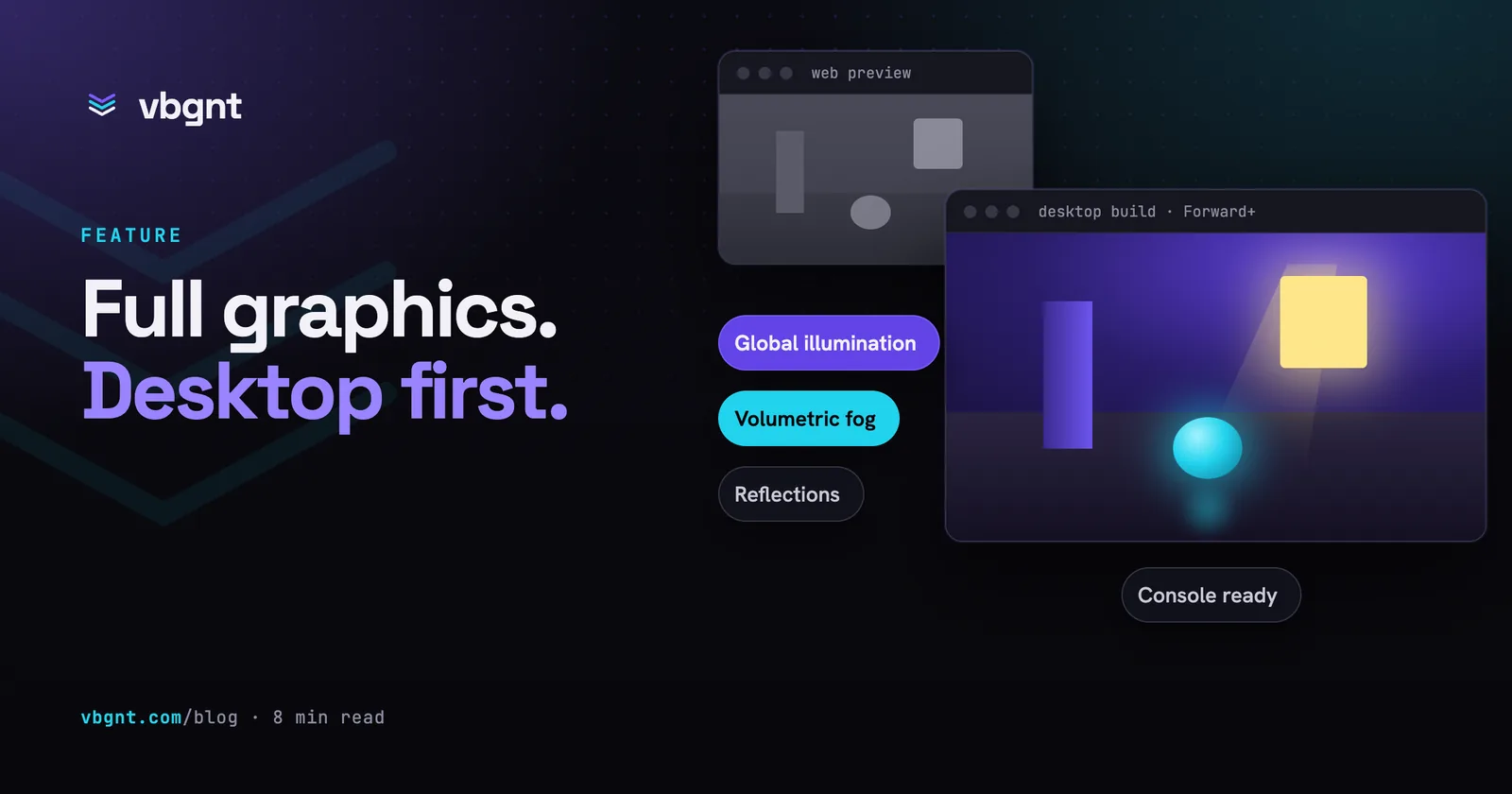
One frame, drawn by Godot's browser renderer on the left and its desktop renderer on the right.
A Godot project, not a black box.
Everything the agent makes is an ordinary Godot 4 project: scenes, GDScript, assets and export presets, with nothing hidden from you. Download it from the Files pane, open it in the editor, move a light, and carry on in the studio afterwards.
Each game is pinned to its engine version. New games default to a preview of Godot 4.8, 4.7 is there if you want a stable release, and an engine update on our side never changes a game you already have. To move one forward, fork it onto a newer engine and the agent migrates it while the original stays as it was.
Desktop graphics, checked on real GPUs.
Tick Pro and the game is built desktop-first on Godot's Forward+ renderer: real-time global illumination, volumetric fog, reflections, ambient occlusion, temporal anti-aliasing and richer particles, with a graphics settings menu so it still runs on a laptop.
The agent checks its own work on cloud GPU machines, about fifty times faster per frame than the software rendering it used before, so it looks at whole fights, levels and quality presets rather than a few screenshots. A browser build stays alongside as the quick preview for gameplay changes.
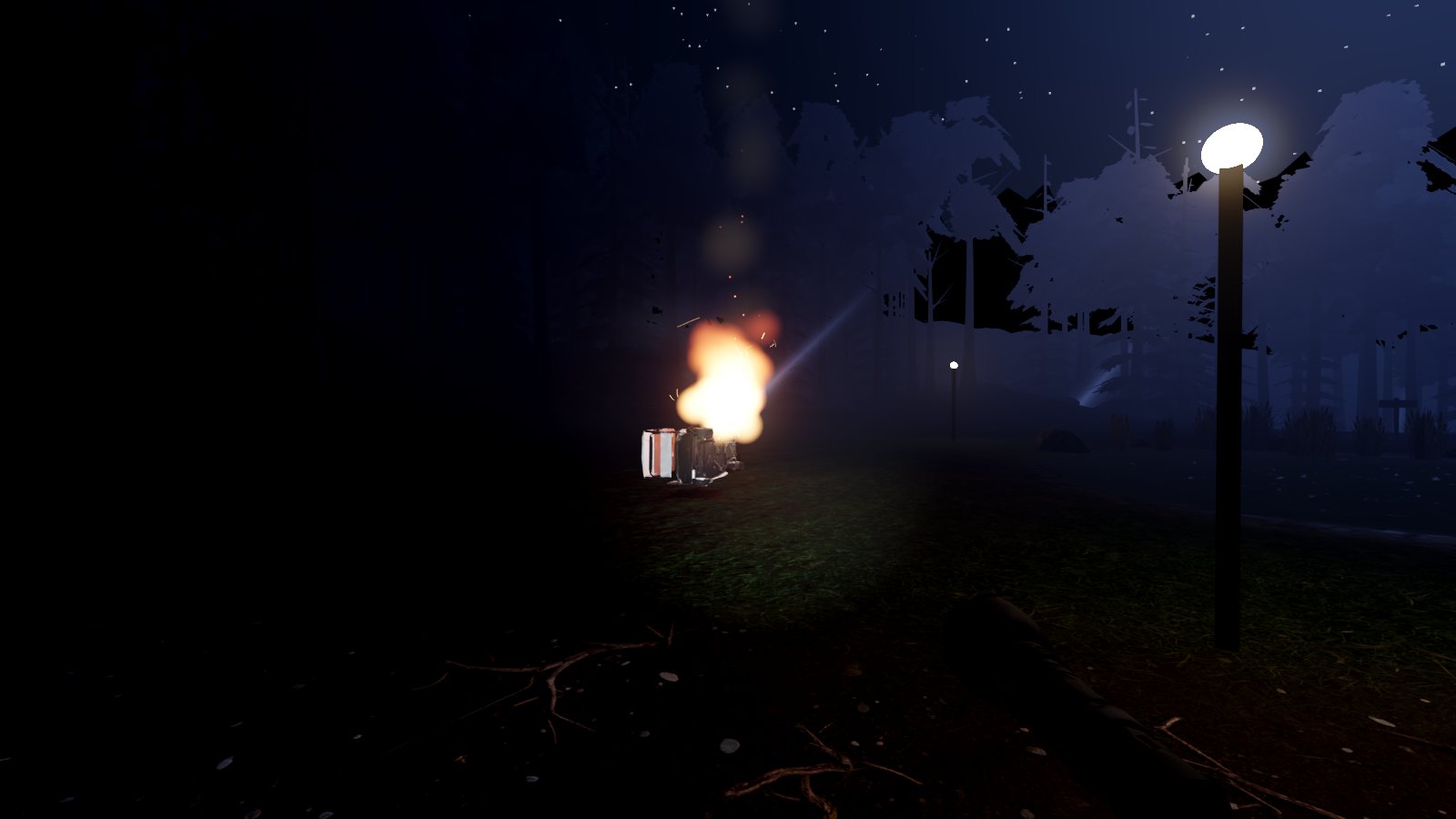
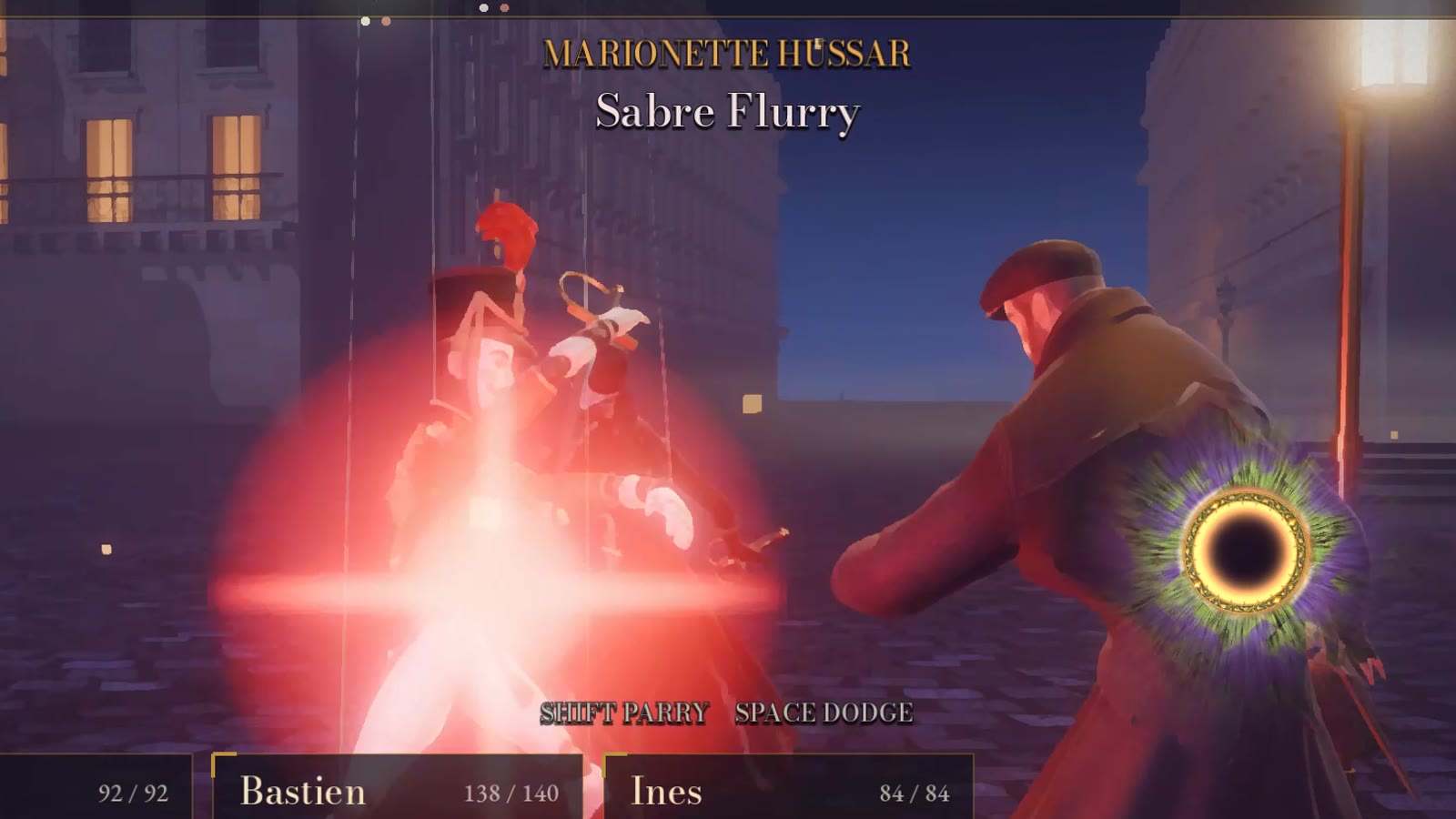
Playtest the real build with a link.
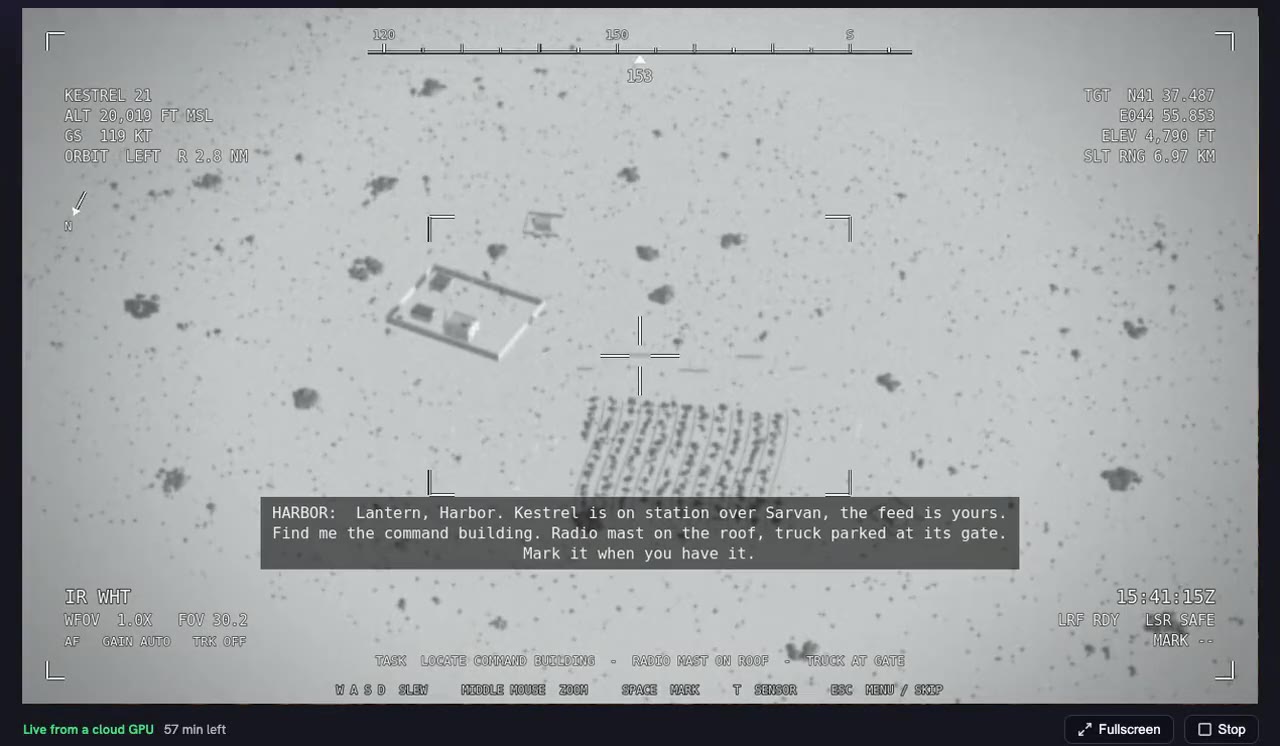
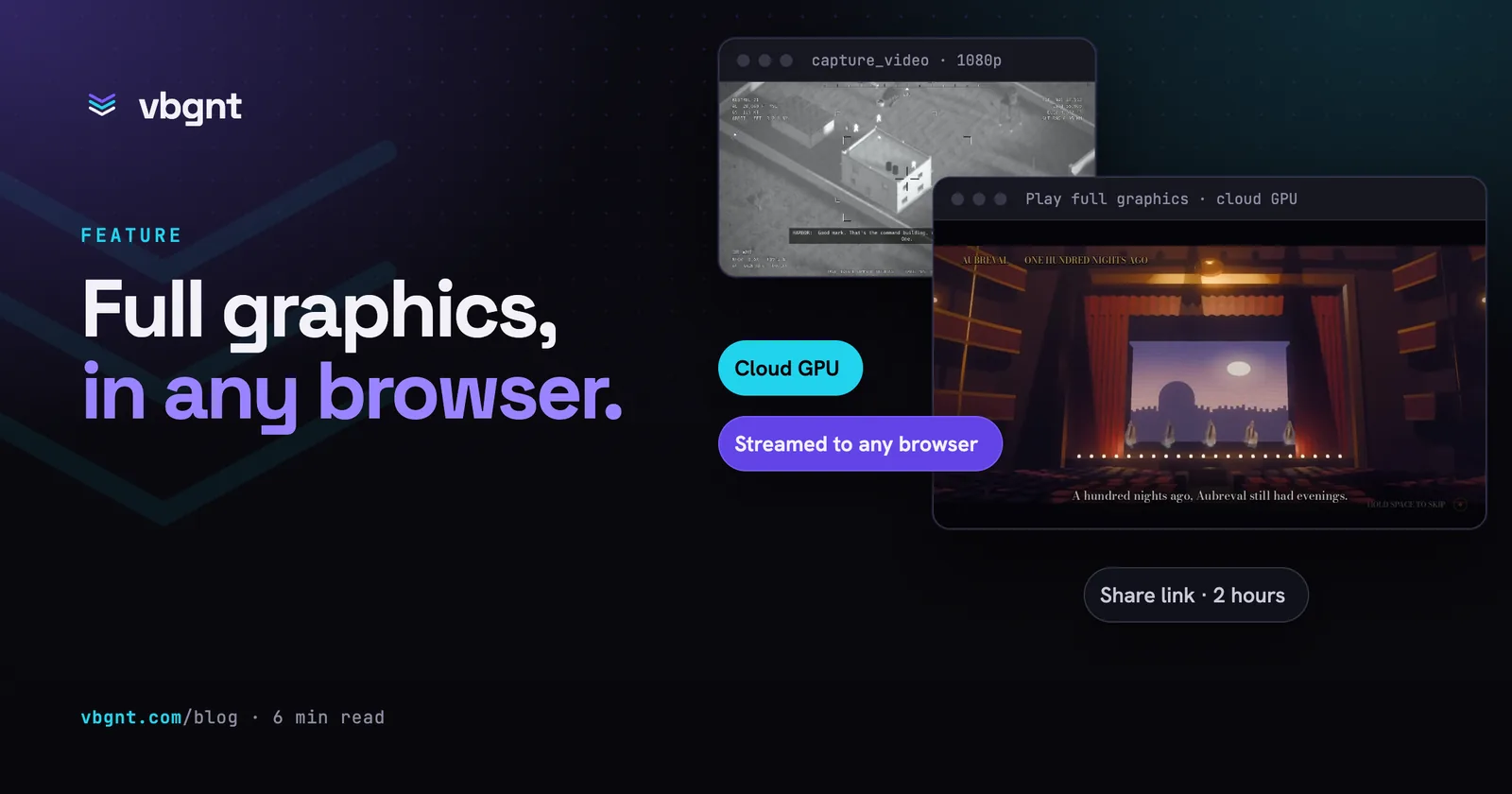
Play full graphics streams a Pro game's desktop build from a cloud GPU into a browser, with keyboard, mouse and gamepad going back to the game. Nobody has to download anything to see the version you will ship.
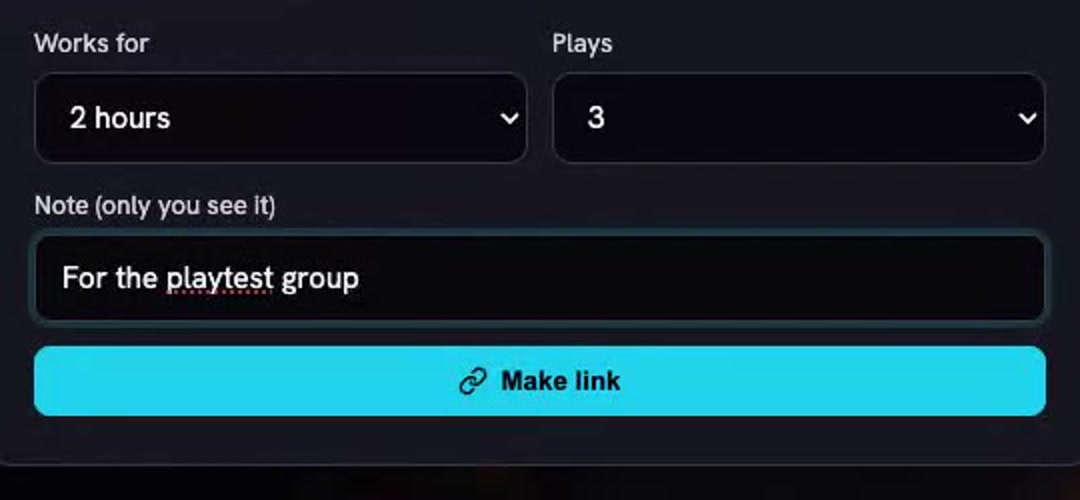
Share makes a link for a playtester, a publisher or a client: it works for 30 minutes, an hour or two hours, for one to ten plays, and needs no account. You can see its plays and time left, and Turn off ends it, including a session in progress.
Drive it from your own agents.
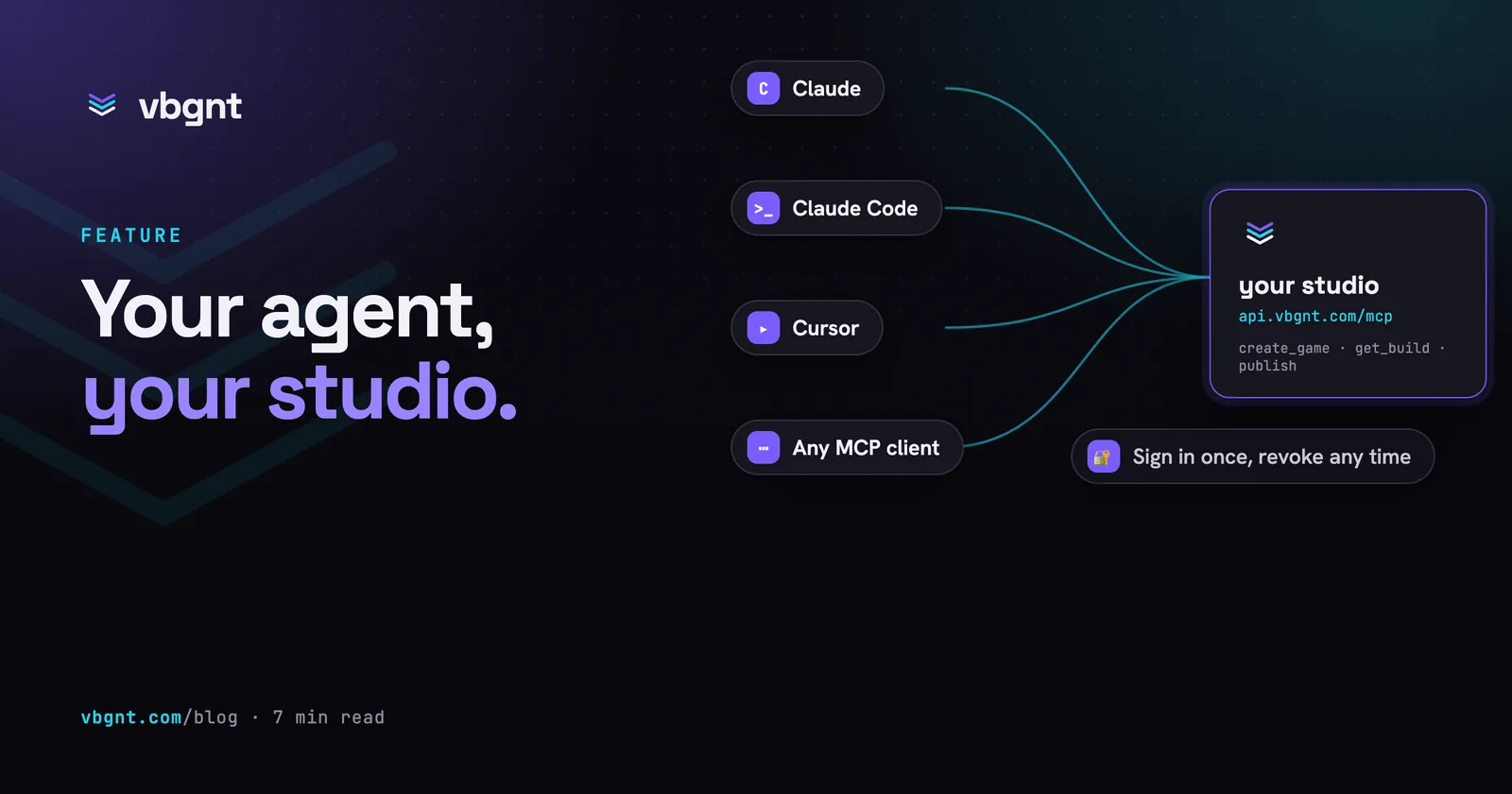
The studio is an MCP server. Claude Code, Codex, Cursor, Gemini CLI and any other assistant that speaks MCP can create and change games, follow builds, run exports, make marketing kits and trailers, and record gameplay, through the same functions the studio's buttons call.
Access is an OAuth sign-in that names the agent and the permissions it wants, with tokens that expire in an hour. Agents can never read or set your model, art, audio or itch.io keys.
Everything after the build, too.
Shipping is most of the work. These come with every game.
A QA agent on every build
It plays each build on desktop and at phone size before a turn ends, and sends failures back to the developer.
Exports to six platforms
Windows, macOS, Linux, Android, iOS and web from the Publish pane, with an optional itch.io push. Export guide

Store-ready marketing kits
Steam capsules, App Store and Google Play screenshots at every size, listing copy, and a trailer, in 4K for Pro games.
Online multiplayer
Co-op or versus for up to eight players, with a lobby, room codes and invite links, browser to browser and in native exports. How it works
Play stats and high scores
Plays and playtime by platform, with no cookies, and online leaderboards that hold suspect scores for your approval.
Console ready
Builds the game to be ported without a redesign, and hands your approved porting team the project with a brief.
Upgrade forks
Fork any game onto a newer engine or into Pro. The agent migrates it, keeps the gameplay and upgrades the graphics.

Game pages and promotion
A page with your trailer and store links, plus shorts, posts and a schedule from the Promote tab. Shipping to Steam
What it does not do.
Worth knowing before you plan a project around it.
No console builds
Only developers Nintendo, Sony and Microsoft have approved can build for their consoles. Console ready and the hand-off zip get the project to that team in good shape.
It cannot measure your frame rate
The agent checks the look on cloud GPUs, not the speed on your players' hardware. Tell it how the game runs and it will trade effects for frames.
No baked lighting
Pro games use real-time global illumination instead of lightmaps. It looks good and costs more on the GPU, which is what the quality presets are for.
Streaming has limits
Sessions last up to an hour, each owner has three hours a day including share links, it needs a Godot 4.8 Pro game, and multiplayer over a stream is untested.
The details.
How each part works, with the numbers from our own runs.
 Pro mode: desktop games with Godot's full graphics
 Pro games on cloud GPUs
 Let your agents make games
Frequently asked questions.
Is vbgnt suitable for professional game development?
For games built in Godot, yes. The agent writes an ordinary Godot 4 project that your team can open, edit and version in the editor, and Pro mode targets desktop on Godot's Forward+ renderer. It suits prototypes, vertical slices, smaller commercial games and client work. It does not build for consoles, and it does not replace profiling on your target hardware.
Can my team keep working in the Godot editor?
Yes. Download the project from the Files pane, open it in Godot, and edit it as you would any project. Upload the changed files back through the Files pane, or ask the agent to make the change, and the studio carries on from your version.
Which engine versions does vbgnt support?
New games default to a preview of Godot 4.8, with 4.7 available as the stable release. Each game stays on the engine it was created with, so our updates never change your game. A fork can move a game to a newer engine, with the agent fixing whatever the upgrade breaks.
How does the agent check desktop graphics?
It runs the game on Godot's desktop renderer on a cloud GPU machine with a script of inputs and looks at the frames, about fifty times faster per frame than software rendering. If no GPU machine is free, the same check runs in software. A QA agent also plays every build on desktop and at phone size.
Can we connect our own coding agent?
Yes. vbgnt is an MCP server at api.vbgnt.com/mcp. Claude Code, Codex CLI, Cursor, VS Code agent mode, Gemini CLI, OpenCode, ChatGPT and other MCP clients connect through an OAuth sign-in with no API key, and get tools for games, builds, exports, marketing kits and gameplay video.
How do we share a build with playtesters or a publisher?
For a Pro game, Share makes a streaming link that works for 30 minutes to two hours and for one to ten plays, with no account or download. For any game, the arcade link plays the browser build, and the Publish pane exports desktop and mobile builds you can send.
Does vbgnt support console development?
Not directly, because console builds need a developer the console maker has approved. Console ready builds the game for a later port, with controller-only menus, a HUD inside the TV-safe area and a pause when the controller disconnects, and the Console hand-off gives your approved team the project as a zip with a porting brief.
How much does vbgnt cost?
vbgnt is invite-only while we build it, and there is no public price list yet. The models run on your own sign-in or API key.
Build the real thing.
Request an invite and bring a project: a prototype, a vertical slice, or a game you mean to ship.