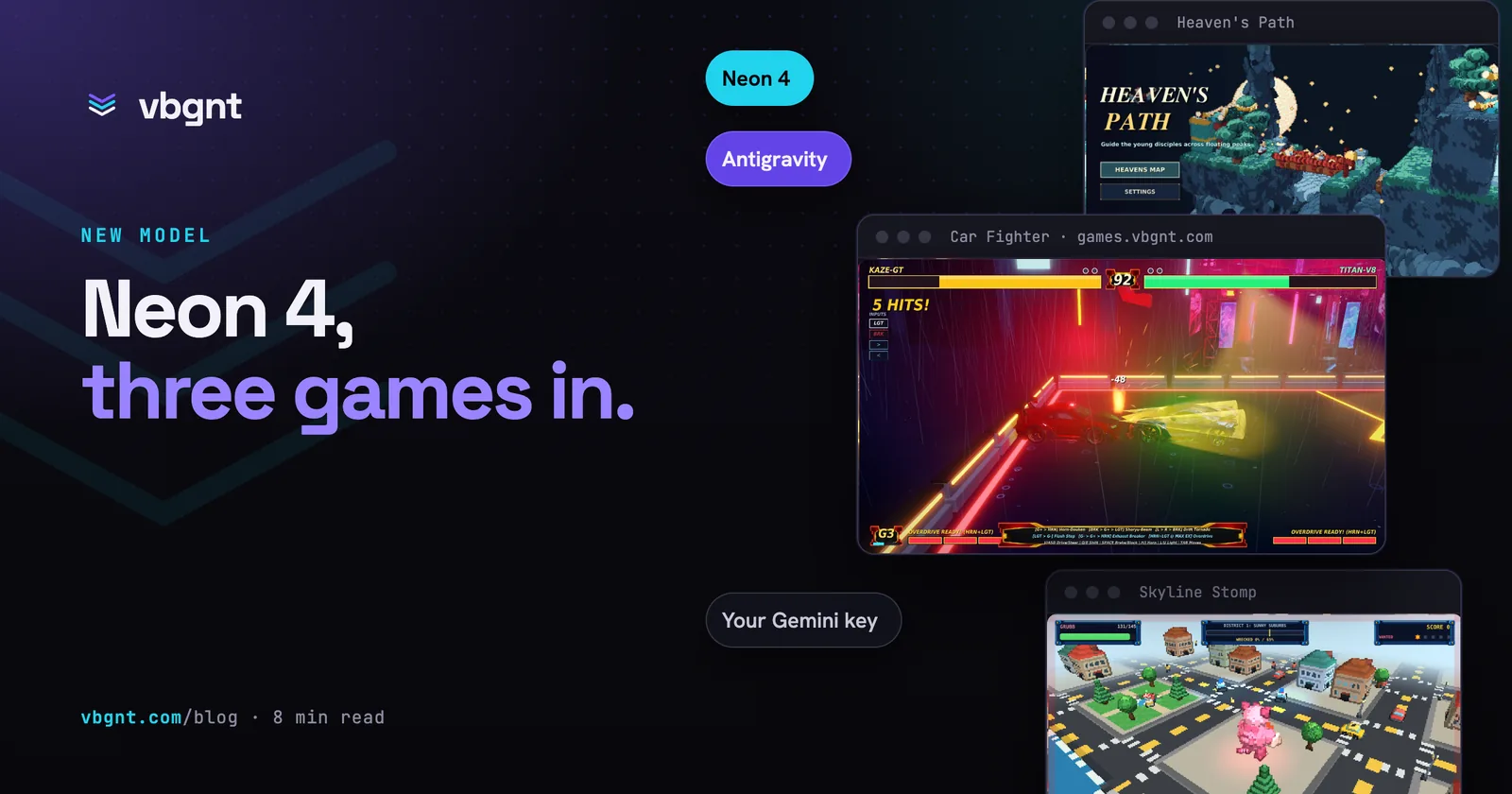
Google's Neon 4 is now in the studio's model picker, beside Claude and GPT-6 Astra. Pick it for a new game or for the next turn of one you already have, and the game is built on Google's model, billed to your own Gemini API key.
On its first day we made three games with it: a car fighting game, a puzzle game drawn in ink, and a city-wrecking monster game in voxel pixel art. They're all below, playable in the page. Each took two or three prompts and about an hour of the agent's time, and we say what each one cost.
What is Neon 4?
Neon 4 is the name we use in the picker for Gemini 4 Neon, which Google released on 18 November. It's the middle model of the Gemini 4 family: Hydrogen is the small, fast one, Carbon the largest. Through the Gemini API it reads up to about a million tokens at once and thinks at four levels, from low to extra high. The studio runs it at high.
It's the third model maker in the studio. Claude models build with Claude Code, GPT-6 Astra builds with OpenAI's Codex, and Neon 4 builds with Google's own agent, the Antigravity command line. Each model works in the agent its own maker built for it.
How do I build a game with Neon 4?
Add a Gemini API key, then pick Neon 4.
- Create a key at Google AI Studio with billing turned on. Neon 4 isn't on the free tier, so a free key won't run it.
- In the studio, open Settings and paste the key under Google. It's the same key the studio already uses for Gemini voices, so if you set one up for voice acting, you're done.
- Pick Neon 4 in the model picker when you start a game, or in the composer for any turn of an existing one. You can switch between Neon 4, Claude and GPT-6 Astra from one prompt to the next.
Over the vbgnt MCP server, list_models shows Neon 4 once the key is saved, and create_game and prompt_game take gemini-4-neon as the model.
The key is the only way in. You can't sign in with a Google account or a Google AI plan the way you can with a Claude or ChatGPT plan, because Google's terms for Antigravity don't cover running it inside another product on a consumer plan, and they point to API keys for that instead.
What does a Neon 4 turn have to work with?
The same build machine as any other model. The agent gets the engine and its manual, the asset skills, Blender with its MCP server, image, 3D, music and sound generation, and the same instructions: build the whole game, test it in a browser at desktop and phone size, look at the screenshots, and say what changed. If art review is on, Neon 4 files concept art for your approval before it pays for any 3D model.
All three games below are GANDER games, our own engine, each drawn with a different renderer: ordinary 3D, ink splats and sprite stacks.
Car Fighter
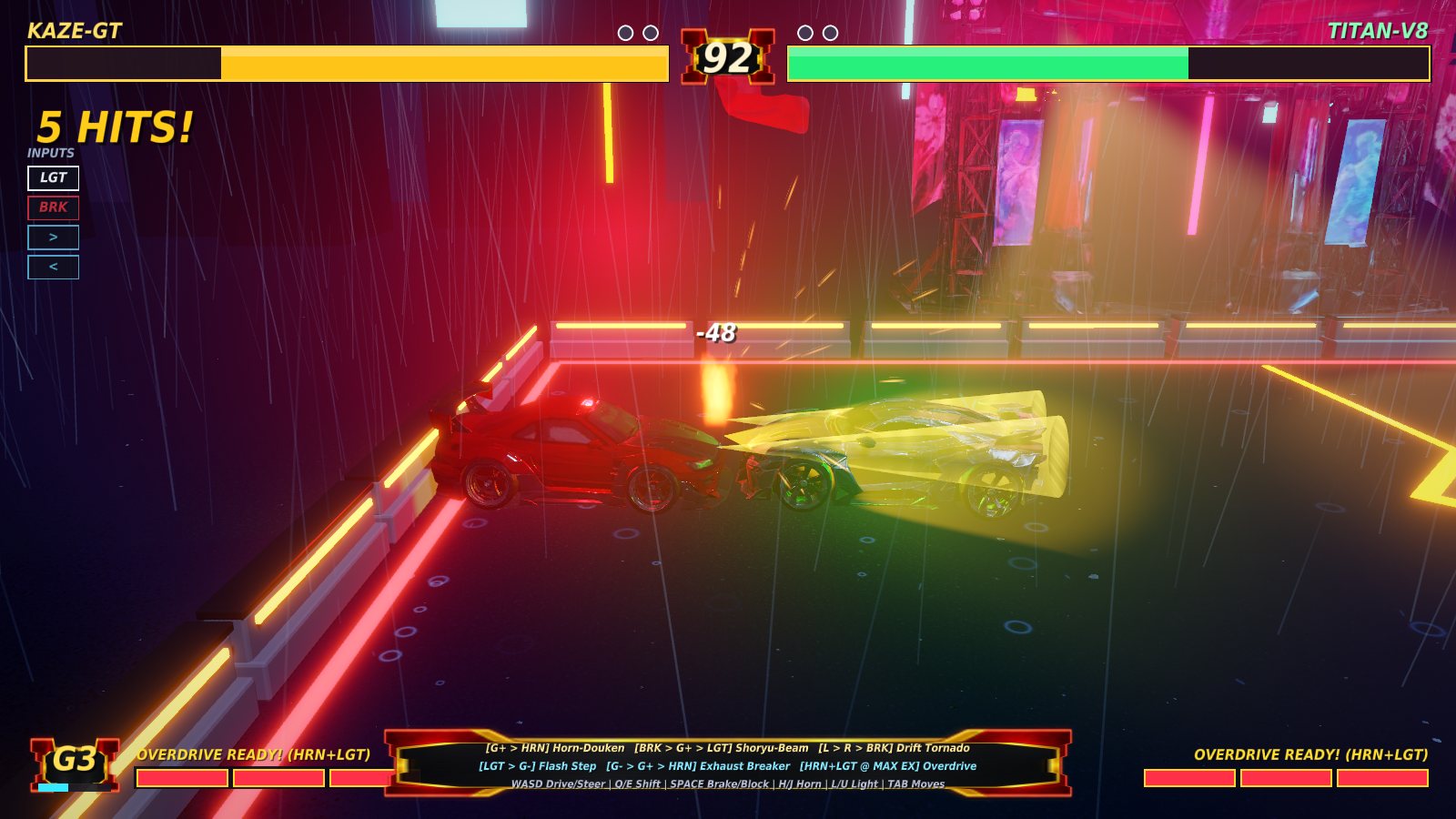
The brief was one sentence: a 3D car fighting game where the special moves are combinations of steering, gear shifts, braking, the horn and the headlights, made to look like a modern arcade fighter.

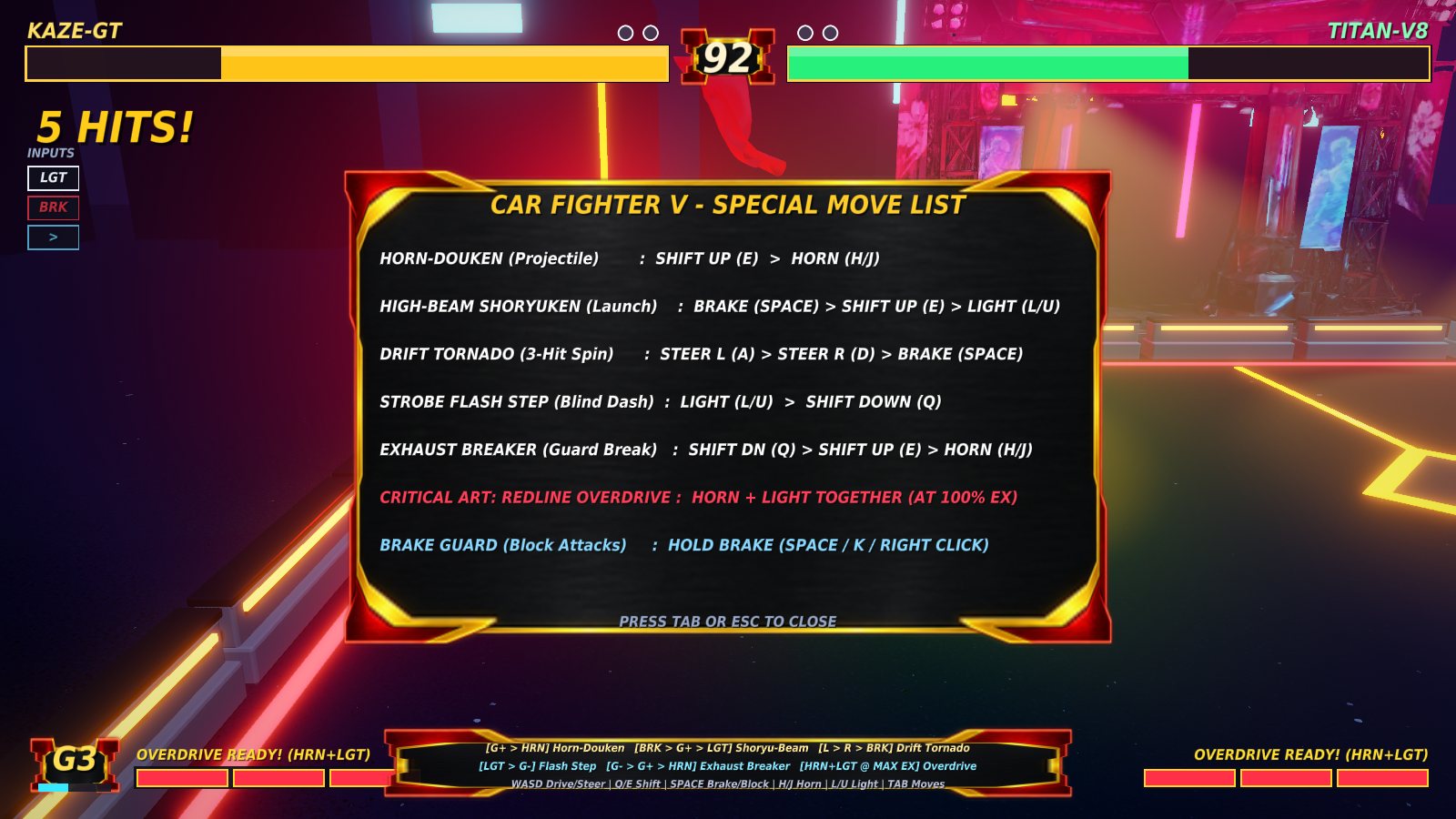
WASD to drive, Q and E to shift, Space to brake and block, H for the horn, L for the lights, Tab for the move list. Gamepads and touch work too. Open it in the arcade ↗
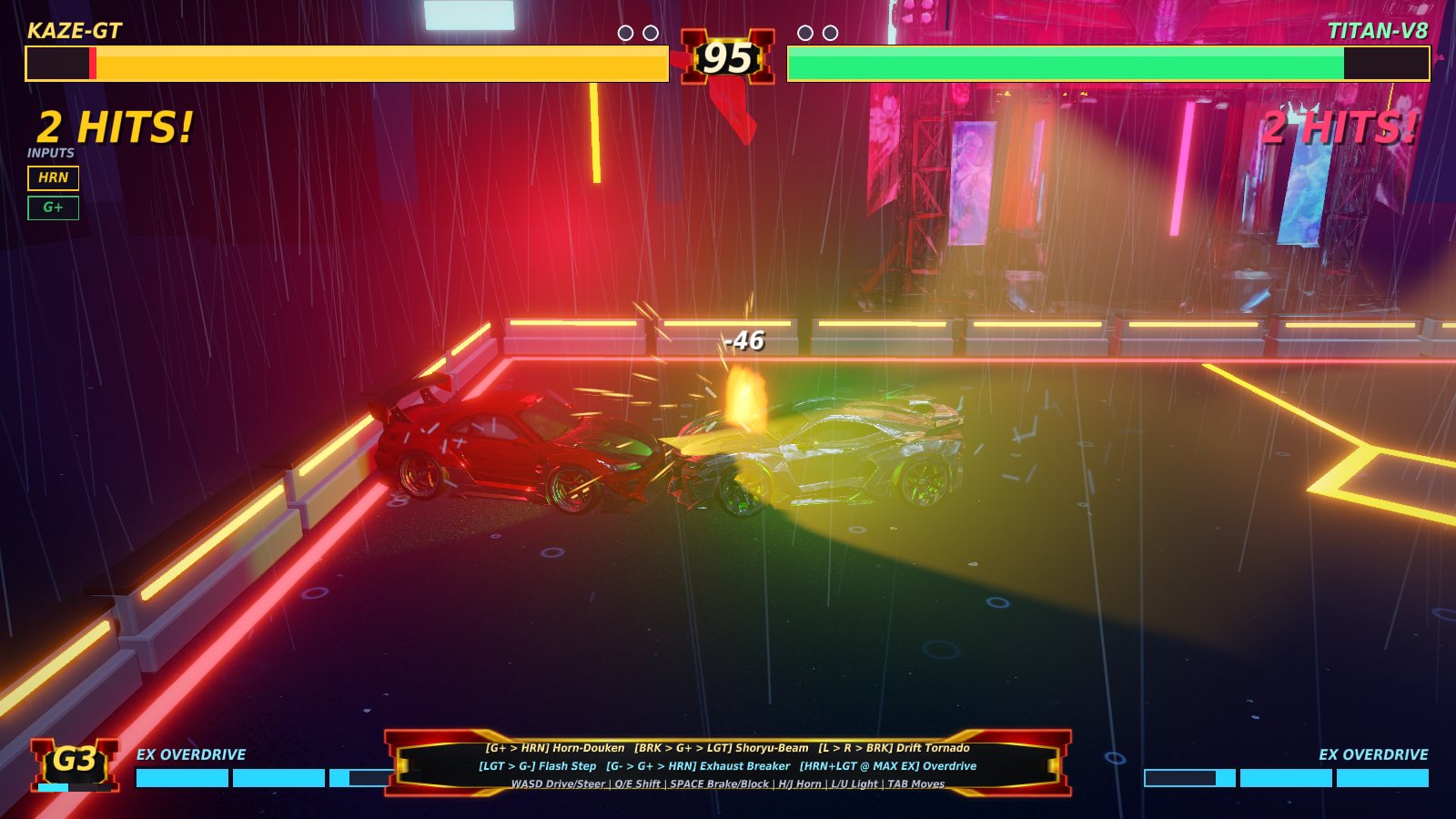
The first turn took 28 minutes and came back playable: a rooftop arena in the rain, a rival car with its own moves, suspension, hitstop, sparks, exhaust flames, a fighting-game camera, music and sound. Every special move is a short input chain. Steer left, steer right, brake is a three-hit Drift Tornado. Shift down, shift up, horn breaks a guard. Horn and lights together, with a full meter, is the Redline Overdrive.
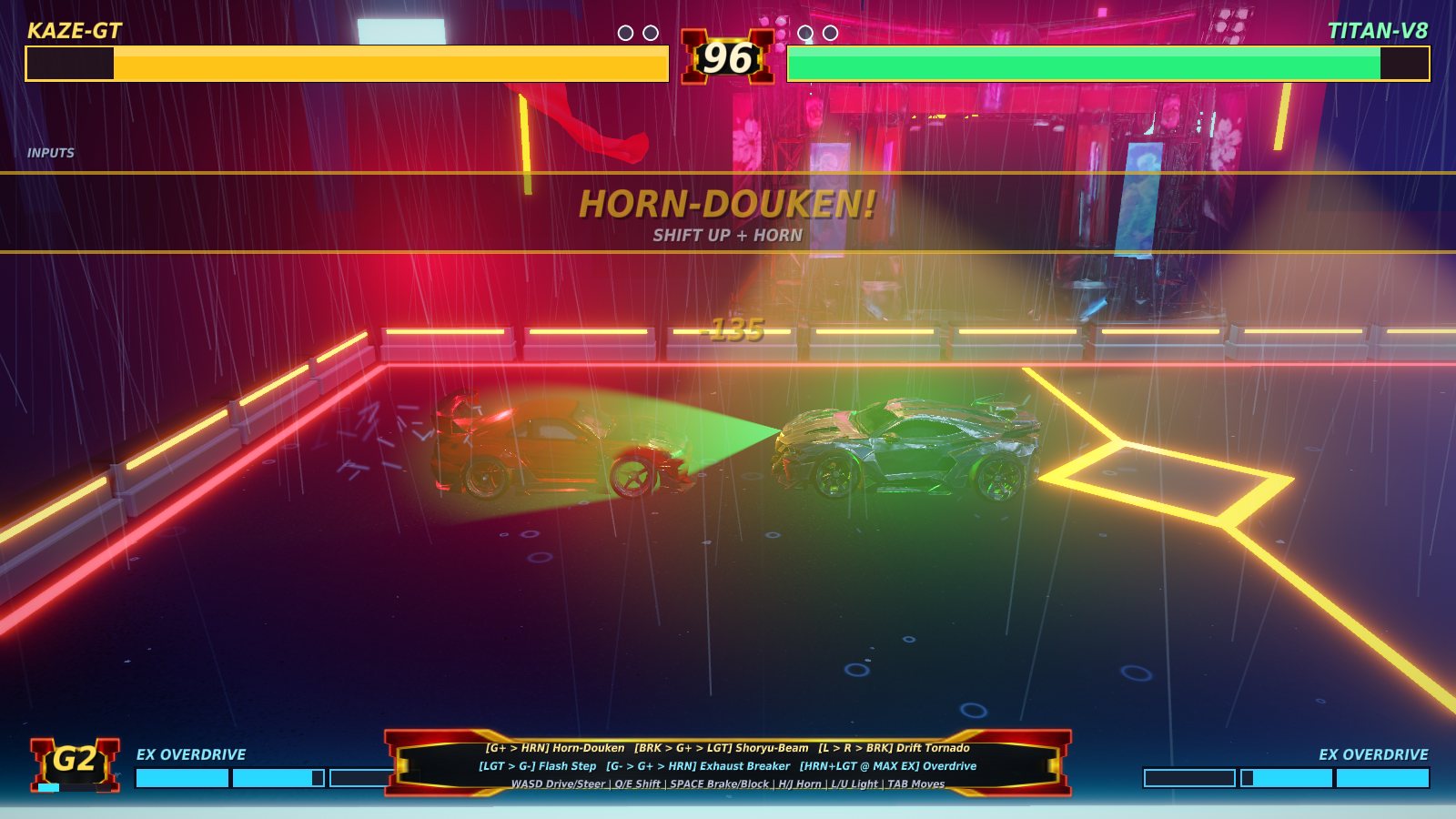
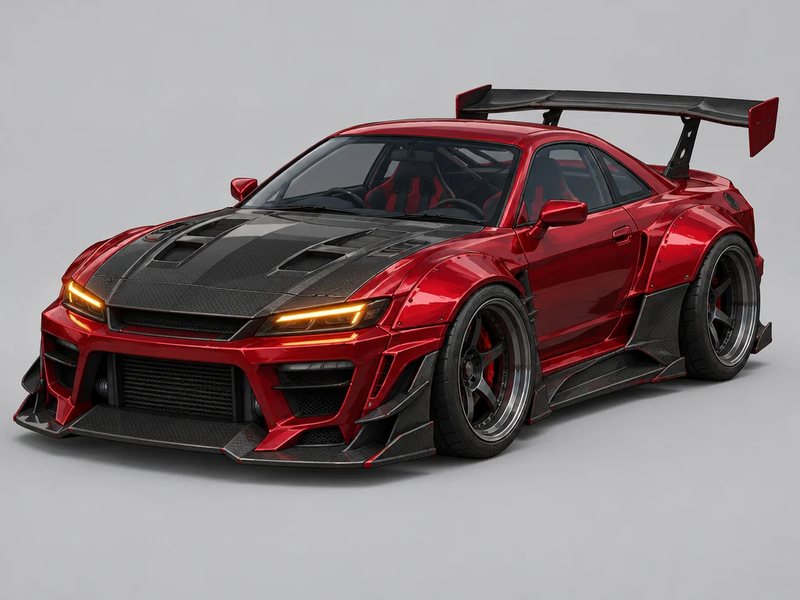
The cars and the arena's centrepiece were stand-in shapes in that first build, because art review was on. Neon 4 drew three concepts each for the hero car, the rival and the archway behind the ring, and waited. We picked one of each, and the second turn, 22 minutes, made them into 3D models and put them in the arena with matching lights and HUD colours.

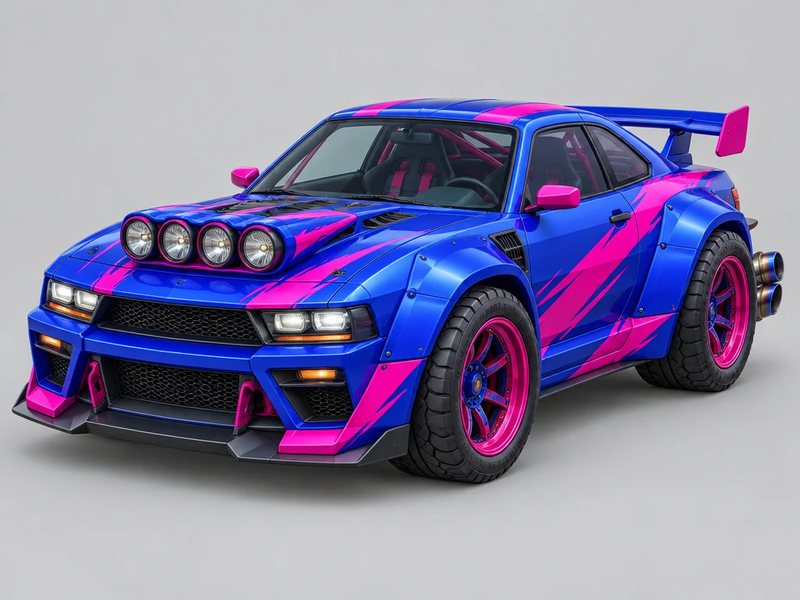
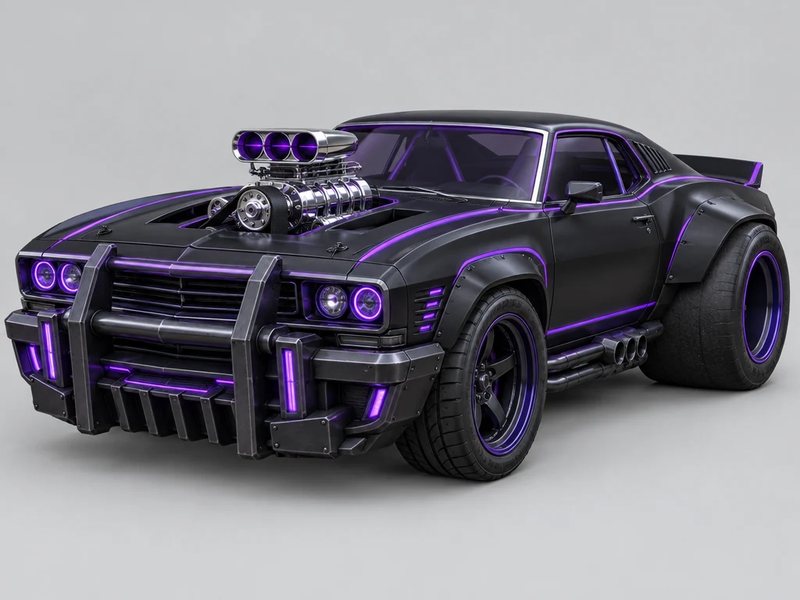
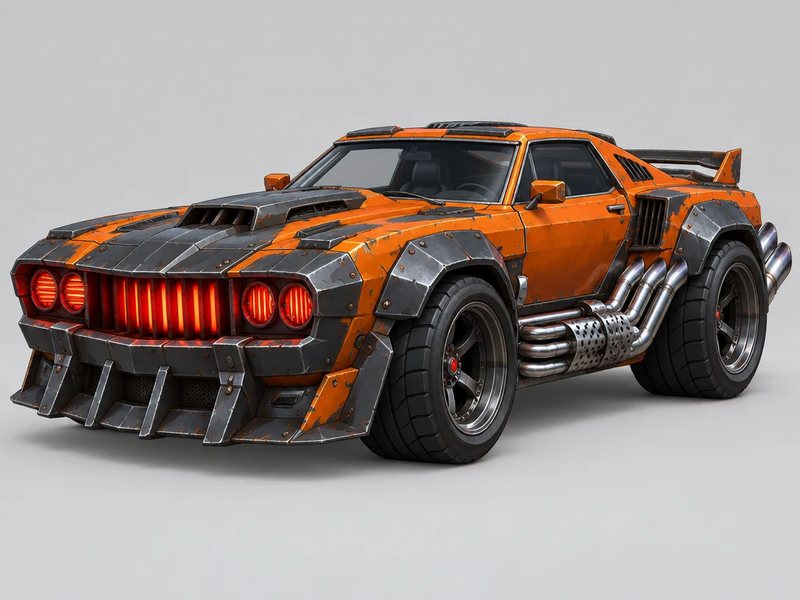
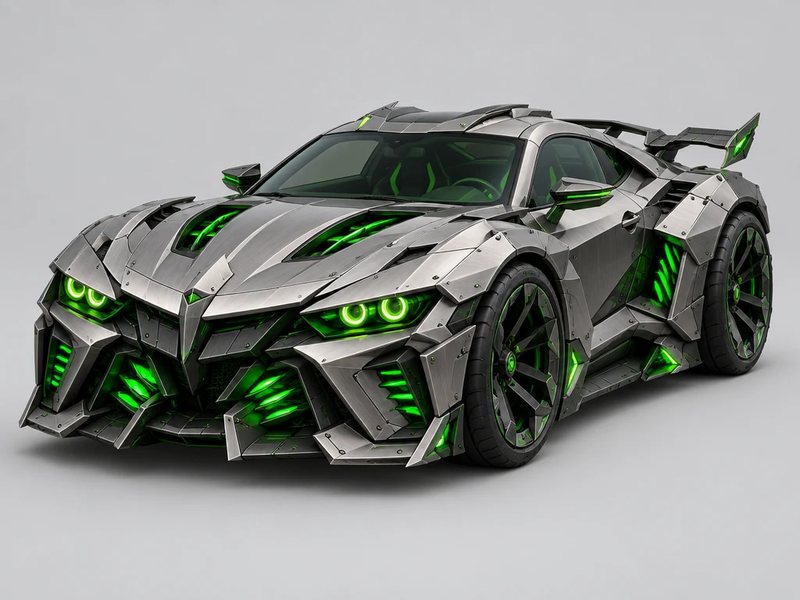
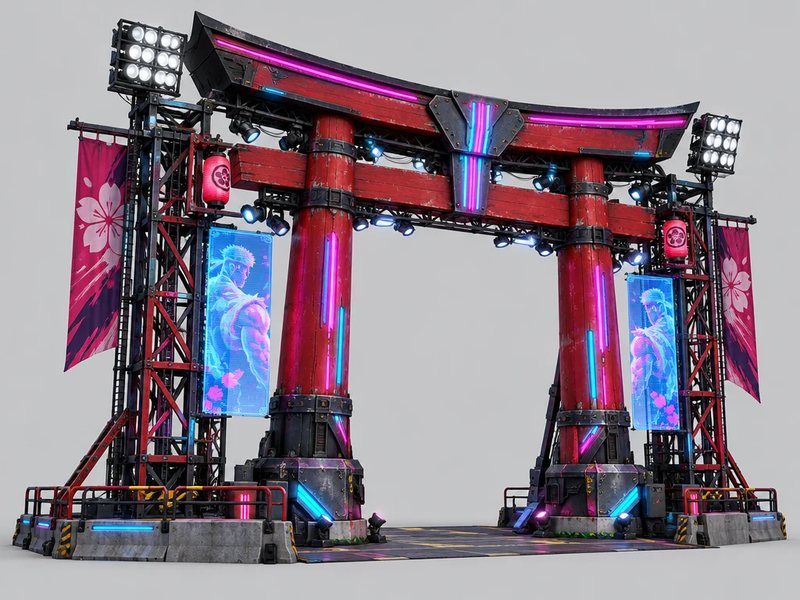
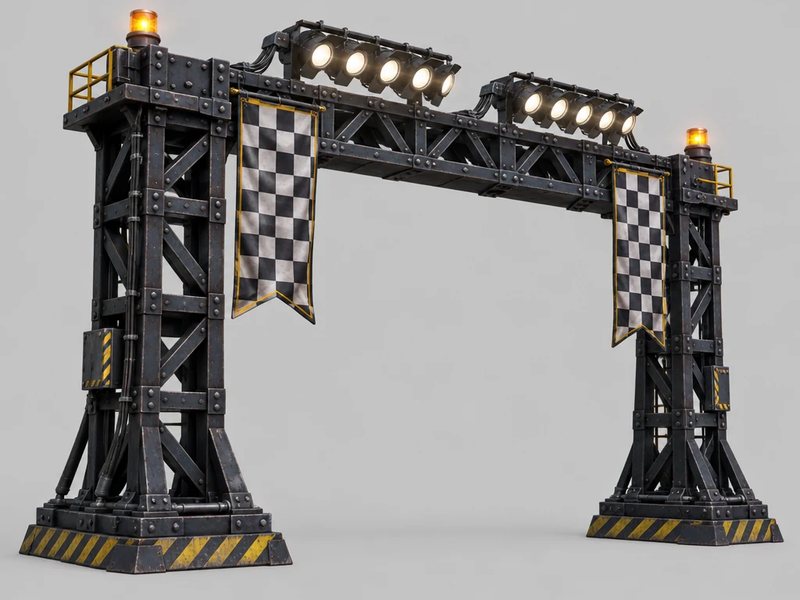
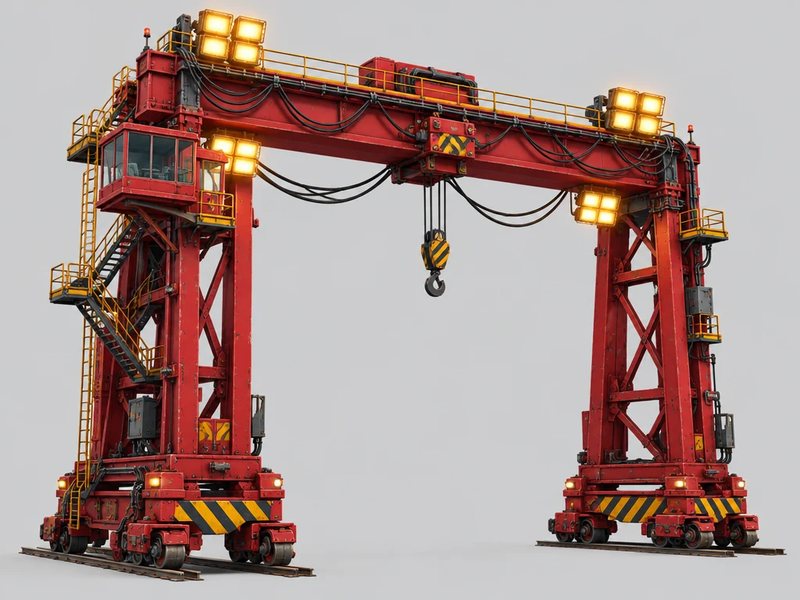
The third turn was 12 minutes. We asked for rain during fights and for the people to come out of the cover and splash art, so it's only cars. It redrew both, and the rain catches the floodlights and the high beams.
Heaven's Path
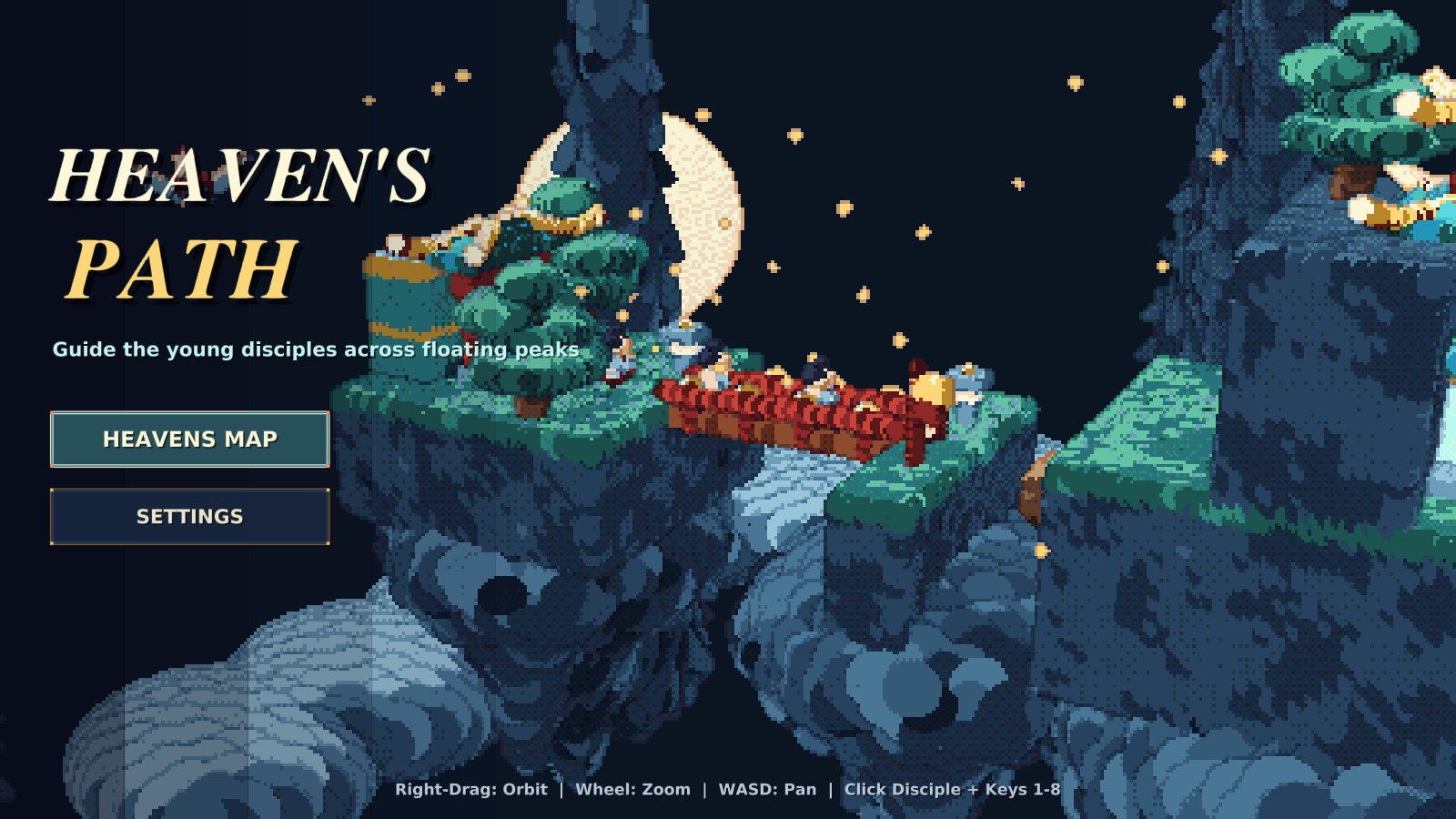
This brief was long. A puzzle game where a line of young disciples walks across floating mountain dioramas toward the gate of the next heaven, following simple rules, and you save them by handing techniques to individual disciples at the right moment. Each level a small, very detailed diorama you turn and zoom like a model on a table, drawn entirely with GANDER's ink splat renderer, in the look of one of our earlier games, which we attached as a reference.
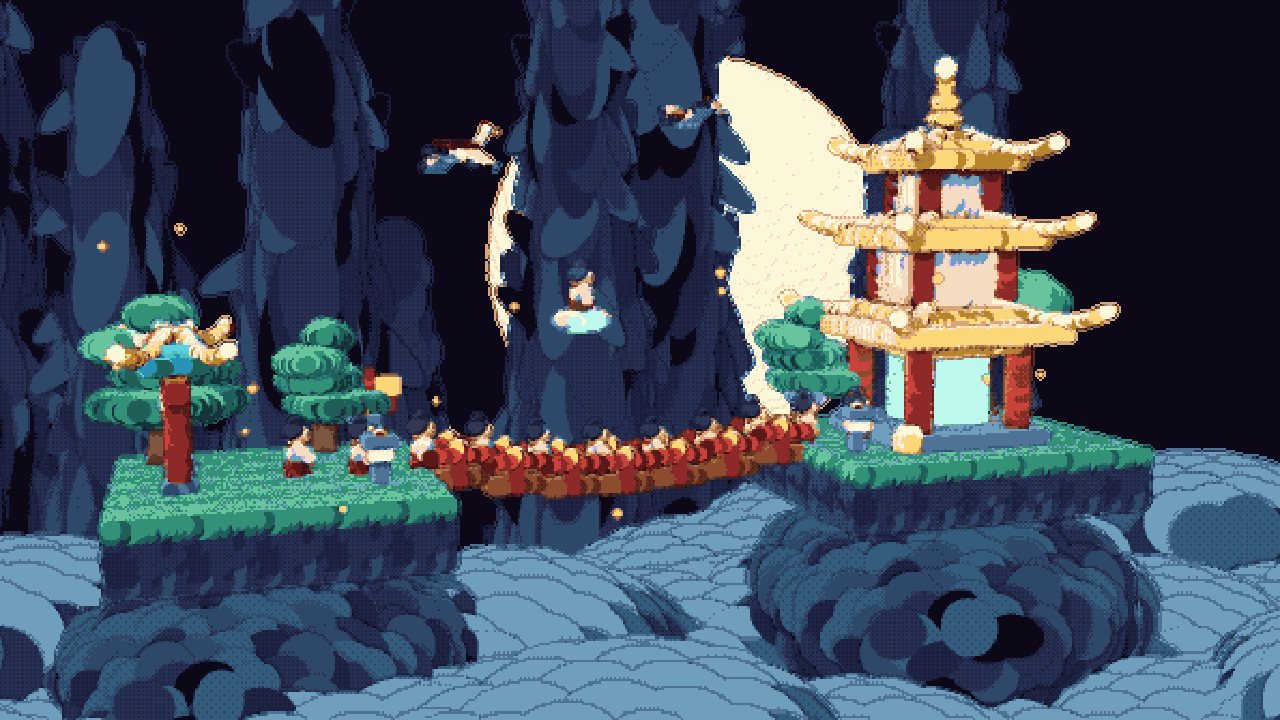
Click a disciple, then press 1 to 8 for a technique. Right-drag to turn the diorama, scroll to zoom, WASD to pan. Open it in the arcade ↗
The first turn was the longest of the three games: 50 minutes. It came back with sixteen levels across four heavens, the Outer Court, Pine Cliffs, Furnace Peak and the Jade Heavens, and eight techniques, from Mountain Stance, which plants a disciple so the others turn back, to Jade Stair, Lotus Leap and Spirit Bell. Waterfalls, koi pools, lava moats and a turning millwheel show up as the heavens go on, and the last heaven ends with a hundred disciples at once.
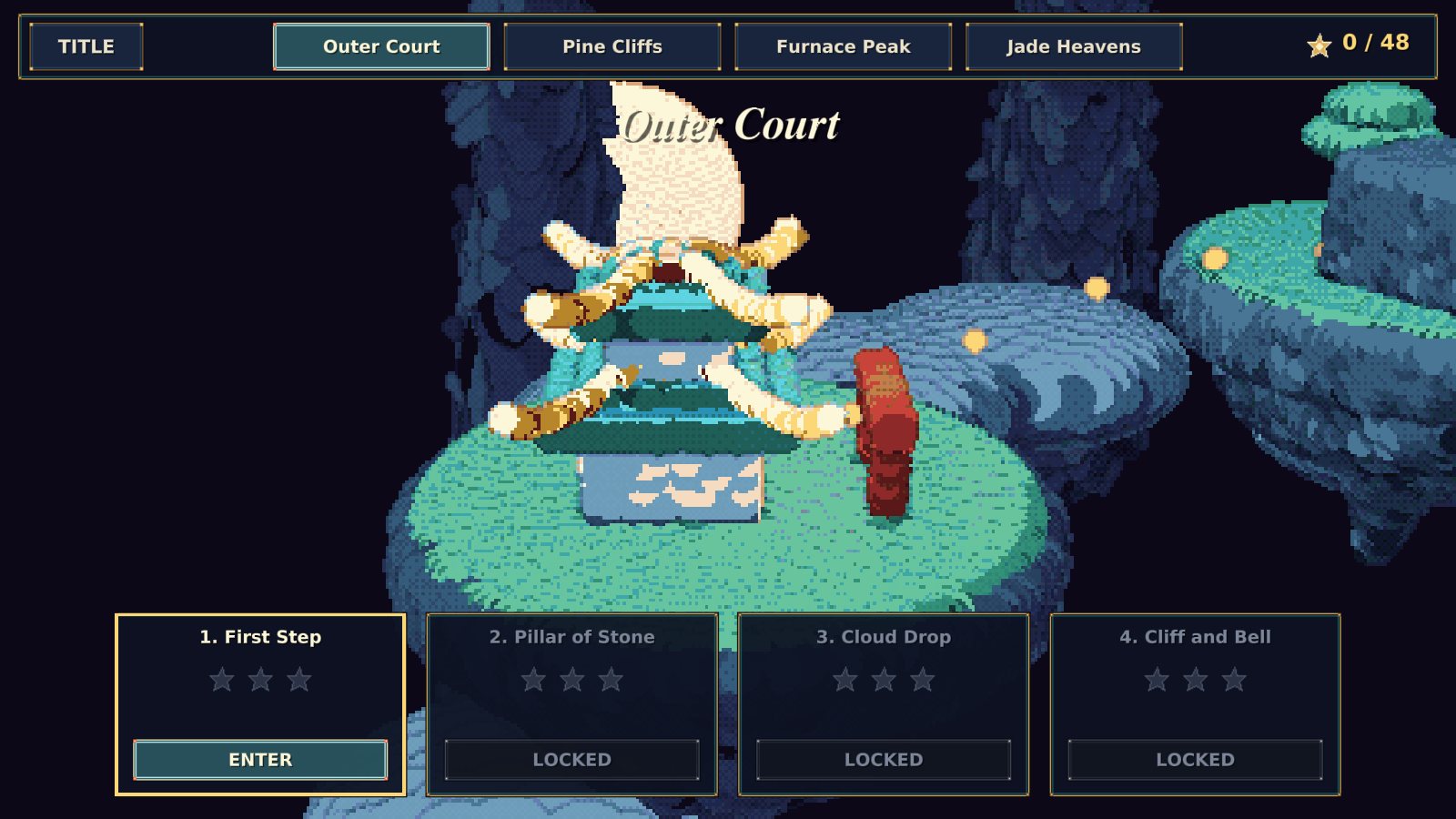
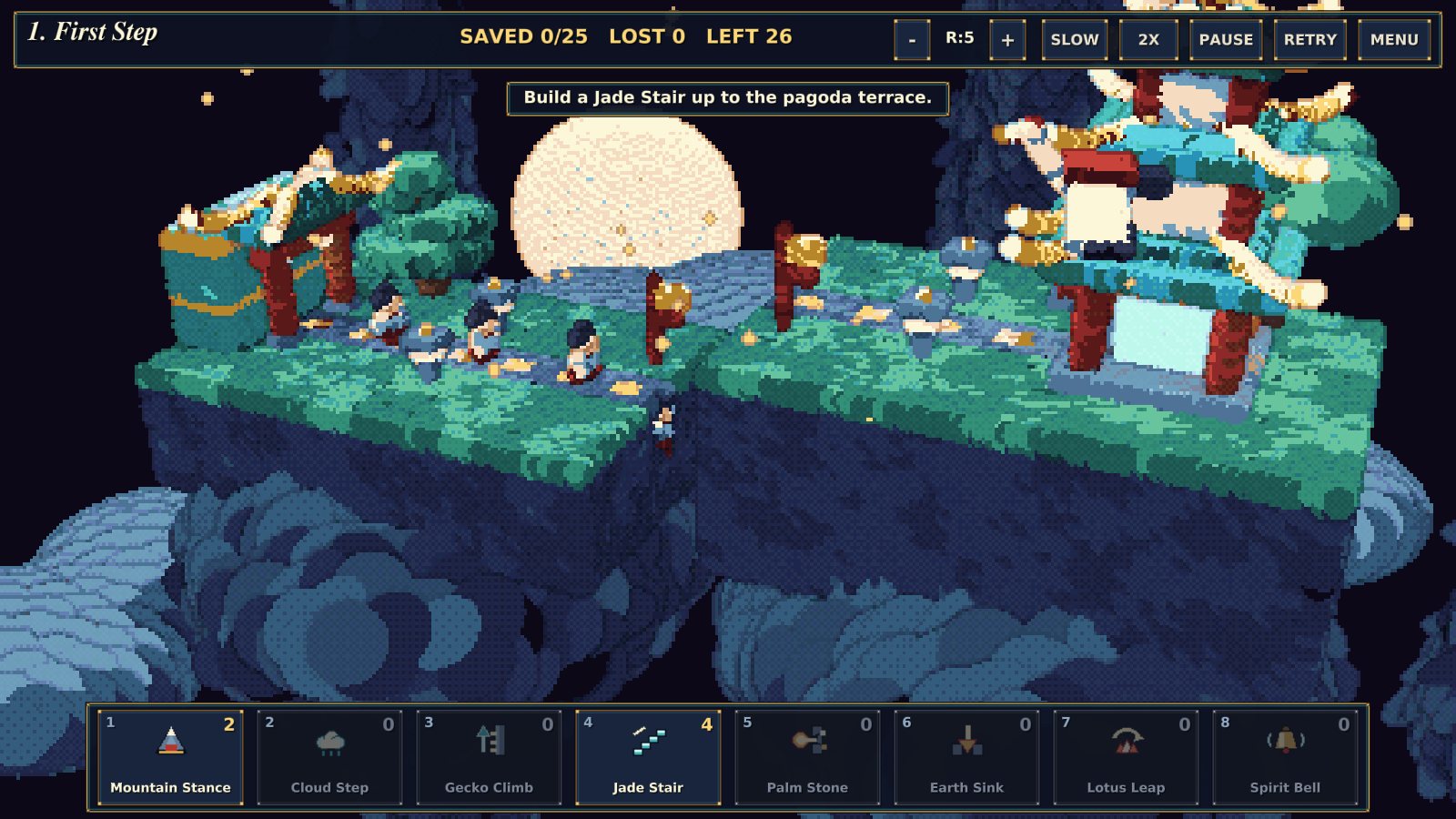
It wasn't right first time. We reported three bugs in one message: level two never finished even with 29 of 25 disciples saved, the cranes in the sky flew backwards, and the palm strike swung behind the body instead of in front. The second turn, 12 minutes, found all three. The level bug was the previous level's completion state carrying over into the next one, and the koi had the same backwards problem as the cranes, so it turned them round too.
Skyline Stomp
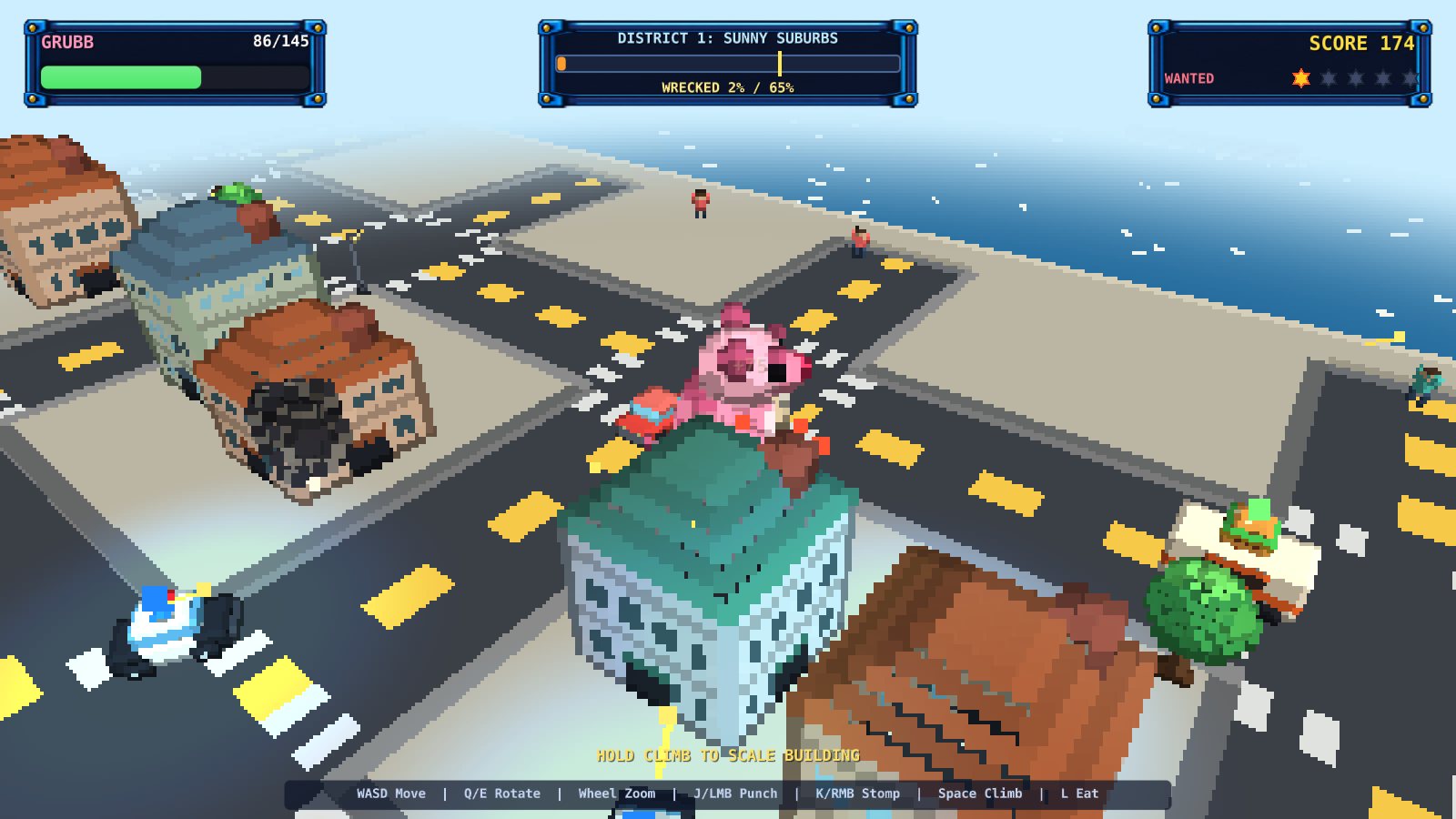
The third brief was a giant-monster game in which you wreck a city: roam an open grid of streets, punch and stomp buildings until they fall, eat food trucks to heal, and survive the military. Everything, the monster included, drawn with GANDER's sprite stacking renderer, so the city reads as chunky voxel pixel art you can turn around.
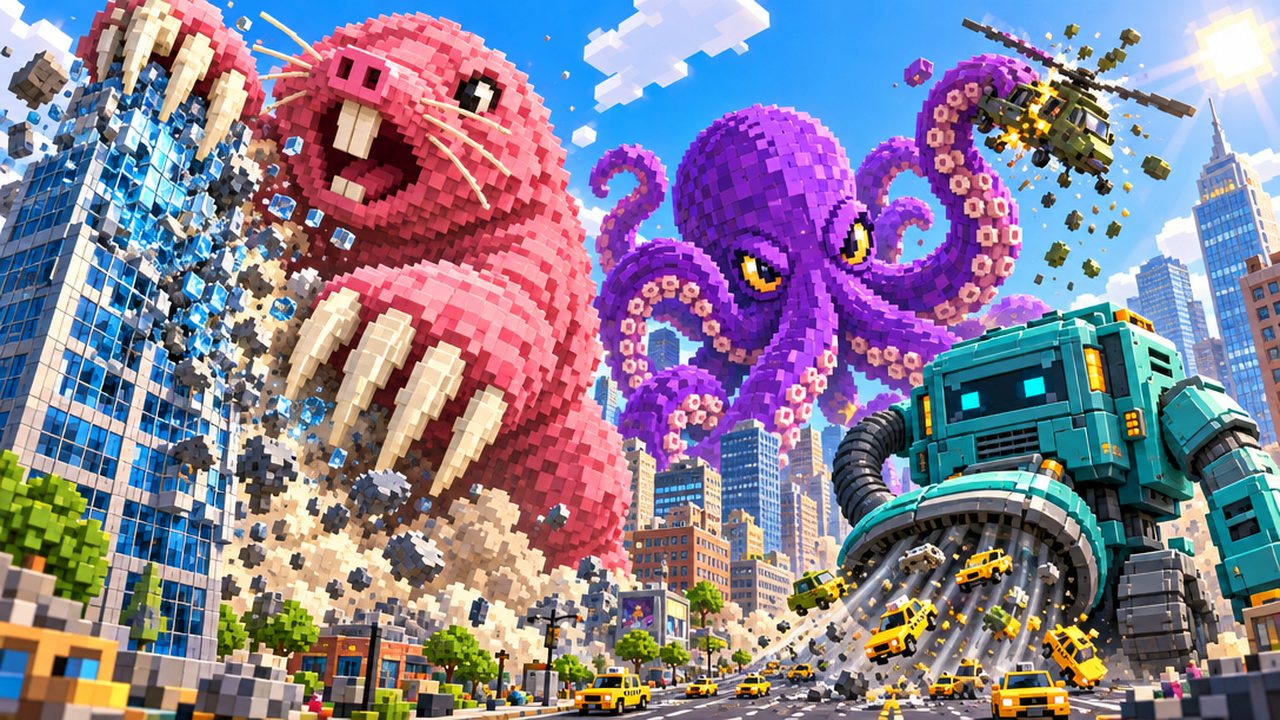
WASD to move, Q and E to turn the camera, J or left click to punch, K to stomp, Space to climb, L to eat. Open it in the arcade ↗
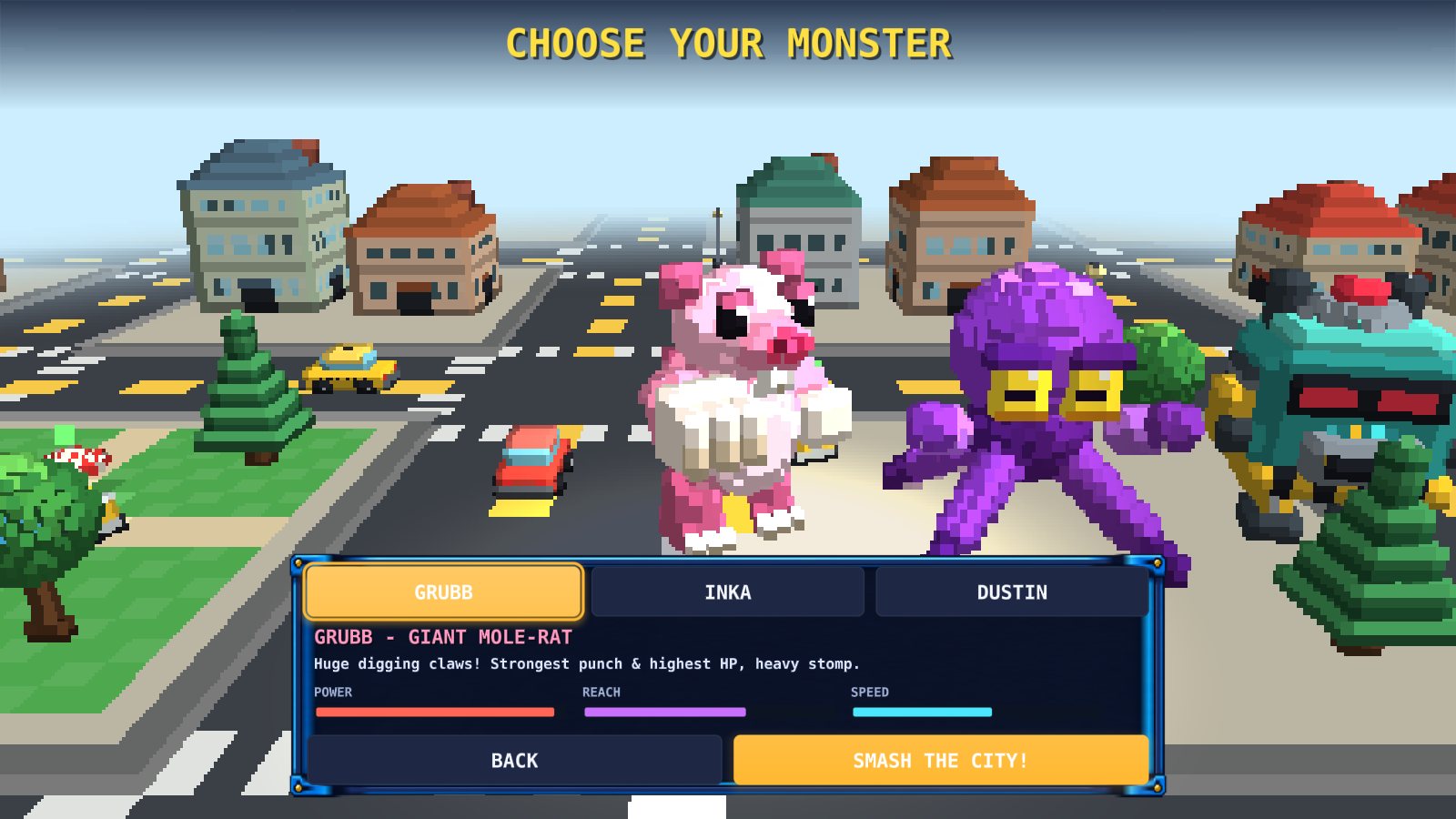
The first turn, 34 minutes, made three monsters you choose between on a turning plaza: Grubb, a mole-rat with the hardest punch, Inka, an octopus whose tentacles reach furthest, and Dustin, a runaway robot vacuum that sucks up cars and food trucks from a distance. Then districts to wreck, police and army in waves, and bosses.
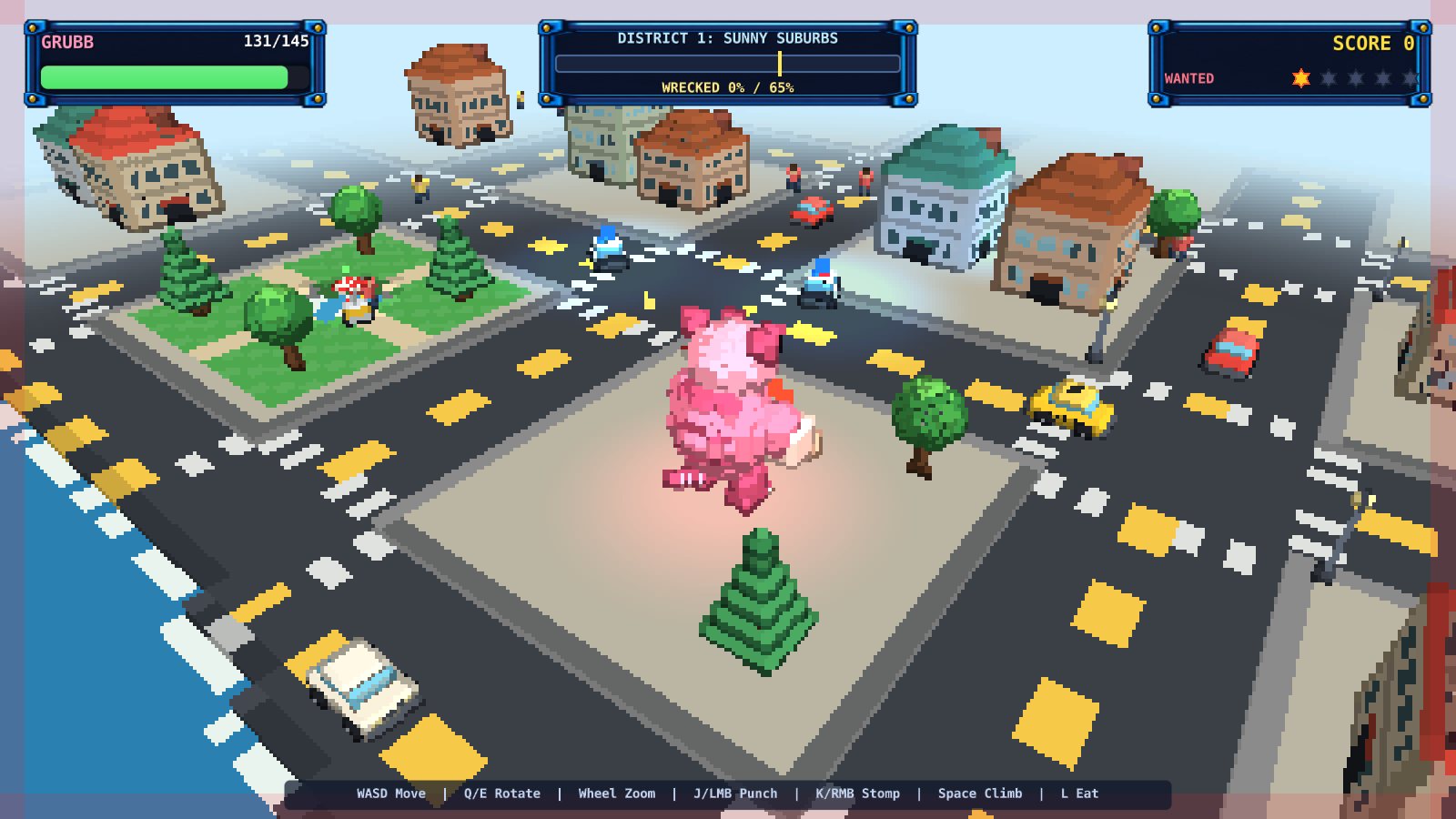
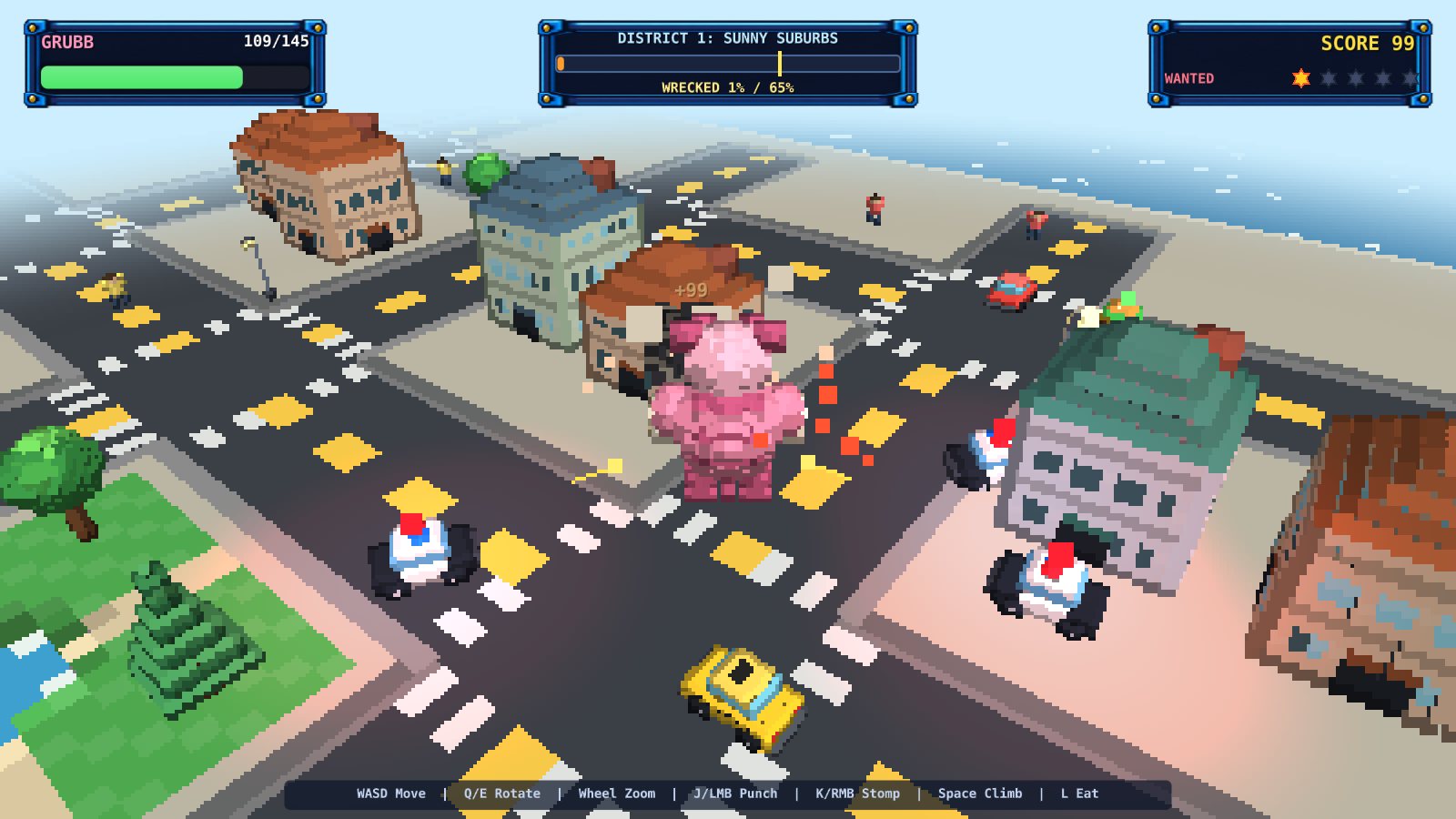
That build crashed a couple of seconds into play, and the pixel art looked coarser than we wanted. We said so and asked whether it was an engine problem. It wasn't. The second turn, 26 minutes, found the crash: picking which rubble model a falling building turns into could pick one past the end of the list, so roughly one building in three crashed the game as it came down. It fixed that and every random pick like it, cut the game's memory from about 594 MB to 133 MB, more than doubled the rendering resolution, and rebuilt the monsters and buildings on finer grids.
How long did they take, and what did they cost?
About an hour of the agent's time each. The cost is the Gemini API's charge for the tokens Neon 4 read and wrote, which we estimated from each turn's token counts at Google's list price.
| Game | Turns | Agent time | Tool calls | Neon 4 tokens, estimated |
|---|---|---|---|---|
| Car Fighter | 3 | 63 min | 255 | about $10.60 |
| Heaven's Path | 2 | 62 min | 192 | about $18.00 |
| Skyline Stomp | 2 | 60 min | 236 | about $9.80 |
Heaven's Path cost the most because its first turn did the most: sixteen hand-built levels in one go, reading nearly three million tokens fresh and almost twenty million more from Google's cache. Most of every turn's reading is cached, which Google charges a twentieth of the normal rate for.
Generated art is on top of that and goes through your own asset keys, the same as for any model. Car Fighter's nine concepts, three 3D models and redrawn cover came to about $6.60, and Skyline Stomp's cover art to under $1. Heaven's Path used none: everything in it, the cover included, is drawn by the engine.
What doesn't it do yet?
- No Google sign-in. Neon 4 runs only on a Gemini API key with billing on. There's no way to use a Google AI plan instead, and Settings has no usage bars for Google the way it does for Claude and ChatGPT plans.
- GANDER games so far. Godot games use the same agent and tools, but all three of our first games are GANDER, so that's where we've seen it work.
- Unreal is still in testing. We haven't finished a Neon 4 turn on the Windows workstations that build Unreal games yet, so for an Unreal game we'd still pick Claude for now.
- Bugs on the first build. Two of the three first builds had a real bug, a level that wouldn't finish and a crash. Each was fixed in one follow-up turn, from a one-line report.
Neon 4 is a model we'd happily build with. It wrote complete games from short briefs, followed a long and specific one closely, used art review the way it's meant to be used, and found the cause of each bug we reported rather than patching around it. Try it on your next game, or on the next turn of one you already have.
Frequently asked questions
Can I make games with Google's Gemini in vbgnt?
Yes. Gemini 4 Neon, listed as Neon 4, is in the studio's model picker. Add a Gemini API key from Google AI Studio under Settings, then pick Neon 4 for a new game or for the next turn of an existing one. It builds with Google's Antigravity agent and the same tools as the studio's other models.
Do I need a paid Gemini API key for Neon 4?
Yes. Neon 4 isn't on the Gemini API's free tier, so the key needs billing turned on in Google AI Studio. Signing in with a Google account or a Google AI plan isn't supported: Google's terms for Antigravity point to API keys when it runs inside another product.
How much does a game cost to make with Neon 4?
Our first three games cost roughly $10 to $18 each in Neon 4 tokens over two or three turns, estimated from each turn's token counts at Google's list price. Generated art is extra and goes through your own asset keys: one game's concept art and 3D models came to about $6.60.
Can I switch an existing game to Neon 4?
Yes. Pick Neon 4 in the composer and the next turn runs on it, with the game's history replayed as context. You can move between Neon 4, Claude and GPT-6 Astra from one prompt to the next.
Can I use Neon 4 over the vbgnt MCP server?
Yes. Once your Gemini key is saved, list_models shows Neon 4, and create_game and prompt_game take gemini-4-neon as the model.