An AI game maker for iPhone and Android.
vbgnt is an AI mobile game maker that ships real apps. Describe your game and its agent builds it in Godot 4 with touch controls, tests it at phone size, exports the App Bundle and Xcode project the stores take, and makes every screenshot, icon and preview video for both listings.
Done. Upload the .aab to Play Console; open the Xcode project on a Mac to archive.
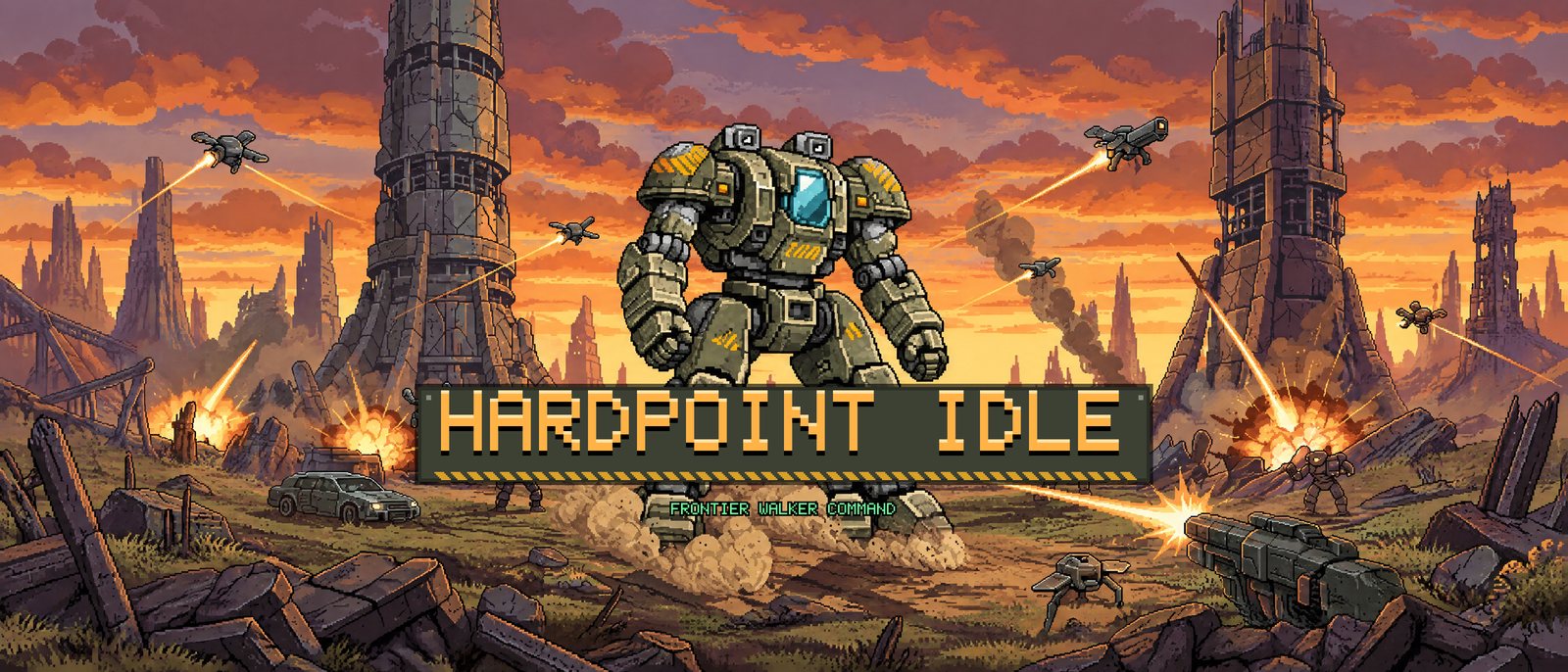
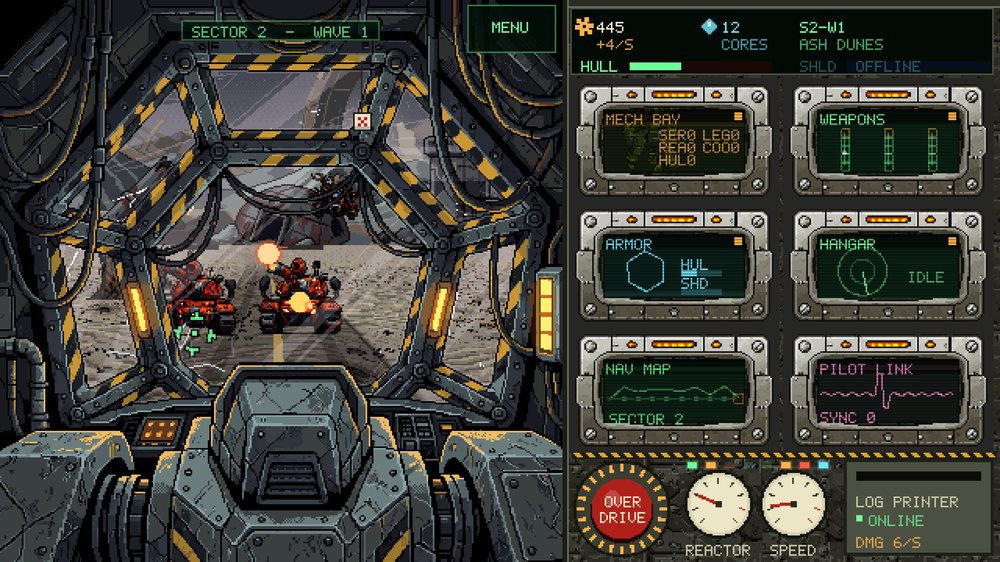
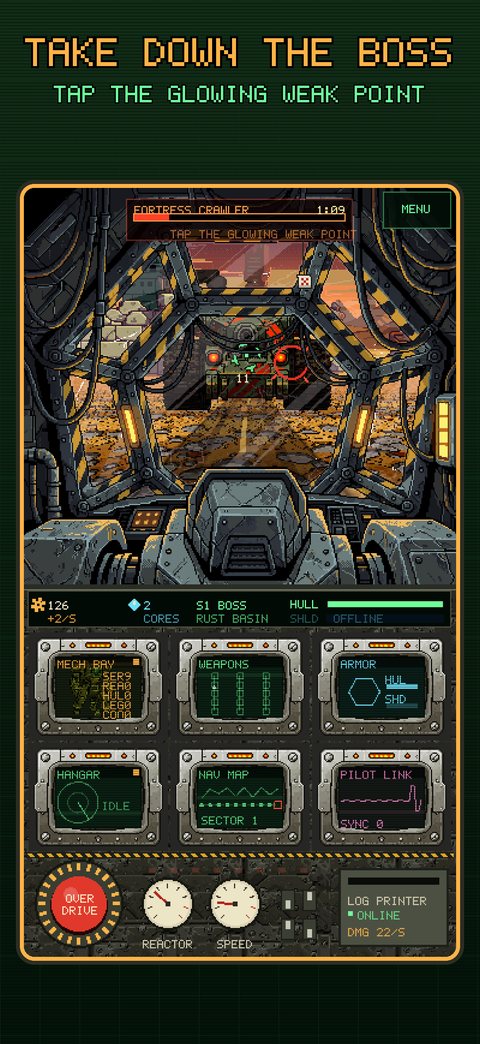
Touch controls from the first build.
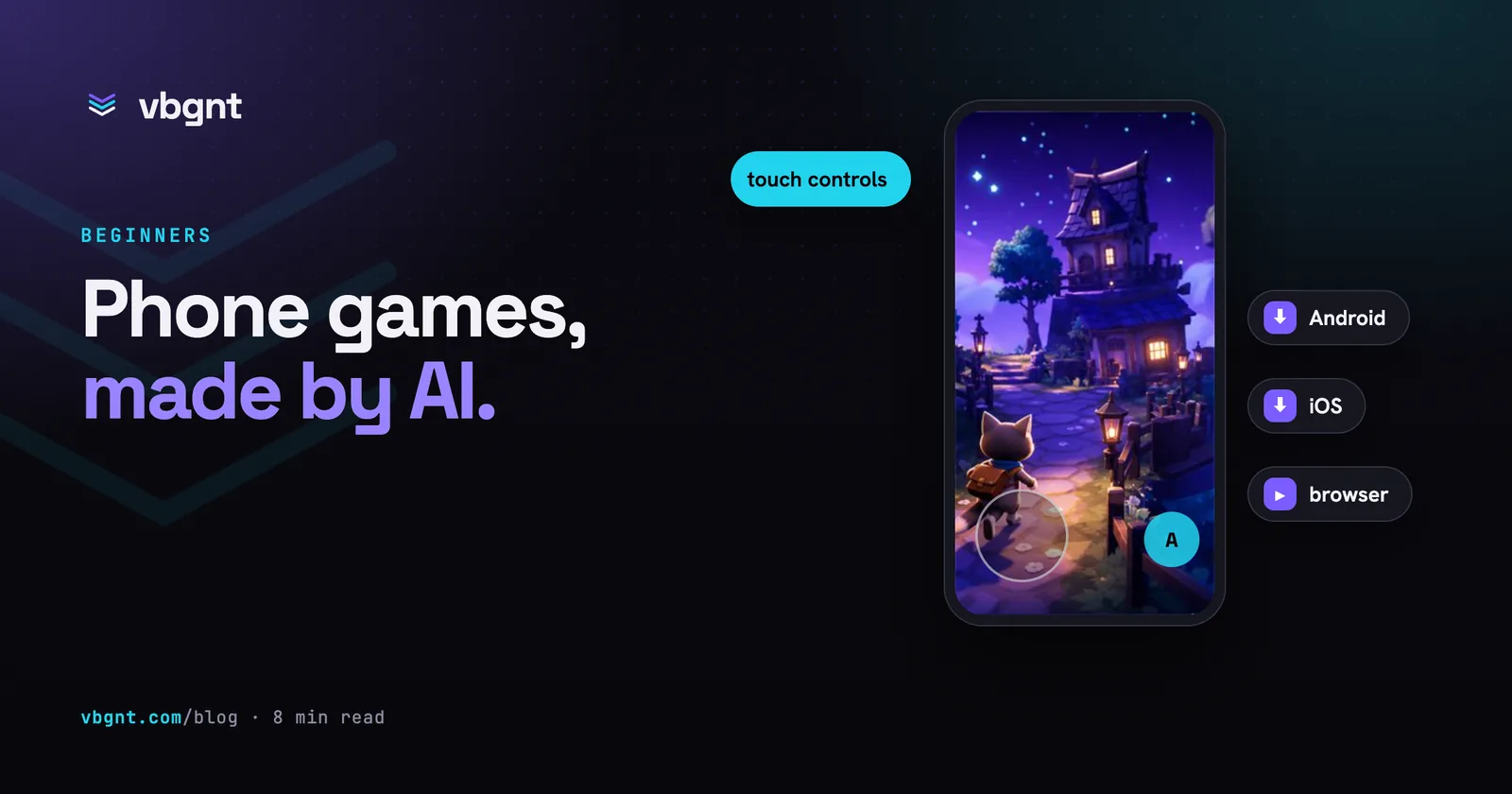
Most AI-made games fail on a phone at the controls. Every vbgnt game ships multitouch on-screen controls sized for thumbs, shown only when a touchscreen is there, so the same game plays with a keyboard on a laptop and with two thumbs on a phone.
A QA agent plays every build at phone size before you see it. Then open the link on your own phone and play it there: no install, no review, no test track. Send the same link to friends to find out whether they keep playing before you pay for a developer account.
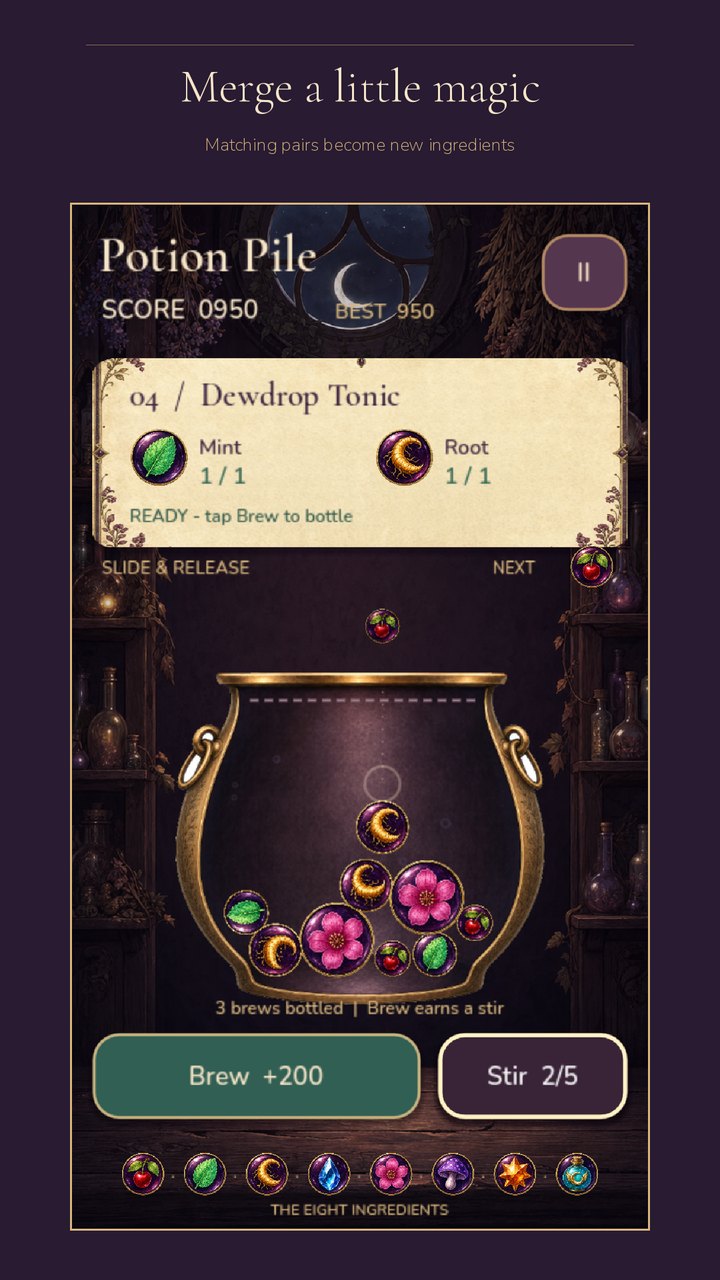
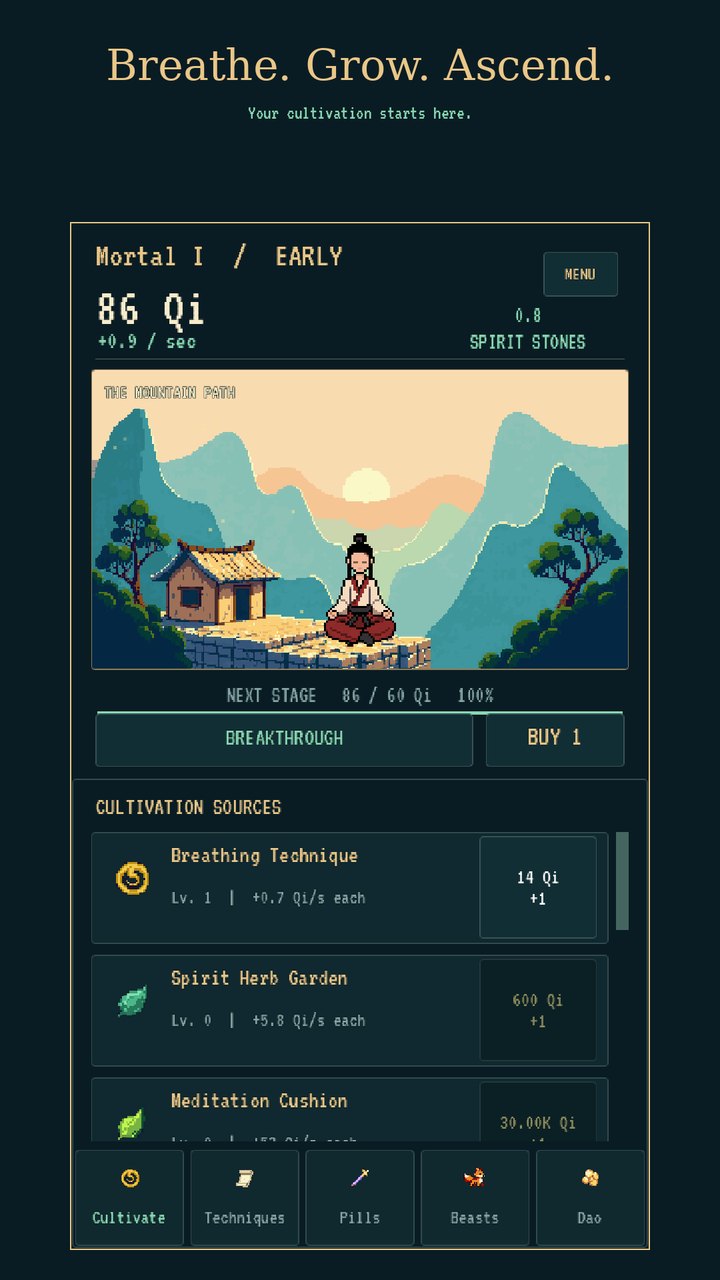
The builds both stores accept.
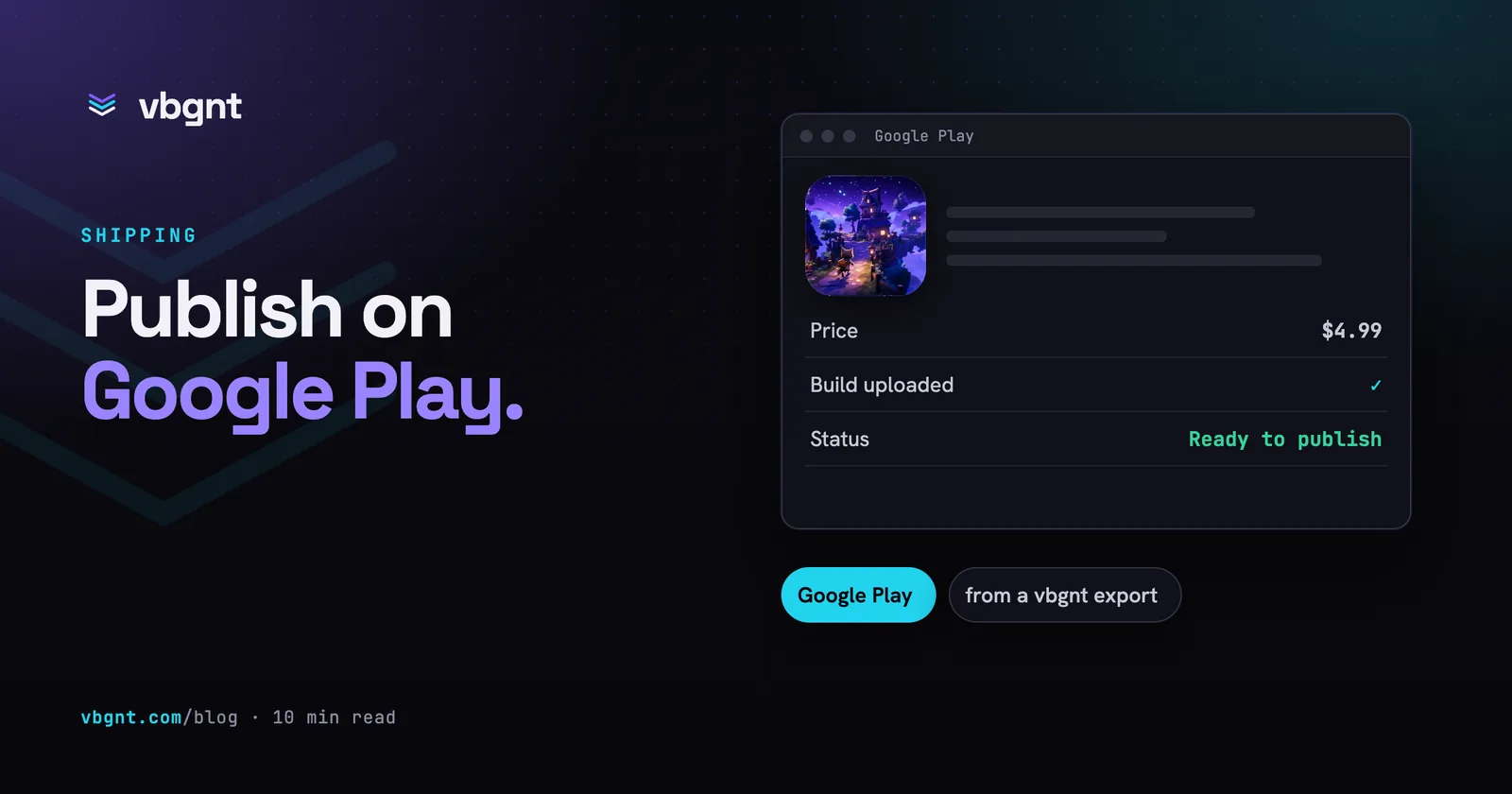
Tick Android and iOS in the Publish pane and a build machine does the rest. Google Play gets a release-signed App Bundle, plus a release APK and a debug APK for your own phone, with no Android SDK, JDK or Gradle on your machine. The App Store gets an Xcode project with your Team ID and bundle ID already filled in.
Lock the game to portrait or landscape in the same pane, either way up. Each game gets its own signing key, which you download with its passwords on the first build, and every export carries a version code, so each update goes up without a clash.
Every App Store and Play asset, at its exact size.
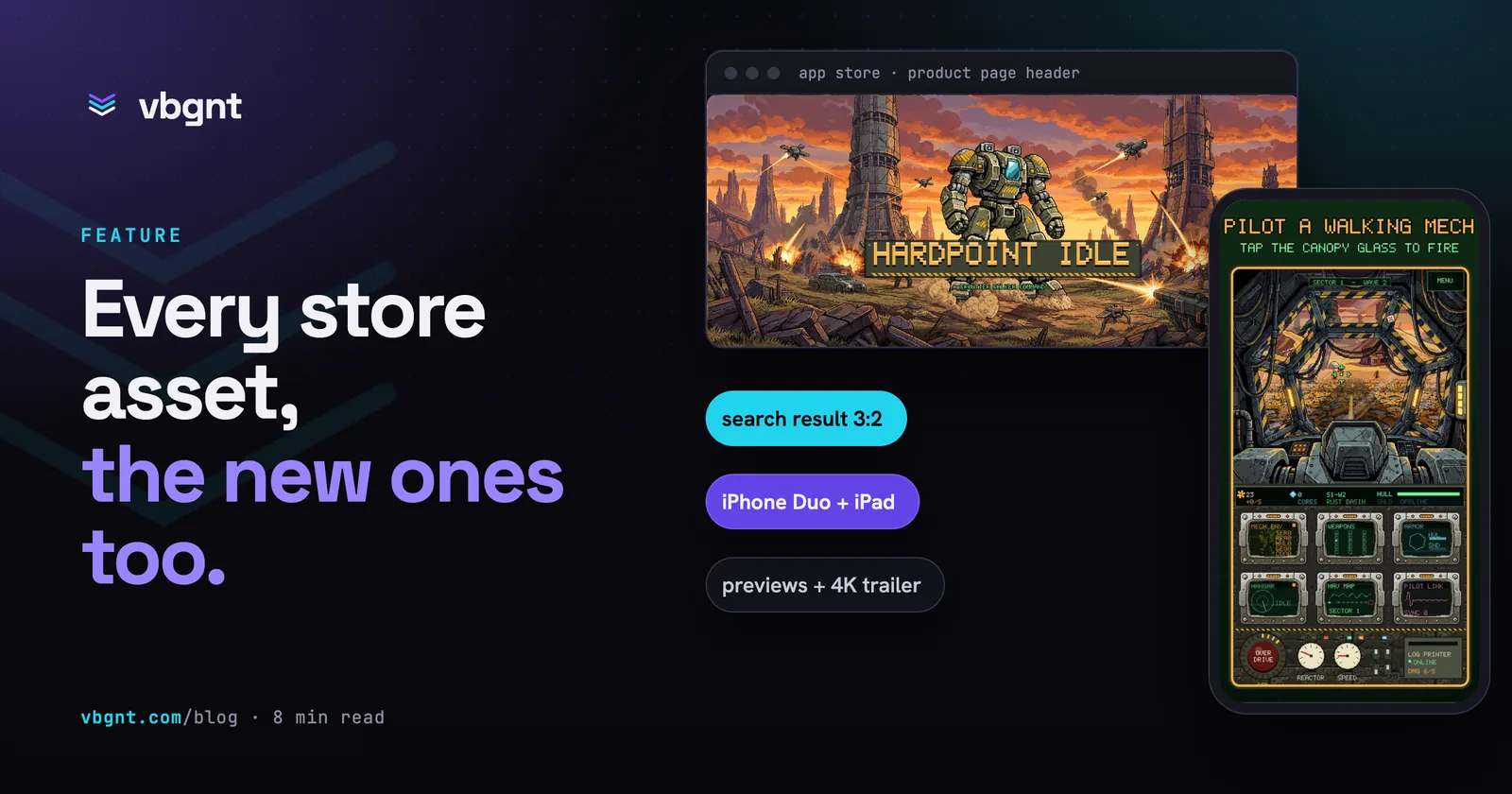
Tick Mobile in the marketing kit and the agent plays your deployed game as a phone and as a tablet, with touch controls on, then delivers both store listings: screenshots at every size each store asks for, captioned where it allows, the icons, the new App Store header and search art, and the listing text with each field counted.
| Asset | Size | Notes |
|---|---|---|
| iPhone screenshots | 1206x2622 | The required 6.3-inch set, plus 6.9 and 6.5 inch |
| iPhone Duo | two displays | Portrait on the outer screen, landscape on the inner one |
| iPad screenshots | 2064x2752 | The 13-inch set, from a tablet-shaped session |
| App Store header | 3840x1646 | The 21:9 product page header, still or looping video |
| Search result art | 3:2 | Shown in Search before anyone opens your page |
| Icons | 1024, 512 | App Store with no alpha; Play with adaptive layers |
| Feature graphic | 1024x500 | Title and focal point kept in the centre |
| Play screenshots | 1080x1920 | Phone set in upload order, plus tablet and Chromebook |
| Alt text | 140 chars | For every Play image |
| Listing text | counted | Name, subtitle, keywords, short and full description |
| Store forms | drafted | Content rating and data safety answers, for you to check |
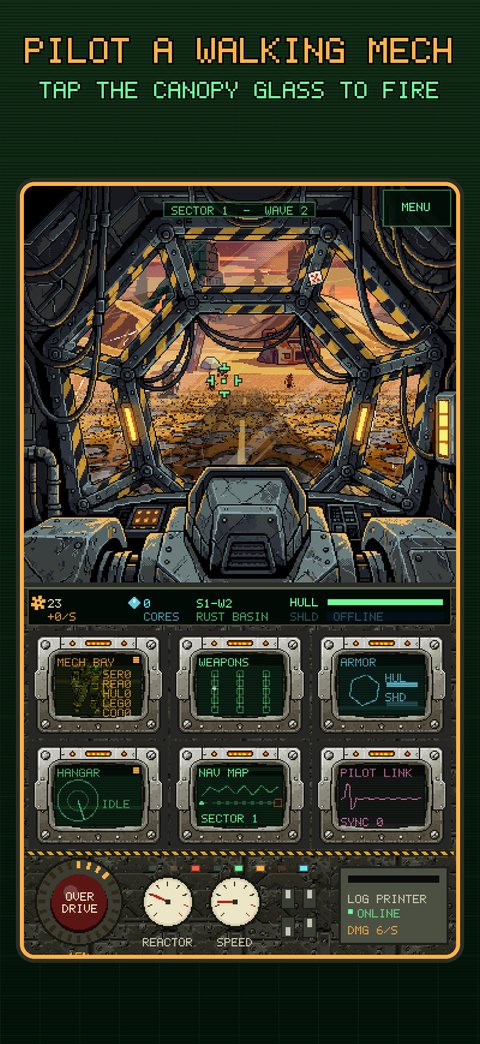
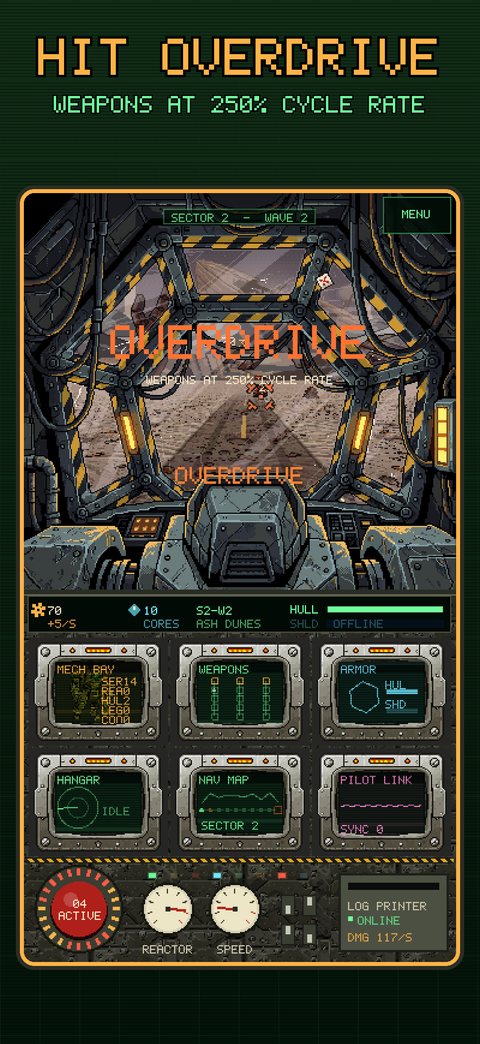
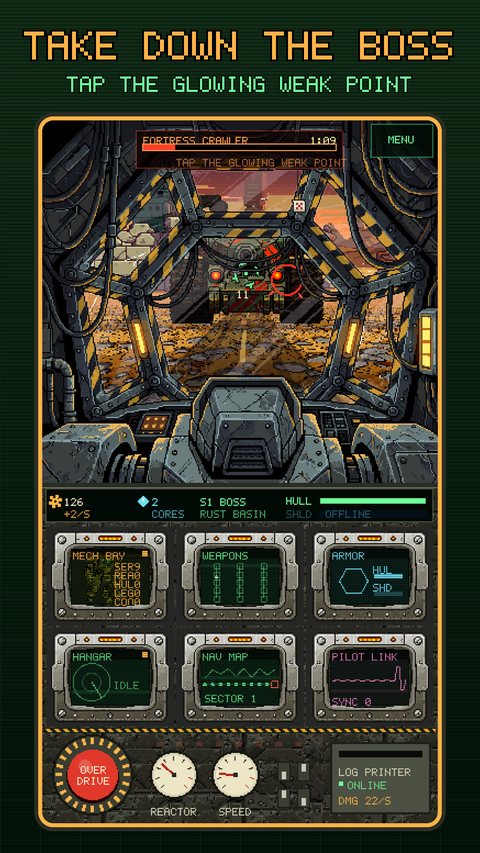
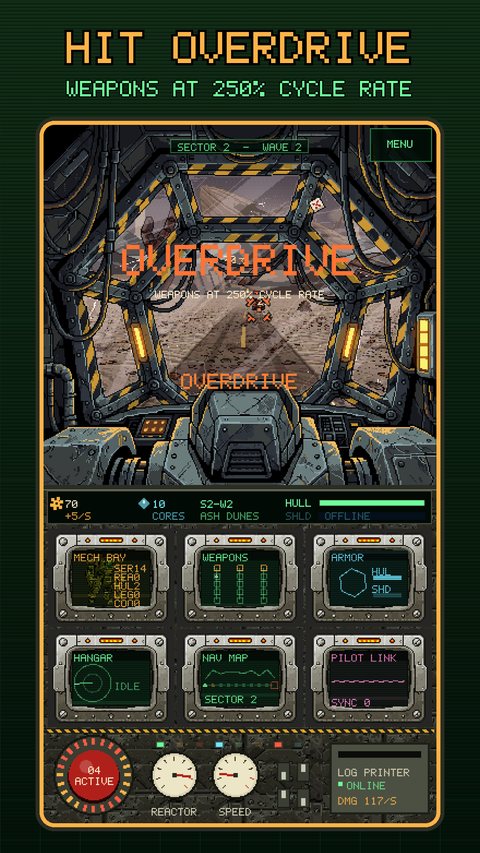
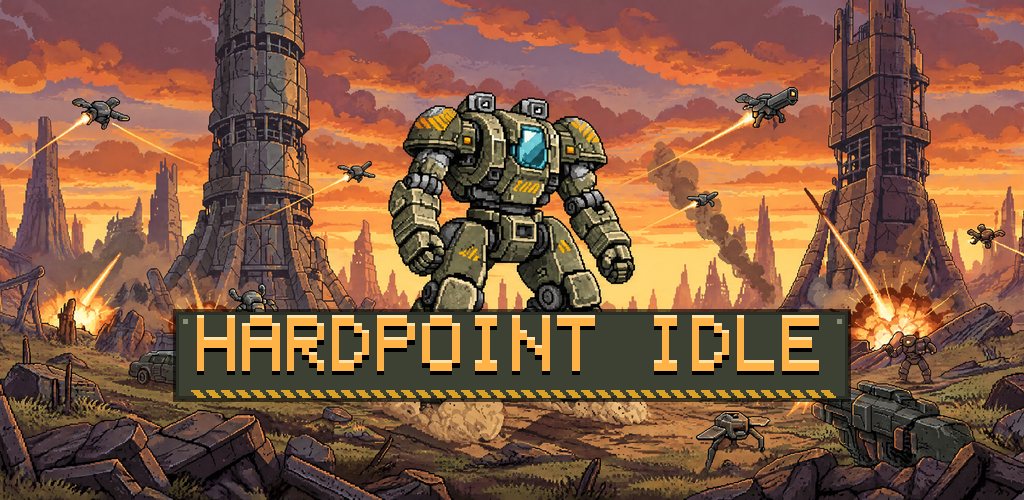
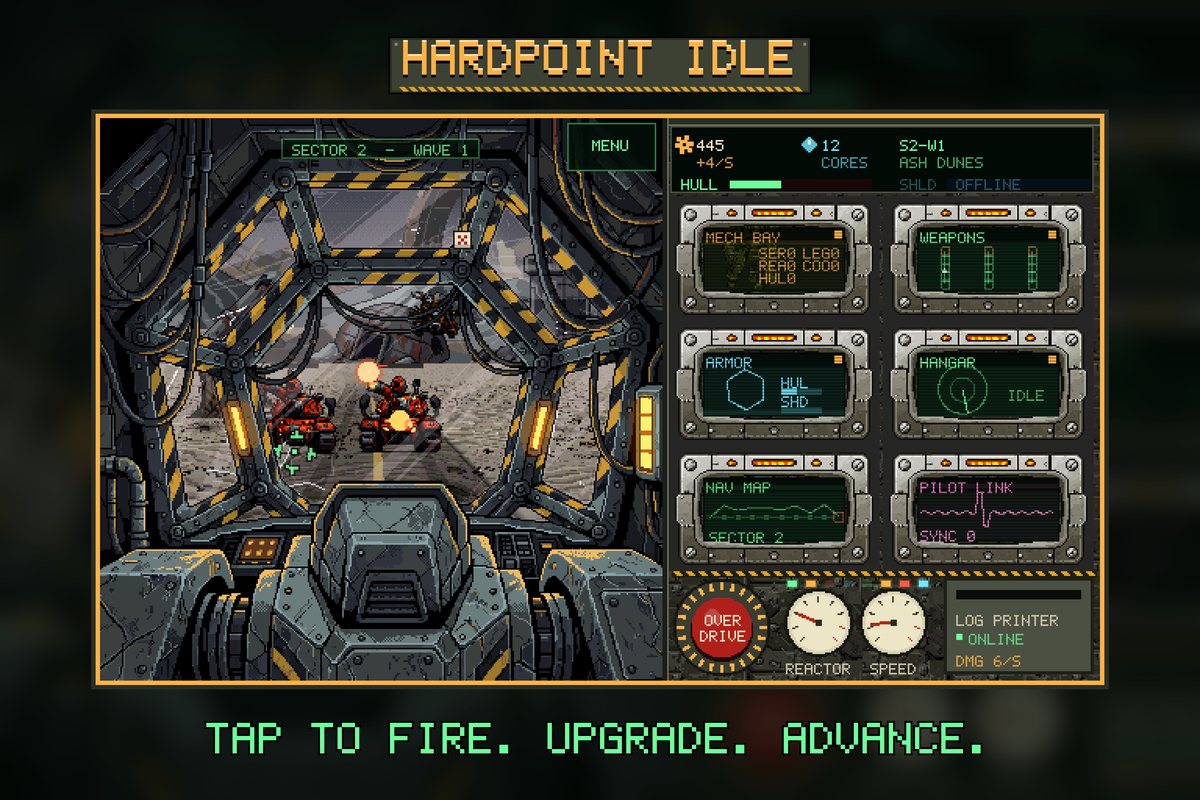
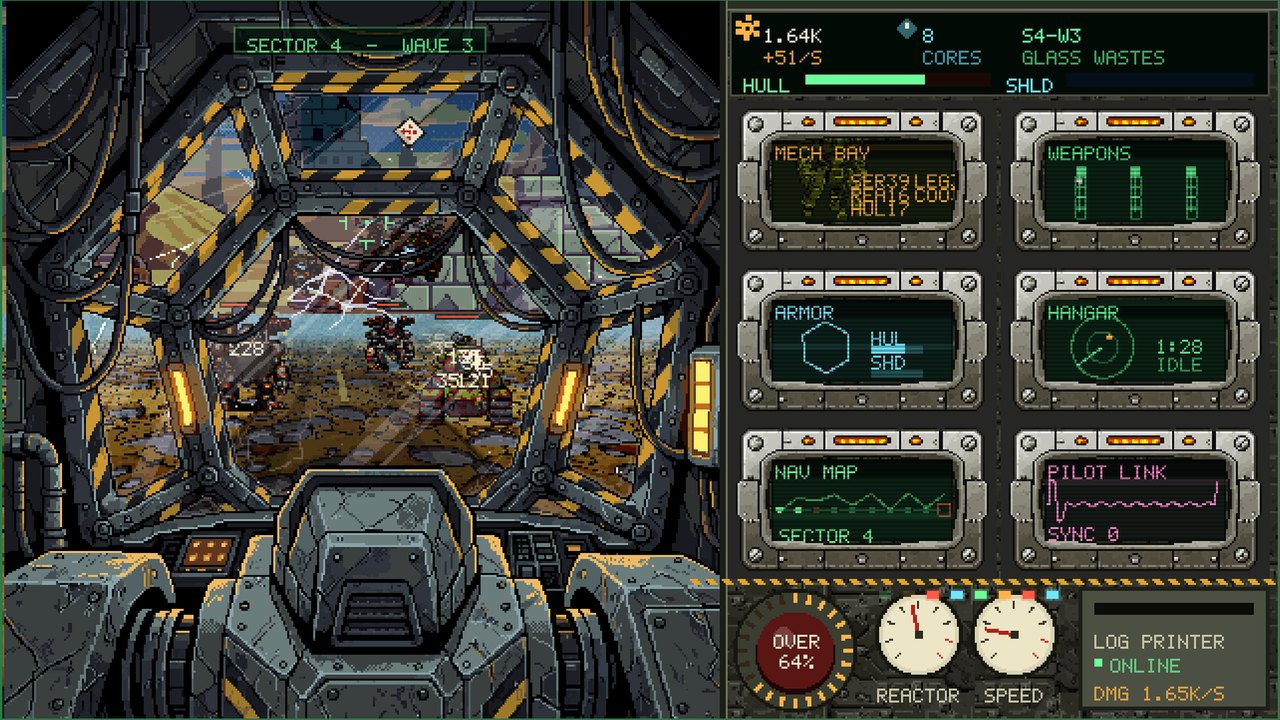
The screenshots come from real play, never mockups. When a game keeps one screen shape, the capture is framed rather than stretched, and the kit's README says so. Every size is in every App Store and Google Play asset.
App previews that loop back to the start.
On a mobile kit, Make trailer records the game and cuts a 15 to 30 second App Store preview for iPhone and another for iPad, with a strong frame at five seconds for the poster and an ending that loops cleanly. Each file is checked against Apple's encoding limits before it reaches you.
The same step makes the animated App Store header and search videos, and a 1080p trailer for your Google Play listing's YouTube link, with a 4K master if you want one.
Ads and purchases, only on the phone.
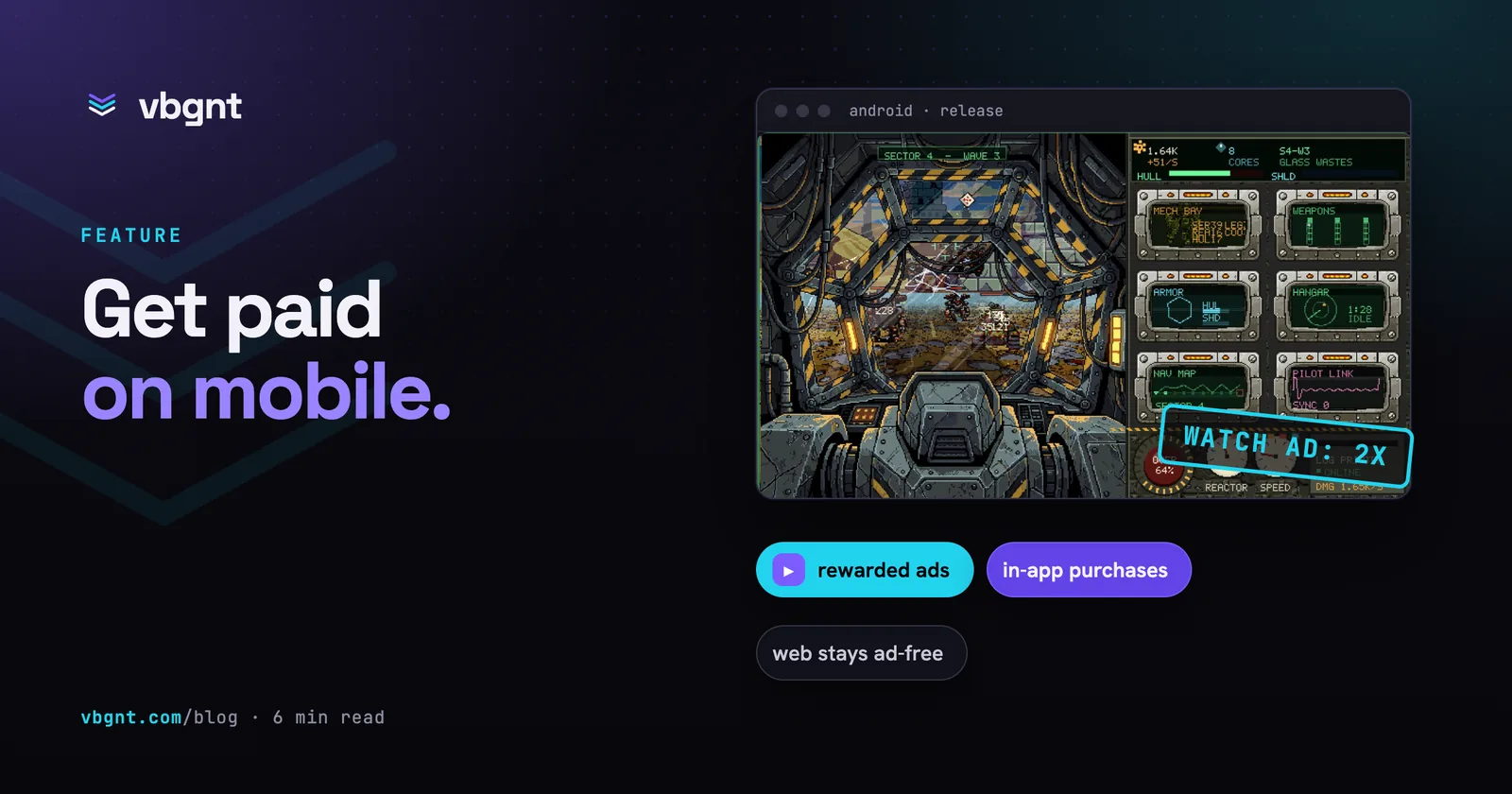
Turn on Mobile Monetization and pick the ad formats: rewarded ads the player chooses, interstitials at natural breaks, banners, rewarded interstitials and app-open ads. Say where they belong, like "a rewarded ad that doubles the offline earnings", and the agent wires them in. In-app purchases use Google Play Billing and StoreKit 2.
Pacing is built in, with gaps between interstitials, daily caps and no ads in a player's first session. The ad and product ids are yours, so the money goes to your own AdMob, Play and App Store accounts. The browser version never shows an ad, and the mobile kit declares ads and purchases in the listing for you.
The links the stores ask you for.
Both stores want a privacy policy URL, and Apple wants a support URL too. Publish a vbgnt page for your game and it comes with both: a privacy policy page for the game and a support form that emails you.
The same page on games.vbgnt.com carries the trailer, screenshots, controls and buttons for the App Store and Google Play, and can offer the release APK as a direct download for players who skip the store.
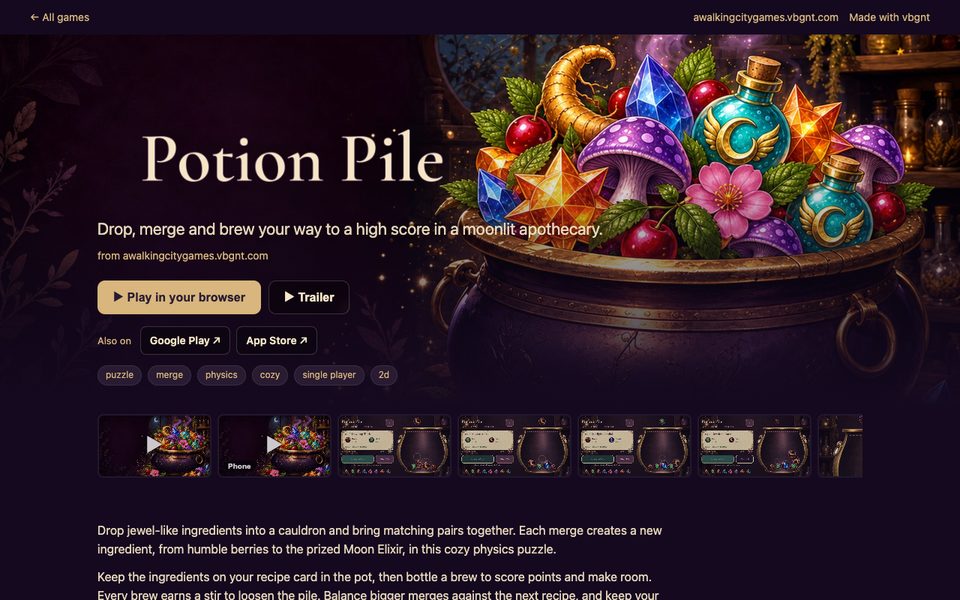
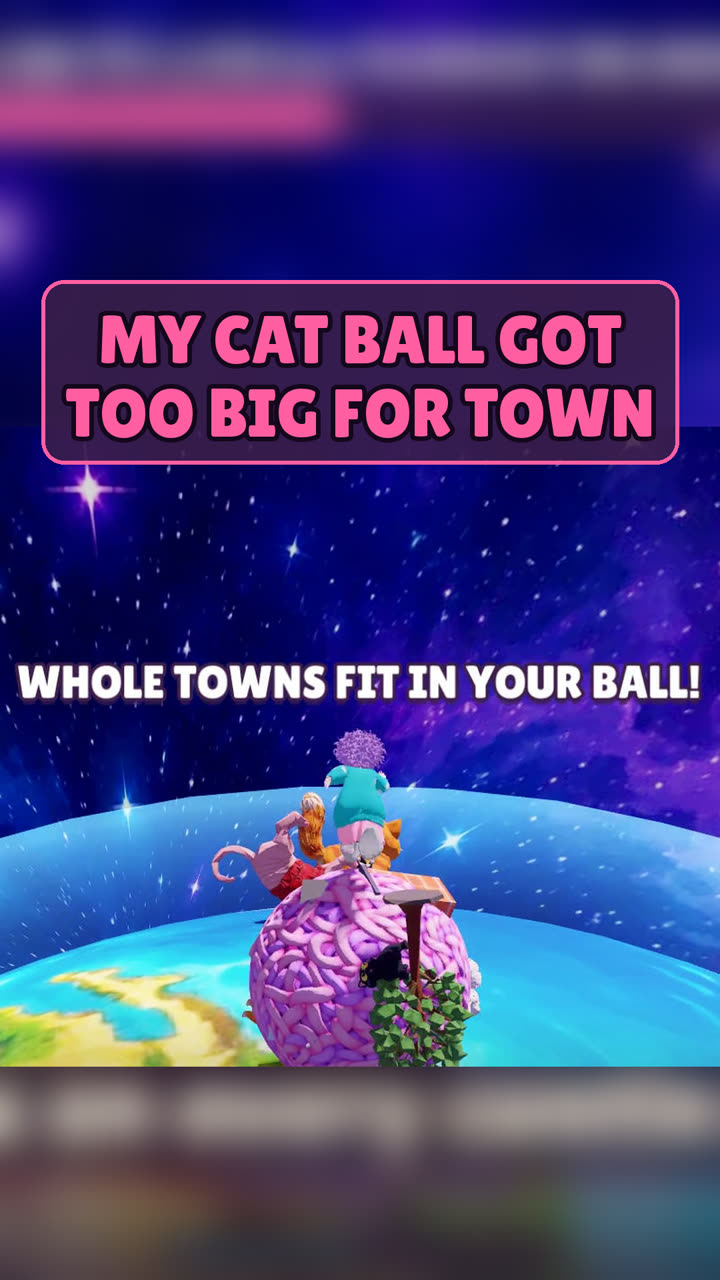
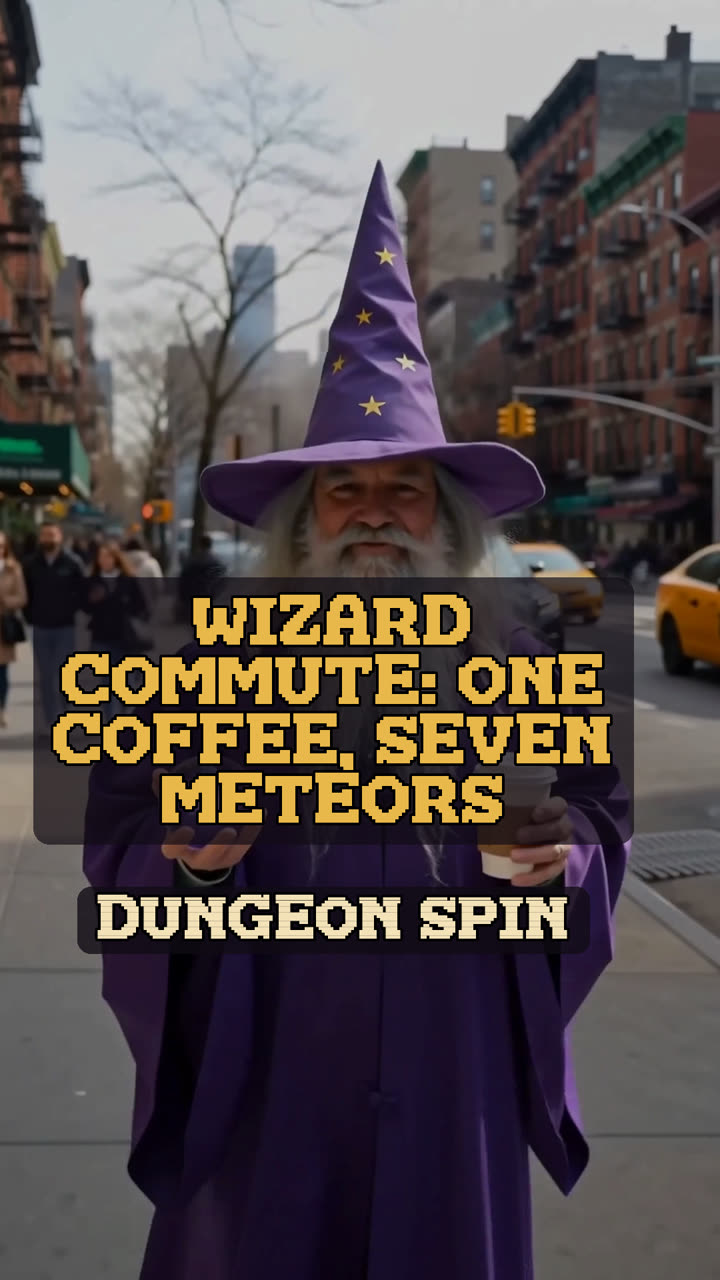
Vertical video, for where phone players are.
Mobile games are found on TikTok, Reels and Shorts. The Promote tab cuts vertical shorts from real gameplay, writes Reddit and X posts in full, and sets a posting schedule. Subreddits are picked by reading their rules, and nothing goes out until you approve it.

What the stores ask of you.
Both stores list games made with AI. Each has one step that catches first-time developers. Four things to know before you start, each with the full story in our guides.
The App Store needs a Mac
Only Xcode on a Mac can sign and archive an iOS build, so that one step stays on your desk. How to publish a Godot game on the iOS App Store
Google Play wants twelve testers
New personal accounts run a closed test with 12 testers for 14 days before production. Recruit them early. How to publish a Godot game on Google Play
Submit one game with depth
Apple's spam rule is aimed at many small look-alike apps from one account. One game with progression and settings fares far better than five quick ones.
$25 once, $99 a year
Google Play charges once; Apple charges every year and removes your apps if it lapses. What publishing a game costs on every store.
From an idea to both stores.
Who does what, plainly. vbgnt makes the game, the builds and the listings. The developer accounts, the forms and the upload carry your name, so they are yours.
- vbgnt
Describe it and play it
A sentence or a page. Play each build on your phone and say what to change.
- vbgnt
Export for both stores
Set the orientation, package name and bundle ID. Out come the App Bundle, the APKs and the Xcode project.
- vbgnt
Make the store kit
Screenshots at every size, icons, header and search art, listing text and the App Store previews.
- You
Open the accounts
Google Play Console and the Apple Developer Program. Start Play's closed test with your twelve testers.
- You
Upload the builds
The .aab goes straight to Play Console. Archive the Xcode project on a Mac and send it to App Store Connect.
- You
Fill in and submit
Paste the kit into each listing, answer the rating and privacy forms, and send both for review.
The long answers.
Our guides to each step, kept up to date as Apple and Google change their rules.
 How to publish a Godot game on the iOS App StoreThe Mac and Xcode step, signing, App Store Connect and the rules that reject small games.
 How to publish a Godot game on Google PlayThe twelve-tester rule, the keystore, API level 36 and the data safety form.
 How to make a mobile game with AIThree routes, from a game inside an app to a real app on both stores.
 Every App Store and Google Play assetApple's new header and search art, iPhone Duo, Play tablets and preview videos.
 Mobile MonetizationAdMob ads and in-app purchases in the phone builds, with the web version left alone.
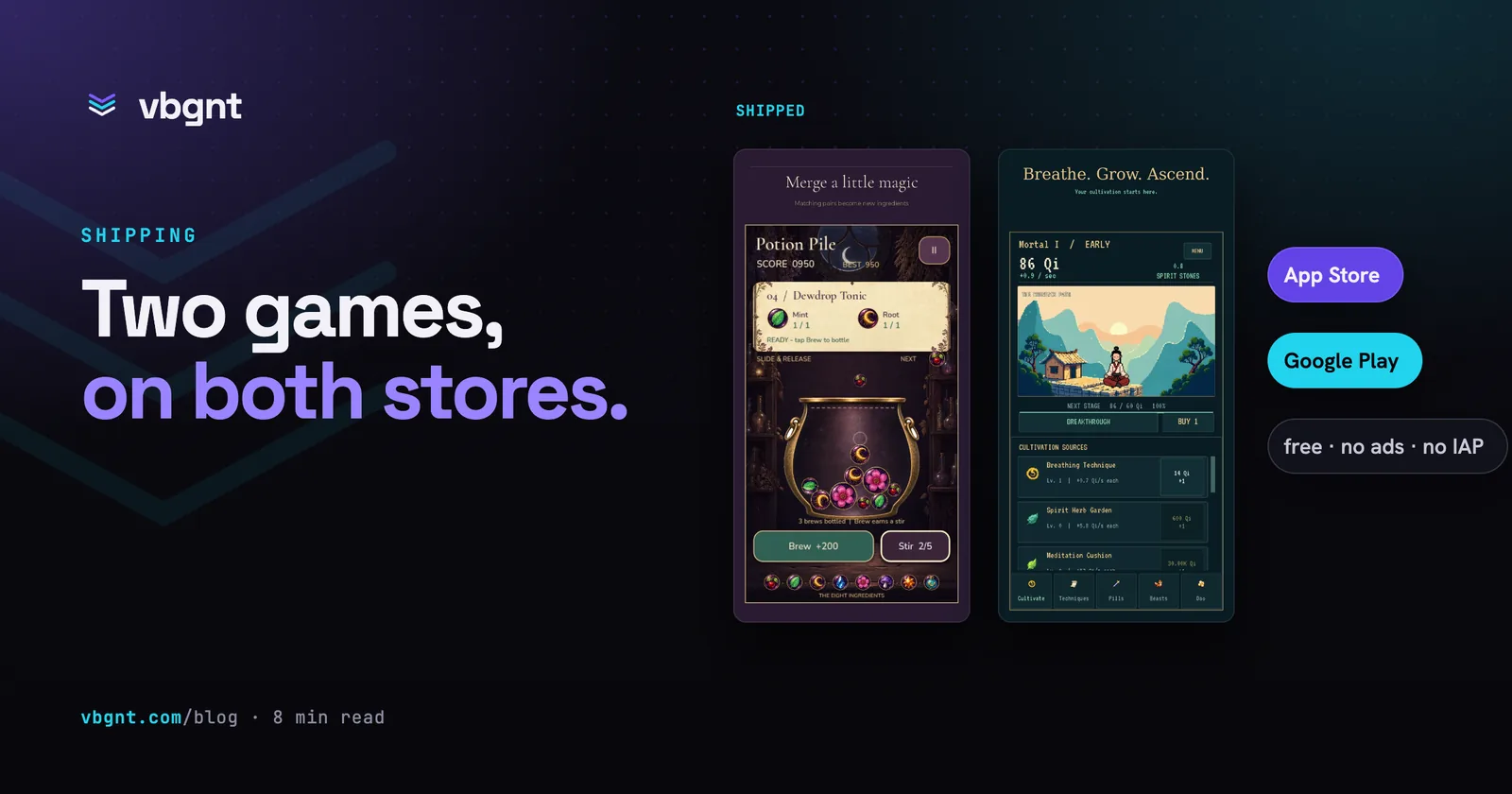 The first vbgnt games on the App Store and Google PlayWhat the studio made, what a person still signed, and why iOS needs a Mac.
Frequently asked questions.
Is vbgnt an app that makes games on my phone?
No. Apps that make games on a phone keep the game inside the app, where it cannot be exported or sold. vbgnt is a studio that runs in the browser and writes a real Godot 4 project, which it exports as a native Android and iOS app you publish under your own developer name. You can still play every build on your phone from a link while you make it.
What does vbgnt make for an App Store and Google Play release?
The game as a Godot 4 project with touch controls, a release-signed Android App Bundle plus release and debug APKs, an iOS Xcode project with your Team ID and bundle ID filled in, and a mobile marketing kit: screenshots at every iPhone, iPad, Play phone and tablet size, the icons, the feature graphic, Apple's header and search art, alt text and the listing text. Make trailer adds App Store preview videos for iPhone and iPad.
Do vbgnt games work on tablets and foldable phones?
Yes. The touch controls adapt to the screen, and the kit captures the game at tablet shape for the iPad and Play tablet sets and at both iPhone Duo display sizes. A game locked to one orientation is framed on the other shape rather than stretched, and the kit's README tells you where it did that.
Can I make a portrait game?
Yes. Ask for portrait in the first prompt so the layout and controls are built for one hand, then lock the orientation to portrait in the Publish pane. The Android manifest and the iOS Info.plist are set from that lock, and the game turns either way up.
Who owns the app and the signing key?
You do. The game is published from your own Google Play and Apple developer accounts under your package name and bundle ID. Each game's Android signing key is generated for it and downloadable with its passwords, and the whole Godot project downloads from the Files pane. Back the key up on the first build: without it you cannot update your own app.
How do I test the game on a real phone before release?
Open the game's link in your phone's browser at any point; it plays with touch controls and needs no install. For the native app, install the debug APK on an Android phone, or run the Xcode project on an iPhone from your Mac. Ads show Google's test ads until you turn test mode off.
How does a mobile game made with vbgnt earn money?
With Mobile Monetization, through Google AdMob ads and in-app purchases in the Android and iOS builds, using your own ad and product ids so payouts come straight to you. You can also sell the app at a price set in each store. The web version of the game never shows ads.
How much does vbgnt cost?
vbgnt is invite-only while we build it, and there is no public price list yet. The stores' own fees are separate: $25 once for Google Play and $99 a year for the Apple Developer Program.
Your game, on every phone.
Request an invite, describe the game, and have both builds and both store listings ready by the time your accounts are.