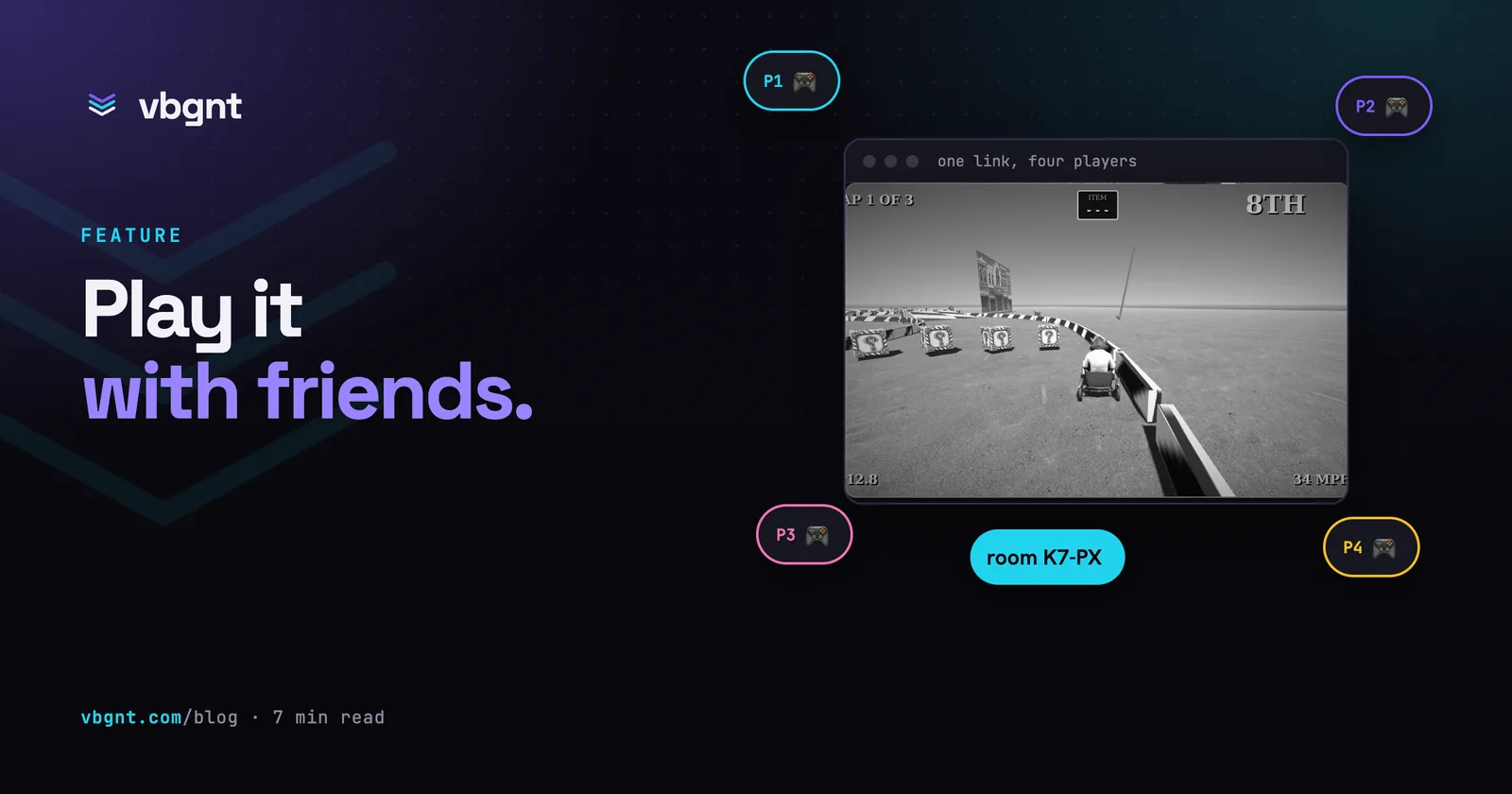
Until now, a vbgnt game was something you sent to a friend. Starting this week, you can play it with them. Ask for a game "with online co-op" or "versus, for four people", and the studio builds the lobby, room codes, and invite links alongside the game itself. One player hosts, the others type four letters or click a link, and the match runs between their browsers. There is nothing to install on either side.
This post covers what you get, how to ask for it, the games it suits best, and what it doesn't do yet.
What a multiplayer game looks like now
Every online game the studio builds includes three core parts, styled to match the game's visuals rather than a generic menu:
- A lobby. Host or Join, a name field, and a player list. The host sees a room code in large type alongside a Copy link button. Guests type the code or use the link to land straight in the room.
- A room code. Four letters without vowels. It never spells an awkward word, and nobody will confuse an O with a zero when reading it aloud. The room stays open as long as the host keeps their tab active.
- An invite link. The game's URL with the room code attached at the end. Paste it anywhere. Anyone who clicks it joins the match, including from your arcade page, where the link launches the game and connects in one step.
Games with online play show an Online badge on your arcade, so players know before hitting play that they can invite someone.
How to ask for it
Put it in the brief, just like you'd ask for "top-down" or "pixel art". The studio reads the prompt, shapes the game around your player count, and includes the lobby in the first playable build. A few prompts that work well:
- "A two-player online tank duel in a small arena, top-down, 90s shareware look. First to five wins."
- "Four-player online co-op: we defend a lighthouse from waves of sea creatures. One shared health bar for the lighthouse."
- "An eight-player online party game: everyone controls a bouncing blob, last one on the shrinking platform wins the round."
- "Turn-based online, two players, a card game about trading spices. Show whose turn it is very clearly."
Specify the player count. A game built for two feels wrong when eight players crowd into it. The studio adjusts arena sizes, cameras, and spawn points to fit the number you choose. If you leave it out, it defaults to four.
You can add it later, too. Asking to "make this playable online with a friend" on an existing single-player game adds a lobby and room for a second player. The studio might push back if the game's mechanics only work for solo play.
Keep in mind that two people on one screen is not the same request. Asking for "two players on one keyboard" or "split screen with two gamepads" tells the studio to build local play without any networking machinery. Ask for whichever setup you want, and say "online" when you mean online.
What plays well over the internet
The match runs on the host's machine. Everyone else sends their inputs to that host and receives the updated game state back. Most console co-op and party games work like this, and it dictates what feels good to play.
| Genre | Over the internet | Why |
|---|---|---|
| Co-op arcade, wave survival, co-op puzzles | Excellent | Everyone is on the same side. A little latency goes unnoticed |
| Party games, racing, sports, arena brawlers | Very good | Forgiving hitboxes and shared chaos hide the delay |
| Turn-based, card and board games | Excellent | Latency doesn't matter at the pace of a turn |
| Frame-precise fighting games, twitch shooters | Playable, with caveats | The host gets a slight edge. Ask for generous hit detection and slower projectiles |
| Anything ranked, anything with strangers | Not yet | See the limits below |
Rooms support up to eight players. In practice, two to four is the sweet spot for most designs. The studio will tell you if you ask for eight in a genre that can't handle a crowd.
What the studio does behind the scenes
Networking on its own isn't the interesting part. What matters is that the agent has a networking layer it knows how to handle, alongside its asset pipeline and testing tools.
Godot, the engine under every vbgnt game, already includes a solid multiplayer system. It handles remote procedure calls, spawners that replicate objects to every player, and synchronisers that stream state. Browser games normally lack two things: a way for players to discover each other, and a connection that works through home routers. We provide exactly those pieces. A lightweight room service assigns codes and coordinates the handshake, and a relay handles the few networks where direct connections fail. Game traffic flows directly between browsers using WebRTC, the protocol behind video calls. Once players connect, nothing from the match passes through our servers. That keeps running costs near zero, and there are no dedicated game servers to spin up or crash.
For the agent, this functions as a skill. It gets clear instructions on when online play makes sense, how lobbies should behave, and how to keep the host as the sole referee. It also learns the common mistakes in generated games, like syncing unnecessary data or updating the wrong variables. We also added a dedicated automated test. The QA agent that playtests every build now plays multiplayer games as two players. It hosts a room as one, joins as the other, and fails the build unless both establish a live connection with matching game screens. A lobby that looks fine but fails to connect won't make it through.
Exports and cross-play
The Publish pane exports multiplayer games just like single-player ones. The web export plays online exactly as it does on your arcade. Desktop and mobile builds package the native WebRTC library automatically, and they connect to the same rooms. A friend on a Windows build can host while you join from a phone browser. Exporting directly to itch.io works without changes.
The honest limits
This is an initial version of online play, designed for playing with people you know. Here is what that means in practice:
- No matchmaking and no accounts. There's no button to match you with strangers. You host a room and share the code. Player names are whatever guests type into the lobby.
- The host is the referee. Their machine runs the game. That works fine among friends, but in competitive matches with real stakes, a determined host could cheat. There's no tamper-proof leaderboard yet.
- If the host leaves, the match ends. Guests return to the lobby with an explanation. This version doesn't migrate host duties to another player.
- A refresh drops you out. You can jump back in with one click using the invite link, but the game treats you as a new player instead of restoring your previous seat.
- Eight players, and the host's upload speed. Every guest relies on the host's internet connection. If the host has poor upload bandwidth, stick to smaller groups.
Ranked play, persistent progression, and matchmaking with strangers require dedicated servers that no player controls. That's a different infrastructure challenge, and we'll build it when games call for it. Until then, the studio builds friends-only multiplayer and remains upfront about the boundary.
Try it
The fastest way to test this is with two tabs in one browser. Click Host in one tab, enter the code in the other, and watch both update together. Then send the link to a friend who isn't in the room with you.
Frequently asked questions
How do I make a vbgnt game multiplayer?
Say so in the brief: "online co-op for two", "four-player online versus", "an eight-player online party game". The studio designs the game for that player count and builds the lobby, room codes and invite links as part of the first playable. You can also ask for online play on an existing game with a message like "make this playable online with a friend". If you mean two people on one screen, say "on one keyboard" or "split screen" instead: that is local multiplayer and needs none of the online machinery.
How do friends join a game?
One player presses Host in the game's lobby and gets a four-letter room code plus a Copy link button. Friends either open the link, which loads the game and joins the room in one step, or open the game from your arcade and type the code. Rooms hold up to eight players and stay open as long as the host keeps the game open.
Do players need to install anything or make an account?
No. Games play in the browser on phones, desktops and TVs, and the connection between players runs browser to browser using WebRTC, the same technology video calls use. Names are typed in the lobby; there are no accounts, and there is no matchmaking with strangers in this version.
What happens if the host disconnects?
The match ends and the other players are returned to the lobby with a message. The host's machine runs the game, so there is no one to hand it to in this first version. A guest who disconnects or refreshes simply rejoins with the code or link; the game carries on for everyone else.
Do exported desktop and mobile builds support multiplayer?
Yes. Exports from the Publish pane include the native WebRTC library for Windows, macOS, Linux, Android and iOS, and they join the same rooms as the web build, so a player on a downloaded build and a player in a browser can share a match. Web builds pushed to itch.io play online exactly as they do on your arcade.