You can now find games from every vbgnt arcade on a single page at games.vbgnt.com. It shows the most played games this week, a ranked list below that, and a search box that finds games by title, description, style, or arcade name. Every game on it is there because its maker starred it. Nothing arrives on its own.
Here is how the directory works, how games get on and off it, and how it fits with our rule that vbgnt has no feed.
What is the games directory?
The games directory is a public page ranking games people chose to list from their own arcades. A game appears once three things happen: you publish a web build, you star it in the studio, and you claim an arcade name. Two choices keep a game out no matter what. You can hide it from your arcade, which removes it everywhere public, or you can use the per-game switch that keeps it off the directory alone.
Everything on the page plays in place. Click a cover and the game opens in an overlay, just like it does on an arcade. Each card also links back to the maker's arcade. The arcade is still home. The directory is just the crossroads.
What does it show?
- Most played this week. A row across the top shows the ten games with the most plays over the last seven days, numbered. In a quiet week it falls back to all-time plays, so the row is never empty.
- The ranked list. Every listed game, ordered by plays this week, then all-time plays, then recent updates. A brand new game with no plays yet sits at the bottom and says new instead of a number.
- Search. Type a word and the list narrows as you type. It matches titles, descriptions, game style, the owner's arcade name, and "online" for multiplayer games. Press / anywhere on the page to jump to the box. The address bar keeps your search query, so you can copy and send the link.
- Filters and sorts. Filter buttons for 2D pixel art, 2D, 3D, and Online. Sort by top ranked, trending this week, most played ever, newest, recently updated, or A to Z.
- Play counts. Each card shows plays this week, or all-time plays if the week is quiet. These are the same numbers you see privately in the studio. The directory simply displays them for games you chose to list.
The description under each card comes straight from your arcade, written by you or the agent. If a game lacks a description, the directory shows only the title and style. That is reason enough to write a quick sentence for every game you star. Search checks descriptions too, so someone looking for "a two-player puzzle about a lighthouse" can find it with any of those words.
We said there was no feed. What changed?
Two earlier posts on this blog made the case against building a feed: every feed eventually decides what gets made, and a public number becomes a ranking. We still believe that. We built the directory with those exact worries in mind. Here is how it differs from a typical feed, and where it does not.
It is opt-in, one game at a time. A game is never listed simply because you made it. It appears only if you star it on your own arcade, where the star already means you want people to see it first. If you unstar it or turn off the directory switch, it drops off the page within a minute. The game you made for your brother's birthday is never ranked against strangers unless you want it to be.
Your arcade is unchanged. It still shows no play counts. It stays in whatever order you set by dragging cards around. The link you share lands on your page and nowhere else. The directory pulls data from your arcade, but it never changes how your arcade works.
The ranking is a count, not an algorithm. It sorts by plays this week, then total plays, then how recently you updated it. There is no recommendation model, no sponsored slot, no infinite scroll trick, and no way to pay for placement. A game climbs the list because people clicked play. The number is the exact count your studio panel already gives you.
Where it does not differ: a public ranking still creates incentives, and we will not pretend otherwise. All we can do is keep that incentive behind a door you open yourself, game by game. That door stays shut for anything you have not starred. Games you built just for a few friends stay private on your arcade, right where you left them.
We built this for a straightforward reason we mentioned before: without some kind of feed, there is no discovery, and some creators want people to find their work. The studio now hosts enough arcades that people regularly ask where they can play what others have built. The directory gives them a place to look without turning every arcade into a storefront.
How do I list a game, or keep it off?
- Star it. On your games grid in the studio, clicking the star on a card moves it into your arcade's featured section. Starring a game also puts it in the directory.
- Or star it and keep it home. Open the game and look at the header. You will see a button that says In directory. Click it, and it switches to Not in directory. The game remains featured on your personal arcade but vanishes from games.vbgnt.com. Click it again whenever you want to relist. While turned off, the card in your studio grid shows a small Not in directory badge.
- Hiding still hides everywhere. Clicking the eye icon on a card removes the game from your public arcade and pulls it from the directory as well. Hidden means hidden everywhere.
You also need to claim an arcade name. If your account does not have one yet, your games have no public home to link back to, so the directory leaves them off until you pick a name.
How are directory plays counted?
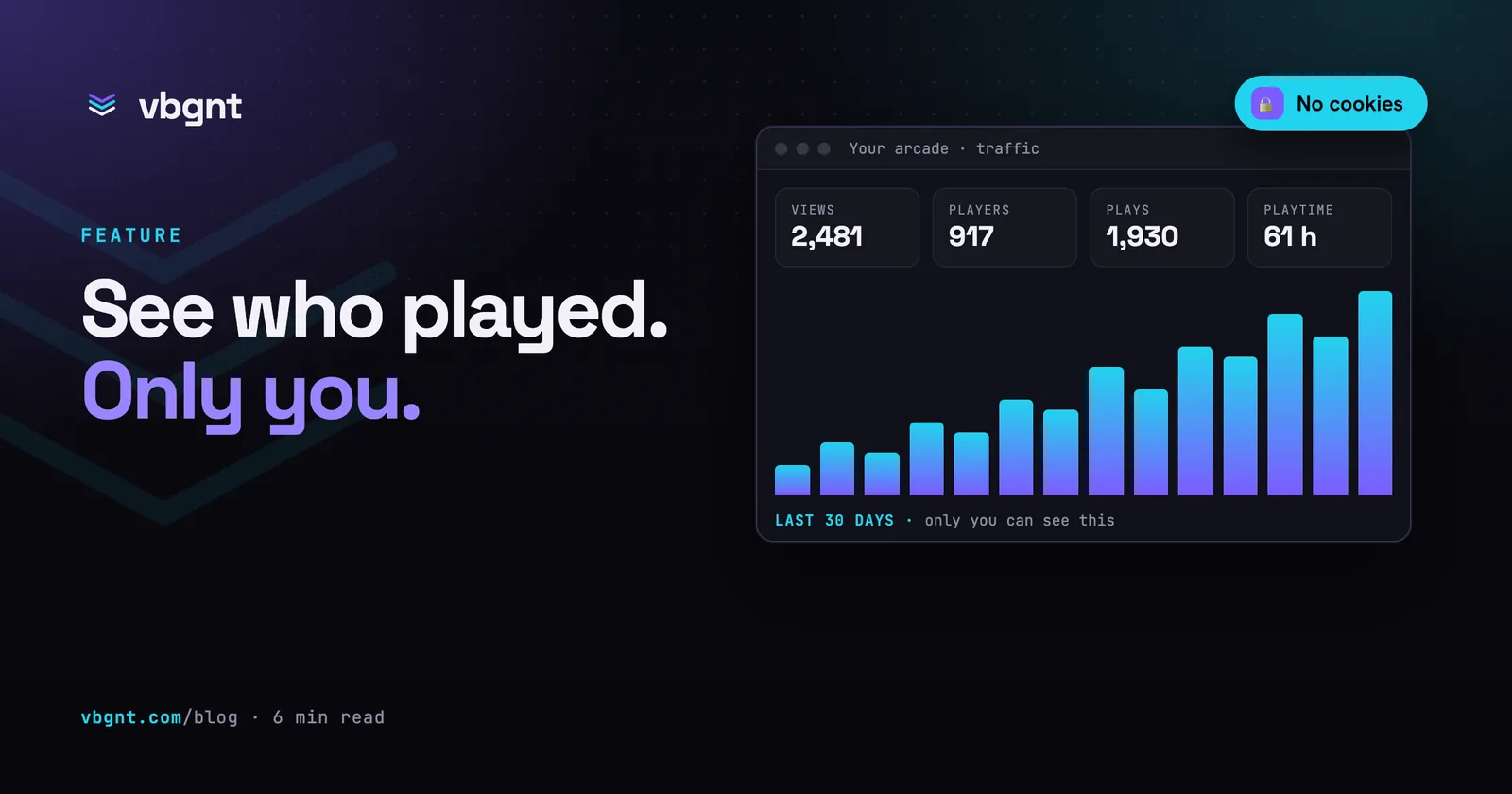
When someone starts your game from the directory, the play counts toward your totals, just as if they played it on your arcade. In the studio's traffic panel, it shows up under the platform label games directory, right alongside arcade, direct link, and your desktop and mobile builds. That makes it easy to see the traffic the directory sends your way. Our usual analytics rules still apply: no tracking cookies, no stored IP addresses, visitors identified only by a daily rotating hash, and no duplicate counts within a single session.
For players
You do not need an account to use the directory. It runs on phones, laptops, and TV browsers. If a game carries an Online badge, you can play it with friends. Open the game, host a room, and share the code. If you hit share inside the overlay, it copies a link that launches the directory with the game running right away. Clicking the Arcade button in the overlay takes you straight to the creator's arcade, where you can play the rest of their catalogue.
If you build games on vbgnt, your arcade now includes a Browse all games link in the top bar. Anyone who finishes your games can find more to play, and anyone who discovers you through the directory can hop over to your arcade. Either way, it takes one click.
Frequently asked questions
Where can I browse all vbgnt games?
At https://games.vbgnt.com/. It lists every game whose maker starred it in the studio, from every arcade, with the ten most played games of the last seven days across the top and a ranked list below. Search by title, description, style or arcade name, filter by 2D pixel art, 2D, 3D or Online, and play any game in place. No account is needed.
How do I get my game into the games directory?
Star it. In the studio, the star on a game card features it on your arcade, and a starred game with a published build is listed in the directory as long as you have claimed an arcade name. It appears within about a minute. Write a description for it too: the directory shows the description under the cover and search reads it.
Can I star a game without listing it in the directory?
Yes. Open the game in the studio and click the In directory button in the header; it changes to Not in directory. The game stays featured on your own arcade and is removed from games.vbgnt.com. Click again to relist it. Hiding a game with the eye button removes it from both your arcade and the directory.
How is the games directory ranked?
By plays in the last seven days, then plays of all time, then how recently the game was updated. Those are the same play counts the studio already shows the game's owner privately. There is no engagement model, no promoted placement and no paid position. Visitors can re-sort by trending, most played ever, newest, recently updated or alphabetically.
Do plays from the directory count in my arcade stats?
Yes. A play started from the directory counts toward the game's owner, labelled with its own platform, games directory, in the studio's traffic panel alongside arcade, direct link and the desktop and mobile builds. The same privacy rules apply: no cookies, no addresses kept, and a visitor hash that changes every day.