You can make a mobile game with AI in three ways, and they end in very different places. An app like Remix or Aippy makes small games inside itself, on your phone, in minutes. A web game made with an AI studio plays in any phone's browser and is shared as a link. And a real Godot project, exported by AI to Android and iOS, can be listed on Google Play and the App Store, which is how two games made in our studio got there.
Here is what each route gives you, what makes a game actually work on a phone, and the steps and costs between an AI-made game and a store listing.
Can AI make a mobile game?
Yes. AI can write the game, generate its art and sound, add touch controls, and export builds for Android and iOS. What it cannot do is sign the store paperwork: the developer accounts, the age rating, the privacy declarations and, for iOS, the final archive on a Mac are yours. Those take an afternoon the first time and much less after that.
Which apps make games on your phone?
- Remix (iOS and Android): describe a game in plain English or by voice and it builds the gameplay and art, published inside the app.
- Aippy (iOS and Android): mini games and interactive toys that can use the phone's camera, microphone and motion sensors, shared by public link.
- GameWave (iOS and Android): make, play and remix games from text prompts in a scrolling feed.
- Astrocade (Android and web): a free feed of short games, with an AI game maker built in.
These are the fastest route by far and a lot of fun. They share one limit: the game lives inside the app. You cannot take it to a store, add a feature by hand, or keep it if the app changes its mind. For a toy, that is fine. For a game you want strangers to find in a store, it is the wrong route.
Does a mobile game need to be an app?
Not to be played on a phone. A web build runs in the phone's browser from a link, with no install and no store review, and it is the same build that plays on a laptop. Every game made in the vbgnt studio works this way first: it is published to your arcade at yourname.vbgnt.com and tested with phone emulation and touch input before you see it. Why we think the browser is the right first platform is in why generated games belong in the browser.
An app becomes worth it when you want the game to be found in a store search, to work offline, or to sit on someone's home screen next to everything else they play.
What makes a game work on a phone?
Most AI-made games fail on phones for the same handful of reasons, so these are worth putting in the first prompt.
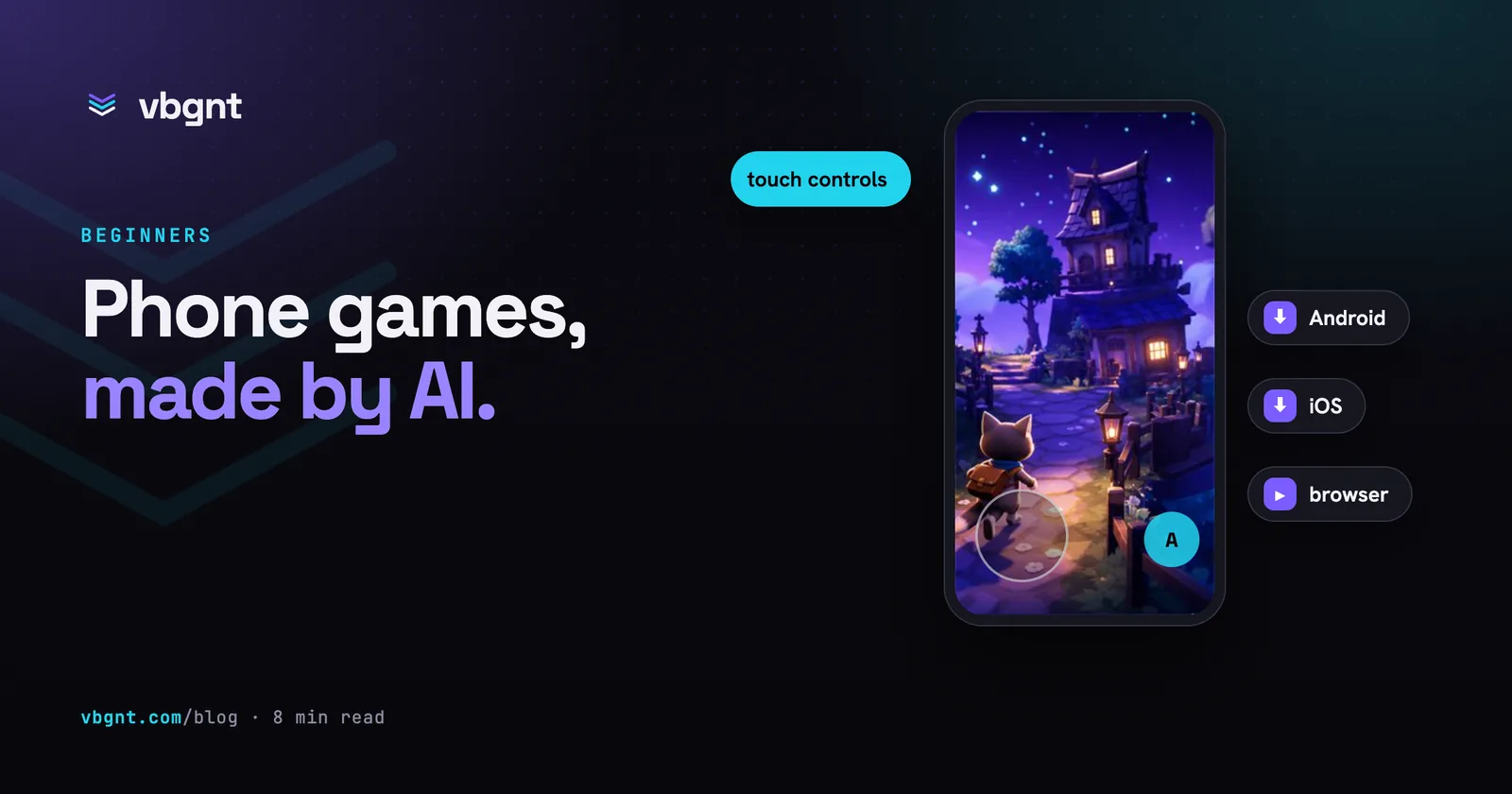
- Touch controls designed for thumbs. Say which controls you want (a virtual stick, tap to jump, swipe to aim) and where they sit. Buttons need to be thumb-sized and away from the screen edges, where phones put their gestures.
- An orientation. Portrait for one-handed games, landscape for anything with a stick. Say which, or ask for both.
- Two fingers at once. Games that read a single mouse pointer break when a second thumb lands. In Godot's web build the first finger is also turned into mouse events, which can whip a camera across the screen; the fix belongs in the controls, not in a patch later.
- Sound that starts on the first tap. Phone browsers block audio until the player touches the screen, so a title screen that waits for a tap is not decoration.
- The weakest phone you expect. Ask for a performance pass against a named, older device. A game that holds 60 frames per second on your laptop may not on a four-year-old Android.
- Text you can read. Anything under about 16 pixels on a phone is decoration.
A brief that covers them looks like this:
A one-thumb portrait arcade game about a paper boat on a river. Tap and hold to steer toward your thumb, release to drift. Obstacles come down the river faster over a two-minute run. Controls are touch only, with a big invisible touch area covering the bottom half of the screen. Sound starts on the title screen's first tap. Art direction: flat paper cut-outs on a blue-grey river, three colours plus white. Keep it at 60 frames per second on a four-year-old Android phone.
How do you get an AI-made game on Google Play and the App Store?
The route from a Godot project to both stores, in order.
- Get a signed Android App Bundle. Godot exports Android with the JDK, the Android SDK and a release keystore; Google Play requires the
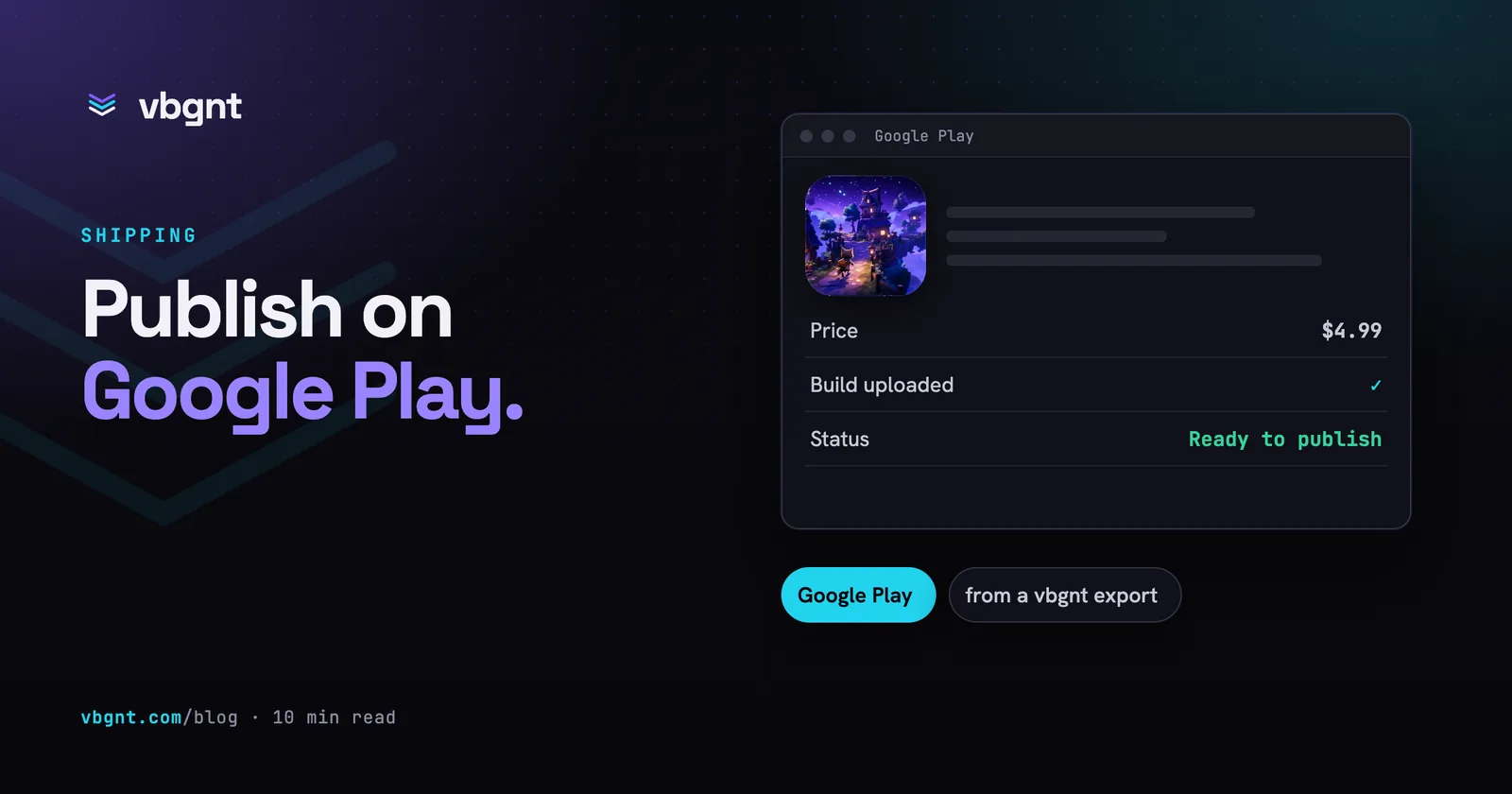
.aabformat. The studio's Publish pane does this on a build machine and gives you the upload key to keep, so nothing is installed on your computer. - Register with Google Play ($25 once) and run the closed test. A new personal account needs at least 12 testers opted in continuously for 14 days before it can publish to production. Start this early; it is the longest step. The full walkthrough is in how to publish a Godot game on Google Play.
- Get an Xcode project for iOS. Godot exports iOS as an Xcode project, and only a Mac with Xcode can sign and archive it. The studio produces the project with the bundle identifier and Team ID filled in; the archive and upload happen on your Mac.
- Join the Apple Developer Program ($99 a year) and submit through App Store Connect, as described in how to publish a Godot game on the App Store.
- Make the store listing. Screenshots at every size each store demands, an icon, a feature graphic, a trailer and listing copy that fits each field. The marketing kit produces all of it in one pass.
- Answer the questionnaires. Age rating, data safety, App Privacy, export compliance, a support page and a privacy policy. These are statements in your name, and no agent can make them for you.
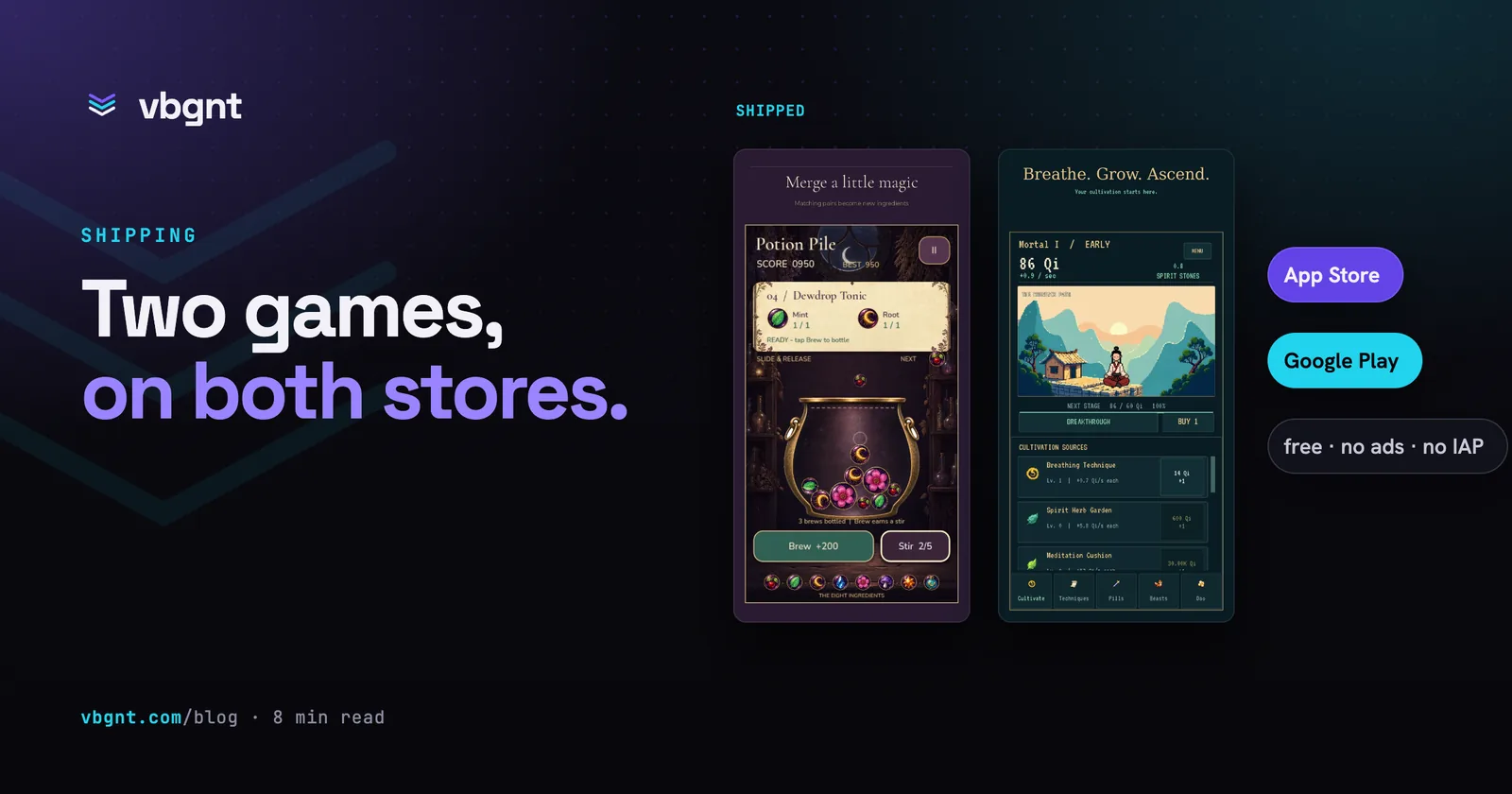
Two games made in the studio went through exactly that route onto both stores; what the studio did and what a person still had to do is laid out in the first vbgnt games on iOS and Android.
How much does it cost to publish a mobile game?
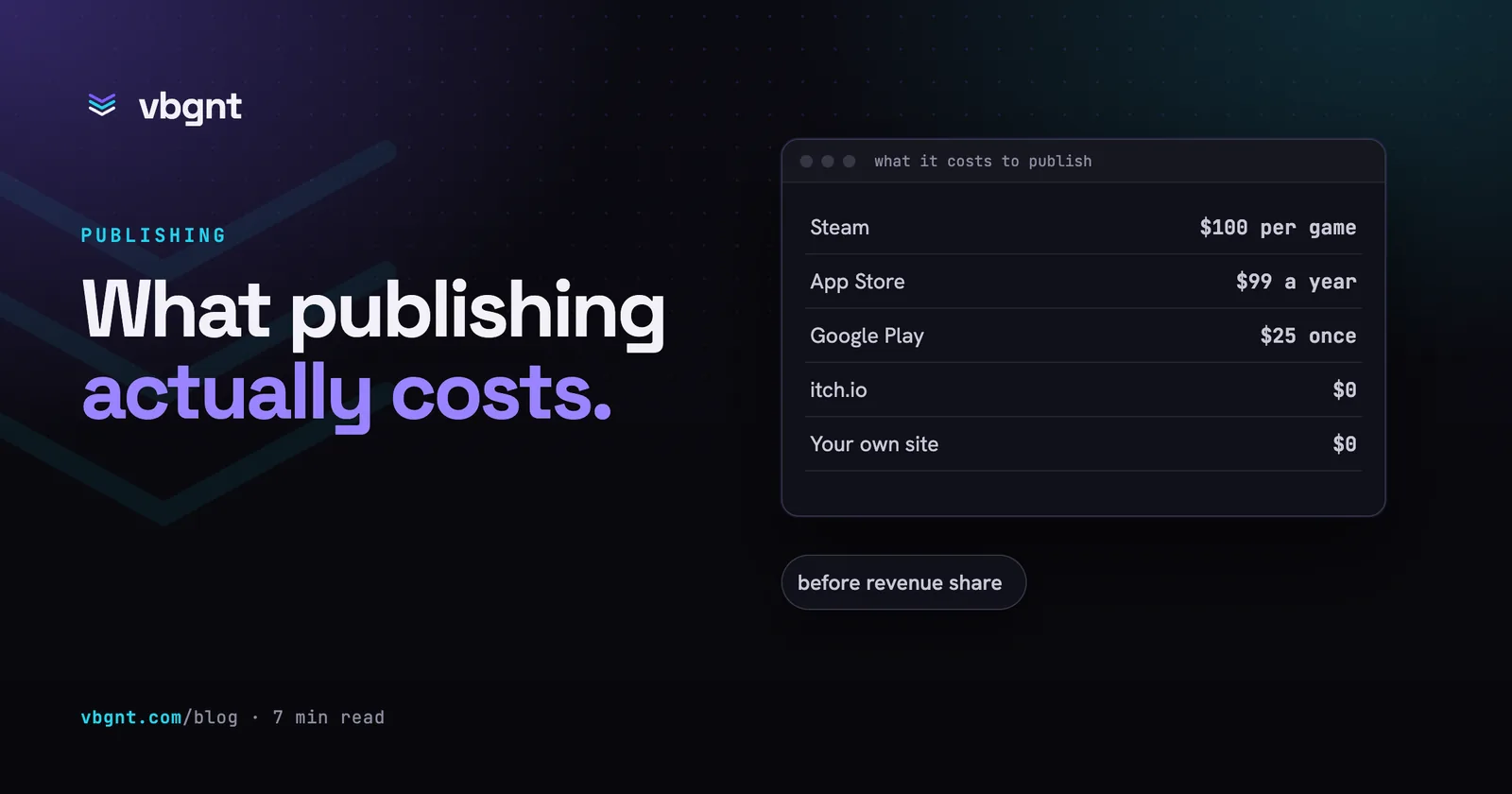
$25 once for Google Play and $99 a year for the App Store. Both take 15% of sales from developers earning under $1 million a year. You also need a Mac for the iOS build, whether yours or a borrowed one. Every store's costs are compared in how much it costs to publish a game.
Which route should you take?
If you want to make something tonight and show it to the person next to you, use a phone app. If you want a game anyone can play from a link, on any phone, make a web build. If you want it in the stores, make a real engine project from the start, because a game that lives inside someone else's app cannot be moved later. The good news is that the third route includes the second: a Godot project that exports to Android and iOS also exports to the web, so you can send the link while you wait out the fourteen days.
Frequently asked questions
Can AI make a mobile game?
Yes. AI can write the game, generate its art and sound, add touch controls and export builds for Android and iOS. What it cannot do is the store paperwork: the developer accounts, age ratings, privacy declarations and, for iOS, the final archive and upload from a Mac with Xcode.
What is the best app to make a game with AI on your phone?
Remix, Aippy, GameWave and Astrocade all make games on a phone from a description, and all are free to start. They are the fastest route, but the game stays inside the app: you cannot export it, edit it by hand or publish it to a store. For a store release you need a tool that produces a real engine project.
Can I put an AI-made game on the App Store?
Yes. Apple accepts games made with AI tools. You need an Apple Developer Program membership at $99 a year, an iOS build exported from a game engine as an Xcode project, and a Mac with Xcode to sign, archive and upload it. Two games made in the vbgnt studio went through that route in September 2026.
How long does it take to publish a mobile game on Google Play?
At least two weeks for a new personal account, because Google Play requires a closed test with 12 or more testers opted in continuously for 14 days before production access. The build itself can be ready the same day; start the closed test as early as possible.