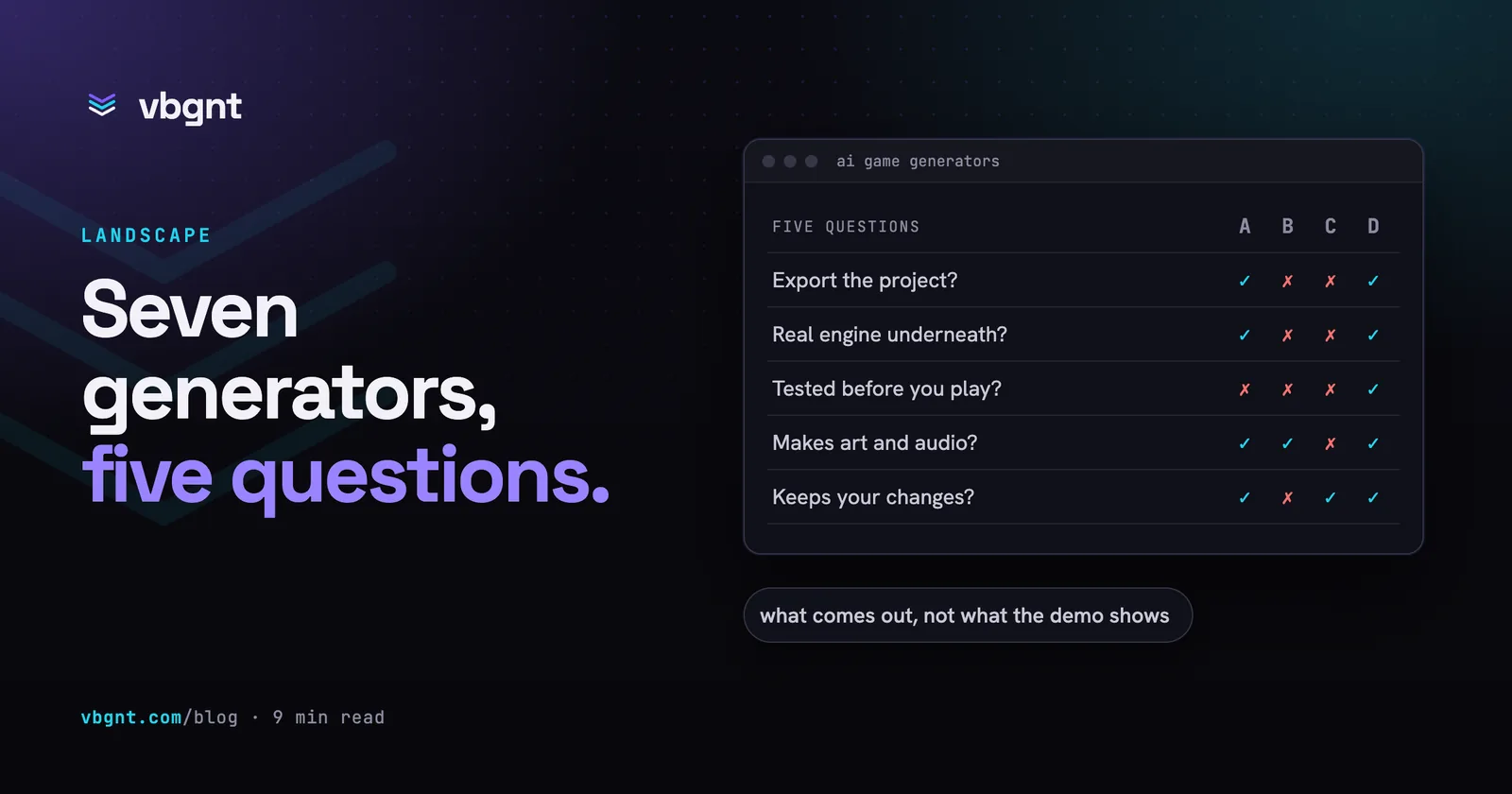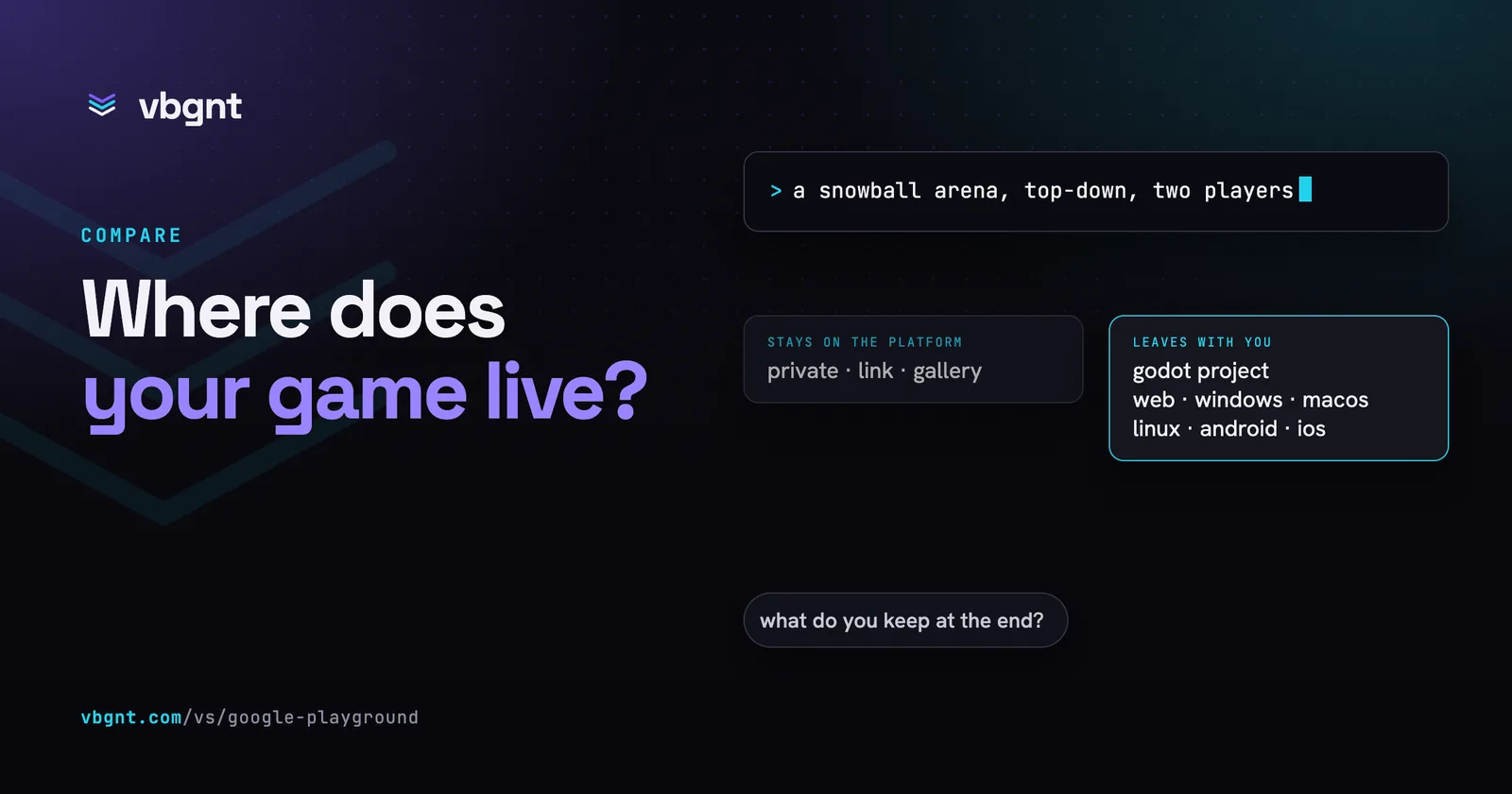
Google Playground and vbgnt both turn a typed description into a game you can play in a browser. The difference is where the game lives afterwards. Playground keeps it on Google's platform, where you can share a link or publish it to a public gallery. vbgnt hands you a Godot project that you can download, build for Steam, the App Store and Google Play, and launch with store artwork, a trailer, a game page and short promotional videos.
We make vbgnt, so read what follows with that in mind. Playground opened on 7 October 2026, and Google is rolling out access to its creation tool gradually, so we have not built a game with it yet. Everything said about it here comes from Google's announcement and launch-day coverage, listed at the end. Where the announcement says nothing, we say so, and where we draw an inference, we show the reasoning. We will update this page once we have made something with it.
What is Google Playground?
Playground is what Google calls "an experimental gaming platform that lets you create, play, and share custom games". You describe a game in a conversation, test it straight away and keep changing it by asking: the physics, the rules, the characters, the setting. You can start from a blank canvas, remix a starter prompt or follow a guided mode, and you can upload images for the AI to turn into game assets. Coverage reports that you can pick a genre such as trivia or racing, and choose 2D or 3D.
It runs on Google's own models: Gemini, Nano Banana for images and Lyria for music. Games play in the browser on phones and laptops. It opened at playground.google to people aged 18 and over in the United States, and Google says more countries will follow.
How do Google Playground and vbgnt compare?
| Google Playground | vbgnt | |
|---|---|---|
| Who makes it | Google, launched 7 October 2026 as an experiment | vbgnt, an independent studio (we publish this blog) |
| Models | Gemini, Nano Banana and Lyria | The model you pick for each message, on your own sign-in or API key |
| Engine underneath | Not stated; the Unity runtime arrives later with Unity Spark | Godot 4, the open-source engine |
| How you make a game | A conversation, from a blank canvas, a starter prompt or a guided mode; upload images to become assets | A conversation with a development agent; attach reference images; fork any game into a new one |
| What comes out | A 2D or 3D browser game for phone and laptop | A 2D or 3D Godot 4 project with a web build; Pro mode for desktop graphics |
| Testing | You play it right away | A QA agent plays every build first and sends failures back |
| Export | Not described in the announcement | The full Godot project, plus Windows, macOS, Linux, Android, iOS and web builds and an itch.io push |
| Steam and app stores | Not described; games live on Playground | Desktop builds for Steam, a Google Play package with its upload key, and an Xcode project ready for the App Store |
| Store listings | Not described | A marketing kit: real gameplay screenshots at each store's sizes, Steam capsules, artwork, listing copy and a trailer |
| Game page | A page in the Explore gallery | A game page on games.vbgnt.com with the trailer, screenshots, store links and in-browser play |
| Promotion | Not described | Promote: TikTok, Reels and Shorts cut from real gameplay, a YouTube video, Reddit and X posts, and a posting schedule |
| Sharing | Private, a link, or the Explore gallery, ranked by player ratings and play activity | Your own arcade at yourname.vbgnt.com, a game page, and the games directory if you star the game |
| Multiplayer | Leaderboards and multiplayer in select genres | Online co-op or versus for up to eight players, with room codes and invite links |
| Your own AI agent | Not described | An MCP server any compatible assistant can drive |
| Price | Free, with a weekly token limit; Google One AI plans get more | Invite-only, no public price list yet |
| Who can use it | The US, 18 and over, with creation access rolling out gradually | Anyone with an invite |
How you make a game in each
Both are conversations. You say what you want, play the result and say what to change. That part of the experience is converging across every text-to-game tool, and it is the right shape for it.
What differs is what happens between your message and the game. In vbgnt, a development agent works on a cloud workstation with the Godot engine installed: it writes the code, generates the art, music and sound, and exports a web build. Then a separate QA agent plays that build on desktop and at phone size, checking that it boots, holds its frame rate and runs without errors, and sends anything broken back before you see it. That takes minutes, not seconds. It is the price of a real engine exporting and a real browser testing.
The visible difference is that Playground puts you in the testing seat straight away, which is faster and suits small games where you will spot a problem in ten seconds of play.
Does Google Playground use Unity?
Not yet, as far as anything Google has published shows. Google has not said what engine runs Playground games. Its Unity partnership is Unity Spark, which is announced as coming rather than live, and the coverage describes Spark as what brings the Unity runtime to Playground. If today's games already ran on Unity, there would be no runtime to bring. So the likeliest reading is that the base version generates something lighter for the browser, with Unity reserved for the more ambitious games once Spark ships.
The engine matters more than it sounds. A game made in a known engine is a project a person can open, read and keep working on without the tool that made it. vbgnt games are Godot 4 projects: the same engine with the same editor whether the agent is working on the game or you are.
Can you export a game from Google Playground?
Google's announcement does not mention export, download or ownership. It describes three places a game can go, and all of them are on Playground: kept private, shared by link, or published to the Explore gallery. Until Google publishes terms that say otherwise, plan as if a Playground game lives on Playground.
That is not automatically a problem. If the goal is a game your friends can open tonight, a link is all you need. It matters if you want to sell the game, put it on Steam or the App Store, or keep it working after an experiment ends. Google's experiments do end.
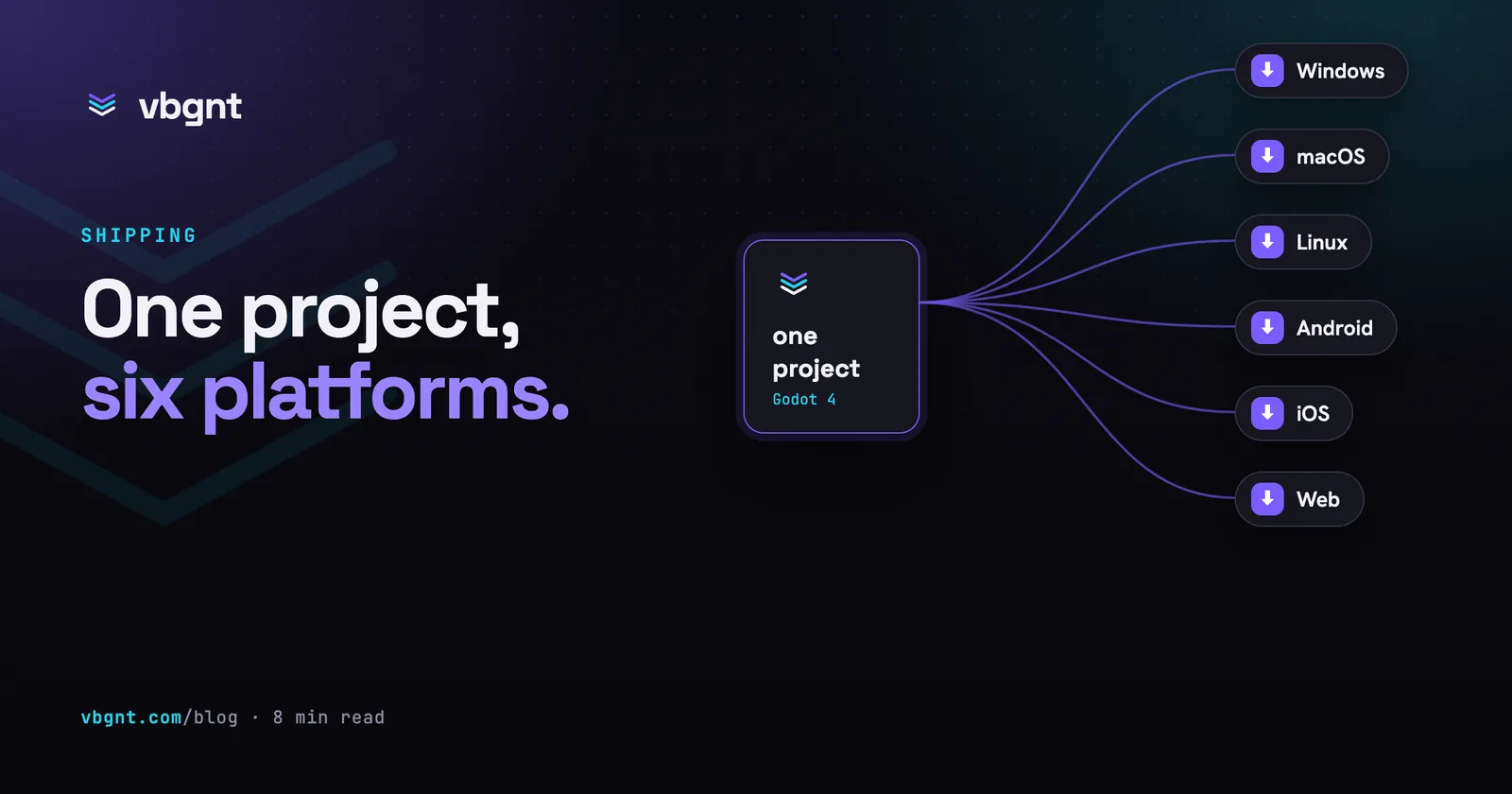
Export is the core of how vbgnt works. Every game is an ordinary Godot project that you can download in full at any time and open in the Godot editor. The Publish pane builds Windows, macOS, Linux, Android, iOS and web packages and can push the web build to itch.io.
Can you publish to Steam, the App Store and Google Play?
Not from Playground, as far as the announcement says: it describes no way for a game to leave Playground, and no store publishing. If a game you make there takes off, the version people can play is the one on Google's platform.
From vbgnt, yes, and two vbgnt games are already on the App Store and Google Play. The Publish pane builds each store's package on a build machine that already has the toolchains, so you install nothing:
- Steam: Windows, macOS and Linux builds, ready to upload with Steam's own tools. Steam's $100 fee, its 30-day wait and the upload are yours; our Steam guide walks through them.
- Google Play: a signed Android package, with the upload key ready to download and keep. See publishing on Google Play.
- App Store: a zipped Xcode project with the bundle identifier and Team ID filled in. Apple only accepts builds signed with Xcode on a Mac, so the last step needs one. See publishing on the App Store.
- itch.io: the web build pushed straight to your page from the studio.
Does either one help you market the game?
Playground's answer is the gallery: publish there and the ranking decides who sees the game. Google has not described any tools for promoting a game beyond Playground.
vbgnt treats launching as part of making the game, because a store page and a reason to look at it are most of the work after the build. It does three things:
- A marketing kit. From the Publish pane, the agent plays the game and takes real gameplay screenshots at the sizes Google Play, the App Store, itch.io and Steam ask for, composes the icon, feature graphic and Steam capsules in the game's own fonts, writes listing copy that fits each store's limits, and renders a trailer with the game's own engine. You get it as one zip. How the marketing kit works.
- A game page. One button turns the kit into the game's own page on games.vbgnt.com, with the trailer, screenshots, controls, store links and the game playable in place.
- Promote. Tell the Promote tab what the campaign is about and how long it runs, and the agent cuts TikTok, Reels and Shorts videos from real gameplay, a landscape video for YouTube, writes Reddit and X posts, checks which subreddits' rules allow them, and lays it all out as a day-by-day schedule. See four example campaigns.
None of it is faked: the screenshots and videos come from the game actually running, and the kit lists what is still up to you before you submit.
Sharing, players and discovery
Here Playground has the stronger offer. The Explore gallery is a searchable, ranked catalogue on a Google product, so a good game can find players its maker has never met. Published games can also have leaderboards, and you can keep editing a game after it is released. Every published game goes through a safety screening, and players can report games.
vbgnt starts from the other end. Every player gets their own arcade at their own address, and distribution is mostly you sending the link to people. There is a games directory at games.vbgnt.com, but a game only appears there if its maker stars it, and it is much smaller than anything Google will build. In return, the arcade is yours, its play statistics are private to you, and nothing ranks your game against anyone else's unless you ask it to.
Multiplayer and leaderboards
Playground supports multiplayer and leaderboards "in select genres", and coverage says players use their Google Play Games profiles. Google has not said which genres yet.
In vbgnt you ask for online co-op or versus in the description. The game gets a lobby, four-letter room codes and invite links; one player hosts and up to seven join, browser to browser, on web and native exports alike. There are honest limits to a first version, and we list them.
Is Google Playground free?
Yes. Browsing and playing games is free, and so is making them, up to a weekly token limit. Google One AI subscribers get a higher limit and early access to the creation tool. Google has not published how many tokens a game takes or how big each plan's allowance is.
vbgnt is invite-only while we add capacity, with no public price list yet. The studio runs on your own model sign-in or API key, set in Settings, so model usage is billed by whichever provider you choose.
What is Unity Spark?
Unity Spark is a Unity integration that Google says is coming to Playground. It is in testing, with a closed beta to follow. Google says it will add "robust, professional-level mechanics, high-fidelity 3D capabilities", and The Next Web reports it brings the Unity runtime and assets from the Unity Asset Store. It tells you where Google sees Playground's ceiling today: the base version makes small games, and Gizmodo's first look found that many of the early ones "feel like simple, Roblox-like mini-games".
vbgnt's equivalent is Pro mode, which builds desktop games on Godot's full Forward+ renderer, with real-time global illumination, volumetric fog and reflections, and keeps a browser build for previews. Unlike Spark, it is available now.
Which one should you use?
- Use Google Playground if you are in the US, want to start free today with a Google account, and care most about people you do not know playing your game. A built-in gallery is worth a lot, and nothing else in the category has Google's reach.
- Use vbgnt if you want to keep the game and launch it: a Godot project you can open, builds for Steam, the App Store and Google Play, store artwork, a trailer, a game page and promotional videos, multiplayer that is not limited to certain genres, and an arcade under your own name. It is slower per change and needs an invite.
- Use both if you are not sure yet. Prototype the idea wherever you can start fastest, and rebuild it where it can leave once you know it is worth keeping.
For the rest of the field, including Rosebud, Star, Astrocade, Tesana, GDevelop and Replit, see the best AI game generators, compared. The question that sorts them is the same one that sorts these two: what do you want to own at the end?
Frequently asked questions
What is Google Playground?
An experimental Google platform, launched on 7 October 2026 at playground.google, for making, playing and sharing browser games by describing them in a conversation. It runs on Gemini, Nano Banana and Lyria, needs no coding, and lets you keep a game private, share it by link or publish it to a public gallery called Explore.
Is Google Playground free?
Yes. Playing games is free, and making them is free up to a weekly token limit. Google One AI subscribers get a higher limit and early access to the creation tool. Google has not published how many tokens a game uses or each plan's allowance.
Does Google Playground use Unity?
Google has not said what engine Playground games run on. Its Unity partnership is Unity Spark, an integration announced as coming soon, in testing with a closed beta to follow, which is reported to bring the Unity runtime and Unity Asset Store assets to Playground. That suggests games made in Playground today are not running on Unity.
Can you download or export a game made in Google Playground?
Google's announcement does not mention export, download or ownership. It describes three options, all on Playground: keep the game private, share it by link, or publish it to the Explore gallery. Until Google publishes terms that say otherwise, assume a Playground game stays on Playground.
Can you publish a Google Playground game to Steam or the app stores?
Google's announcement describes no export and no store publishing: a Playground game stays private, is shared by link or is published to Playground's Explore gallery. Tools that build for stores, such as vbgnt, export Windows, macOS and Linux builds for Steam, an Android package for Google Play and an Xcode project for the App Store.
Is Google Playground available outside the US?
Not yet. At launch it is open to people aged 18 and over in the United States, with access to the creation tool rolling out gradually. Google says it plans to expand to more countries.
What is the difference between Google Playground and vbgnt?
Both make browser games from a description. Playground keeps the game on Google's platform and offers a ranked public gallery. vbgnt builds a Godot 4 project that a QA agent tests before you play it, publishes it to your own arcade, lets you download the project, builds it for Steam, the App Store and Google Play, and makes the store artwork, trailer, game page and promotional videos to launch it. Playground is free with limits; vbgnt is invite-only.
What are the alternatives to Google Playground?
Rosebud and Star for browser games shared by link, Astrocade for a free feed of short games, Tesana and vbgnt for Godot projects you can export, GDevelop for an AI agent inside a no-code engine, and Replit for code you will finish yourself.